
Cross Stitch Pattern Maker
A fully free, browser-based tool that converts any photo into a printable DMC or Anchor cross stitch chart with no account required.
Are you the maker? Claim this listing to keep info, pricing and screenshots current. Verified via your tool's domain email.
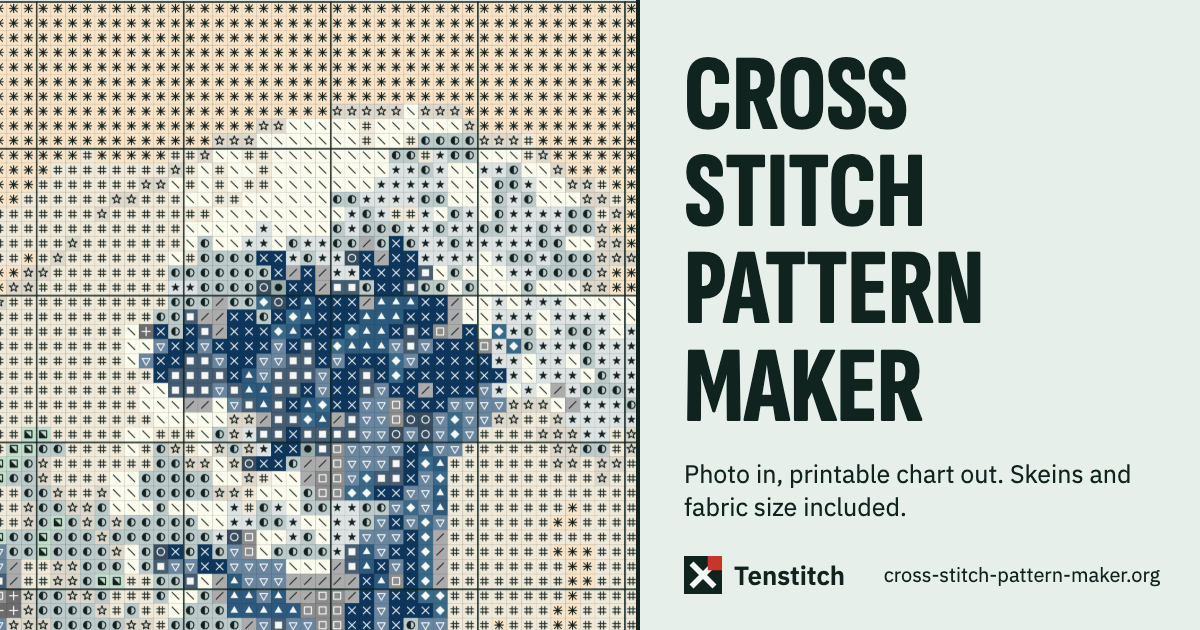
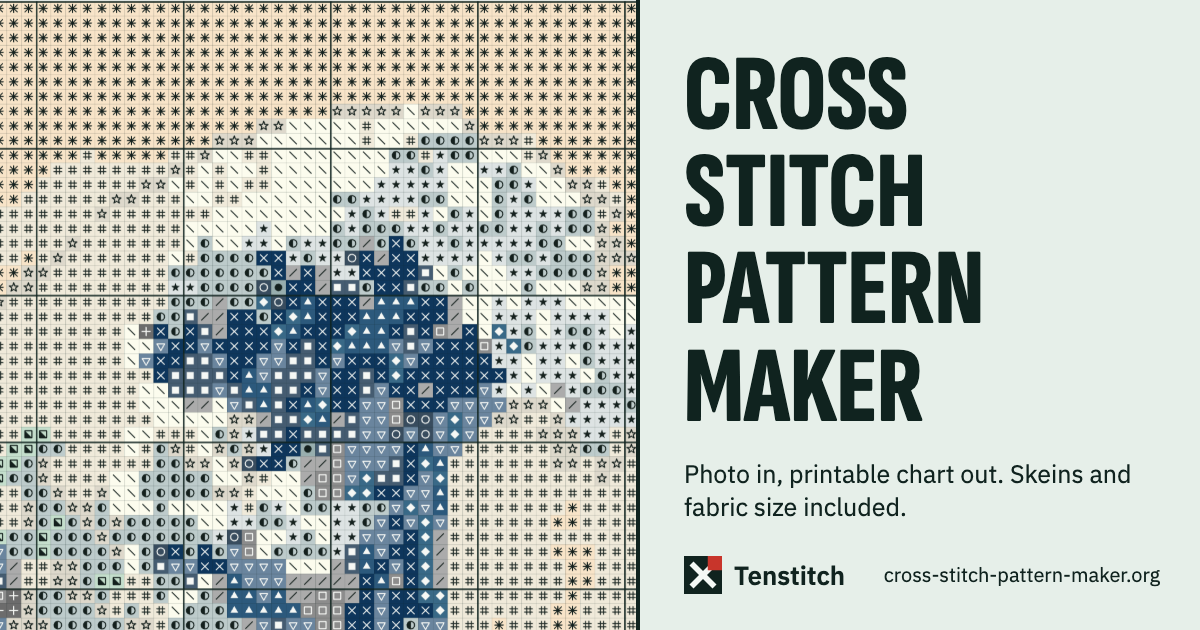
The best option for stitchers who want a genuinely free, no-signup photo-to-chart tool that never touches a server. It trails paid rivals on AI-assisted color cleanup and confetti removal, and the single-page web app offers no mobile app, no cloud save, and no community features. Anyone who needs to sell patterns commercially or wants a polished multi-device workflow should look at Stitchmate or Knytstudio instead.
What is Cross Stitch Pattern Maker?
Cross Stitch Pattern Maker is a free, browser-based tool by Tenstitch Studio that converts a photo into a printable counted cross stitch chart without uploading the image to any server. Users set chart width in stitches, choose a thread brand (DMC or Anchor), select from eleven fabric counts, and adjust brightness, contrast, and colour strength before downloading a PDF with a full thread key, stitch counts, and skein estimates.
The tool runs entirely in the browser on any desktop operating system and requires no account or payment at any stage. Exports include PDF in four layout styles (one of which is Pattern Keeper compatible), PNG, OXS exchange file, and a proprietary save file for reopening later. A built-in stitch tracker records progress locally. The tool is maintained by Tenstitch Studio and was last updated November 1, 2026.
How we scored Cross Stitch Pattern Maker
Value scores the maximum 25 because the tool is genuinely, permanently free with no watermarks, no per-export fees, and no account, a combination that no paid rival in this space matches. Ease of use scores 22 because the single-page interface requires no onboarding and produces a chart immediately on photo drop, though the lack of a mobile layout and the fragile local-save model add friction. Capability scores 17 because the feature set is solid for a free tool but lacks the intelligent confetti cleanup and AI-assisted colour reduction that Knytstudio and Stitchmate offer, and there is no mobile app, no cloud sync, and no community layer. Delivery scores 4 because no user sentiment, no third-party reviews, and no AI component could be confirmed for this specific tool during research; the category submission claims AI productivity but the page shows no AI feature, which is a meaningful trust gap that the human editor must resolve before the score can be revised upward.
Pros and cons
What we liked
- Genuinely and permanently free with no watermarks, no per-export fees, and no account at any stage.
- All image processing happens in the browser; no photo is sent to a server, which is a concrete privacy advantage over most rivals.
- Supports eleven fabric counts (11-count Aida through 40-count linen), both DMC and Anchor thread brands, and four PDF layout styles including Pattern Keeper text-symbol mode.
Where it falls short
- No intelligent confetti or lone-stitch cleanup: the tool offers a manual tidying slider, but rivals like Knytstudio and Stitchmate apply smarter algorithmic passes that produce cleaner charts from complex photos.
- Progress and edits are saved only in the local browser; clearing browser data or switching devices loses all work unless the user has manually downloaded the save file, a fragile workflow compared to cloud-backed tools.
- No mobile app and no responsive mobile layout, so stitchers who want to reference or edit their chart on a phone or tablet are out of luck.
Key features
Cross Stitch Pattern Maker pricing
Completely free. The pre-fetched pricing page lists a single offer at $0 USD. No paid tiers, no credits, no watermarks, and no account required at any point.
| Plan | Price | Who it is for |
|---|---|---|
| Free | $0 | Full access to all features: photo-to-chart conversion, DMC and Anchor thread support, all eleven fabric counts, PDF export in four styles, PNG, OXS, save file, stitch tracker, and all drawing tools. No account required, no watermark, no usage limits stated on the pricing page. |
Pricing reflects what we saw at time of review (2026-11). Always confirm current pricing on the tool's own site.
Who should use Cross Stitch Pattern Maker?
This tool is the right pick for hobbyist stitchers who photograph a pet, a painting, or a family snapshot and want a chart in hand within minutes, at no cost and with no data leaving their device. It also suits stitchers in privacy-conscious households or on restricted networks where uploading images to a third-party server is a concern. The on-device processing guarantee is a real differentiator, not marketing language.
Anyone planning to sell patterns commercially should look elsewhere. The tool has no licensing framework, no watermark removal workflow, and no community storefront. Stitchmate is the better fit there: it has an explicit selling-patterns policy, Pattern Keeper compatible PDF export, and a per-pattern enable model starting at $5.99 that suits occasional sellers. Stitchers who want AI-assisted colour reduction and confetti cleanup without paying per pattern should try Knytstudio, which offers its first private pattern free with full PDF export.
Skip it if: Pattern sellers or anyone needing cloud sync, mobile apps, or AI-assisted confetti cleanup
Cross Stitch Pattern Maker alternatives
Frequently asked questions
Does this tool cost anything?+
No. The pricing page lists a single offer at $0 USD. There are no paid tiers, no per-export fees, and no premium upgrade path currently advertised.
Do my photos get uploaded to a server?+
No. The tool explicitly states that your picture stays in the browser. All processing happens locally on your device.
Which thread brands does it support?+
DMC and Anchor. The thread key includes colour name, number, symbol, stitch count, and skein estimate for whichever brand you select.
Can I use the PDF with Pattern Keeper?+
Yes. One of the four PDF layout styles exports text symbols specifically for Pattern Keeper compatibility.
What happens to my work if I close the browser?+
Progress saved in the stitch tracker is stored in browser local storage. To preserve a chart across sessions or devices, you must download the proprietary save file manually before closing. Clearing browser data will erase local progress.
Can I design a pattern from scratch without a photo?+
Yes. The tool includes a blank canvas option where you set the width and height in stitches, then use the drawing, fill, line, and text tools to build a chart by hand.
More AI Productivity Tools
See all categoriesGet your tool listed on 300+ directories.
One listing here is a strong start. But the founders who get discovered everywhere are listed everywhere. Our sister site, Free AI Directories, submits your tool to 300+ AI directories for you, every single one by hand, by a real person.
It is a one-time payment of $49, no subscription, and you can follow along as the submissions land. Prefer the slow route? The same site keeps a free list of 450+ directories you can work through yourself.
Get my tool listed on 300+ directoriesOne-time payment, no subscription · 100% human submissions · Free list of 450+ directories included.