
Dreamlux
Browser-based AI video generator that turns text or images into watermark-free clips, with lip sync, talking avatars.
Are you the maker? Claim this listing to keep info, pricing and screenshots current. Verified via your tool's domain email.
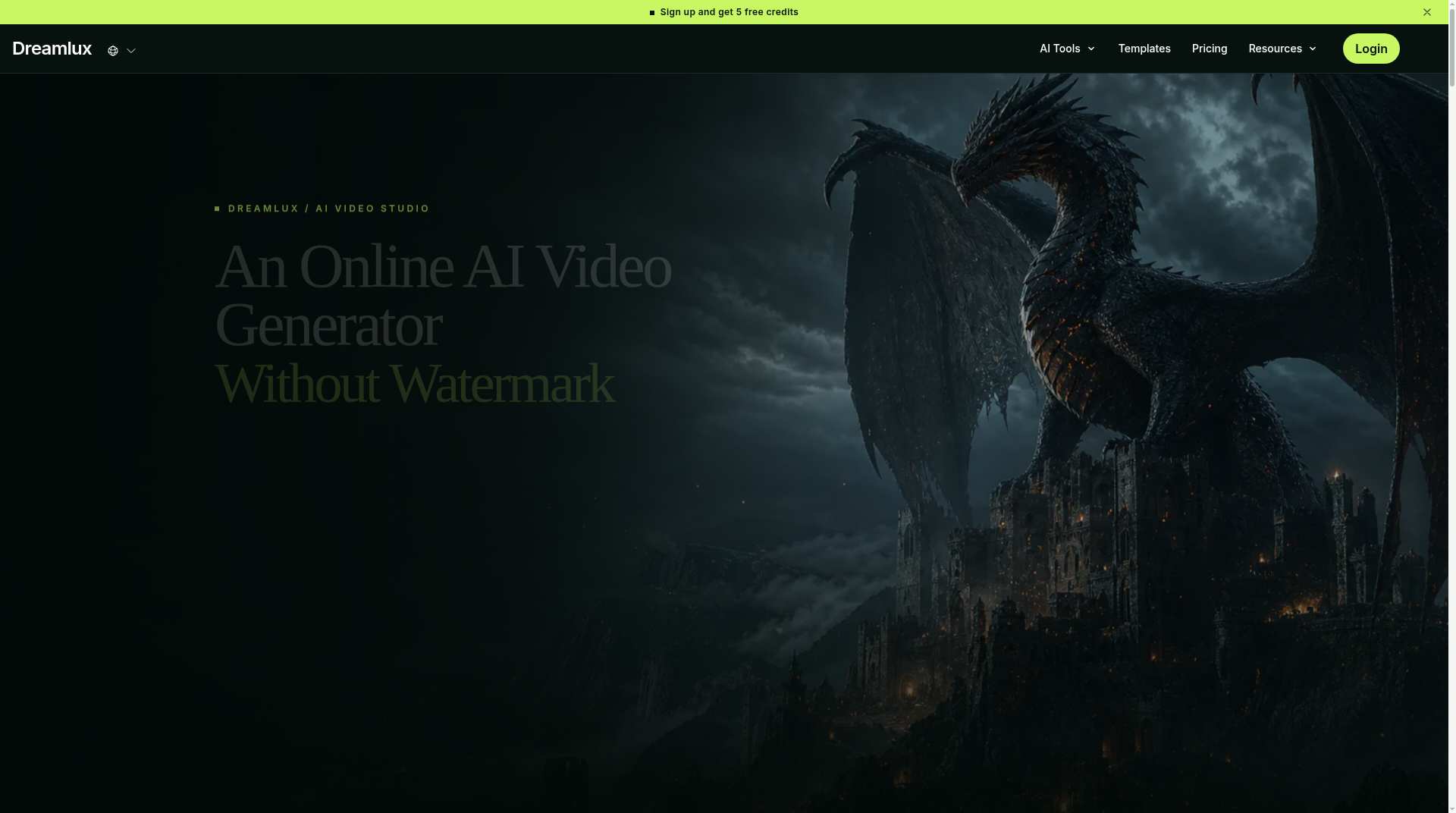
Dreamlux is best for solo creators and small marketing teams who want a fast, no-install path to watermark-free AI video without committing to a pricey subscription. The Pro plan at $25.99/month delivers only 50 credits, which is thin compared to what Runway offers at a similar price point. If you need serious timeline editing, multi-track audio, or high-volume generation, look elsewhere.
What is Dreamlux?
Dreamlux is a browser-based AI video studio that turns text, images or templates into polished videos in minutes. It supports text-to-video, image-to-video, lip sync, talking avatars and marketing templates, with watermark-free exports and private-by-default generation. A free plan is available to start; paid plans unlock more credits and faster generation. Commercial use is allowed.
How we scored Dreamlux
Capability scores 17 because Dreamlux covers a genuinely broad surface area (text-to-video, image-to-video, lip sync, talking avatars, motion sync, templates) but lacks timeline editing, API access, and the generation quality depth that Runway demonstrates at a comparable price. Ease of use scores 20 because the browser-only, no-install, no-account-required entry point is one of the lowest-friction onboarding experiences in the category. Value scores 14 because the Pro plan's 50 credits for $25.99/month is a thin allocation when the credit-to-video conversion rate is undisclosed, the Credits Pack is paywalled behind a subscription, and Runway offers more capable generation at a similar price. Delivery scores 14 because the watermark-free free tier claim is verified and genuine, but the opacity around credit costs, the locked Credits Pack, and the absence of any API or integration path suggest a product that is still maturing; no documented trust or legal issues were found, but the pricing transparency gap is a real delivery concern for buyers.
Pros and cons
What we liked
- Watermark-free exports are available from the free tier, which is genuinely uncommon among AI video tools at this price level.
- Covers a wide surface area in one browser tab: text-to-video, image-to-video, lip sync, talking avatars, motion sync, and trend templates, with no install required.
- The $4.99 one-time Credits Pack (8 credits, never expire) gives occasional users a pay-as-you-go option not found on most subscription-only competitors.
Where it falls short
- The pricing page does not disclose how many seconds or videos a single credit produces, making it impossible to calculate cost-per-video before subscribing.
- The Pro plan's 50 credits per month at $25.99 is a thin allocation for any creator publishing more than a handful of videos weekly, and the Credits Pack is locked behind a subscription.
- There is no API access, no desktop app, and no timeline or transcript-based editing, so Dreamlux cannot serve as a primary tool for anyone who edits footage rather than just generating it.
Key features
Dreamlux pricing
New users get 5 free credits on signup. The Basic plan is $15.99/month for 30 credits. The Pro plan is $25.99/month (discounted from $59.99) for 50 credits. A one-time Credits Pack costs $4.99 for 8 credits and never expires, but is only available to subscribers. No annual plan pricing was visible on the page at review time.
| Plan | Price | Who it is for |
|---|---|---|
| Free | Free | 5 credits on signup. Watermark-free exports. Access to core generation tools. No credit card required to start. |
| Basic | $15.99/month | 30 credits per month. Faster generation speed, no-watermark outputs, more camera movement options, and priority support. |
| Pro | $25.99/month | 50 credits per month (listed as discounted from $59.99). Faster generation speed, no-watermark outputs, more camera movement options, priority support, and access to the one-time Credits Pack purchase. |
| Credits Pack | $4.99 | 8 credits, one-time purchase, never expire. Available only to active subscribers. Includes faster generation speed and no-watermark outputs. |
Pricing reflects what we saw at time of review (2026-11). Always confirm current pricing on the tool's own site.
Who should use Dreamlux?
Dreamlux fits a solo YouTuber, TikTok creator, or social media manager who needs to produce short AI-generated clips regularly and cannot justify the learning curve or price of a full editing suite. The template library and one-click generation make it accessible to someone with zero video production background. The talking avatar and lip sync tools also make it a reasonable starting point for a small e-commerce brand that wants product explainer videos without hiring talent.
If you are a video professional who needs frame-level control, multi-track timelines, or transcript-based editing, Descript is a far better fit. If your primary need is high-quality AI avatar videos at scale with translation support, HeyGen's dedicated avatar pipeline and broader language coverage will serve you better than Dreamlux's more generalist approach.
Skip it if: Teams needing high-volume generation, timeline editing, or API access.
Dreamlux alternatives
Tags
Frequently asked questions
Does the free plan add a watermark to exported videos?+
No. Dreamlux does not add a watermark on the free tier. New accounts receive 5 free credits and can download clean video files immediately.
How much does Dreamlux cost per month?+
The Basic plan is $15.99/month for 30 credits. The Pro plan is $25.99/month for 50 credits. A one-time Credits Pack of 8 credits costs $4.99 and is available only to active subscribers.
How many videos does one credit produce?+
The pricing page does not specify the credit-to-video or credit-to-second conversion rate. You would need to test this on the free tier before committing to a paid plan.
Can I use Dreamlux videos commercially?+
Yes. The platform explicitly supports commercial video creation, and paid plan exports are watermark-free, which is a prerequisite for most commercial use cases.
Does Dreamlux require an account or software installation?+
No software installation is needed; it runs entirely in the browser. Some sources indicate you can start generating without creating an account, though an account is required to save creations and access paid features.
Is there an API or desktop app?+
No API access or desktop application is listed on the Dreamlux site. The tool is web-only, which limits integration into automated production pipelines.
More AI Video Tools
See all categoriesGet your tool listed on 300+ directories.
One listing here is a strong start. But the founders who get discovered everywhere are listed everywhere. Our sister site, Free AI Directories, submits your tool to 300+ AI directories for you, every single one by hand, by a real person.
It is a one-time payment of $49, no subscription, and you can follow along as the submissions land. Prefer the slow route? The same site keeps a free list of 450+ directories you can work through yourself.
Get my tool listed on 300+ directoriesOne-time payment, no subscription · 100% human submissions · Free list of 450+ directories included.