
Imagic AI
A free, no-signup browser toolkit with 50 image tools spanning compression, conversion, AI upscaling, face restoration, and background
Are you the maker? Claim this listing to keep info, pricing and screenshots current. Verified via your tool's domain email.
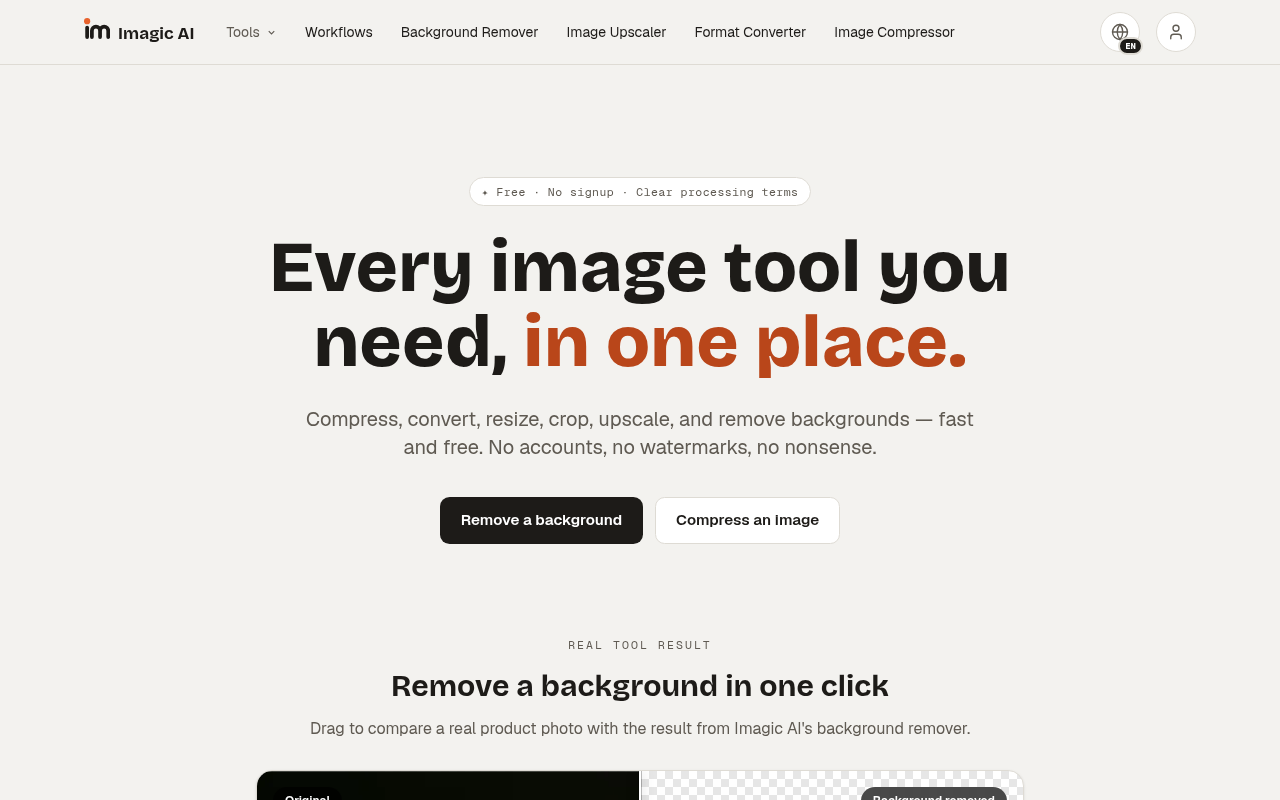
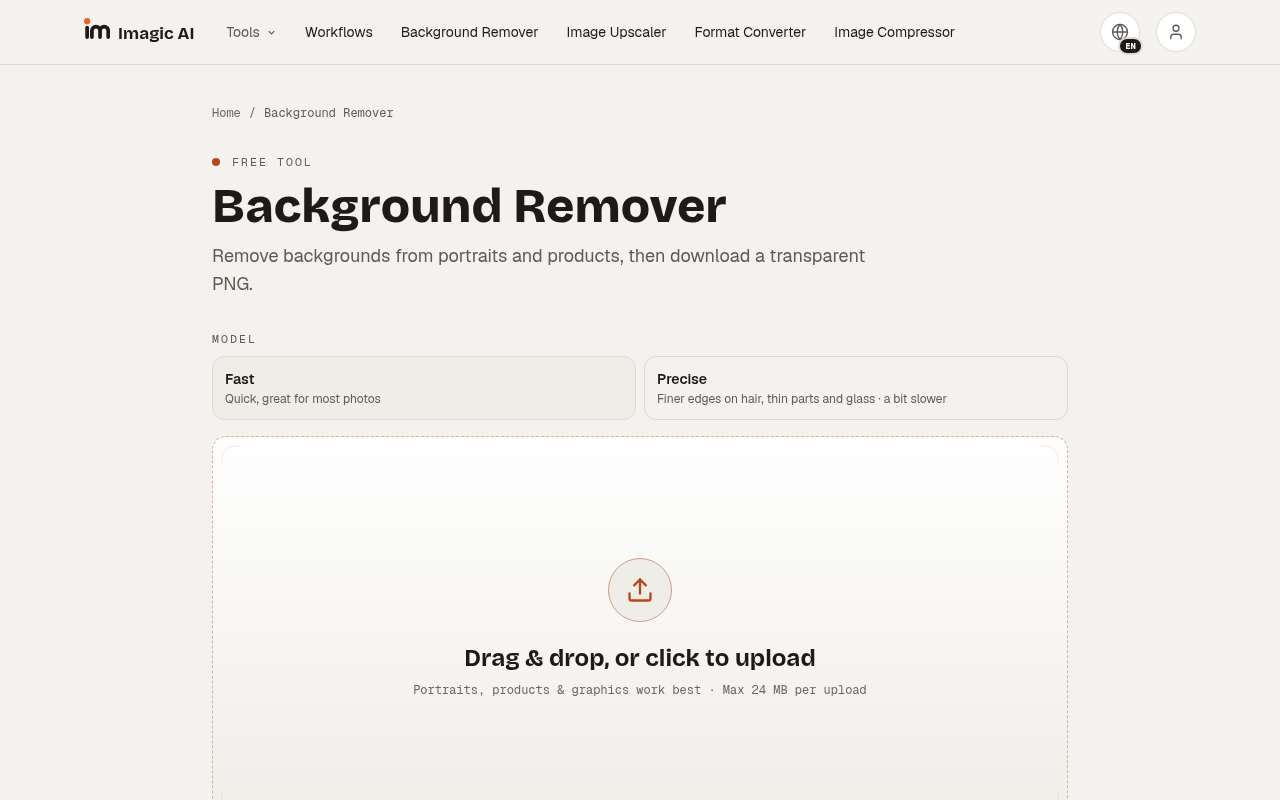
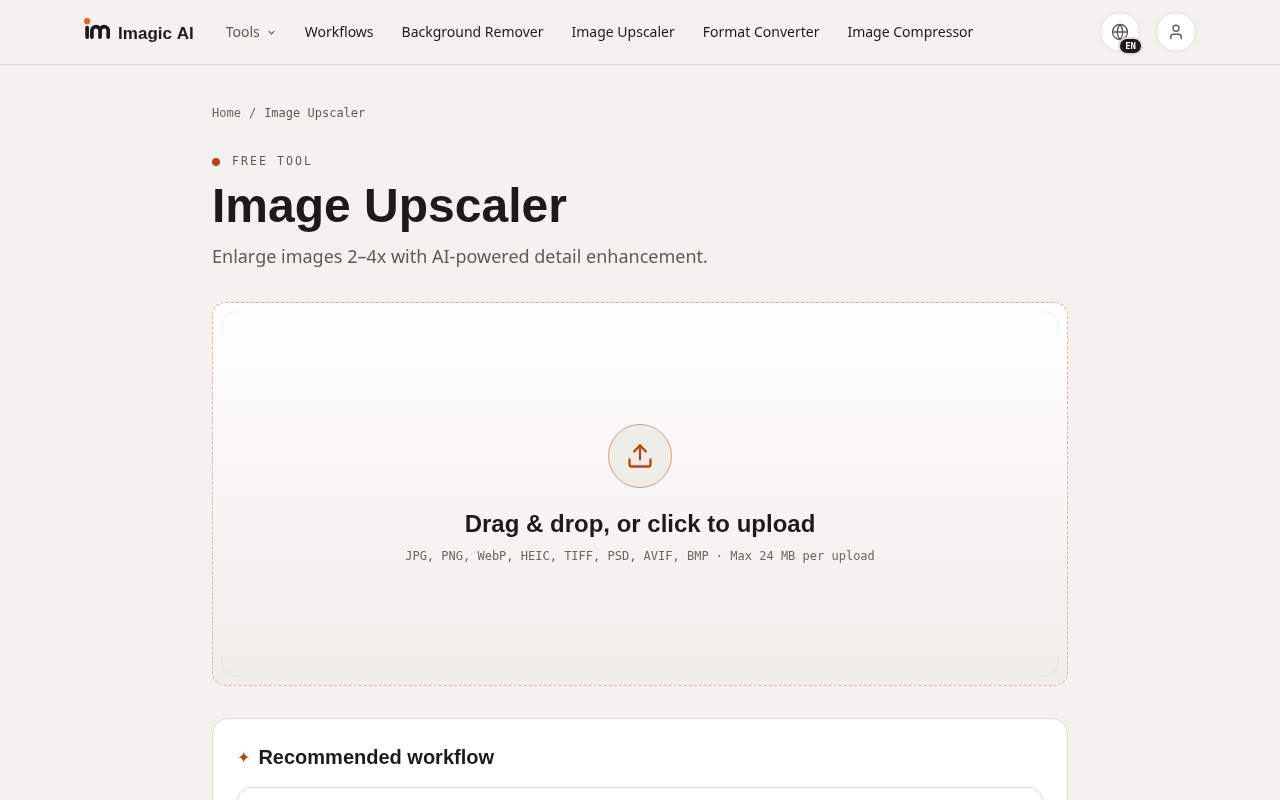
Imagic AI is the right pick for anyone who needs a quick, no-strings image fix without handing over an email address. Its breadth is real: 50 tools covering everything from AI face restoration to QR code generation, all genuinely free. The tradeoff is depth: batch processing caps at 20 images per day even with a free account, and there is no paid tier to lift that ceiling, so high-volume or professional workflows will hit the wall fast. If you need design creation rather than image processing, Canva does far more.
What is Imagic AI?
Imagic AI is a free, browser-based image toolkit available at imagic-ai.com. It provides 50 tools covering compression, format conversion, resizing, cropping, AI-powered upscaling at 2x to 4x, AI face restoration, background removal, old-photo colorization, and a range of creative filters. No account is required for core tools, and no watermarks are added to any output.
The platform targets individual creators, developers, and anyone who needs quick image processing without installing software or creating an account. A free account raises the batch processing daily limit from 10 to 20 images and enables API key generation for the background removal endpoint, which is compatible with the remove.bg API format. All processing is handled server-side.
How we scored Imagic AI
Capability scores 19 because the 50-tool breadth is real and the use of named models like GFPGAN and CodeFormer for face restoration is a concrete differentiator, but the batch cap of 20 images per day and the absence of any layer controls or non-destructive editing put it well below dedicated tools for serious image work. Ease of use scores 22 because the no-account, no-watermark, single-purpose tool design is about as frictionless as browser tools get. Value scores 20 because free with no watermarks and a developer API at zero cost is genuinely strong, though the hard batch ceiling limits how much value high-volume users can extract. Delivery scores 7 because no user sentiment could be verified for this specific tool, social profiles could not be confirmed, and the tool exists in a namespace crowded with similarly named but unrelated products, making independent trust signals essentially absent. A tool with no verifiable third-party reviews, no confirmed social presence, and no paid tier to signal commercial commitment warrants a low delivery score until the human editor can surface real user evidence.
Pros and cons
What we liked
- Genuinely free with no watermarks and no account required for core tools, including AI-powered operations like face restoration and background removal.
- 50 tools in one place cover an unusually wide processing range, from HEIC-to-JPG conversion and DPI metadata rewriting to server-side oil painting and watercolor stylization.
- A free remove.bg-compatible background removal API is available to any user who creates a free account, making it a zero-cost drop-in for developers.
Where it falls short
- Batch processing is hard-capped at 20 images per day even with a free account, and there is no paid tier to raise this limit, making the tool impractical for any volume workflow.
- No mobile app and no offline capability; every operation requires uploading to the server, which raises privacy considerations for sensitive images.
- The creative filter and effect tools (glitch, kaleidoscope, neon glow, etc.) have no layer controls, masking, or adjustment history, so any edit is destructive and non-reversible within the tool.
Key features
Imagic AI pricing
Entirely free. No paid tiers exist. Core tools require no account and add no watermarks. Creating a free account raises the batch processing limit from 10 to 20 images per day and enables API key generation.
| Plan | Price | Who it is for |
|---|---|---|
| Free (no account) | $0 | All core tools with no watermark. Batch processing limited to 10 images per day. No API access. |
| Free (with account) | $0 | All core tools with no watermark. Batch processing raised to 20 images per day. API key generation for the background removal endpoint. |
Pricing reflects what we saw at time of review (2026-10). Always confirm current pricing on the tool's own site.
Who should use Imagic AI?
Imagic AI fits a solo blogger who needs to strip a background from a product photo, a developer who wants a free remove.bg-compatible API endpoint without a monthly bill, or a student who needs to convert a batch of HEIC files from an iPhone without downloading software. The zero-friction entry point, no account required, no watermark, no cost, makes it genuinely useful for one-off tasks that would otherwise mean hunting for a free trial or tolerating a watermark.
Anyone running a production image pipeline will outgrow the 20-image-per-day batch cap almost immediately. Designers who need to create assets from scratch, build brand kits, or collaborate on layouts should go to Canva instead, which has a free tier with actual design tools and template libraries. Plnty is worth a look for creators who want AI image generation and a broader creative canvas beyond processing.
Skip it if: Teams or professionals with high-volume batch needs or creative design workflows
Frequently asked questions
Do I need to create an account to use Imagic AI?+
No. Every tool works without an account and adds no watermark to output. Creating a free account raises the batch processing limit from 10 to 20 images per day and enables API key generation.
Is there a paid plan?+
No paid tier exists as of October 2026. The tool is entirely free, with the only distinction being between the anonymous (10 batch images/day) and free-account (20 batch images/day) tiers.
What is the background removal API and how does it work?+
Imagic AI offers a background removal API that is compatible with the remove.bg API format. It is free to use and requires a free account to generate an API key.
What AI models power the face restoration tool?+
The AI Face Restoration tool uses GFPGAN and CodeFormer, two established open-source models for repairing blurry or damaged faces in photographs.
Can Imagic AI handle HEIC files from an iPhone?+
Yes. The Format Converter supports HEIC as an input format and can convert it to JPG, PNG, WebP, or GIF with no account required.
Is there a mobile app?+
No. Imagic AI is web-only. All processing happens server-side via the browser, with no iOS or Android app available.
More AI Design & Art tools
See all categoriesGet your tool listed on 300+ directories.
One listing here is a strong start. But the founders who get discovered everywhere are listed everywhere. Our sister site, Free AI Directories, submits your tool to 300+ AI directories for you, every single one by hand, by a real person.
It is a one-time payment of $49, no subscription, and you can follow along as the submissions land. Prefer the slow route? The same site keeps a free list of 450+ directories you can work through yourself.
Get my tool listed on 300+ directoriesOne-time payment, no subscription · 100% human submissions · Free list of 450+ directories included.