
Kinomo
A native Mac animation studio where AI agents build motion graphics on a real timeline, on your hardware.
Are you the maker? Claim this listing to keep info, pricing and screenshots current. Verified via your tool's domain email.
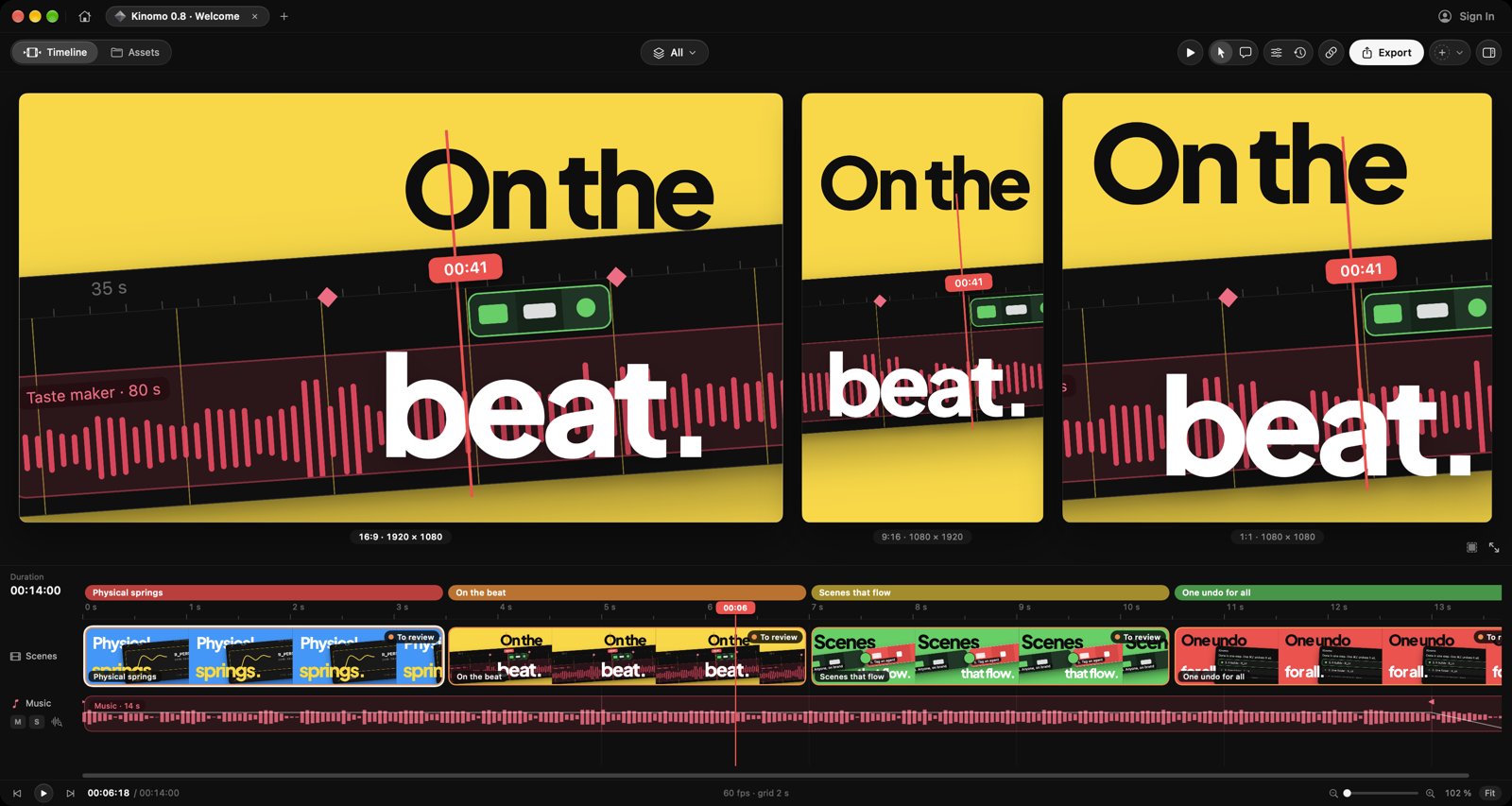
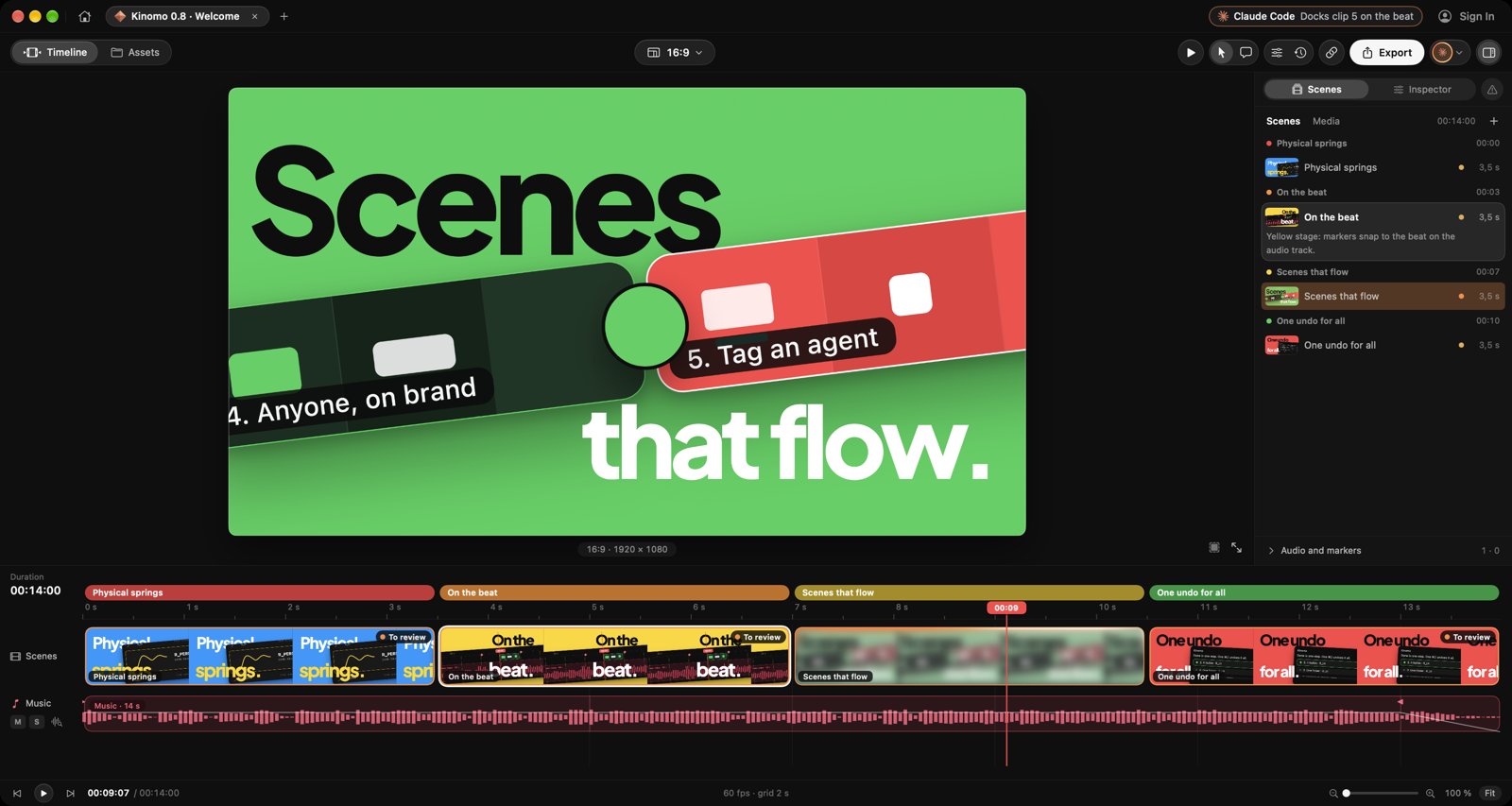
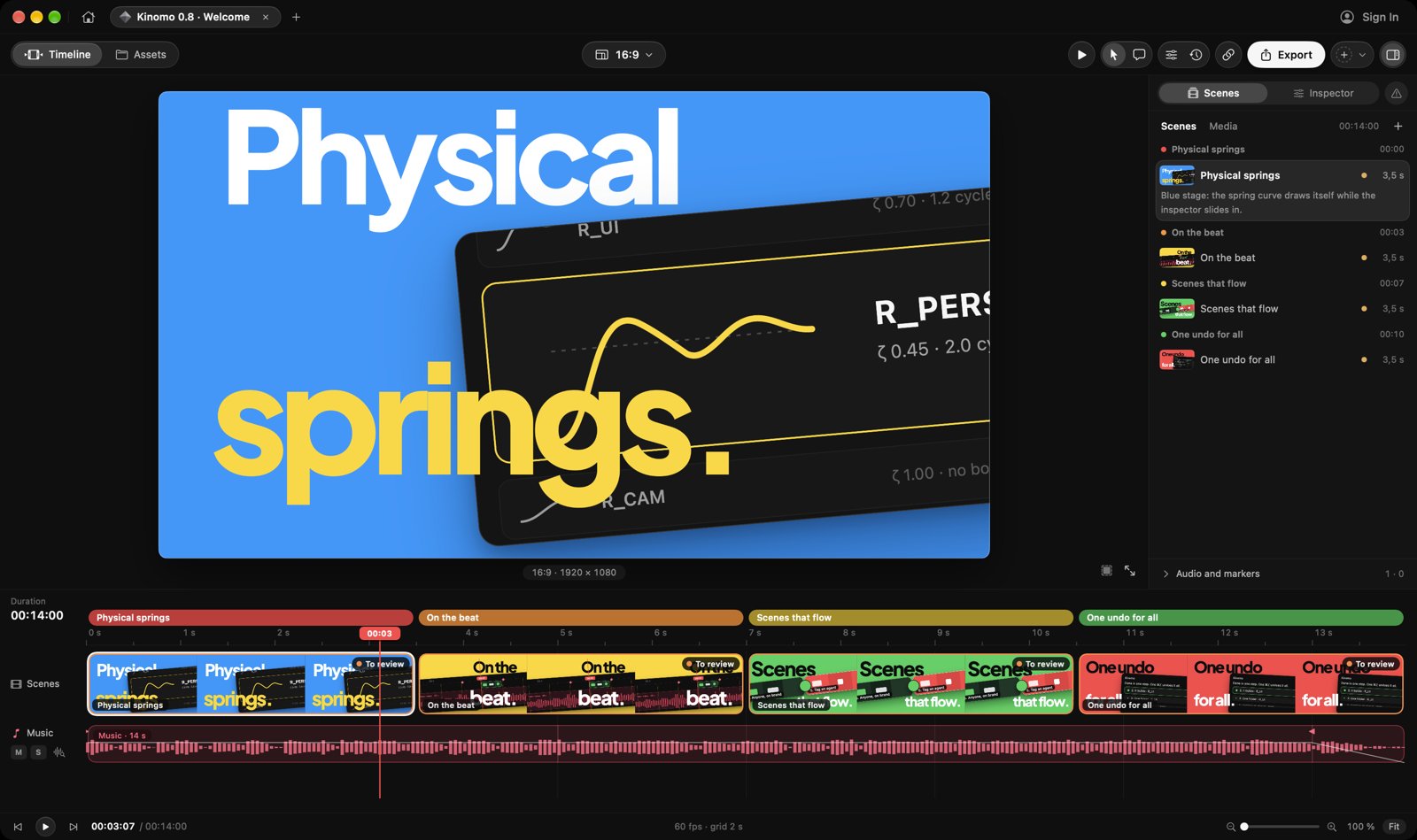
Kinomo is the right pick for Mac-native creators who want an AI agent to do the heavy lifting on motion graphics without touching a browser or cloud queue. Its local rendering pipeline is genuinely fast, but the hard requirement for Apple silicon and macOS 15 cuts out anyone not on a recent Mac. If you need cross-platform access, browser-based collaboration, or AI avatar video, look at Runway or HeyGen instead.
What is Kinomo?
Kinomo is a native Mac motion studio driven by AI agents. Direct your videos in plain words and your agent (Claude, Cursor or any MCP client, local or via the remote MCP server at https://kinomo.app/mcp) builds the animation on a real timeline with named chapters and live preview. Aspect ratios 16:9, 9:16, 1:1, 4:5 and 3:2; export to H.264, HEVC or ProRes; share review links. Free with 1080p export; paid upgrade adds 4K and HDR export. Requires macOS 15+ on Apple silicon.
How we scored Kinomo
Capability scores 18 because the MCP agent integration and hardware-accelerated rendering pipeline are genuinely novel for this category, but the tool is at version 0.8.1 with a feature set that is still maturing compared to Runway's breadth. Ease of use scores 17 because the plain-language agent direction lowers the floor for non-technical users, but macOS 15 and Apple silicon are hard prerequisites that create onboarding friction before a user even opens the app. Value scores 19 because the free tier with 1080p export is real and the $50/year paid entry point is low for what the hardware pipeline delivers, though the lack of a published tier breakdown makes it hard to evaluate the full paid offering. Delivery scores 14 because Kinomo is early-stage software (v0.8.1) with no substantial independent user review base, the benchmark figures come from the vendor's own homepage rather than third-party testing, and the platform lock-in means a large portion of potential buyers cannot use it at all.
Pros and cons
What we liked
- Hardware-accelerated local rendering is measurably faster than software-based alternatives: 27 seconds for an 80-second 1080p/60fps video versus 91+ seconds for comparable tools on the same M1 Pro hardware.
- MCP integration lets any compatible AI agent (Claude, Cursor, or a custom client) write and edit scenes directly on the timeline, with live preview, without requiring the user to write code.
- Single-canvas multi-format editing maintains independent layouts for five aspect ratios simultaneously, so social variants are not afterthoughts cropped from the main cut.
Where it falls short
- Hard platform lock-in: requires Apple silicon and macOS 15 or later, which excludes every Windows user and anyone on an Intel Mac, a restriction no browser-based competitor imposes.
- Version 0.8.1 is early software with no public track record of stability, a thin user review base, and feature gaps that a more mature tool like Runway has already closed.
- Free tier is limited to 1080p export; 4K and HDR require a paid plan, and the paid tier pricing ($50/year) is only confirmed at the entry level with no published breakdown of what higher tiers include.
Key features
Kinomo pricing
Free plan available with 1080p export. Paid plans start at $50/year, which adds 4K and HDR export. No monthly billing option confirmed on the pricing page.
| Plan | Price | Who it is for |
|---|---|---|
| Free | Free | Full app access on Apple silicon Macs running macOS 15 or later. Export capped at 1080p. No 4K or HDR export. |
| Paid | $50/year | Everything in Free plus 4K and HDR export. Specific tier name(s) and any higher tiers not published on the pricing page at time of review. |
Pricing reflects what we saw at time of review (2026-11). Always confirm current pricing on the tool's own site.
Who should use Kinomo?
Kinomo fits a solo creator or small studio already deep in the Apple silicon world who produces regular social video content and wants to hand off the repetitive scene-building work to an AI agent. Think a one-person marketing team publishing weekly YouTube and Instagram content who wants to describe a video in plain language, let Claude build the scenes, then fine-tune timing by hand on the timeline. The on-device rendering and beat-sync features make it practical for anyone whose workflow involves music-driven cuts.
Anyone on Windows, or on an older Intel Mac, cannot run it at all. Teams that need multiple editors working simultaneously in a browser, or clients who need to leave comments directly on the timeline, will hit a wall fast. If your primary output is talking-head or avatar video rather than motion graphics, HeyGen is a better fit. If you need a browser-based studio with broader AI generation tools and no hardware lock-in, Runway covers more ground.
Skip it if: Windows users, teams needing browser-based collaboration, or anyone wanting AI avatar or talking-head video
Kinomo alternatives
Tags
Frequently asked questions
Does Kinomo work on Windows or Intel Macs?+
No. Kinomo requires Apple silicon and macOS 15 or later. Intel Macs and all Windows machines are not supported.
What does the free plan include?+
The free plan gives full access to the app and exports at up to 1080p. It does not include 4K or HDR export.
How much do paid plans cost?+
Paid plans start at $50/year. The pricing page does not publish a detailed breakdown of what each paid tier includes beyond 4K and HDR export.
Which AI agents can drive Kinomo?+
Any MCP-compatible client works, including Claude and Cursor. Kinomo exposes both a local MCP connection and a remote MCP server at kinomo.app/mcp.
How fast does Kinomo render video?+
On a MacBook Pro M1 Pro, an 80-second animation renders in 27 seconds at 1080p/60fps and in 87.6 seconds at 4K/60fps, using the chip's hardware media engine.
Can clients review videos without installing Kinomo?+
Yes. Kinomo generates shareable browser links so clients and team members can view animations on any device without installing the app.
More AI Video Tools
See all categoriesGet your tool listed on 300+ directories.
One listing here is a strong start. But the founders who get discovered everywhere are listed everywhere. Our sister site, Free AI Directories, submits your tool to 300+ AI directories for you, every single one by hand, by a real person.
It is a one-time payment of $49, no subscription, and you can follow along as the submissions land. Prefer the slow route? The same site keeps a free list of 450+ directories you can work through yourself.
Get my tool listed on 300+ directoriesOne-time payment, no subscription · 100% human submissions · Free list of 450+ directories included.