
Nuzza AI
A photo-to-video platform with trending templates and a multi-model studio for TikTok, Reels, and Shorts creators.
Are you the maker? Claim this listing to keep info, pricing and screenshots current. Verified via your tool's domain email.
Nuzza AI is the clearest choice for social creators who want to ride viral video trends without writing a single prompt, since its template library does the heavy lifting. Its Studio layer adds real depth with models like Kling, Veo, and Seedance, but credits expire monthly and there is no persistent free tier once welcome credits run out. Creators who need timeline editing, captions, or transcript-based workflows should look at Descript or CaptionBolt instead.
What is Nuzza AI?
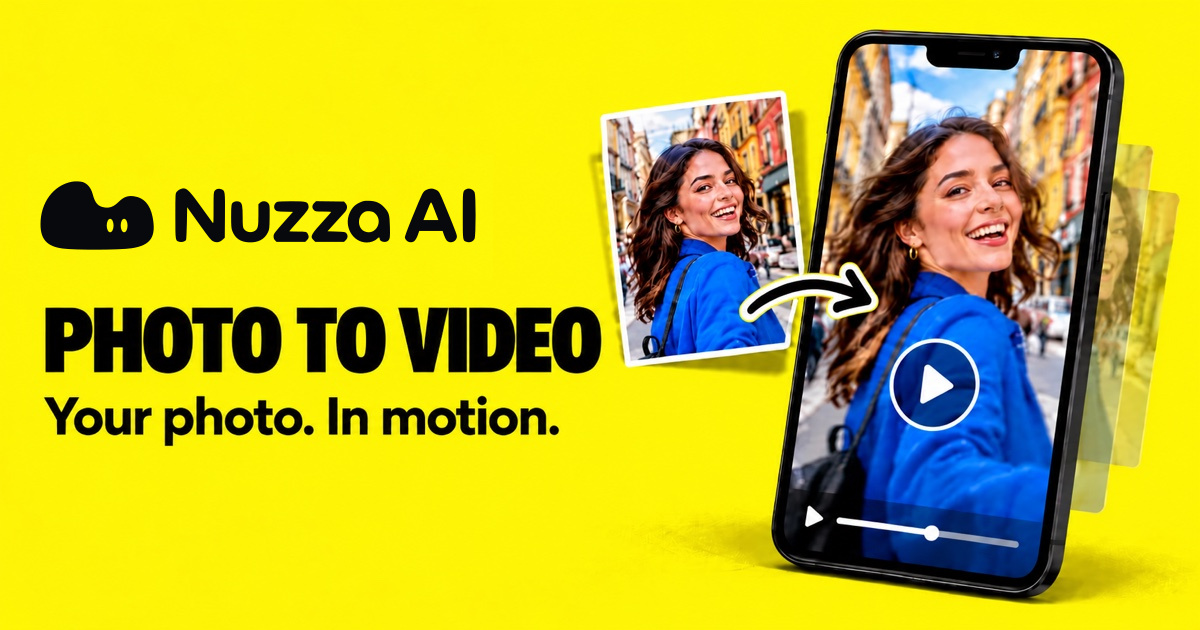
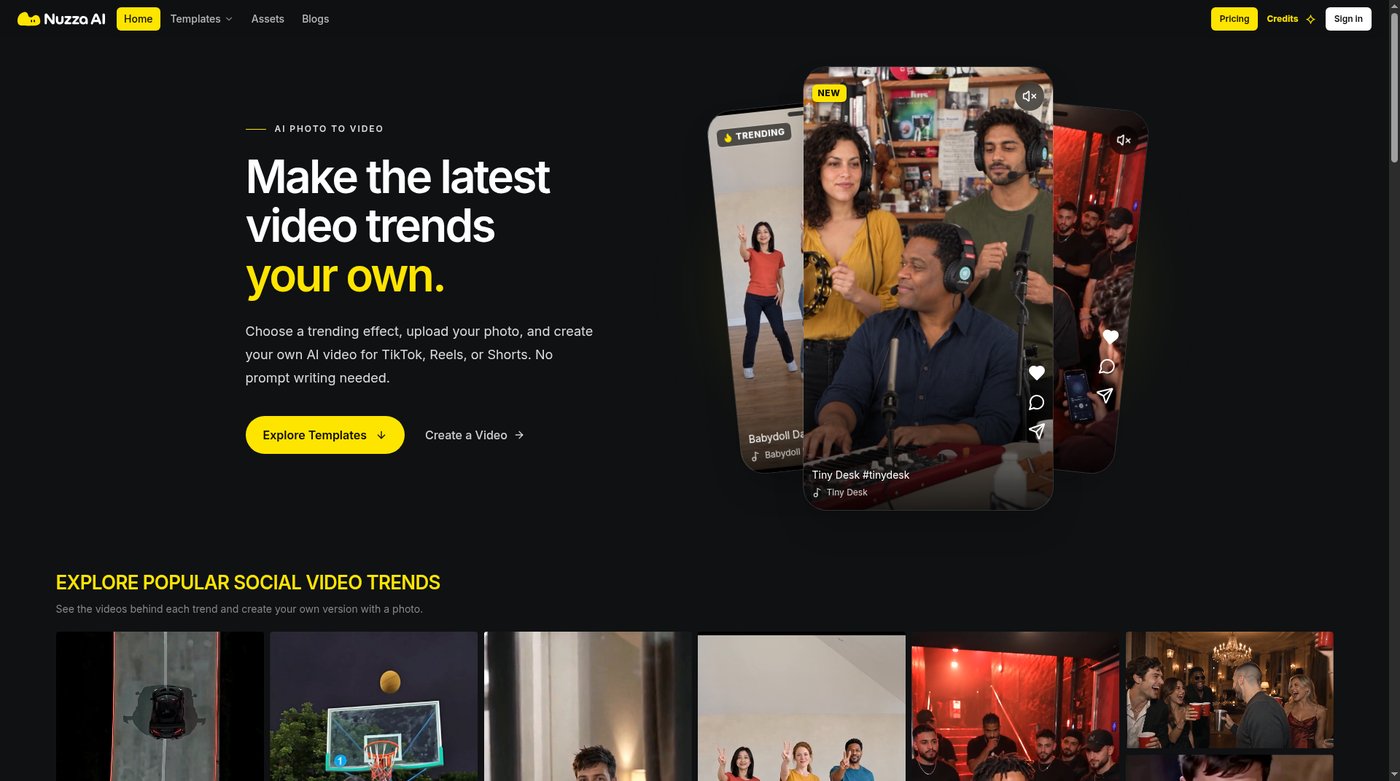
Nuzza AI is a photo-to-video platform that turns your photos into AI videos. Choose a trending effect (dance, music, meme and social video trends), upload a photo and create your own video for TikTok, Instagram Reels or YouTube Shorts, with no prompt writing needed.
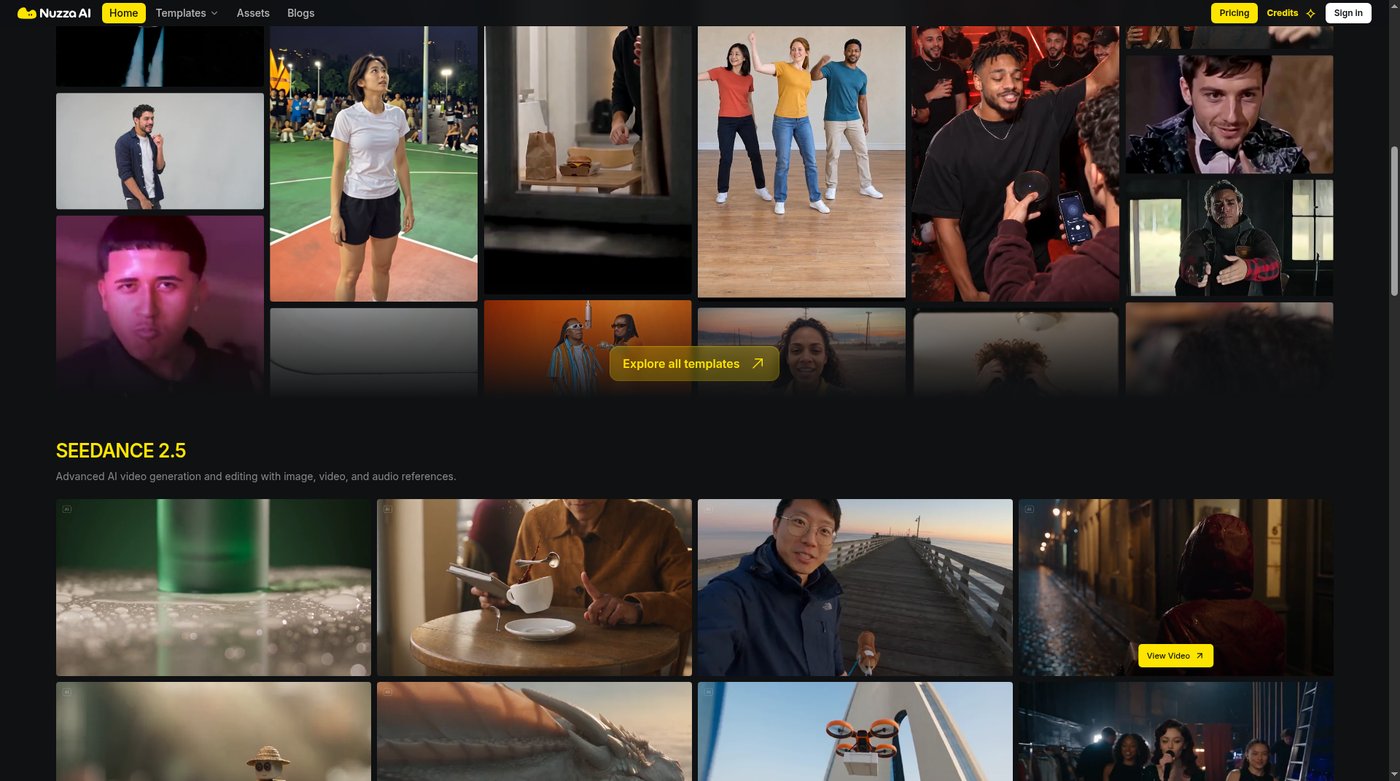
For custom work, Nuzza AI Studio gives access to leading video and image models including Seedance, Kling, Google Veo, Hailuo, Wan, Flux and Nano Banana. Brands can turn product photos into ads, UGC-style videos and launch promos.
It also includes AI video tools (upscaler, extender, enhancer, background remover, reframe) and image tools (upscaler, background remover, inpaint, uncrop, object/text remover). Sign up free with welcome credits; credit packs and subscriptions are available when you need more.
How we scored Nuzza AI
Capability scores 19 because the multi-model Studio (Kling, Veo, Seedance, Hailuo, Wan) plus the bundled image and video utility tools give Nuzza genuine depth beyond simple photo animation, though it lacks timeline editing and caption tools that Descript and CaptionBolt offer. Ease of use scores 20 because the no-prompt template workflow is genuinely low-friction for its target audience, and the credit cost preview before each generation reduces surprise. Value scores 14 because the Lite plan at $19.90/month yields only about 5 trend videos with no credit rollover, which is thin output for the price, and there is no persistent free tier to soften the commitment. Delivery scores 15 because the tool is very new (founded 2026), has no substantial independent user review record, and the pricing page appears to have changed significantly between the live fetch and a recent search snippet, suggesting the product is still in active flux.
Pros and cons
What we liked
- Template library tracks real viral trends weekly, removing the prompt-writing barrier entirely for social-first creators.
- Studio gives access to multiple leading generative models (Kling, Veo, Seedance, Hailuo, Wan) in one place, so users can match the model to the job rather than accepting one provider's defaults.
- Bundled image and video utility tools (upscaler, background remover, reframe, extender, inpaint) mean finishing work does not require a separate app.
Where it falls short
- Monthly credits expire at the end of each billing period with no rollover, so a creator who skips a week loses paid capacity permanently.
- No ongoing free tier after welcome credits are used; the entry-level Lite plan at $19.90/month yields only about 5 trend videos per month at standard settings, which is thin for the price.
- The platform is entirely web-based with no mobile app, which is a friction point for creators who shoot and post from their phones.
Key features
Nuzza AI pricing
Three paid subscription tiers: Lite at $19.90/month (250 credits, roughly 5 trend videos), Pro at $39.90/month (550 credits, roughly 11 trend videos), and Ultra at $69.90/month (1,000 credits, roughly 20 trend videos). Yearly billing saves 20%. New accounts receive welcome credits to start; there is no ongoing free tier. Credits expire at the end of each billing period.
| Plan | Price | Who it is for |
|---|---|---|
| Lite | $19.90/mo | 250 credits per month (roughly 5 trend videos or 20 short clips at standard settings). All trend templates, 20 photo and video tools, 2 parallel tasks, 5 GB storage. Yearly billing at $15.92/month ($191.04/year). |
| Pro | $39.90/mo | 550 credits per month (roughly 11 trend videos or 39 short clips). Everything in Lite plus premium models in Studio for harder motion and sharper faces, 3 parallel tasks, 30 GB storage. Yearly billing at $31.92/month ($383.04/year). |
| Ultra | $69.90/mo | 1,000 credits per month (roughly 20 trend videos or 71 short clips). Everything in Pro plus lowest price per video, 5 parallel tasks, 80 GB storage. Yearly billing at $55.92/month ($671.04/year). |
Pricing reflects what we saw at time of review (2026-11). Always confirm current pricing on the tool's own site.
Who should use Nuzza AI?
Solo creators who post to TikTok, Instagram Reels, or YouTube Shorts regularly and want to jump on trending formats without spending time on prompt engineering will get the most from Nuzza. The template-first workflow is genuinely fast: upload a photo, pick a trend, generate. Brands producing UGC-style product videos or launch promos also fit well, since the Studio models handle faces and product shots with reasonable fidelity.
Creators who need to edit existing footage, add captions, or work from a transcript should look elsewhere. Descript is the better pick if your workflow starts with recorded video or audio that needs editing and captioning. CaptionBolt is the right call if caption accuracy and short-video finishing are the primary need. Neither of those tools does photo-to-video trend generation, so the choice depends on which direction your content creation actually runs.
Skip it if: Editors who need timeline control, captions, or transcript-based video workflows
Nuzza AI alternatives
Tags
Frequently asked questions
Is there a free plan or free trial?+
New accounts receive welcome credits to try the platform, but there is no ongoing free tier. Once welcome credits are used, a paid subscription starting at $19.90/month is required to continue generating.
Do unused credits carry over to the next month?+
No. Subscription credits belong to their paid monthly period and expire when that period ends. Previously purchased one-time credit packs retain their original validity and do not expire on the same schedule.
How many videos can I make per month on each plan?+
At standard settings (roughly 50 credits per 15-second video), Lite yields about 5 trend videos, Pro about 11, and Ultra about 20. Shorter templates use fewer credits; HD output uses more. The platform shows the credit cost before you confirm each generation.
Which AI models are available in the Studio?+
The Studio provides access to Seedance, Kling, Google Veo, Hailuo, Wan, Flux, and Nano Banana. Basic models are available on all paid plans; premium models for harder motion and sharper faces require the Pro or Ultra tier.
Can I use Nuzza AI on my phone?+
Nuzza AI is a web-based platform. There is no dedicated iOS or Android app listed, which means mobile use depends on a browser session rather than a native app experience.
Is content generated on Nuzza AI private by default?+
Yes. All plans default to private output. Generated videos and images are not publicly visible unless the user actively chooses to share them.
More AI Video Tools
See all categoriesGet your tool listed on 300+ directories.
One listing here is a strong start. But the founders who get discovered everywhere are listed everywhere. Our sister site, Free AI Directories, submits your tool to 300+ AI directories for you, every single one by hand, by a real person.
It is a one-time payment of $49, no subscription, and you can follow along as the submissions land. Prefer the slow route? The same site keeps a free list of 450+ directories you can work through yourself.
Get my tool listed on 300+ directoriesOne-time payment, no subscription · 100% human submissions · Free list of 450+ directories included.