
RetypeWords
A web tool that lets you click and replace text baked into any image, with the AI redrawing the result to match the original font, color,
Are you the maker? Claim this listing to keep info, pricing and screenshots current. Verified via your tool's domain email.
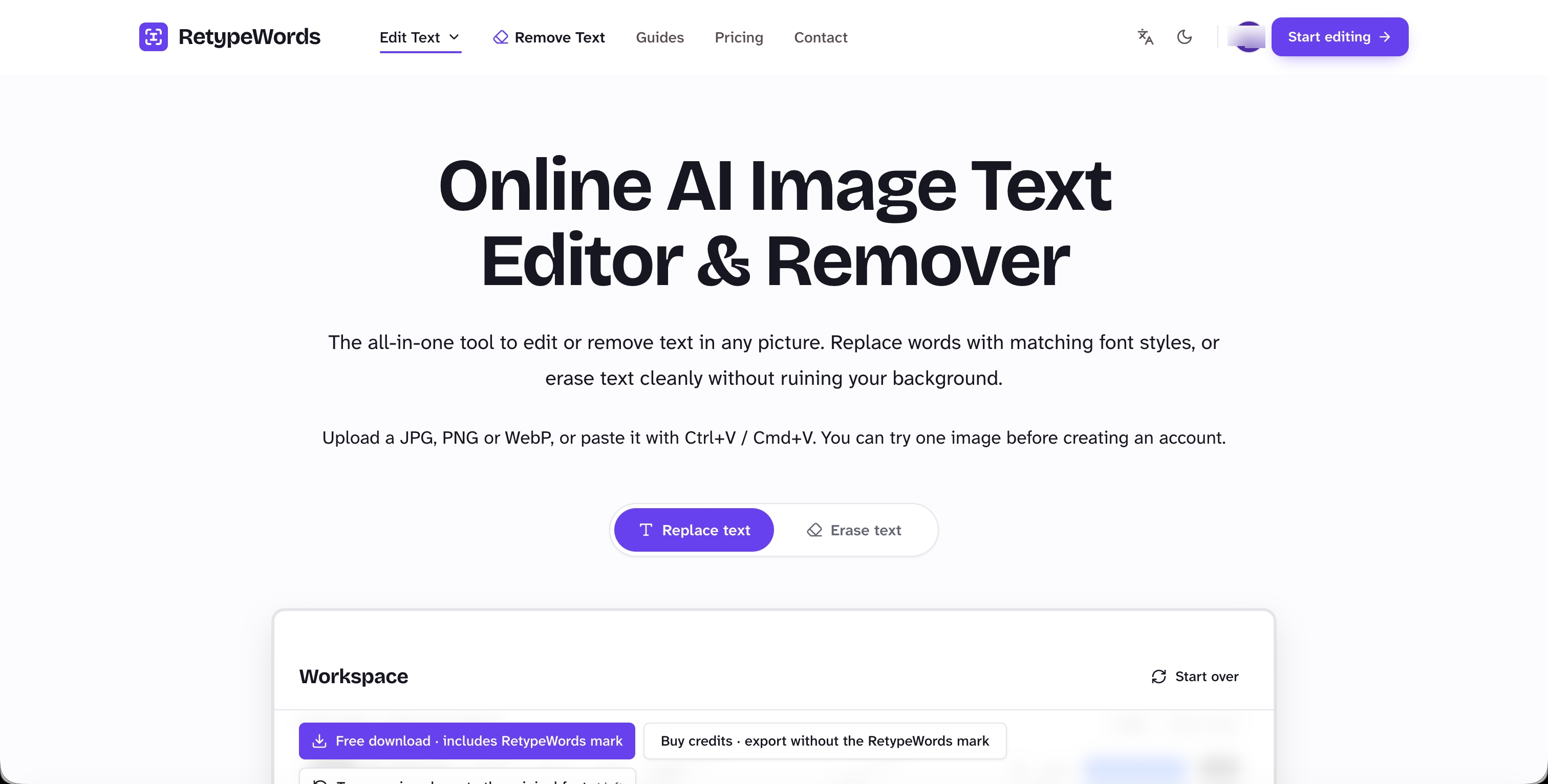
RetypeWords is the right pick for designers, marketers, and content teams who regularly need to swap text on flat rendered images like posters, menus, or packaging mockups without touching a source file. It does that specific job cleanly, but it has no API, no batch processing, and no integrations, so it tops out fast for anyone with volume workflows. Teams needing bulk edits or programmatic access should look elsewhere.
What is RetypeWords?
RetypeWords makes the text in any image editable. Click the words already baked into a picture and type what they should say instead: the model reads the surrounding type and background and redraws that part of the image, so the new words carry the original's font style, colour and backdrop instead of sitting on top of it - no source file and no font ID needed. Best on flat, rendered text: posters, packaging, menus, UI screenshots, documents, AI lettering. You approve every result first.
How we scored RetypeWords
Capability scores 17 because the tool does its narrow job well but has no API, no batch mode, and no integrations, and its own documentation limits it to flat rendered text, which is a real ceiling compared to more general image editing tools. Ease of use scores 21 because the no-account one-image trial, the single-credit-per-task model, and the before/after comparison flow are all genuinely low-friction. Value scores 17 because the Starter plan at $9.99/month for only 25 credits ($0.40 per image) is expensive for casual users, the free tier is effectively a one-shot demo rather than a usable free plan, and the one-time packs lack published credit counts making comparison difficult. Delivery scores 13 because no user reviews, third-party coverage, or sentiment data could be found for this specific tool, meaning the claim that the AI accurately matches font, color, and background cannot be independently verified from available sources, and the watermark on the free export is a friction point the tool's own pricing page confirms.
Pros and cons
What we liked
- One credit covers an entire image regardless of how many text areas you edit in a single task, making the per-image cost predictable and fair for complex jobs.
- Unused credits never expire across any plan, so occasional users on monthly subscriptions do not lose paid credits between busy periods.
- No account or credit card required to test one image, which removes the usual friction of evaluating whether the output quality suits your specific image type before committing.
Where it falls short
- The tool is web-only with no API, no batch processing, and no integrations, meaning any workflow that involves more than a handful of images per session hits a hard manual ceiling.
- Output quality is explicitly limited to flat rendered text; the tool itself warns it performs best on posters, packaging, and UI screenshots, so users with photographic or hand-lettered images may find results inconsistent.
- The free trial covers exactly one image and then requires a paid plan to export without a watermark, so the free experience is more of a demo than a usable tier.
Key features
RetypeWords pricing
No permanent free tier; one free image trial requires no account. Monthly subscriptions: Starter at $9.99/month for 25 credits, Creator at $19.99/month for 60 credits, Studio at $39.99/month for 150 credits. One-time credit packs also available at $6.99, $14.99, and $29.99. One credit covers one generation task regardless of how many text areas are in the image. Unused credits never expire.
| Plan | Price | Who it is for |
|---|---|---|
| Free trial | Free | One generation task with no account or credit card required. Downloads include a RetypeWords watermark unless the user signs up and pays. |
| Starter | $9.99/month | 25 credits per month ($0.40 per generation). Credits added after each monthly payment. Unused credits roll over with no expiry. Watermark-free exports. Cancel anytime. |
| Creator | $19.99/month | 60 credits per month ($0.33 per generation). Credits added after each monthly payment. Unused credits roll over with no expiry. Watermark-free exports. Cancel anytime. |
| Studio | $39.99/month | 150 credits per month ($0.27 per generation). Credits added after each monthly payment. Unused credits roll over with no expiry. Watermark-free exports. Cancel anytime. |
| One-time Pack (Small) | $6.99 | One-time credit pack. No recurring charge. Credits do not expire. Exact credit count not confirmed from available sources. |
| One-time Pack (Medium) | $14.99 | One-time credit pack. No recurring charge. Credits do not expire. Exact credit count not confirmed from available sources. |
| One-time Pack (Large) | $29.99 | One-time credit pack. No recurring charge. Credits do not expire. Exact credit count not confirmed from available sources. |
Pricing reflects what we saw at time of review (2026-11). Always confirm current pricing on the tool's own site.
Who should use RetypeWords?
A freelance designer updating client packaging mockups without the original Illustrator file, a marketing coordinator localizing event flyers for different regions, or a small e-commerce team refreshing product label copy for seasonal campaigns will all find RetypeWords genuinely useful. The no-account trial lowers the barrier to a first test, and the credit rollover policy means occasional users do not lose what they paid for.
Anyone who needs to edit text in photographs with complex backgrounds, process images in bulk, or connect image editing into an automated pipeline should look elsewhere. The tool has no API and no batch mode. For high-volume or programmatic needs, a tool like Adobe Firefly's generative fill or a custom workflow built on an image-editing API would be a better fit, though neither is currently in this directory.
Skip it if: High-volume or automated image editing pipelines
RetypeWords alternatives
Tags
Frequently asked questions
Does one credit cover the whole image or just one text area?+
One credit covers one generation task, and a single task can include as many text areas as you want to replace in the same image. You only spend a second credit if you start a new task.
What happens to unused credits if I cancel?+
Credits already added to your account do not expire when you cancel future renewals. You keep and can use them after cancellation.
How much does it cost per image on the cheapest monthly plan?+
The Starter plan at $9.99/month gives 25 credits, working out to $0.40 per generation task. The Creator plan at $19.99/month drops that to $0.33, and the Studio plan at $39.99/month reaches $0.27.
Can I use RetypeWords without a subscription?+
Yes. One image can be tested with no account and no credit card. One-time packs at $6.99, $14.99, and $29.99 are also available for users who do not want a recurring charge.
What image types does it work best on?+
The tool is designed for flat rendered text: posters, packaging, menus, UI screenshots, documents, and AI-generated lettering. It is not built for complex photographic scenes or hand-lettered imagery.
Is there an API or batch processing option?+
No API or batch mode is listed on the pricing or features pages. Each image is processed individually through the web interface.
More AI Business Tools
See all categoriesGet your tool listed on 300+ directories.
One listing here is a strong start. But the founders who get discovered everywhere are listed everywhere. Our sister site, Free AI Directories, submits your tool to 300+ AI directories for you, every single one by hand, by a real person.
It is a one-time payment of $49, no subscription, and you can follow along as the submissions land. Prefer the slow route? The same site keeps a free list of 450+ directories you can work through yourself.
Get my tool listed on 300+ directoriesOne-time payment, no subscription · 100% human submissions · Free list of 450+ directories included.