Reverse Video Search
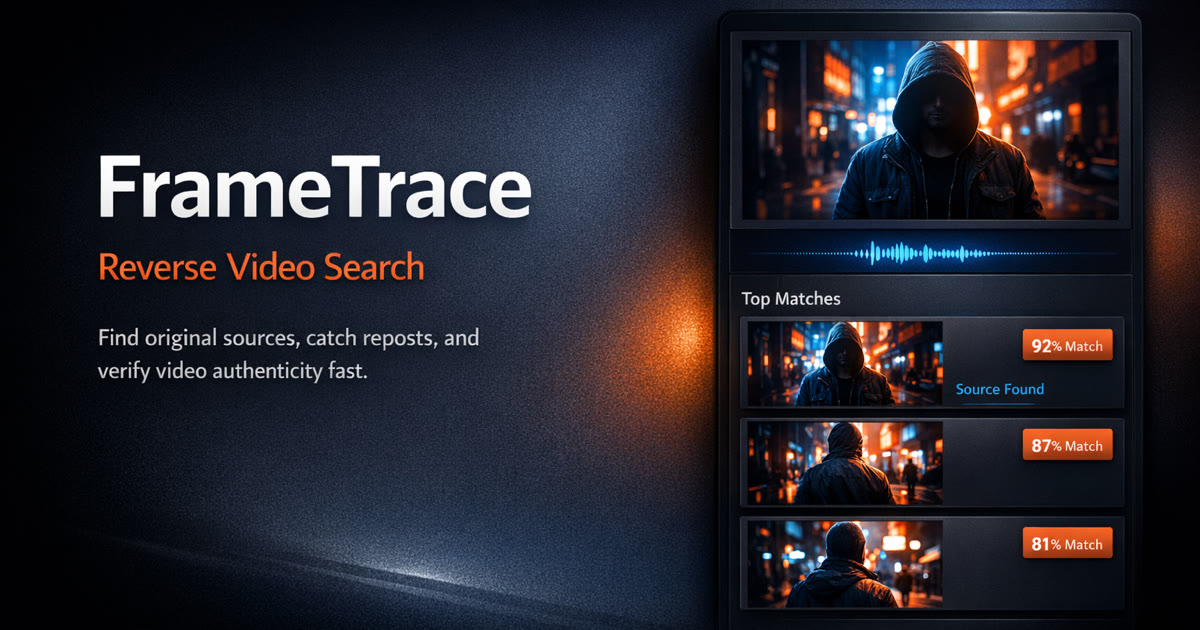
FrameTrace uses AI frame analysis to trace any video back to its original source across YouTube, TikTok, Instagram, and Reddit.
Are you the maker? Claim this listing to keep info, pricing and screenshots current. Verified via your tool's domain email.
FrameTrace is the clearest choice for journalists, OSINT researchers, and creators who need to trace a viral clip to its origin without installing software. Its free daily QuickSearch is genuinely useful for light use, but the credit system means heavy users hit paywalls fast, and DeepSearch results depend entirely on how well-indexed the source platform is. If your primary need is video editing, captioning, or generation rather than source tracing, none of the directory alternatives do what FrameTrace does, and FrameTrace does nothing they do.
What is Reverse Video Search?
FrameTrace is an AI-powered reverse video search engine that runs entirely in the browser. Users upload a video file (up to 100MB for QuickSearch) or paste a URL from platforms including YouTube, TikTok, Instagram, and Reddit, and the tool analyzes visual patterns, motion sequences, and metadata to locate matching content across the web. Results include links to pages where the video appears, allowing users to compare versions and identify the original source.
The service offers two search modes: QuickSearch for a rapid first-frame lookup and DeepSearch for a full frame-by-frame analysis suited to edited or re-encoded clips. A Chrome extension extends the workflow to videos found while browsing. Primary use cases include journalistic fact-checking of viral clips, creator copyright monitoring, brand protection against unauthorized ad reuse, and OSINT investigations.
How we scored Reverse Video Search
Capability scores 17 because FrameTrace fills a genuine gap (no directory competitor does reverse video search at all) and DeepSearch's frame-by-frame analysis is a real differentiator, but QuickSearch's hard limit of one second of video is a meaningful functional ceiling on the free tier, and the tool publishes no index coverage statistics, making it impossible to assess how reliably it finds sources across platforms. Ease of use scores 20 because the browser-based workflow requires no installation, the Chrome extension reduces friction further, and the two-mode search structure is clear, though the credit math (150 credits yielding anywhere from 9 to 25 DeepSearches) is genuinely confusing for a new buyer. Value scores 15 because the free tier is real and useful for occasional checks, but the $9.99/month Basic plan's ceiling of roughly 25 DeepSearches is low for any professional workflow, and a journalist running 30 investigations a month must jump to the $49.99/month Company plan. Delivery scores 14 because no substantial public user sentiment was found to validate match quality claims, the tool launched in April 2026 and has a thin track record, and the discrepancy between two different pricing structures found on the same domain raises a credibility concern the human editor must resolve before publishing.
Pros and cons
What we liked
- Free tier requires no credit card and gives one usable QuickSearch per day, making it genuinely accessible for occasional verification work.
- DeepSearch performs full frame-by-frame analysis designed to catch re-edited and re-encoded clips, not just exact reposts.
- Chrome extension lets users search videos directly from any web page without a separate upload step.
Where it falls short
- QuickSearch only analyzes the first second of a video, meaning a clip with a cut or added intro at the start can defeat the free tier entirely.
- The credit system on paid plans is opaque: 150 credits at $9.99/month yields only 9 to 25 DeepSearches, so a journalist running 30 investigations a month needs the $49.99/month Company plan.
- Match quality depends on the breadth of FrameTrace's index, and the site does not publish coverage statistics, so users have no way to know how many videos from a given platform are actually searchable.
Key features
Reverse Video Search pricing
Free tier gives 1 QuickSearch per day with no credit card required. Paid plans start at $9.99/month for 150 credits (roughly 9 to 25 DeepSearches), $19.99/month for 600 credits (roughly 37 to 100 DeepSearches), and $49.99/month for 3,000 credits. A one-time Search Pass costs $2.50 for a single completed search with no subscription.
| Plan | Price | Who it is for |
|---|---|---|
| Free Forever | $0 | 1 QuickSearch per day. Daily allowance expires after one day. No DeepSearch. No credit card required. Top matches and source links included. |
| Basic | $9.99/mo | 150 credits per month (roughly 9 to 25 DeepSearches). QuickSearch and DeepSearch included. Matching pages and source links. One-time credit top-ups never expire. Email support. Cancel anytime. |
| Standard | $19.99/mo | 600 credits per month (roughly 37 to 100 DeepSearches). QuickSearch and DeepSearch included. Matching pages and source links. One-time credit top-ups never expire. Email support. Cancel anytime. Listed as most popular. |
| Company | $49.99/mo | 3,000 credits per month (roughly 187 to 500 DeepSearches). QuickSearch and DeepSearch included. Matching pages and source links. One-time credit top-ups never expire. Email support. Cancel anytime. |
| One-Time Search Pass | $2.50 | One completed QuickSearch or DeepSearch. No subscription. Pass never expires. Only charged when a search completes successfully. Checkout via Stripe. |
Pricing reflects what we saw at time of review (2026-11). Always confirm current pricing on the tool's own site.
Who should use Reverse Video Search?
Journalists and fact-checkers who regularly need to verify whether a viral clip is authentic or has been lifted from an older source will get the most out of FrameTrace. The free daily QuickSearch covers occasional checks, while the $9.99/month Basic plan (150 credits) suits someone running a handful of DeepSearches per week. Brands monitoring unauthorized reuse of their video ads, and creators checking whether their content has been reposted without credit, are the other natural fits.
Anyone whose primary need is creating, editing, or captioning video should look elsewhere. Descript handles transcript-based video editing and is already in this directory. CaptionBolt is purpose-built for caption-first short-video finishing. Neither overlaps with FrameTrace's source-tracing function, but if source tracing is not your goal, FrameTrace offers nothing for you.
Skip it if: Teams needing video editing, generation, or captioning tools
Reverse Video Search alternatives
Frequently asked questions
Is there really a free plan, and what does it actually let me do?+
Yes. The Free Forever plan gives one QuickSearch per day with no credit card required. QuickSearch only scans the first second of the video, so it works best for straightforward reposts. DeepSearch, which scans the full clip, requires a paid plan or the $2.50 one-time pass.
How many DeepSearches do I get on the $19.99/month Standard plan?+
The Standard plan includes 600 credits per month. The pricing page states this covers roughly 37 to 100 DeepSearches, depending on video length and complexity.
What happens to unused credits at the end of the month?+
Monthly subscription credits reset each billing period and do not roll over. However, credits purchased as one-time top-ups never expire, so those carry forward indefinitely.
Can I search a video without uploading it?+
Yes. You can paste a URL from YouTube, TikTok, Instagram, Reddit, Twitter, or a direct video link. The Chrome extension also lets you search a video playing in your browser without a separate upload.
What is the $2.50 Search Pass and when does it make sense?+
The Search Pass is a one-time purchase covering a single completed search, either QuickSearch or DeepSearch. It only counts as used when the search actually completes, and it never expires. It makes sense for someone who needs one investigation and does not want a recurring subscription.
Does FrameTrace work on edited or re-encoded versions of a video?+
DeepSearch is specifically designed to catch clips that have been cropped, color-graded, or re-encoded, by analyzing the full temporal sequence rather than just a single frame. QuickSearch, which only looks at the first second, is much more likely to miss edited copies.
More AI Video Tools
See all categoriesGet your tool listed on 300+ directories.
One listing here is a strong start. But the founders who get discovered everywhere are listed everywhere. Our sister site, Free AI Directories, submits your tool to 300+ AI directories for you, every single one by hand, by a real person.
It is a one-time payment of $49, no subscription, and you can follow along as the submissions land. Prefer the slow route? The same site keeps a free list of 450+ directories you can work through yourself.
Get my tool listed on 300+ directoriesOne-time payment, no subscription · 100% human submissions · Free list of 450+ directories included.