
TikTV
A web-based AI creative suite from China covering text-to-video, text-to-image, and a smart canvas editor in one app.
Are you the maker? Claim this listing to keep info, pricing and screenshots current. Verified via your tool's domain email.
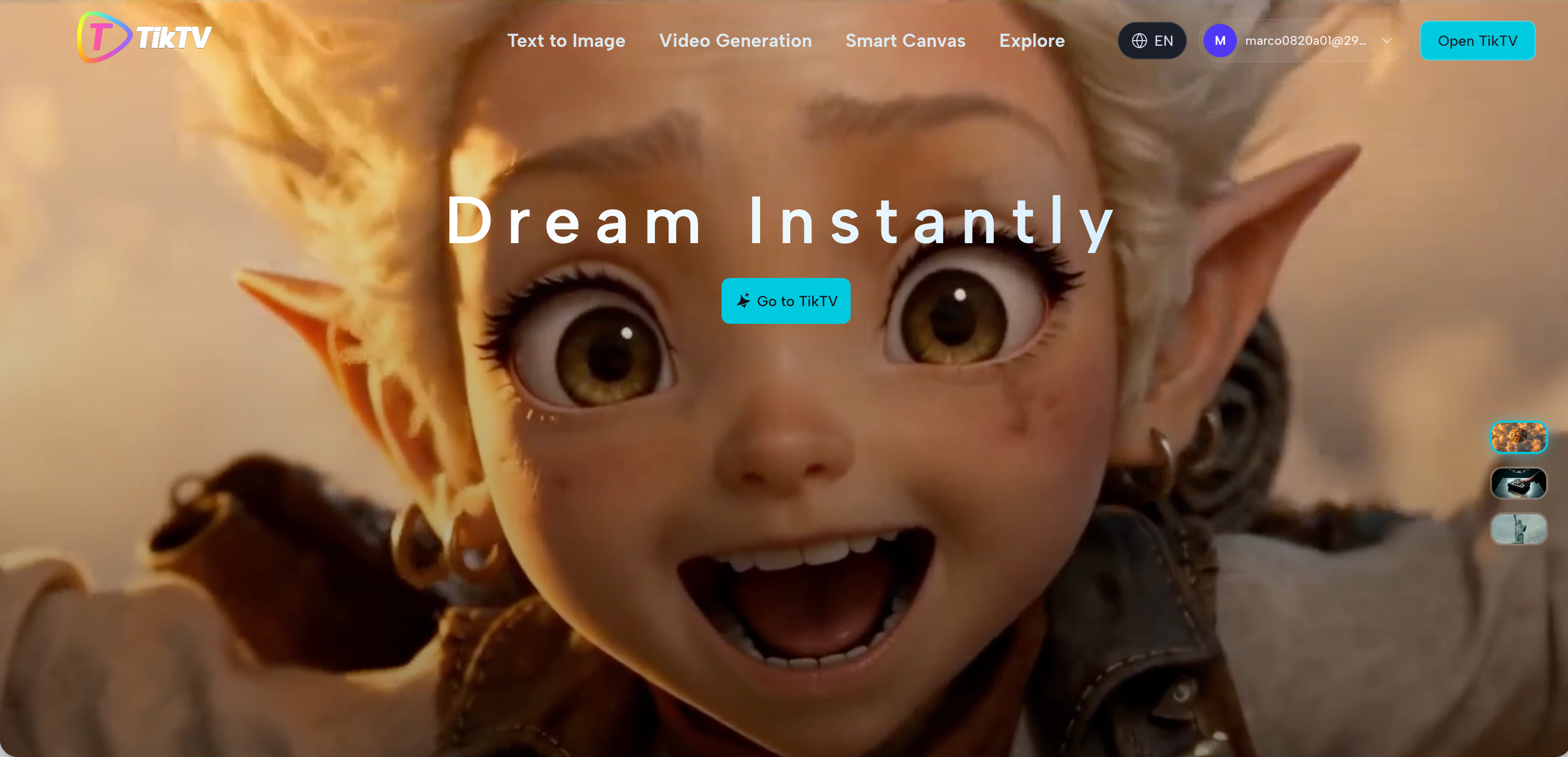
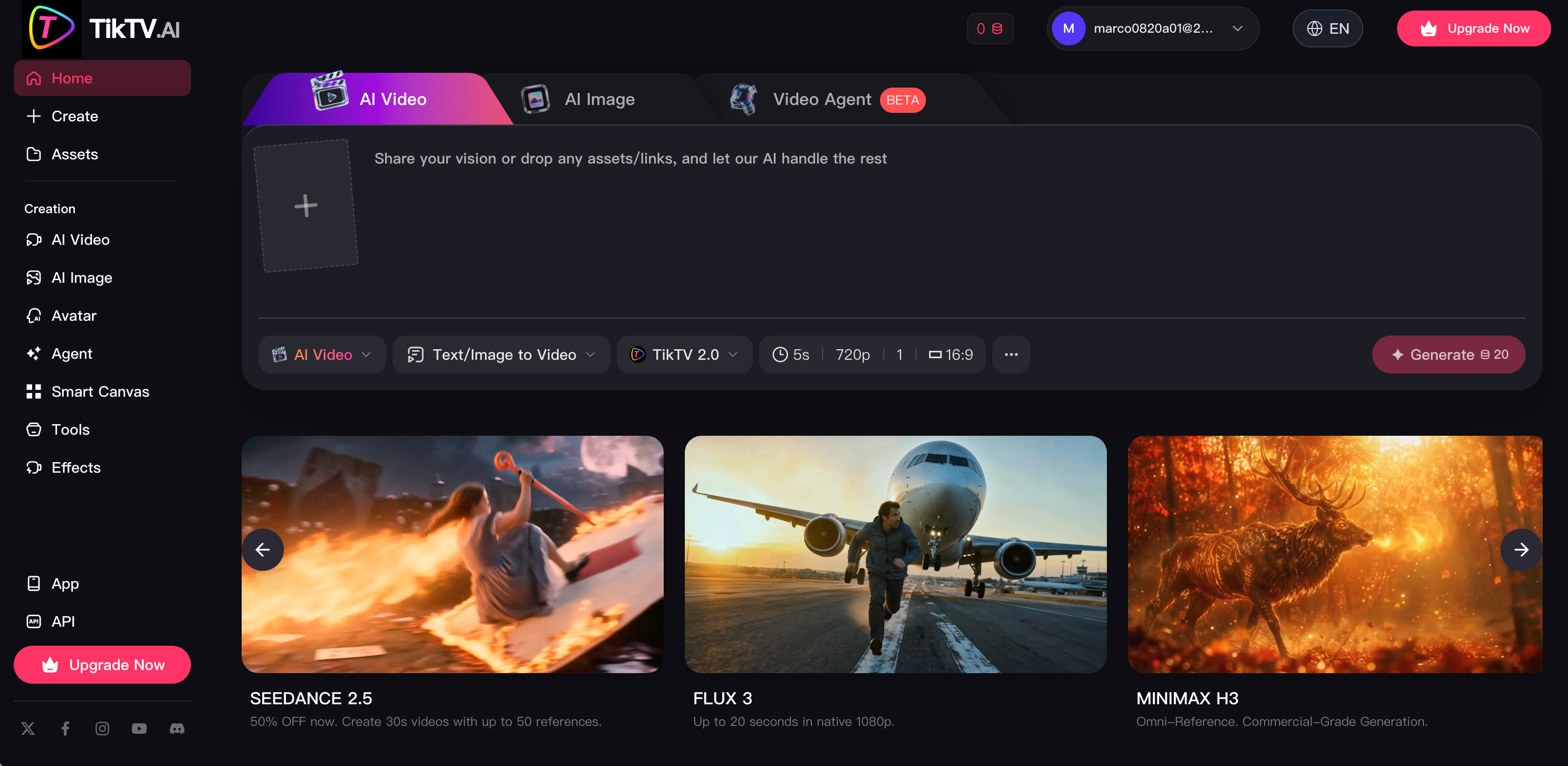
TikTV is best suited to creators who want a single browser app for both AI video clips and AI image generation, particularly those working in Chinese where the tool claims stronger semantic understanding than Western rivals. Its pricing structure is opaque: no tier names or dollar figures appear on the live pricing page, making it impossible to compare value against Runway or HeyGen before signing up. Anyone who needs transparent, predictable costs or a well-documented API should look elsewhere.
What is TikTV?
TikTV is a web application that generates AI video clips and images from text or image prompts. Its core modules cover text-to-video, image-to-video, text-to-image, image-to-image painting, and a Smart Canvas editor that handles partial repainting, background removal, image expansion, and object erasure in one workspace.
The tool is aimed at individual creators and marketers who want to produce short video clips and visual assets without switching between multiple apps. TikTV places particular emphasis on Chinese-language prompt support, and its community explore feed lets users browse and remix publicly shared generations for inspiration.
How we scored TikTV
Capability lands at 15 because TikTV covers a real and useful combination of text-to-video, image generation, and canvas editing in one browser app, with first-frame and last-frame control that is genuinely useful, but it lacks avatar video entirely and its feature depth versus Runway is unverified. Ease of use scores 14 because the web-only interface appears straightforward from the homepage, but no documentation, onboarding guides, or third-party user reviews were findable to confirm the actual experience. Value scores 9 because the pricing page is completely unreadable: a buyer cannot determine what the free tier includes, what a paid plan costs, or how credits work, which is a concrete and specific failure that makes the tool nearly impossible to evaluate or budget for. Delivery scores 9 because no user sentiment, third-party reviews, or trust signals for tiktv.art were found anywhere in search results, the social profiles are unconfirmed, and the opaque pricing page raises real questions about whether the product is actively maintained and marketed to an English-speaking audience.
Pros and cons
What we liked
- First-frame and last-frame image input gives meaningful control over the start and end of generated video clips, a feature that matters for creators who need consistent characters or scenes across multiple clips.
- Smart Canvas bundles partial redraw, one-click expansion, background matting, and image erasure in a single workspace, removing the need for a separate image editing tool for basic compositing tasks.
- Native Chinese-language prompt support with claimed stronger semantic understanding is a concrete differentiator for creators working in Chinese, a market underserved by most Western AI video tools.
Where it falls short
- Pricing is entirely opaque: the live pricing page returned no tier names, credit amounts, or dollar figures, so a buyer cannot compare cost against Runway or HeyGen without signing up first. This is unusual even among freemium AI tools, most of which publish at least a basic pricing table.
- No avatar or talking-head video capability is visible in the feature set, which is a significant gap versus HeyGen and limits usefulness for marketers who need spokesperson-style content.
- The tool appears to be primarily developed for and marketed toward a Chinese-speaking audience, with the homepage copy and example outputs skewed heavily toward that aesthetic; English-language users may find prompt results less predictable and community content less relevant to their work.
Key features
Who should use TikTV?
Solo content creators who produce short-form video for social platforms and also need AI image assets will find TikTV's combined workflow genuinely useful: generating a clip and then editing a still frame in the same browser tab saves real time. Creators who write prompts in Chinese are the clearest target, given the tool's stated semantic advantage for that language.
Anyone building avatar-based explainer videos or AI spokesperson content should go to HeyGen instead, which has a mature avatar library and video translation feature that TikTV does not appear to offer. Teams that need predictable monthly billing and documented API access will find Runway a better fit: Runway publishes clear tier pricing and has an API, while TikTV's pricing page currently shows neither.
Skip it if: Teams needing transparent pricing, API access, or avatar-based video production.
TikTV alternatives
Frequently asked questions
Is TikTV actually free to use?+
The submitted pricing model is FREEMIUM, which implies a free tier exists. However, the live pricing page returned no readable tier details during this review, so credit limits on the free tier and what triggers an upgrade could not be confirmed. Sign up and check the dashboard for current credit allowances.
Does TikTV work with English prompts?+
The tool accepts English prompts, but the homepage specifically highlights Chinese-language prompt support as a differentiator, suggesting the model is more thoroughly tuned for Chinese. English-language results may vary.
Can TikTV generate avatar or talking-head videos?+
No avatar or talking-head video feature is visible in the current feature set. The tool focuses on generative video clips from text or image prompts, not on AI spokesperson or lip-sync video. HeyGen is the directory alternative built for that use case.
What video controls does TikTV Clip offer?+
TikTV Clip supports camera movement controls, speed adjustments, and first-frame and last-frame image input, which lets you define the opening and closing images of a generated clip for more consistent output.
Does TikTV have a mobile app?+
Based on available information, TikTV is a web application only. No iOS or Android app was found during review.
Is there an API for developers?+
No API is mentioned on the homepage or in any publicly available documentation found during this review. Developers needing programmatic access should consider Runway, which publishes API documentation.
More AI Video Tools
See all categoriesGet your tool listed on 300+ directories.
One listing here is a strong start. But the founders who get discovered everywhere are listed everywhere. Our sister site, Free AI Directories, submits your tool to 300+ AI directories for you, every single one by hand, by a real person.
It is a one-time payment of $49, no subscription, and you can follow along as the submissions land. Prefer the slow route? The same site keeps a free list of 450+ directories you can work through yourself.
Get my tool listed on 300+ directoriesOne-time payment, no subscription · 100% human submissions · Free list of 450+ directories included.