
twirl
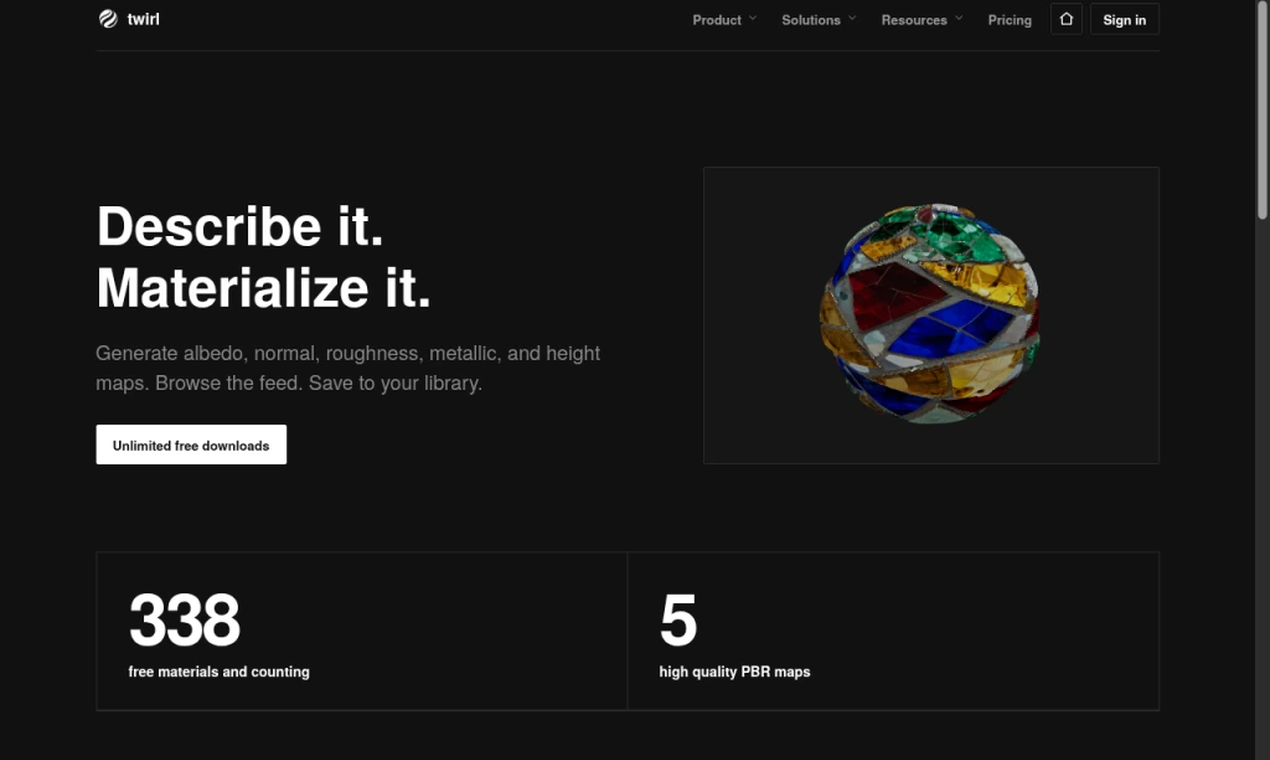
AI PBR material generator that turns a text prompt into a full map set, with a free public library anyone can download without an account.
Are you the maker? Claim this listing to keep info, pricing and screenshots current. Verified via your tool's domain email.
twirl is the right pick for solo 3D artists who need quick, usable PBR map sets without leaving the browser, especially with the Blender Connect add-on cutting out the manual import step. The free tier's 5 daily credits and 1024px base resolution are tight for production work, and the Pro plan's 160 monthly credits will run out fast on texture-heavy projects. If you need more than five maps per material, image-to-image generation, or API access, look elsewhere.
What is twirl?
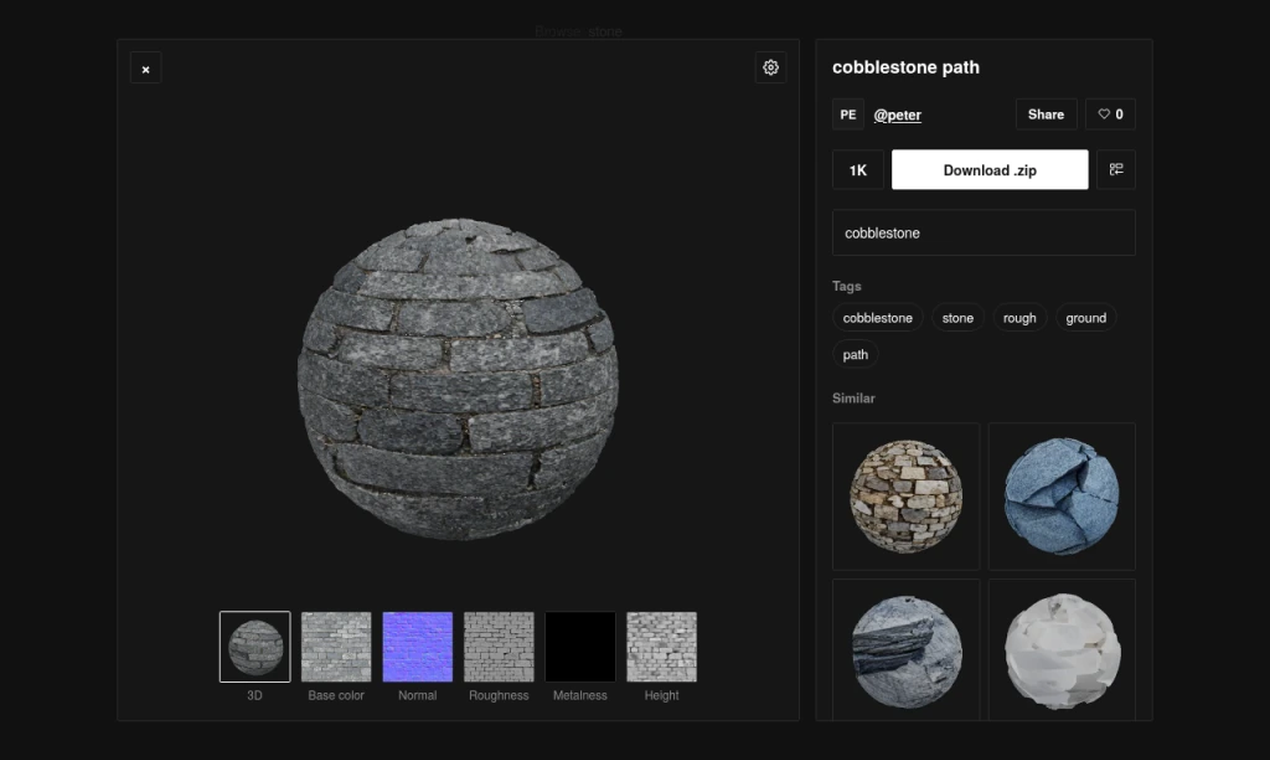
twirl is a web-based AI material generator aimed at 3D artists and game developers. Users describe a surface in plain text and receive a complete PBR map set, including albedo, normal, roughness, metallic, and height maps, delivered as PNGs in a ZIP file. A Blender add-on called twirl Connect allows one-click import of generated materials directly into a scene.
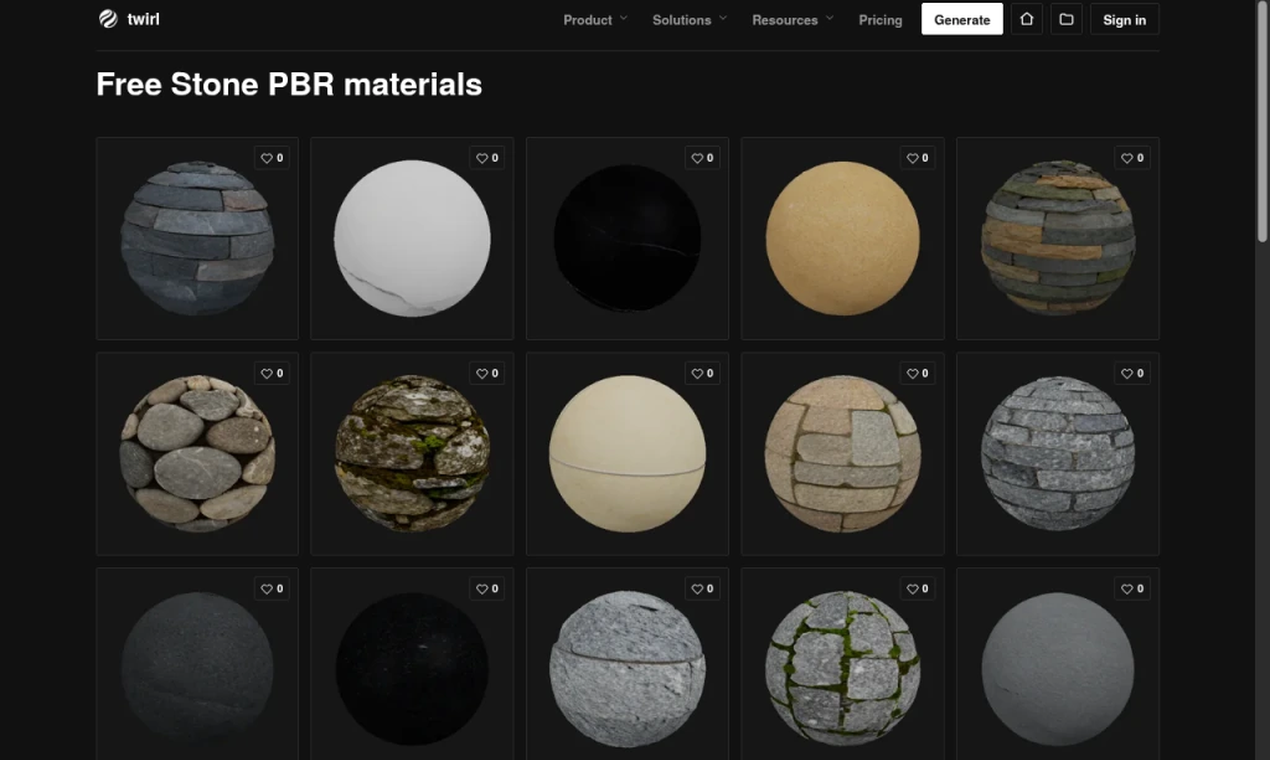
The tool includes a public library of community-generated materials that anyone can browse and download for free without an account. Generating new materials requires a free account with 5 daily credits. Paid plans, starting at $16 per month, add higher output resolutions (2x and 4x), private material generation, and monthly credit rollover.
How we scored twirl
Capability scores 15 because twirl outputs only five map types with no image-to-image input, no inpainting, and no API, while direct competitors like PBRgen already support image-to-image and more map types; the Blender Connect add-on is a genuine differentiator but does not close that gap. Ease of use scores 20 because the interface is minimal, the public library requires no account, and the credit model is transparent and simple. Value scores 16 because the free tier's 5 non-rolling daily credits are genuinely restrictive (a single 4x generation exhausts the day's allowance), and the Pro plan's 160 monthly credits at $25/month is modest compared to PBRgen's 1,000 credits at $9.99/month on its paid plan. Delivery scores 15 because the tool is a small, early-stage product with limited public track record, no documented user sentiment beyond a GitHub thread mention, and the free-tier privacy constraint (all generations go public) is a meaningful trust issue for artists on unreleased work.
Pros and cons
What we liked
- Public library downloads are genuinely free with no account required, making it useful even without a paid plan.
- The twirl Connect Blender add-on eliminates the manual ZIP-extract-and-node-setup step, which is a real time saver for Blender-centric workflows.
- Commercial use is included on all tiers, including the free plan, with no separate licensing fee.
Where it falls short
- The free plan's 5 daily credits do not roll over, so a single 4x-resolution generation consumes the entire day's allowance in one shot.
- twirl generates only five map types (albedo, normal, roughness, metallic, height) and does not support image-to-image input or material extraction from photos, capabilities that direct competitors already offer.
- Private materials require a paid plan; anything generated on the free tier is published to the public library, which is a meaningful privacy constraint for artists working on unreleased projects.
Key features
twirl pricing
Free plan at $0 gives 5 credits per day and 1024px base output with commercial use included. Standard is $16/month for 80 credits with 2x/4x output and private materials. Pro is $25/month for 160 credits with the same feature set. Credits do not roll over on the free plan; paid credits roll over one month.
| Plan | Price | Who it is for |
|---|---|---|
| Free | $0 | 5 credits per day (no rollover), base 1024px output, unlimited public library downloads, commercial use. All free-tier generations are published to the public library. |
| Standard | $16/month | 80 credits per month, 2x and 4x output, private materials, one-month credit rollover. |
| Pro | $25/month | 160 credits per month, 2x and 4x output, private materials, one-month credit rollover. |
Pricing reflects what we saw at time of review (2026-10). Always confirm current pricing on the tool's own site.
Who should use twirl?
twirl fits the solo Blender artist or indie game developer who regularly needs surface materials and wants to skip the manual texture-authoring process. The free public library alone is worth bookmarking if you work with common surfaces like concrete, wood, or metal, since downloading from it costs nothing and requires no login. The Blender Connect add-on makes it particularly practical for artists who live inside Blender and want to avoid the ZIP-extract-and-import routine.
Anyone running a studio pipeline, needing API access, or wanting to generate materials from reference photos should look elsewhere. Plnty, which is already in this directory, covers a much broader creative toolset including 3D and image generation on a spatial canvas, and may suit teams that need more than a single-purpose material tool. For raw map volume at lower cost, PBRgen offers 1,000 credits per month on its paid plan and supports image-to-image input, making it a stronger fit for high-output production work.
Skip it if: Studios or pipeline-heavy teams needing API access, image-to-image generation, or high-volume credit budgets.
Frequently asked questions
Do I need an account to download from the public library?+
No. Anyone can browse and download public materials without creating an account, and downloads never use generation credits.
How many credits does a 4x resolution generation cost?+
A 4x generation costs four credits. A base 1024px generation costs one credit, and a 2x generation costs two credits.
What maps does twirl actually output?+
Each generation produces five maps: albedo, normal, roughness, metallic, and height, delivered as PNGs in a single ZIP file.
Can I keep my generated materials private?+
Only on Standard ($16/month) and Pro ($25/month) plans. Free-tier generations are published to the public library automatically.
Do unused credits carry over to the next month?+
Paid plan credits roll over for one month. Free daily credits do not roll over and reset each day.
Does twirl work with Blender?+
Yes. The twirl Connect add-on imports a generated material directly into Blender in one click, without requiring manual ZIP extraction or node setup.
More AI Design & Art tools
See all categoriesGet your tool listed on 300+ directories.
One listing here is a strong start. But the founders who get discovered everywhere are listed everywhere. Our sister site, Free AI Directories, submits your tool to 300+ AI directories for you, every single one by hand, by a real person.
It is a one-time payment of $49, no subscription, and you can follow along as the submissions land. Prefer the slow route? The same site keeps a free list of 450+ directories you can work through yourself.
Get my tool listed on 300+ directoriesOne-time payment, no subscription · 100% human submissions · Free list of 450+ directories included.