
Y Build
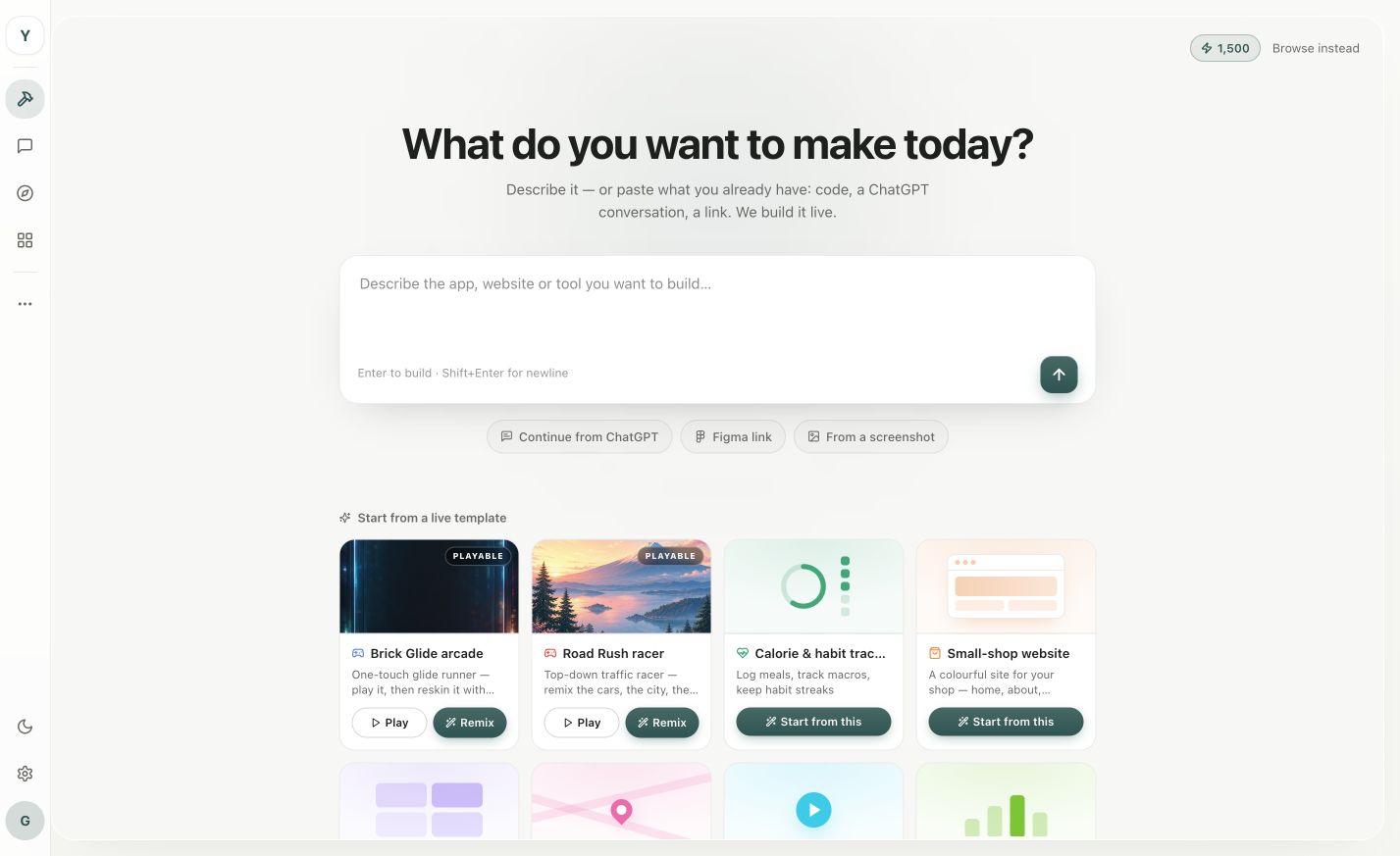
Y Build is a browser-based multi-agent workspace for founders and product teams building software. Specialist AI agents coordinate research, product planning, U
Are you the maker? Claim this listing to keep info, pricing and screenshots current. Verified via your tool's domain email.
Y Build is best for software teams needing AI-managed workflows. However, its steep pricing could deter smaller teams, who might find better value with simpler tools like Trello or Asana. Solo developers should look elsewhere.
What is Y Build?
Y Build helps founders and product teams build software in one shared browser workspace. Specialist AI agents coordinate research, product planning, UX, implementation, code review, testing, and launch work rather than operating as isolated chats. Teams can see the work in progress and keep approval over important decisions. Y Build offers a free plan, with paid Pro and Max tiers for teams that need more capacity.
How we scored Y Build
Y Build excels in providing a complete suite of AI agents that manage various aspects of software development. Its ease of use is fair, but the pricing may not suit smaller teams or solo developers. The tool delivers on its promise, though advanced features are locked behind higher tiers.
Pros and cons
What we liked
- Complete AI agent integration for various development tasks.
- Shared workspace for team collaboration and decision oversight.
- Free plan available with no time limit.
Where it falls short
- Higher pricing tiers may not be cost-effective for small teams.
- Limited functionality on the free plan compared to competitors.
- Complexity may present a learning curve for new users.
Key features
Y Build pricing
| Plan | Price | Who it is for |
|---|---|---|
| Free | Free | Basic access to AI agents and shared workspace. |
| Pro | $69/mo | Increased capacity and additional features for larger teams. |
| Max | $199/mo | Maximum capacity and full feature access for extensive project needs. |
Pricing reflects what we saw at time of review (2026-07). Always confirm current pricing on the tool's own site.
Who should use Y Build?
Y Build is ideal for mid-sized to large software development teams that need a coordinated AI-driven approach to manage complex projects. Its multi-agent system is particularly beneficial for teams that require integration across various development stages, from UX to launch. However, small teams or solo developers might find the Pro and Max pricing tiers prohibitive and may prefer alternatives like Trello for simpler task management.
Y Build alternatives
Frequently asked questions
What features does the free plan include?+
The free plan provides basic access to AI agents and the shared workspace, suitable for small teams.
How do the Pro and Max plans differ?+
The Pro plan at $69/mo offers more capacity and features, while the Max plan at $199/mo provides maximum capacity and full feature access.
Is there a learning curve with Y Build?+
Yes, due to its complete features and AI integration, new users might experience a learning curve.
Can Y Build be used for non-software projects?+
While primarily designed for software development, it can be adapted to other project types with some limitations.
More AI Agents & Automation tools
See all categoriesGet your tool listed on 300+ directories.
One listing here is a strong start. But the founders who get discovered everywhere are listed everywhere. Our sister site, Free AI Directories, submits your tool to 300+ AI directories for you, every single one by hand, by a real person.
It is a one-time payment of $49, no subscription, and you can follow along as the submissions land. Prefer the slow route? The same site keeps a free list of 450+ directories you can work through yourself.
Get my tool listed on 300+ directoriesOne-time payment, no subscription · 100% human submissions · Free list of 450+ directories included.