AI Tools List: Directories for Comparing Software
Browse this AI tools list by task, category, and pricing notes. Compare how each directory handles review, comparisons, and free browsing.
A designer needs a tool to turn a rough brief into editable screen layouts. A marketer needs to turn a webinar into short clips. Both search for an AI tools list and find dozens of pages with similar names, short descriptions, and little explanation of how anyone checked the products.
The problem isn't a lack of options. It's knowing which listings deserve attention. A directory can help someone discover software without establishing whether that software handles sensitive files safely, exports usable work, or includes the advertised features in the relevant subscription.
How a directory checks and organizes listings matters more than catalog size. A useful comparison separates human review from product summaries, editorial scores from popularity, and ongoing free access from a temporary trial. It also makes the next verification step clear.
- Review process: Does someone check functionality and claims before publication?
- Task matching: Can a reader narrow the search to a concrete outcome?
- Comparison depth: Are pricing, limitations, and alternatives easy to assess?
- Remaining checks: What still needs confirmation on the product's website?
A focused guide to top AI design tools can help readers define a design workflow before searching a broader directory. The directories below serve different discovery needs. None replaces evaluating a shortlisted product against the actual work.
No tool pays to be mentioned or ranked in this comparison.
Table of Contents
- 1. AI Tool Seekers
- 2. Futurepedia
- 3. There's An AI For That
- 4. Toolify
- 5. AIxploria
- 6. AI Tool Index
- 7. AIUseFlow
- 8. AI Tool Finder
- 9. allAilists
- 10. Toolveyor
- How each AI tools list directory handles browsing, review, and pricing information
- How to Turn Any AI Tools List Into a Short, Trusted Shortlist
1. AI Tool Seekers
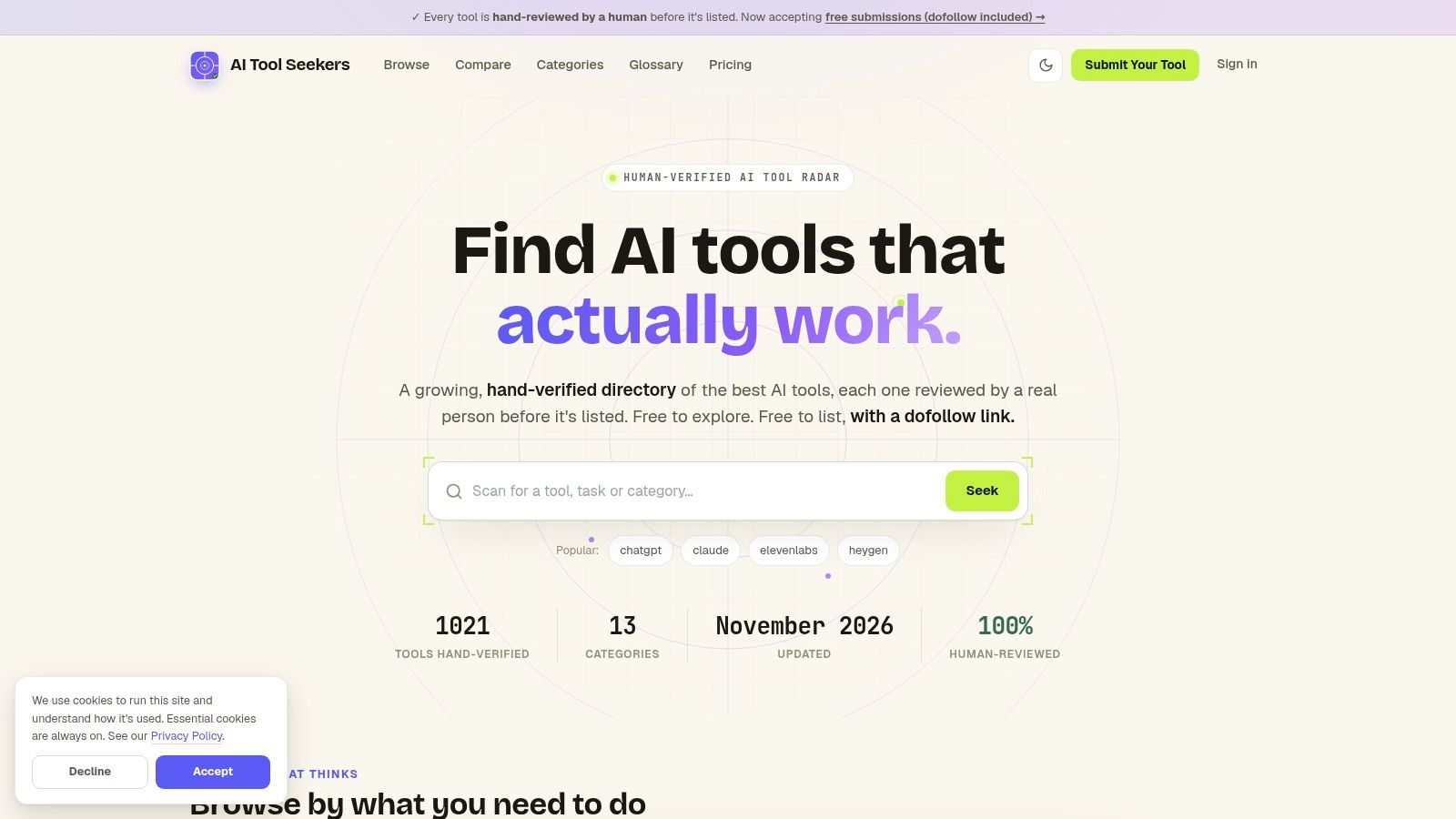
AI Tool Seekers is the strongest starting point for readers who want a stated human-review process alongside task-based discovery. Its free-to-browse directory covers 751 hand-verified tools across writing, design, coding, research, marketing, automation, and AI agents.
Before publication, a person checks that the product is real, working, and accurately described. Reviews consider functionality, claims, features, pricing, and user reports rather than automatically publishing scraped descriptions. Submissions require the tool's name, website, description, category, and pricing model, and tools scoring under 50 are not listed. The submitter receives the score and reasoning and can resubmit after improving the product.
What the editorial score means
Each listing receives an Editor's Score from 0 to 100, broken into Capability, Ease of use, Value, and Delivery. These are editorial assessments, not user ratings or guarantees of suitability. Listings also show pros, cons, pricing, and a visible verified date, and makers can claim their listing through a domain email to keep that information current.
Side-by-side comparisons bring features, prices, and scores together, while alternatives pages match each tool with at least three real substitutes based on what it does. Free utilities for discovery, cost, readiness, and visibility, plus a plain-language glossary, give readers more context without leaving the site.
- For buyers: Human checks and a consistent rubric provide more context than a short product description.
- For makers: Basic submissions are free, require no credit card, and include a permanent listing with a dofollow backlink after approval.
- For expedited review: Fast Track costs $19 once, with review within 24 hours, priority email support, and a refund if the tool is declined or the deadline is missed.
Standard review takes up to seven days. There are no pay-to-rank slots, so payment changes review speed rather than scores, ranking, or placement.
The limits: The catalog only contains products submitted for review, so a strong tool that was never submitted will be absent. Readers should treat the directory as a well-vetted starting shortlist and confirm final fit on each vendor's site.
2. Futurepedia
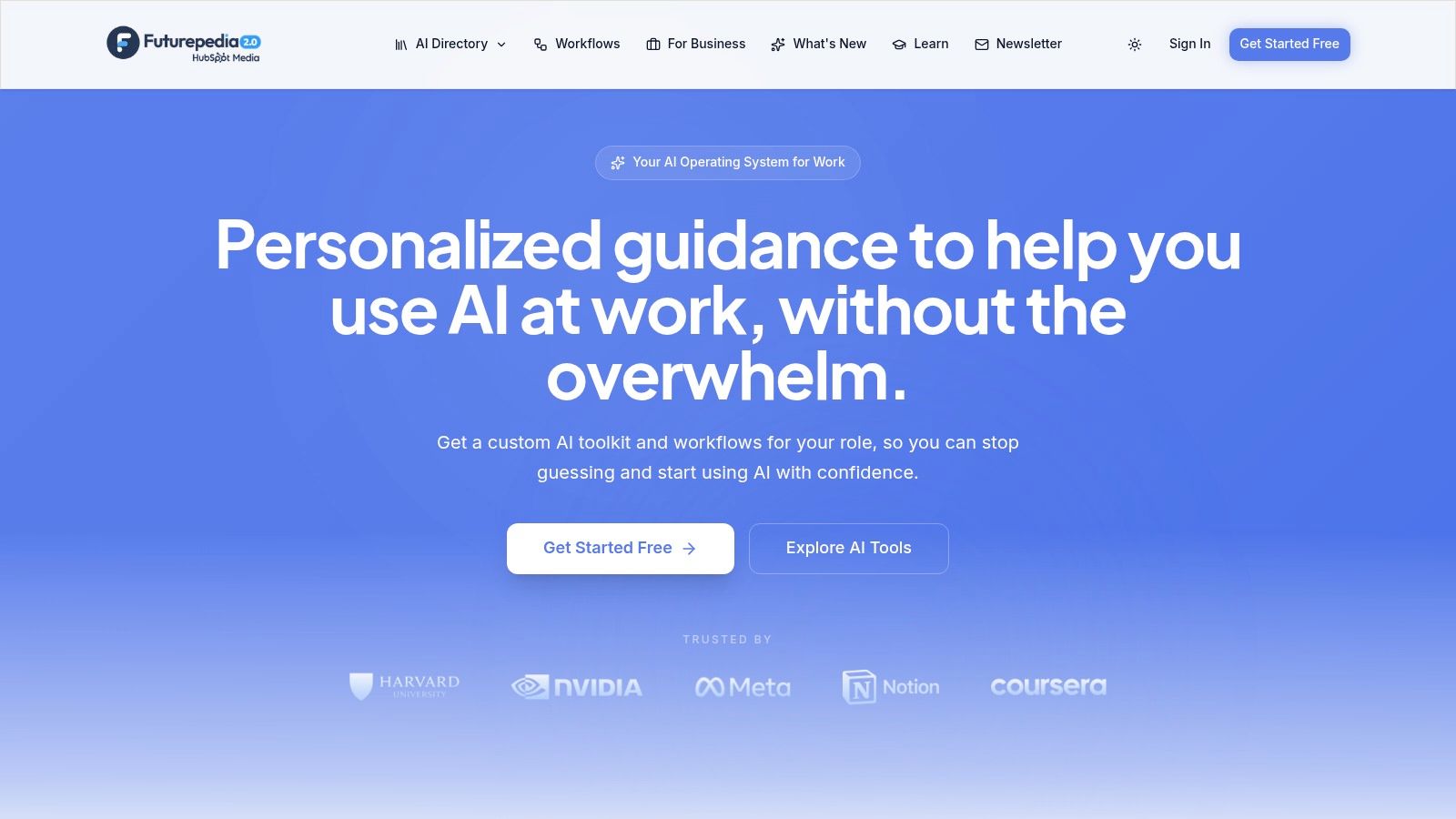
Futurepedia suits readers who know the general kind of work but haven't chosen a product. Its category-based directory covers productivity, video, text generation, business, images, automation, audio, and coding.
That breadth helps during early exploration. A creator researching video software can investigate related audio and writing categories without treating every product as a direct substitute. The useful next step is separating tools that generate new material from tools that edit existing files.
Best for exploring a category
Choose Futurepedia for broad discovery, not as the final purchasing decision. Category browsing provides routes into product listings, but readers still need to establish which features matter for their workflow.
For example, a video shortlist should distinguish subtitle editing, transcript-based editing, and text-to-video generation. All belong near video production, but they solve different problems and require different evaluation criteria.
- Strength: Broad categories help readers explore unfamiliar types of software.
- Limitation: Category placement alone doesn't provide a detailed side-by-side comparison or establish independent evaluation.
- Provider check: Confirm supported inputs, export formats, integrations, and current access terms on each product's website.
Readers comparing navigation styles can also browse task and software categories to see which labels best match their intended outcome. Pricing and access belong to the listed providers, not the directory, so a discovery page shouldn't be treated as a subscription offer.
3. There's An AI For That
A reader who needs to extract action items from meeting notes may not know whether to search under transcription, productivity, or automation. There's An AI For That addresses that problem through task-oriented discovery.
Its directory helps readers look for a job or desired outcome and follow listings to product websites. This makes it useful for finding niche software that might be hard to locate through familiar category names.
A task match is a reason to investigate a product, not evidence that the product can complete the entire workflow.
The main advantage is search language that starts with the work. Its limitation is that a listing doesn't, by itself, establish independent evaluation or prove that a product handles every variation of that task.
Turn a task into requirements
For a marketing search, the distinction matters. Drafting campaign copy, scheduling posts, and analyzing results are separate capabilities, even when vendors describe all of them as marketing assistance.
A focused guide to AI marketing tools can help define those differences before a task search.
- Best fit: Readers who can describe an outcome but don't know the software category.
- Strength: Task discovery can reveal specialist products alongside familiar names.
- Provider check: Confirm input requirements, output quality controls, integrations, and current pricing on the official website.
A strong shortlist should contain products that deliver the same outcome. Otherwise, the comparison becomes a choice between different jobs rather than competing tools.
4. Toolify
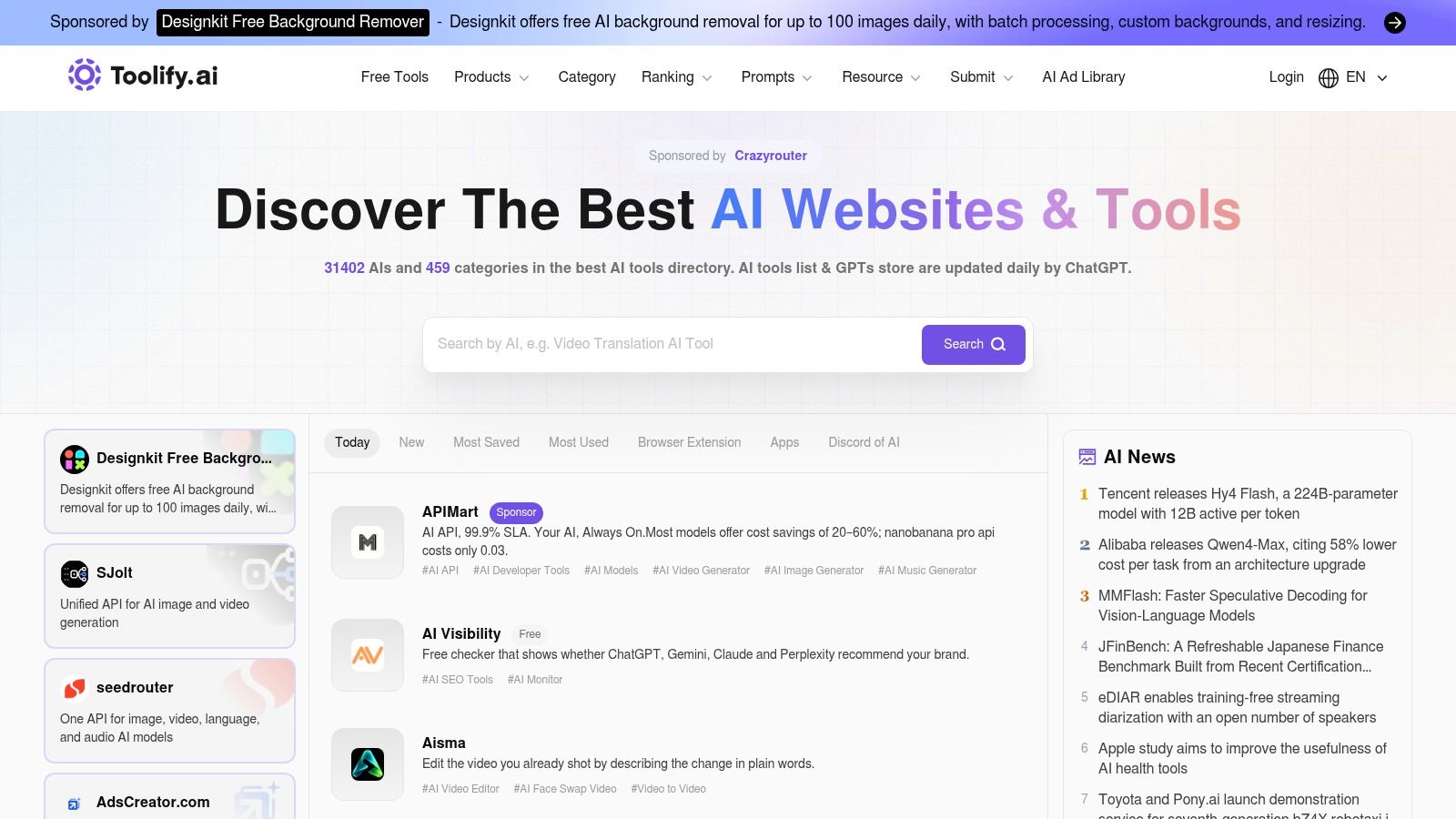
Use Toolify to expand an existing shortlist. Its category browsing and search provide a straightforward route to AI products beyond the names a reader already recognizes.
That makes it useful after the task is defined. A developer researching coding assistance, for example, can look for alternatives without assuming that a chat-based coding tool and a repository-focused assistant offer equivalent functionality.
The limitation is the work left after discovery. Broad coverage doesn't establish that every listing is current, equally vetted, or detailed enough for a purchasing decision.
Where the comparison needs more work
Capterra's software buyers guide recommends evaluating core requirements, budget, relevant reviews, and integrations while checking what the base price includes and which features cost extra. That approach fits a broad catalog: discovery creates candidates, while requirements eliminate mismatches.
- Strength: A broad catalog helps readers find products outside an existing shortlist.
- Limitation: Readers may need to assemble their own feature, price, and restriction comparison.
- Provider check: Verify billing structure, required integrations, export access, and the features included in the relevant plan.
An AI aggregator platform guide also helps clarify the difference between a directory that points to products and a service that provides access to AI capabilities itself. Finding a product through Toolify doesn't establish that Toolify supplies that product's account, support, or subscription.
5. AIxploria
AIxploria offers different routes into discovery: category pages, a Top 100 list, and favorites for bookmarking and sharing tools. The ranked page highlights popular or trending products, while categories support a more directed search.
Choose AIxploria for browsing and saving candidates. Its favorites feature is useful when several people need to revisit the same collection before deciding what deserves closer examination.
Popularity needs a separate interpretation from quality. A prominent tool may attract attention without meeting a particular team's privacy requirements, integration needs, or output standards.
Selection rule: Treat a popular listing as a discovery signal. Require task-specific evidence before treating it as a recommendation.
A creator could use favorites to gather image, audio, and video candidates for a campaign. The next step should be separating that collection into comparable groups, not choosing whichever product appears most prominently.
- Strength: Category navigation and a popularity-focused list support different browsing habits.
- Useful feature: Favorites help readers retain and share tools worth investigating.
- Limitation: Prominence isn't an independent assessment of quality or workflow suitability.
- Provider check: Confirm current capabilities, pricing, export restrictions, and commercial-use terms directly with each product.
The directory is most useful before the detailed evaluation stage. Saved candidates still need a written reason for inclusion, such as editable output, a required integration, or support for a particular file type.
6. AI Tool Index
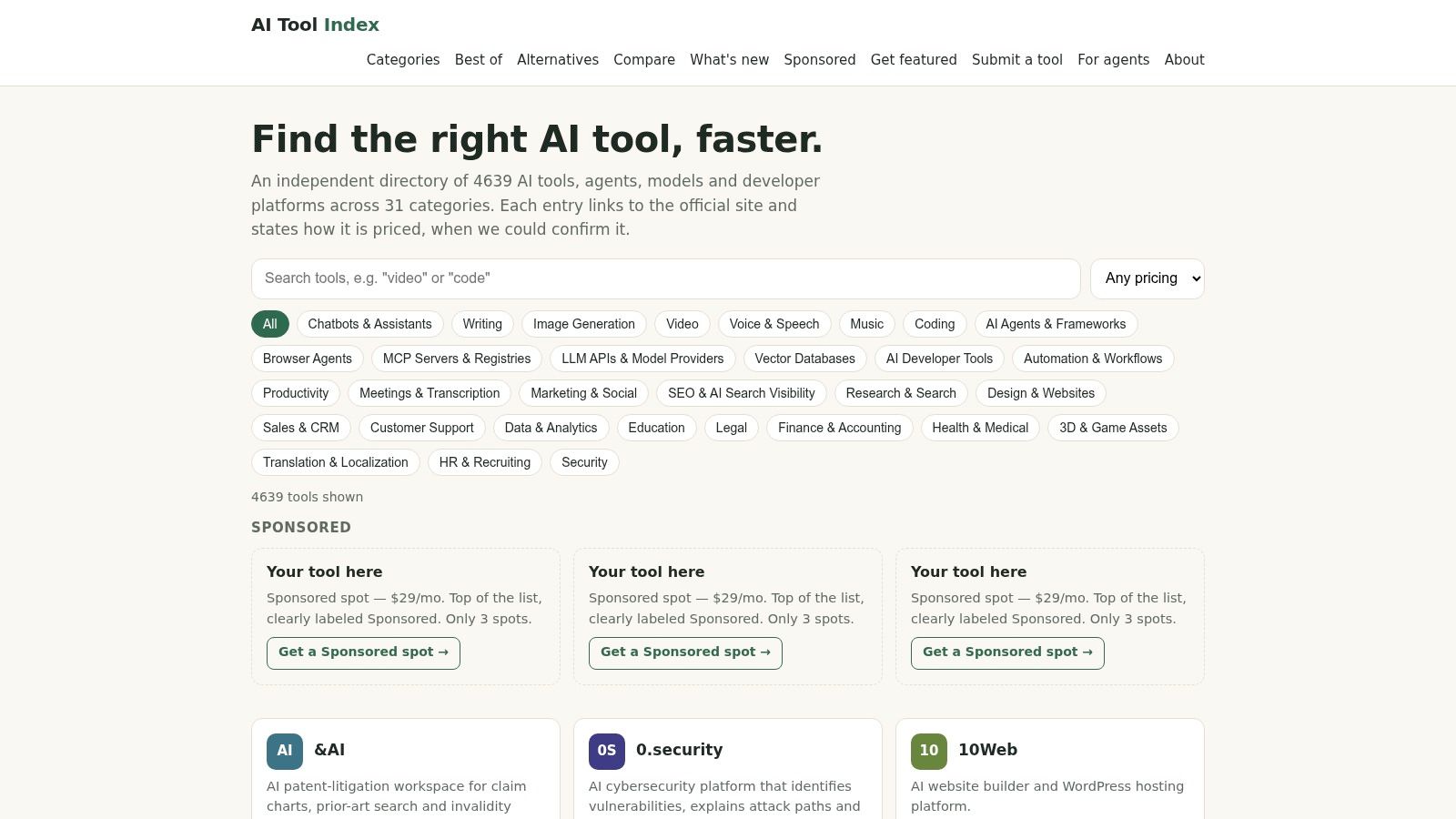
AI Tool Index describes itself as an independent catalog of more than 3,000 AI tools, agents, models, and developer platforms across 31 categories. Its scope extends beyond consumer-facing apps to technical products and infrastructure.
That distinction matters for developers and automation builders. An application supplies an interface for completing work. A model supplies an underlying capability, while a developer platform supplies components for building a system.
Best for technical discovery
Choose this directory when the search includes infrastructure, not just finished apps. Its categories include coding, research, productivity, marketing, and security, and listings connect readers to official product sites.
The directory provides pricing information where confirmed. Those notes support initial investigation, but the vendor's current pricing page remains the place to verify rates and access conditions.
- Strength: Coverage includes agents, models, and development platforms alongside everyday tools.
- Limitation: The broad scope requires careful filtering to avoid comparing different product types.
- Provider check: Inspect documentation, authentication, data handling, deployment options, and usage-based billing.
For a coding workflow, a useful comparison should distinguish an editor assistant from an API used inside a custom application. Their interfaces, setup needs, and operating costs won't be directly comparable.
Catalog breadth helps reveal options. It doesn't remove the need to establish who will configure the product, maintain the integration, and review its outputs.
7. AIUseFlow
A marketing manager and an engineering lead rarely start software searches with the same vocabulary. AIUseFlow organizes discovery around work areas and departments, including automation, coding, productivity, developer tools, video, research, marketing, and design.
The site reports 793 tools and says its pricing and free-plan details come from official pricing pages. Readers should check those provider pages for current terms rather than treat a directory label as a purchase commitment.
AIUseFlow is a practical starting point for department-level shortlisting. Its navigation helps teams connect a business function to possible software without requiring everyone to understand technical product categories first.
Read access labels carefully
Free, freemium, trial, and paid access aren't interchangeable. A trial provides temporary evaluation access, while freemium generally describes ongoing access with paid upgrades.
- Strength: Department-oriented navigation fits searches led by business teams.
- Useful context: Provider-sourced pricing notes help identify products worth examining.
- Limitation: Tool counts, prices, and plan details can change after publication.
- Provider check: Confirm usage allowances, renewal terms, team permissions, and whether required features remain available after a trial.
For a shared workflow, the team should also check whether each participant needs a separate paid account. A product that suits an individual experiment may require a different plan for collaboration.
The strongest use of this directory is functional discovery followed by a provider-level review. Department labels identify relevance, not implementation readiness.
8. AI Tool Finder
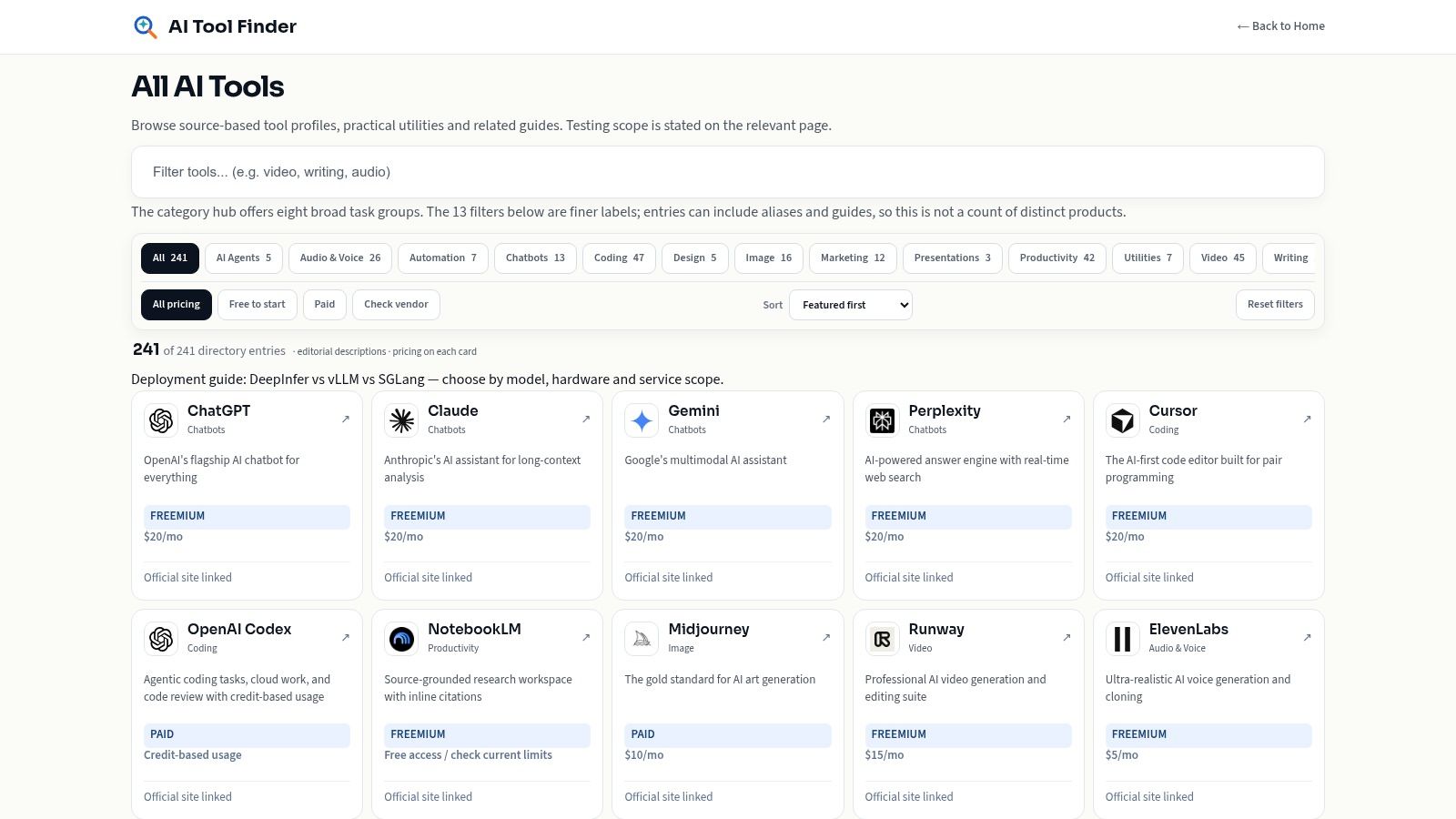
AI Tool Finder is suited to quick initial shortlisting. Its catalog uses category labels, brief descriptions, and pricing or free-tier notes for some entries.
Coverage includes chatbots, coding, image generation, video, audio, productivity, and automation. The short format helps readers scan product purposes without opening every vendor website immediately.
That same brevity limits evaluation depth. A summary can explain what a product is for without explaining its export restrictions, reliability, security controls, or integration requirements.
Use summaries to eliminate mismatches
The best approach is to scan for a concrete capability. A reader seeking audio transcription should distinguish transcription from speech generation before comparing interfaces or access labels.
- Strength: Brief descriptions make initial browsing manageable.
- Useful signal: Pricing labels help identify which providers deserve closer investigation.
- Limitation: Short summaries can omit important differences between similar products.
- Provider check: Verify any stated free tier on the vendor's site, including its restrictions, and confirm that temporary access is a trial.
A product shouldn't remain on the shortlist merely because its description sounds relevant. It should meet a specific requirement, such as accepting an existing recording or exporting editable text.
AI Tool Finder works best as a filter before deeper research. Readers with strict procurement, privacy, or technical requirements should expect to consult product documentation before selecting a candidate for evaluation.
9. allAilists
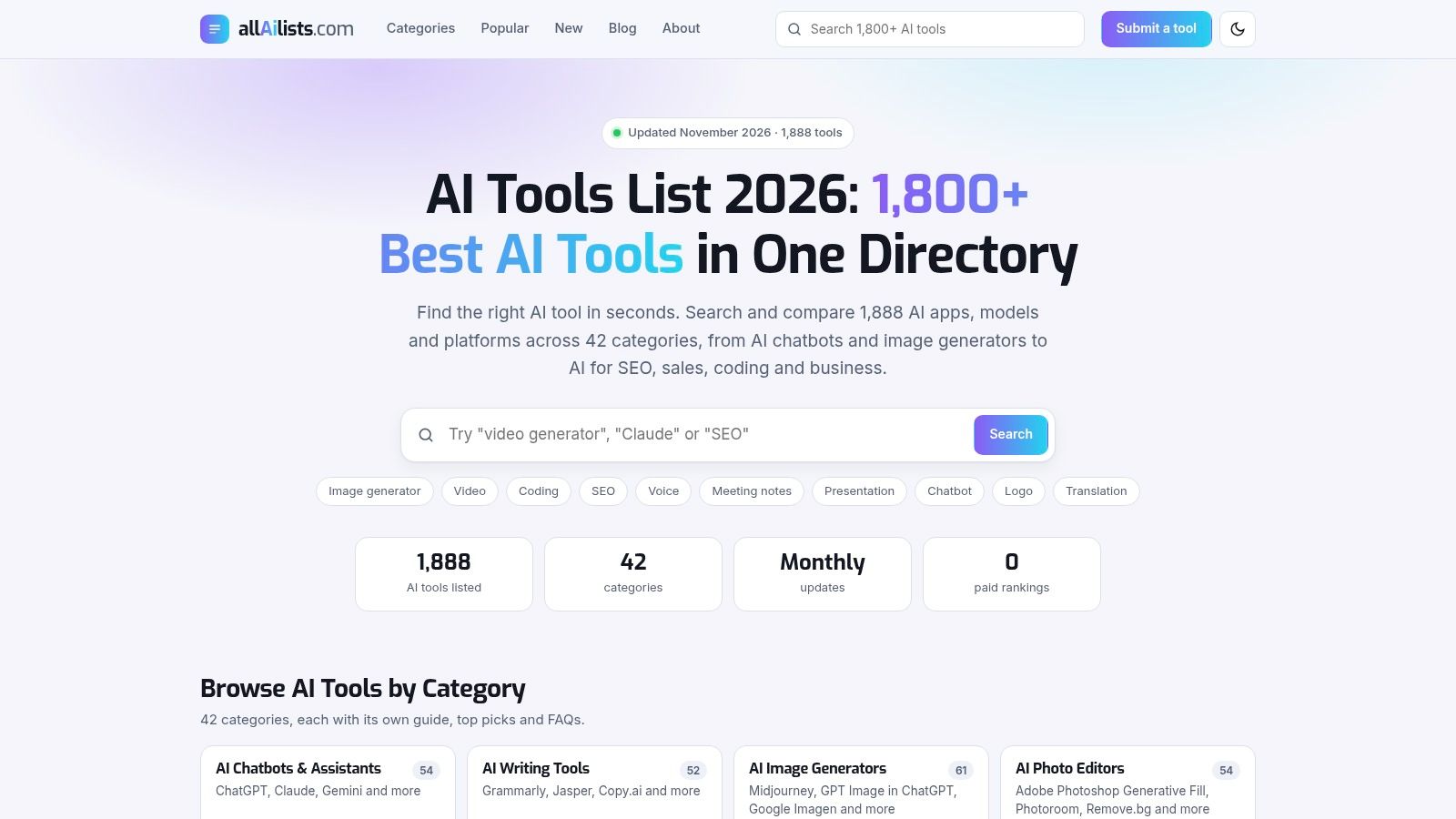
allAilists says its catalog contains more than 1,800 AI tools, covering creator and productivity software alongside sales, customer support, legal, healthcare, finance, and cybersecurity. Plain-English descriptions explain general purposes, and listings link to official websites.
Choose it for exploration across industries. Its category range helps readers find specialist products that might not appear in a creator-focused directory.
Specialist categories require stronger verification, however. Being listed under legal or healthcare doesn't establish professional suitability, regulatory compliance, or safe handling of confidential information.
Apply a privacy filter
In Cloudera's survey of enterprise IT leaders, 53% identified data privacy as a barrier to AI-agent adoption. For specialist searches, privacy belongs in the selection criteria before any sensitive material enters a product.
- Strength: Broad industry coverage supports discovery beyond general-purpose assistants.
- Limitation: Plain-language summaries don't replace security, feature, or pricing comparisons.
- Provider check: Review retention, training defaults, deletion controls, access permissions, and contractual commitments.
A finance team exploring document analysis should begin with public or synthetic files. Customer records and internal financial information should remain outside the evaluation until the organization approves the product's handling arrangements.
Official-site links make verification easier, but listing freshness still needs attention. Readers should confirm that the vendor continues to offer the described product and supports the intended workflow.
10. Toolveyor
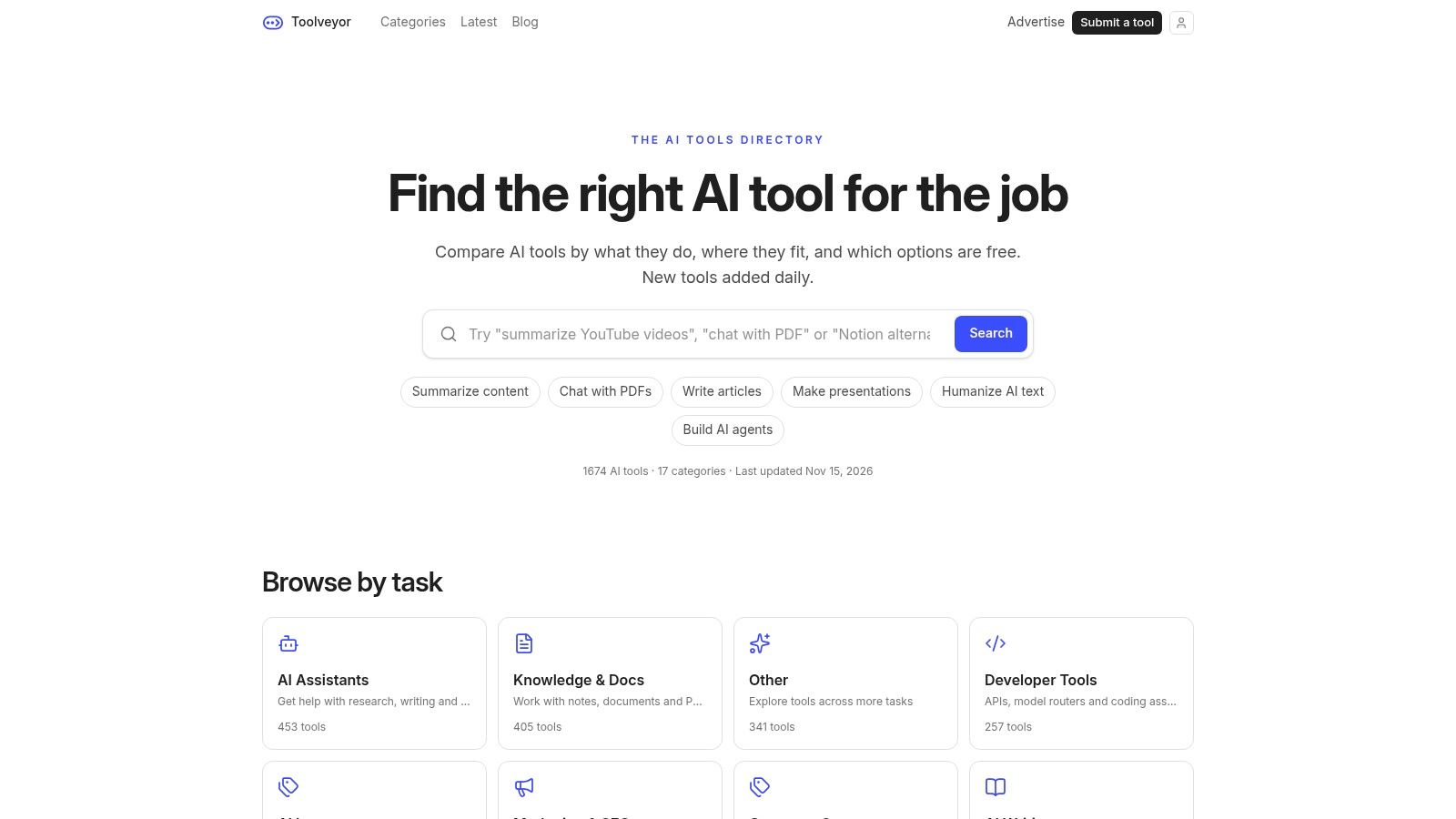
Toolveyor combines task-based browsing with pricing comparison. The directory says its descriptions draw on product websites and are checked for accuracy before publication.
That gives readers a stated description-checking process. It shouldn't be interpreted as proof that every product underwent hands-on evaluation under realistic conditions.
Choose Toolveyor when the job is clear and pricing context matters early. It can help connect a work need with candidates before readers spend time examining detailed provider documentation.
Accurate product descriptions and dependable product performance are separate questions.
A tool may offer the stated function yet still produce inconsistent results on difficult inputs. A directory's publication checks therefore deserve attention, but they don't remove the need for workflow evaluation.
Compare the whole purchase
Capterra's comparison scorecard advises buyers to account for setup and training fees, trial terms, expansion costs, and long-term discounts instead of comparing sticker prices alone. Those considerations help turn pricing context into a realistic purchasing comparison.
- Strength: Task navigation connects a concrete need with possible products.
- Useful context: Pricing comparison supports initial shortlisting.
- Limitation: Coverage may omit relevant options, and provider details can change.
- Provider check: Confirm current features, billing units, required add-ons, cancellation terms, and integration costs.
Toolveyor is most useful as a starting point for a cost-aware search. The final choice should depend on completed work, required oversight, and total operating cost rather than the lowest advertised subscription alone.
How each AI tools list directory handles browsing, review, and pricing information
Each directory answers three questions differently: how you find tools, whether a person checked them before publishing, and how much pricing detail you get.
| Directory | Main way to browse | Human review stated | Pricing information |
|---|---|---|---|
| AI Tool Seekers | By task or category, with side-by-side comparison on features, pricing and score | Yes; every tool is hand-reviewed before listing and carries an Editor's Score split into capability, ease of use, value and delivery | Free to browse; a free listing costs $0 and includes a dofollow link; the optional $19 Fast Track speeds review up only and does not change the score, ranking or placement |
| Futurepedia | By category and use case | Not stated | Varies by provider |
| There's An AI For That | Search by task or desired outcome | Not stated | Varies by product |
| Toolify | By category or catalog search | Not stated | Varies by listed tool |
| AIxploria | By category or the Top 100 list | Not stated | Varies by listed tool |
| AI Tool Index | 31 categories covering tools, agents, models, and platforms | Self-described as independent; human review not stated | Shown where the site could confirm it |
| AIUseFlow | By work area or department | Not stated | Free-plan and pricing details come from official pages, according to the site |
| AI Tool Finder | By category, with brief scannable listings | Not stated | Some listings include pricing or free-tier notes |
| allAilists | By category across consumer, business, and specialist areas | Not stated | Pricing and access vary by product |
| Toolveyor | By task, with pricing comparison | Descriptions are checked for accuracy, according to the site | Pricing comparison is a stated focus |
Read the review column first. A stated human check means someone looked before publishing; "not stated" means you do that work yourself. Wherever a directory lands, treat its pricing figures as leads and confirm current plan costs on each provider's own page.
How to Turn Any AI Tools List Into a Short, Trusted Shortlist
A useful AI tools list should produce a small set of relevant candidates, not another folder of bookmarks. The starting point is a written task with a recognizable finished result, such as turning an approved webinar recording into captioned clips.
The directory should then help identify products that solve that same task. Comparing a script generator with a video editor won't produce a meaningful winner, even if both appear under content creation.
A practical selection checklist
- Pick one task: Define the input, required output, and conditions that make the result usable.
- Shortlist two or three tools: Keep only candidates that address the same outcome.
- Inspect the review process: Look for human checks, stated criteria, verified dates, and a distinction between editorial opinion and vendor claims.
- Confirm provider terms: Check current pricing, usage limits, export access, integrations, and cancellation conditions on each provider's site.
- Separate trials from free plans: Record what happens when temporary access ends.
- Review data handling: Establish whether files or prompts are retained, used for training, or shared with other service providers.
- Evaluate actual work: Compare results using the same representative inputs and acceptance criteria.
Human oversight belongs in that process. The NIST AI Risk Management Framework guidance calls for defined oversight responsibilities and empirical evaluation of capability claims, including human and automated assessment where appropriate.
For an AI agent, evaluation should include what happens when an instruction is ambiguous or a connected service fails. For a research assistant, it should include whether citations support the statements made. For a design tool, it should include whether the exported work remains editable in the intended production environment.
Judge finished work, not the demo
A narrow creative task makes this concrete. A designer looking to compare free tattoo design generators should evaluate control over placement, line detail, revisions, and export suitability rather than choose from attractive sample images alone.
The same principle applies to business software. A polished demonstration doesn't establish how much correction, setup, or supervision the workflow in practice requires.
No directory replaces hands-on testing of the intended work. Human-reviewed listings provide a better basis for investigation, while task navigation and comparison pages reduce browsing effort. The trusted shortlist is the one supported by current provider terms, appropriate data controls, and results that meet the task's requirements.
AI Tool Seekers offers human-reviewed listings, task-based navigation, editorial scores, and side-by-side comparisons for building a focused shortlist. Readers can visit AI Tool Seekers to compare relevant products, inspect their pros and cons, and identify the provider details to verify before committing.