Auto Notes AI: 10 Tools Compared Before You Pick
Auto notes AI tools compared on transcription, summaries, integrations, and pricing. See what each one does well and where it falls short before you pick.
Why do meeting notes still eat so much time when recording a call is already automatic? The hard part isn't capturing speech. It's finding the decision, checking who owns the follow-up, and moving that information into the system where work happens.
Auto notes AI tools cover several jobs: live transcription, summaries, action items, searchable meeting archives, and integrations with calendars and customer relationship management systems, or CRMs. Those jobs aren't interchangeable. A readable summary won't necessarily update a sales record, and a transcript won't necessarily preserve the reasoning behind a decision.
The tools below are described from their own websites, not from hands-on testing. No tool pays for inclusion or ranking. Each entry considers workflow fit, capture method, useful outputs, and limitations that matter after the first demonstration.
Capture: Does the tool join as a bot, capture through an app, or accept uploaded recordings?
Follow-through: Can someone retrieve evidence, assign work, or update an existing business system?
Practical limits: Do storage, meeting allowances, platform support, and paid features match actual usage?
For support teams, meeting notes are only part of the process. Vight's guide to help desk automation provides related context for connecting captured information to operational work.
The right choice depends less on summary polish than on what happens after the call.
Table of Contents
- 1. Fathom
- 2. Otter.ai
- 3. Fireflies.ai
- 4. Granola
- 5. Notta
- 6. tl;dv
- 7. Avoma
- 8. Krisp
- 9. Read AI
- 10. Sembly AI
- How the 10 auto notes AI tools compare
- Picking Your Auto Notes AI Tool and Checking the Details
1. Fathom
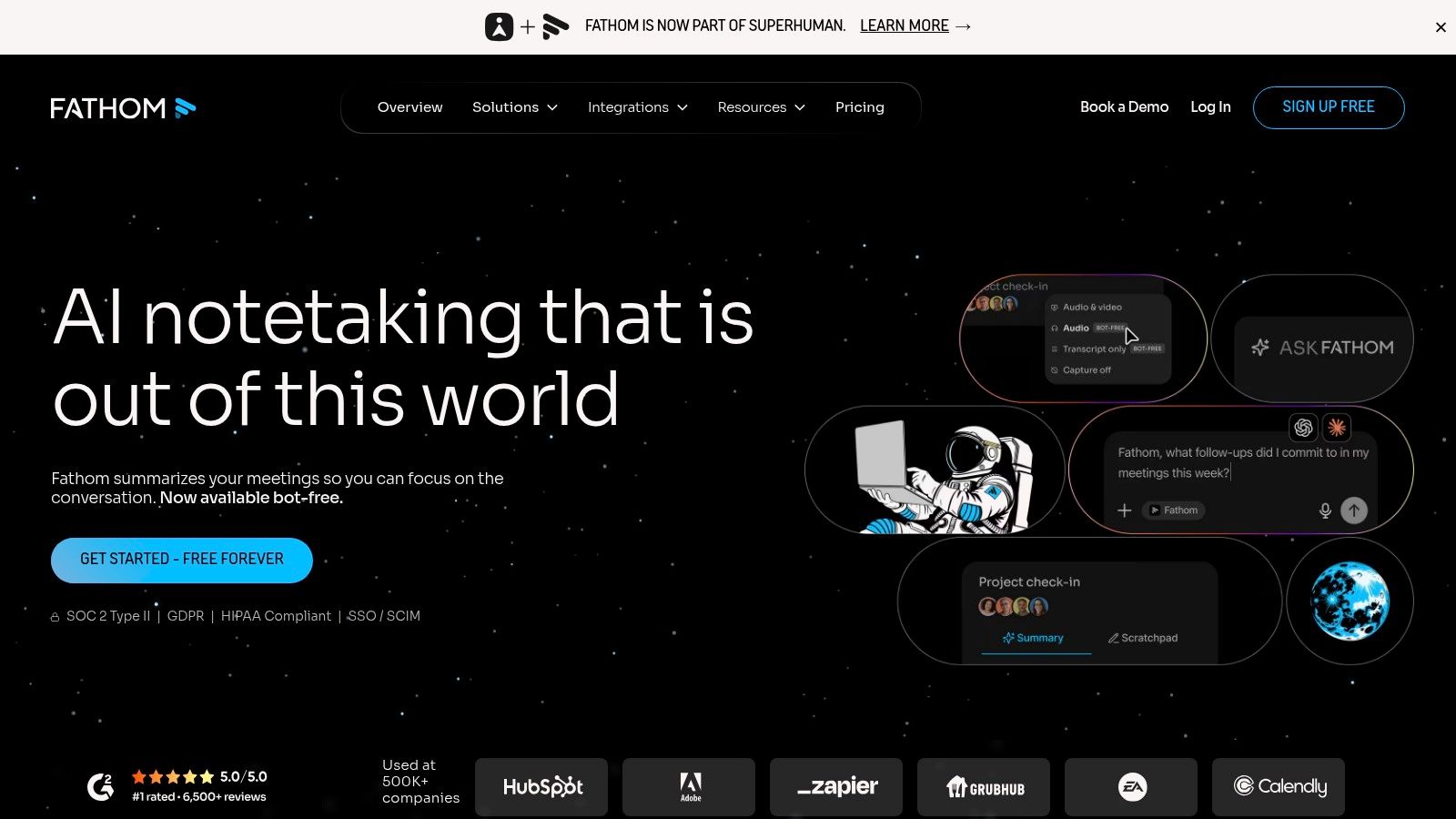
Fathom fits individuals who want a searchable meeting record before committing to a team platform. Its recordings, transcripts, and AI summaries support a straightforward workflow: capture the conversation, review the recap, and return to the relevant passage when context matters.
According to Fathom's website, its free individual plan includes unlimited recordings and transcriptions, while some team plans require at least two users. Those are vendor-listed terms, so prospective subscribers should check current allowances and seat requirements there before choosing a plan.
Where it fits
Search, clips, and playlists are useful when a colleague needs the customer's actual explanation rather than another paraphrase. A product manager could organize excerpts about onboarding problems, while a consultant could revisit the wording behind a disputed requirement.
Useful starting point: Individual recording and transcription can establish whether automatic notes improve an existing routine.
Team upgrade: Paid options add collaboration, action-item, and CRM-related capabilities.
Capture caveat: The bot-free Mac option is described as a beta, so it shouldn't be assumed to work across every device.
The main trade-off is between personal capture and shared operations. A generous individual allowance doesn't mean every business workflow is included. Teams should verify how summaries reach colleagues, which CRM actions are supported, and whether their preferred capture method works on company-managed computers.
2. Otter.ai
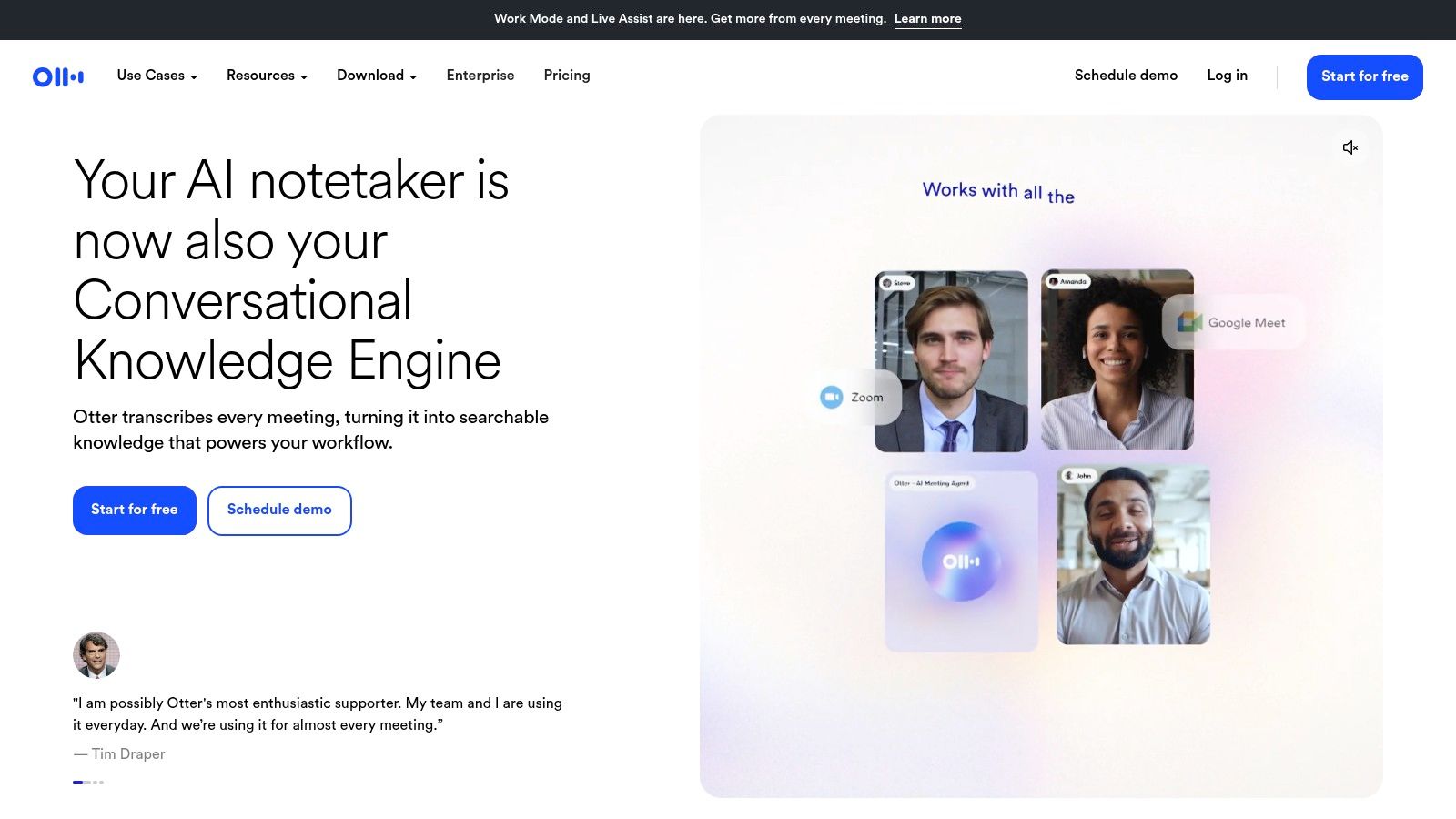
Live text during the call is the reason to pick Otter.ai over a tool that delivers a recap afterward. It combines live transcription, speaker labels, playback, search, summaries, and chat about meeting content across Zoom, Microsoft Teams, and Google Meet. That suits participants who need to follow the conversation as it happens, whether they are working in a second language, joining from a noisy room, or retain information better by reading.
Otter's website lists a free plan with 300 transcription minutes per month, while Pro lists 1,200 monthly minutes and a 90-minute meeting cap. Check those vendor-listed allowances before subscribing, alongside import restrictions and administrative features.
Speaker labels need review
Speaker attribution can draw on account and workspace speaker data, participant names, and manual corrections. A finished transcript alone does not prove who said what, and misattributed commitments are the fastest way to lose trust in a summary.
Practical rule: Verify the speaker attached to every commitment before assigning a task from an automatic summary.
Otter suits recurring discussions where participants follow live text and search the record later. It is a weaker fit when long recordings or heavy file uploads exceed the chosen plan's allowance.
If the job is turning existing audio into text rather than running a live meeting workspace, the AccurateScribeAI listing on AI Tool Seekers is a useful comparison point. The distinction that matters is processing finished recordings versus supporting the meeting as it happens. Those are different purchases.
3. Fireflies.ai
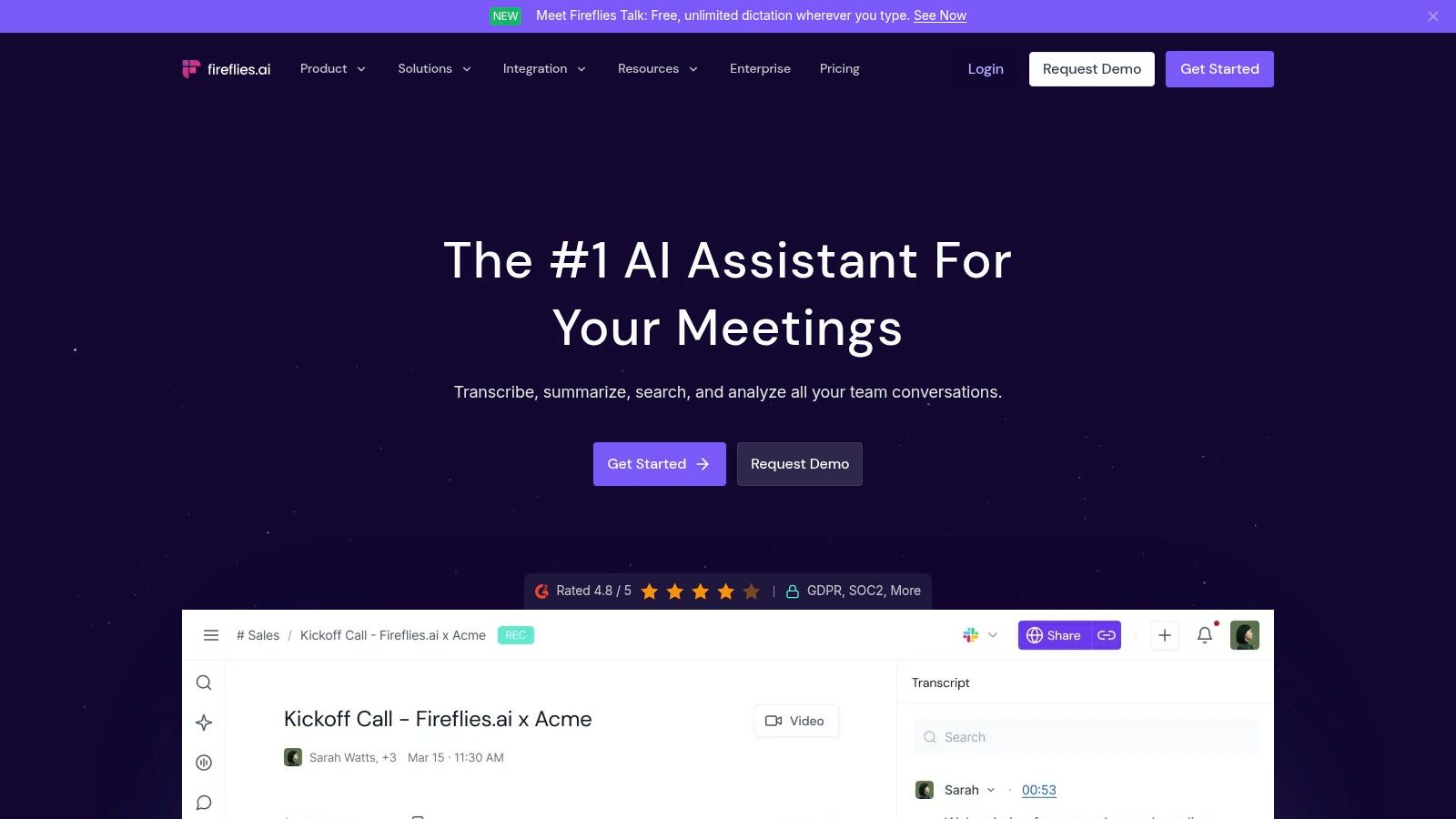
A sales operations team rarely needs another isolated document. It needs meeting information connected to customer records, shared channels, and repeatable processes. Fireflies.ai fits that integration-heavy workflow, combining recordings, transcripts, summaries, action items, and searchable meeting archives.
Fireflies' website describes integrations, conversation analytics, an API, webhooks, and MCP connections. Its help information lists 400 minutes of storage and a three-meeting limit for the free plan; readers should verify those vendor-listed terms before treating free access as an ongoing archive.
Connect deliberately
An API lets software exchange information. Webhooks notify another application when an event occurs. MCP connections can make meeting information available to compatible AI clients, subject to the product's supported access and configuration.
Strong fit: Teams that need searchable customer conversations connected to established business processes.
Operational cost: Someone must configure destinations, permissions, and error handling.
Plan caveat: Advanced AI and analytics functions may consume credits or require a paid tier.
Search and analytics can help a manager locate recurring objections across calls. They won't fix inconsistent account names or unclear ownership in the destination CRM.
The Notion AI listing provides a useful comparison for teams deciding between a dedicated conversation archive and notes inside a broader workspace. Fireflies makes more sense when the meeting record must travel across systems, not merely stay readable in one document.
4. Granola
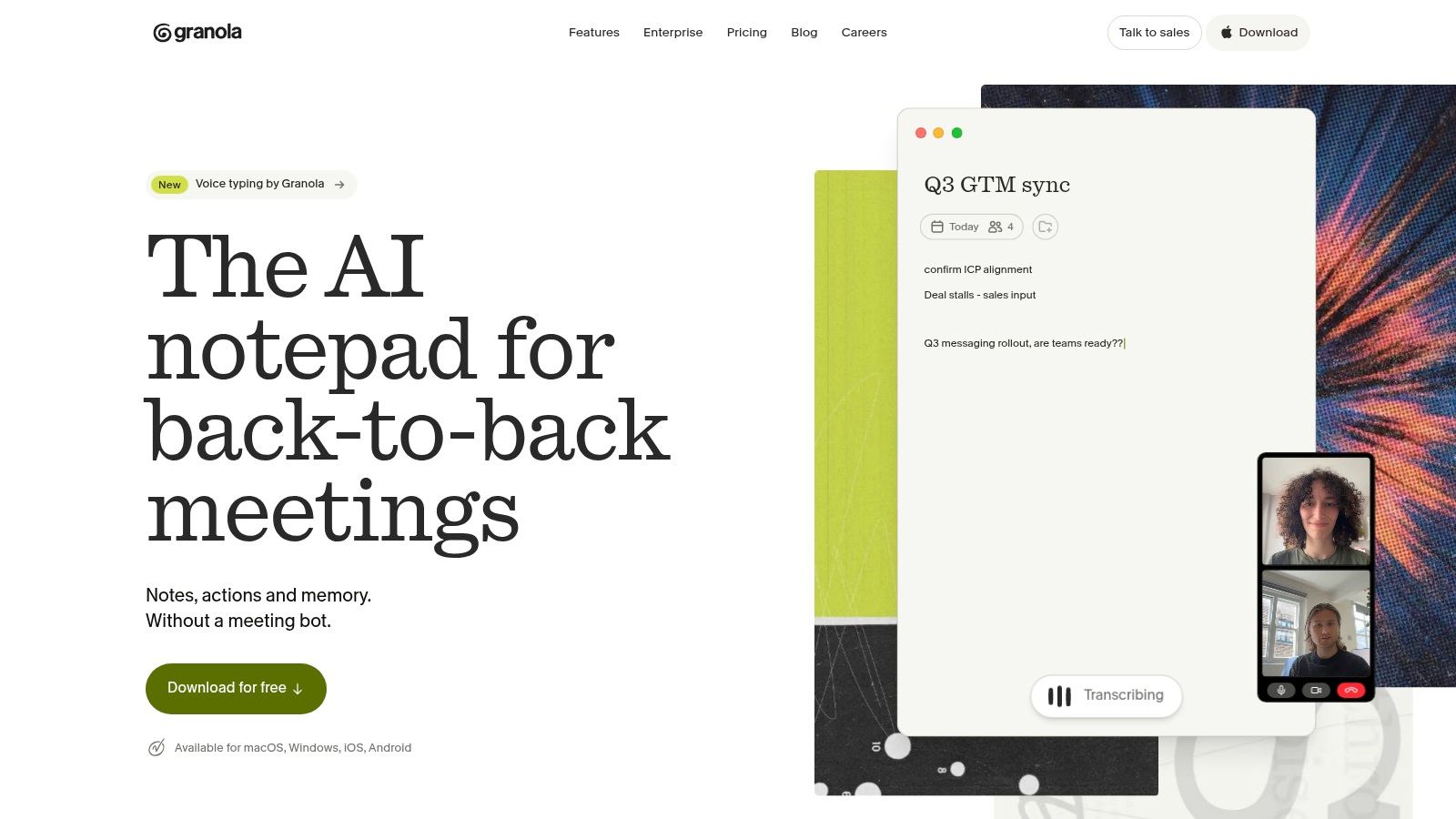
Granola suits people who want an AI notepad without adding a visible bot to the attendee list. Its device-based capture approach supports a different experience from inviting a separate meeting participant.
According to Granola's website, the product combines notes, customizable templates, and AI chat within and across meetings. Its free Basic plan has limited meeting history, while paid Business access adds broader history, integrations, and API capabilities; current plan details should be checked there.
Notes first, not sales management
Granola's appeal is the relationship between personal notes and a retrievable meeting history. A project lead could use a consistent template for decisions, unresolved questions, and dependencies, then search earlier discussions when a requirement changes.
That doesn't make it a substitute for every sales platform. Buyers seeking coaching, pipeline management, or detailed revenue workflows should examine those requirements separately.
Good fit: Internal project discussions and recurring meetings where structured notes matter most.
History concern: Retention allowances affect whether older decisions remain available.
Privacy distinction: Bot-free capture changes how recording happens, not whether participants need disclosure.
The Noter AI listing provides a related comparison for automatic recording, speaker labels, summaries, and extracted action items.
Granola should be evaluated on note quality and retrieval, not on the absence of a bot. A quiet capture method is convenient, but useful decisions still need clear attribution and review.
5. Notta
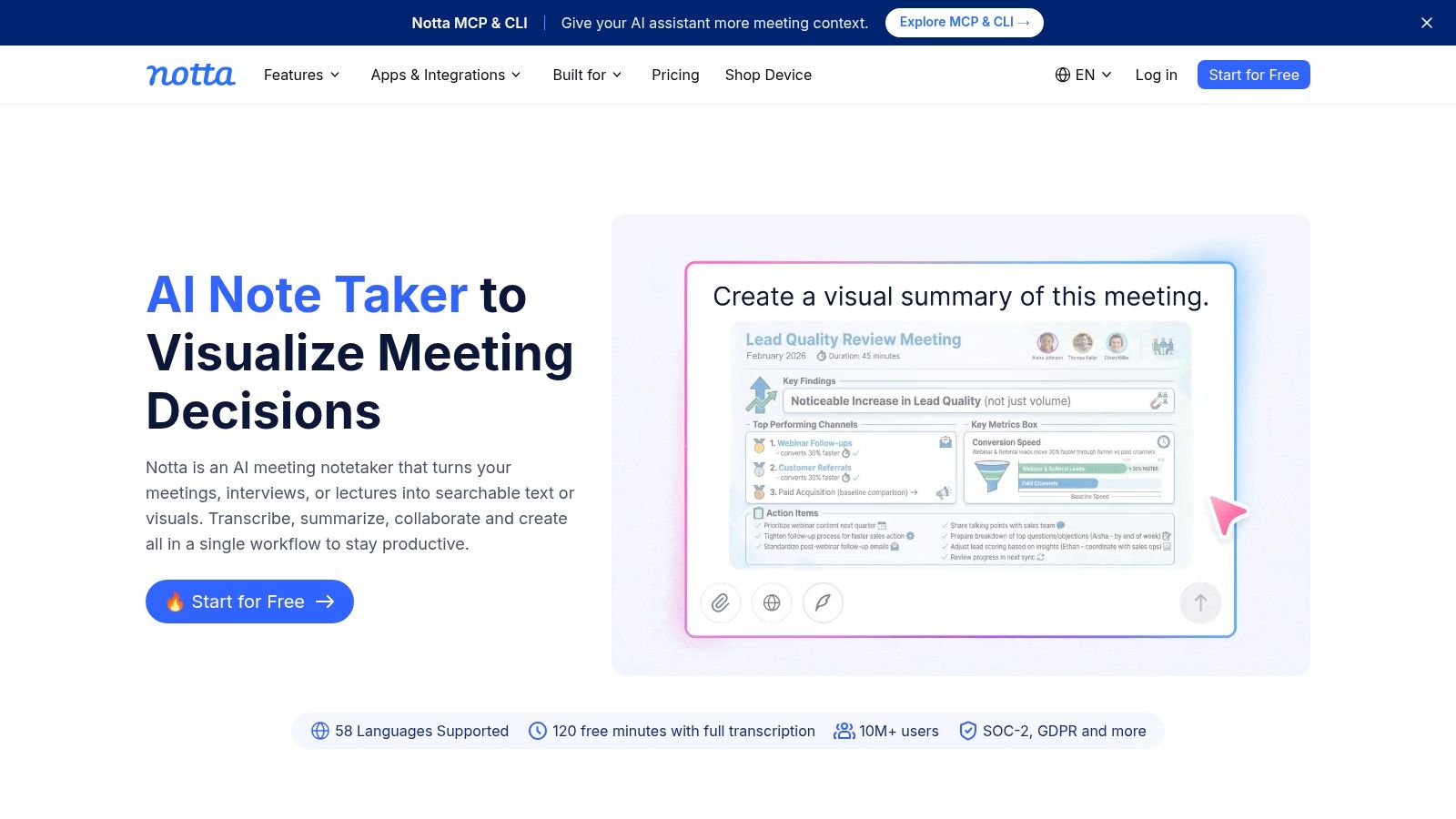
A multilingual interview may begin on a video call and continue as an uploaded recording. Notta fits work that crosses languages, devices, and capture methods, rather than staying inside scheduled meetings.
Notta's website describes transcription for meetings and uploaded audio or video, translation, bilingual transcription, and web, mobile, desktop, and Chrome extension access. Its vendor-listed free plan allows 120 transcription minutes per month but limits each conversation to three minutes; current terms should be checked there.
That distinction matters. A monthly allowance can look sufficient while a short per-conversation cap prevents a meaningful evaluation of a complete interview.
Evaluate the language handoff
Translation creates another review step. A transcript can mishear a technical term, and a translation can then turn that mistake into a plausible sentence in another language.
Capture flexibility: Bot-based, bot-free, and on-device options can support different working environments.
Collaboration constraint: Pro is positioned for an individual seat, so shared work needs a suitable team plan.
Quota detail: Translation and some AI functions may have separate allowances or add-on pricing.
A useful evaluation includes code-switching, product names, and speakers correcting themselves. The reviewer should compare the source-language transcript with the translated summary, not just judge whether the final prose sounds natural.
Notta is a practical candidate for multilingual content and interviews. It shouldn't be treated as an unattended interpreter for high-stakes decisions.
6. tl;dv
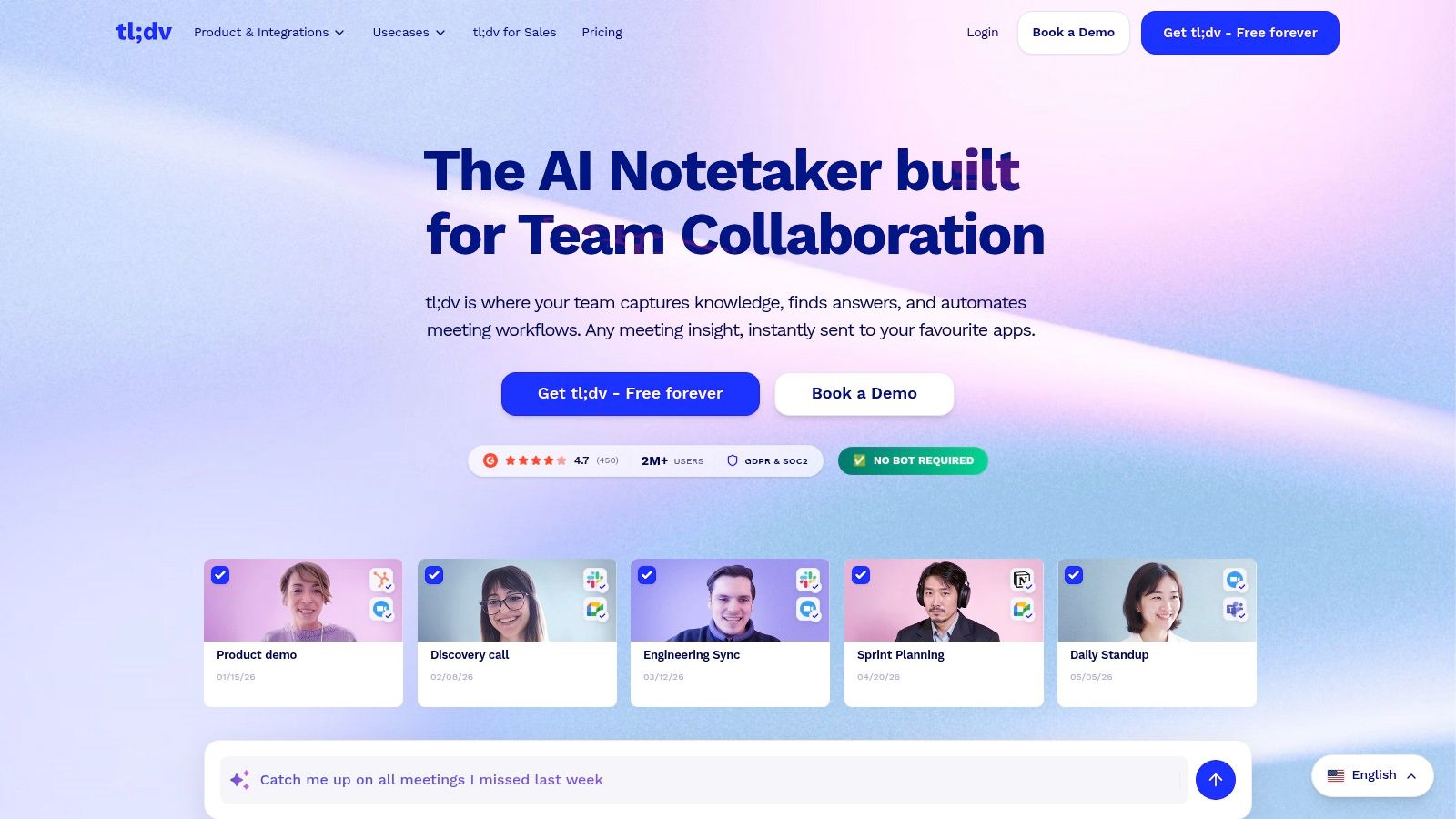
The useful deliverable isn't always a summary. Sometimes it's the exact moment a customer explains the problem. tl;dv emphasizes recordings, transcripts, AI notes, and workflows for finding and sharing selected call moments.
On tl;dv's website, the product spans general meeting documentation and higher-tier integrations and sales capabilities. A free tier supports initial evaluation, but recording and AI-note allowances are limited; current vendor terms should be checked before relying on it for regular capture.
Share evidence, not just conclusions
A designer could share a customer's explanation of a confusing screen. A sales manager could point a colleague to a specific objection instead of forwarding an entire recording.
A short clip is useful only when it preserves enough context to explain what the speaker meant.
That is the central trade-off. Highlights reduce review time, but an isolated excerpt can omit a qualification, correction, or disagreement that appears elsewhere in the call.
Best fit: Customer research, internal learning, and teams that frequently share conversation excerpts.
Buying restraint: Sales-oriented tiers may be unnecessary for basic recording and notes.
Setup check: Capture methods and platform support must match the actual meeting environment.
Teams should also decide where shared moments belong. A clip sent into a busy chat channel can become as hard to retrieve as the original meeting. Consistent labels and a clear destination matter more than producing more highlights.
7. Avoma
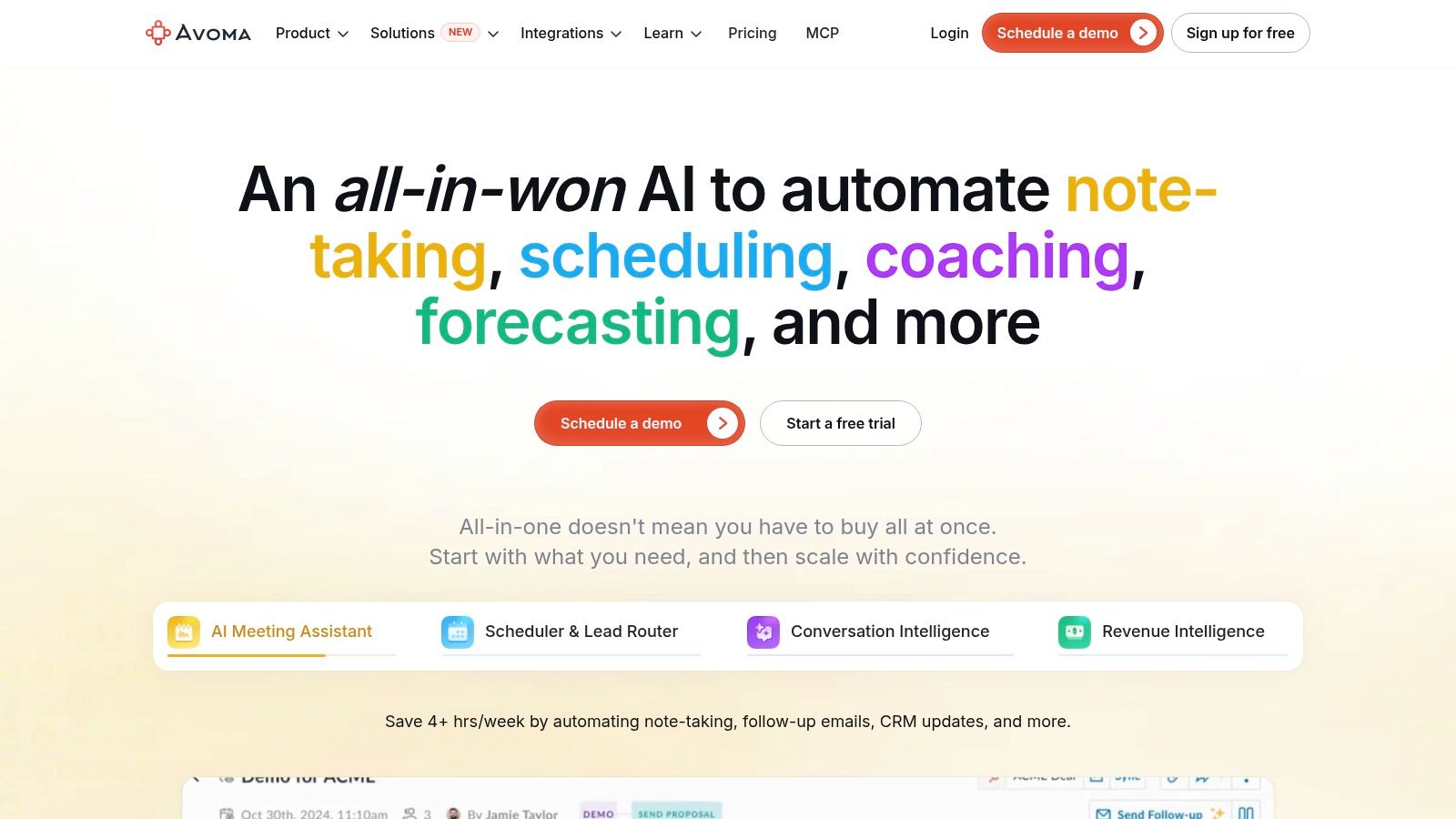
Avoma makes the most sense when meeting documentation is part of a customer-facing process. Recording and transcription sit alongside AI summaries, scheduling, CRM updates, and follow-up tools.
According to Avoma's website, pricing is organized around recorder seats, viewer and collaborator seats are free, and the Organization plan lists a 14-day trial. These are vendor-listed commercial terms, so readers should confirm current availability and seat definitions there.
Count recorders, not just readers
The seat model changes the buying calculation. A manager who only reviews calls has a different role from a representative who records customer conversations throughout the week.
Sales fit: CRM updates and follow-up workflows can reduce copying between systems.
Shared access: Viewer access can help distribute meeting information without treating every reader as a recorder.
Tier constraint: Custom topics, templates, and organization-level capabilities may require higher plans.
The broader platform can be excessive for someone who only wants personal notes. For sales and customer-success teams, however, evaluating transcription alone misses the reason to consider Avoma.
A useful pilot follows a conversation through to its destination: meeting capture, reviewed summary, CRM update, and approved follow-up. Reviewers should inspect whether the correct account receives the information and whether uncertain statements remain qualified.
Automatic CRM updates need a defined review process. A prospect considering a purchase isn't the same as a prospect committing to one.
8. Krisp
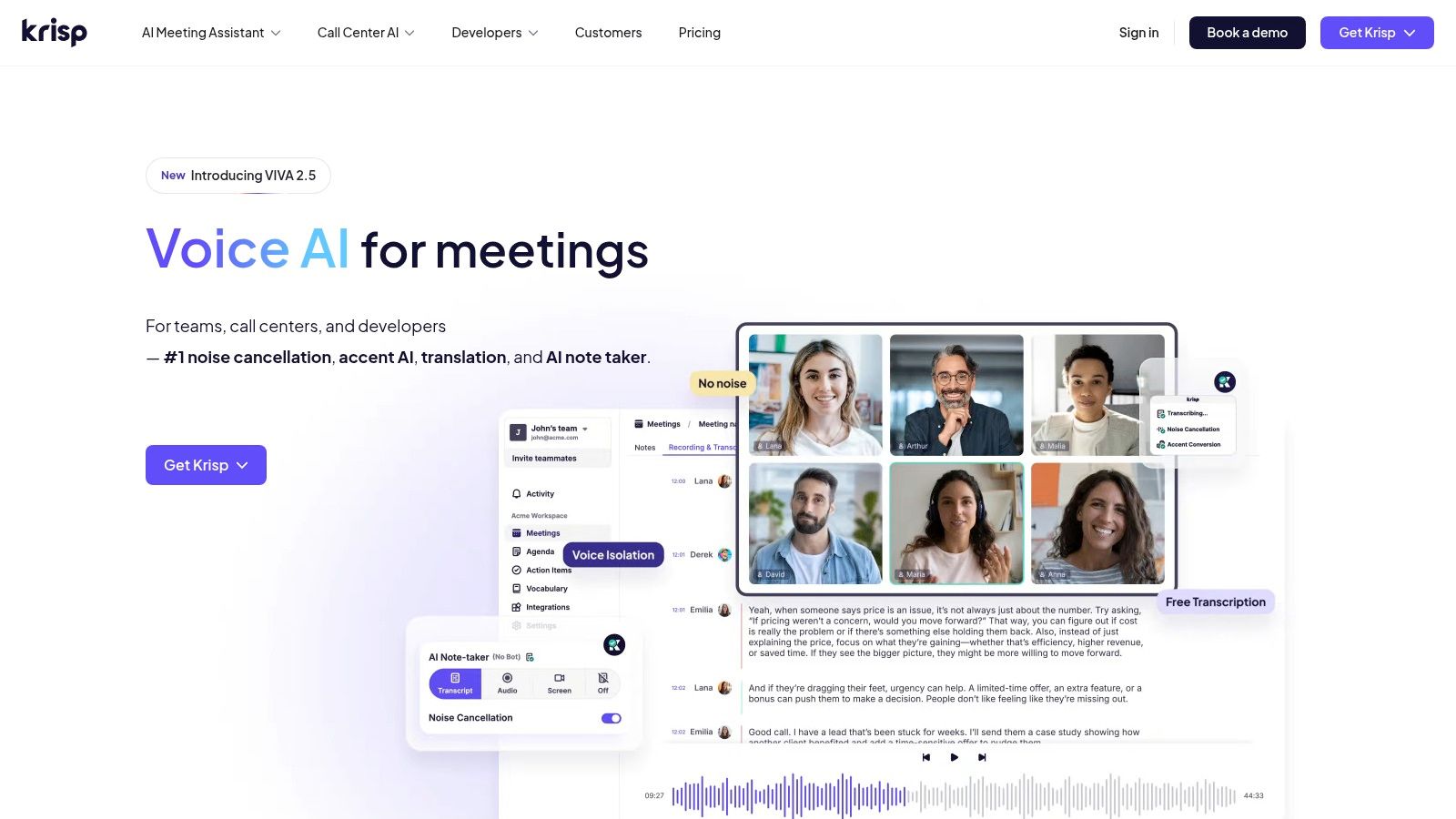
For someone working around background noise, the first problem may be audio quality rather than note formatting. Krisp combines noise cancellation with meeting transcription, summaries, and action items, making it relevant when both call audio and documentation need attention.
Krisp's website lists a seven-day trial, not a permanent free tier, and describes Core as including unlimited AI notes and action items with 10 GB of storage. Those vendor-listed terms should be checked there before purchase.
Audio cleanup and capture are different jobs
Krisp describes bot-free capture, audio and video recording, in-person meeting notes, and accent-related features. These capabilities broaden its use beyond a scheduled video call.
They don't eliminate the need to assess the recording environment. A shared-room microphone still has to capture quieter participants, and overlapping speech still needs review.
Useful combination: Audio cleanup and note generation are available within the same product.
In-person fit: Room discussions can be relevant alongside online meetings.
Storage concern: Recording habits affect how quickly the available storage becomes restrictive.
The practical evaluation should include the actual headset, computer, and meeting room. Testing only a quiet solo recording won't reveal how the intended setup handles distance or interruptions.
Privacy settings also deserve attention. When recording and note features are enabled, teams should review what gets stored, who can access it, and how deletion works. Bot-free doesn't mean storage-free.
9. Read AI
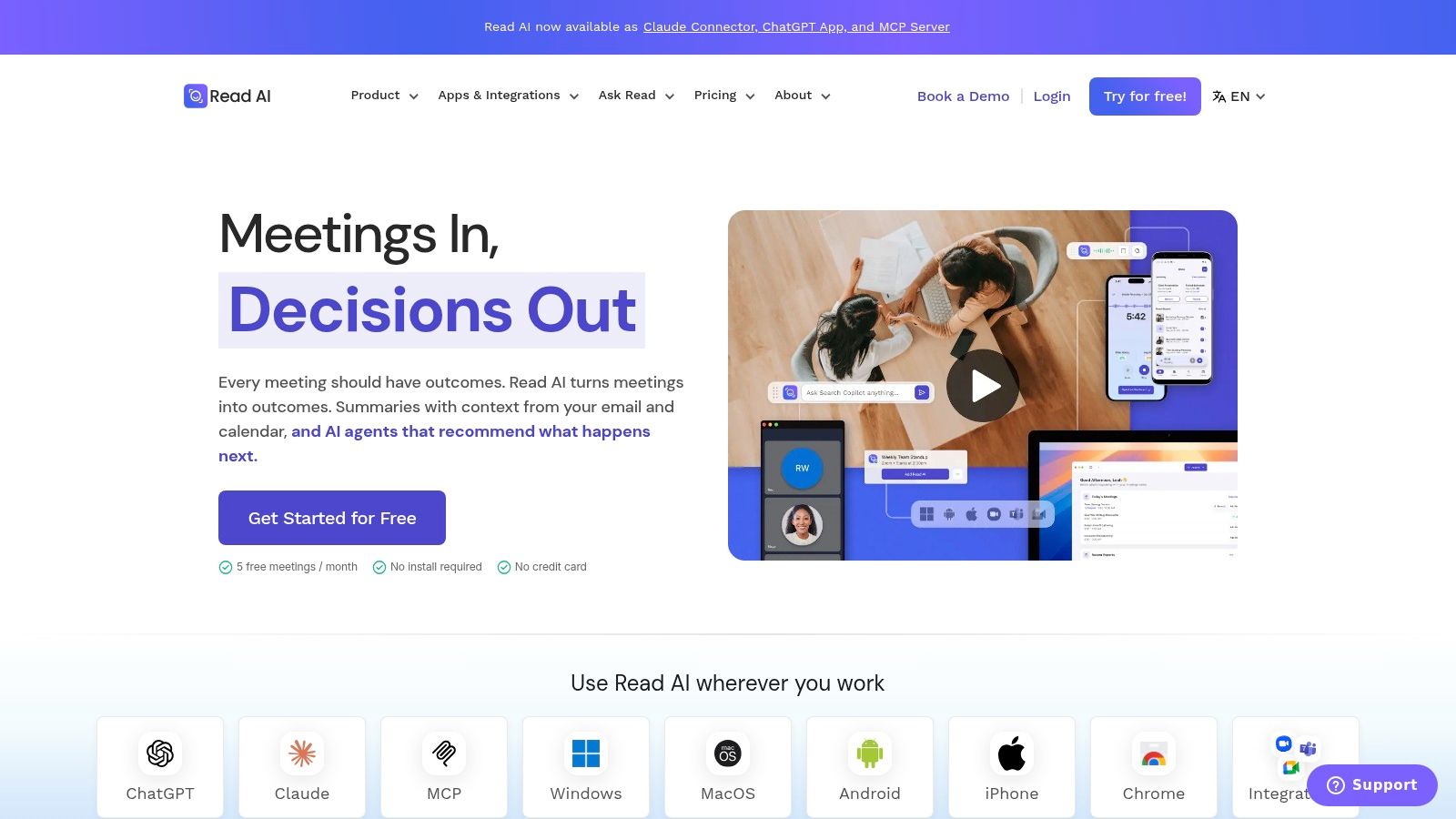
Read AI is for teams interested in meeting reports as well as meeting records. It combines transcripts, summaries, topics, action items, and meeting metrics, with calendar-connected support for Zoom, Teams, and Meet.
Read AI's website lists a free plan limited to five meeting transcripts per month. Readers should check that vendor-listed allowance and current paid licensing terms there, including requirements for workspace members.
Decide whether metrics help
Reports and coaching-style insights can support a structured review process. They can also add information that a team never uses.
For a project coordinator who needs decisions and deadlines, a basic transcript may be enough. A manager reviewing meeting habits may value additional metrics, provided participants understand how those measures will be interpreted.
Good fit: Teams with an agreed purpose for reviewing meeting reports.
Evaluation route: Core summaries and reports are available through the free plan.
Potential mismatch: Metrics and coaching features may be unnecessary for straightforward documentation.
The important distinction is observation versus interpretation. A meeting metric shouldn't automatically become a judgment about an employee's contribution or performance.
Teams should define who receives reports, whether external participants appear in them, and which outputs can be shared beyond the meeting group. Calendar-connected assistants also need deliberate joining rules. Automatic attendance is convenient until the assistant enters a sensitive discussion that wasn't meant to be recorded.
10. Sembly AI
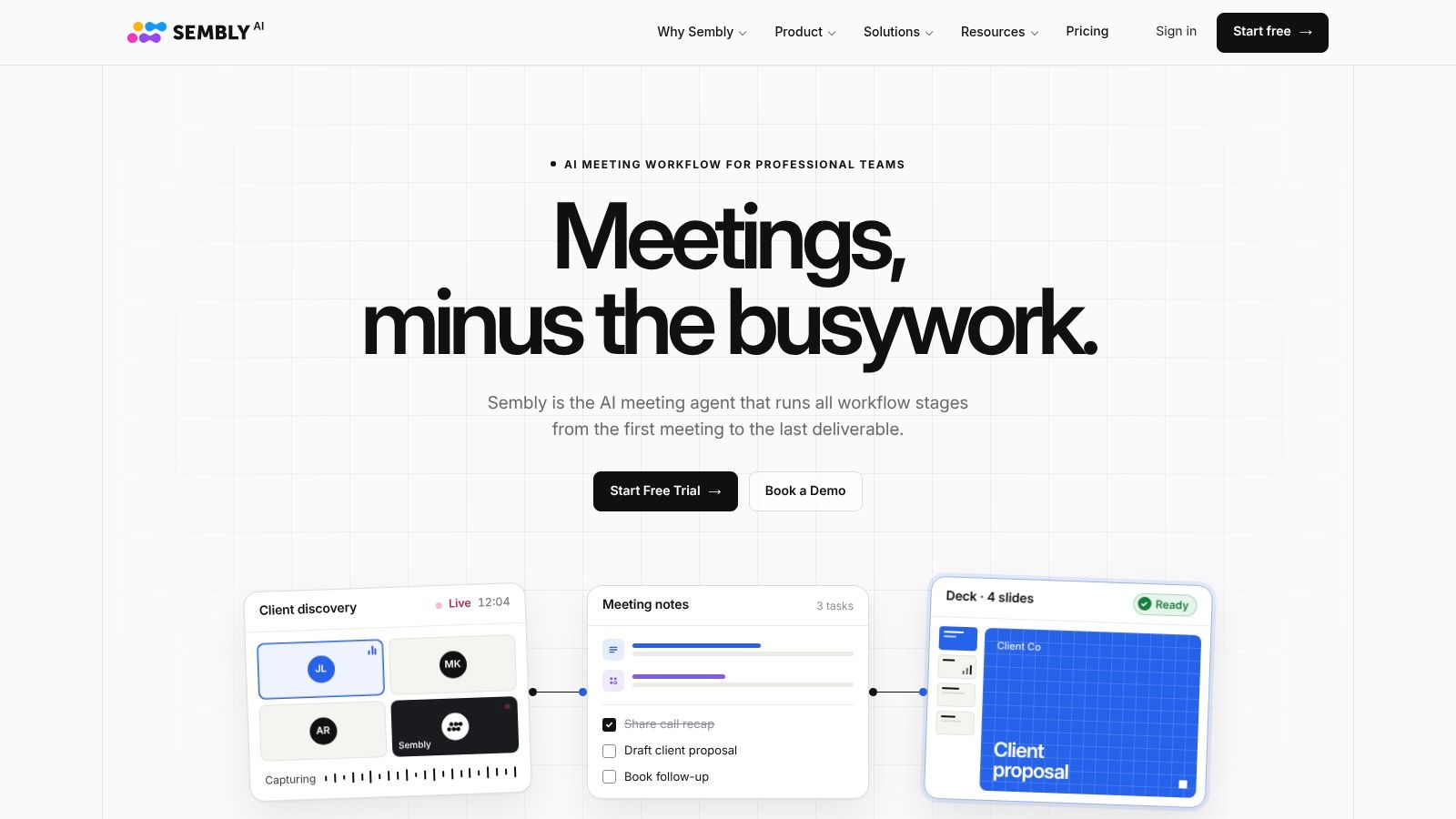
A recap isn't always the final deliverable. Some teams need tasks, reports, presentations, or material for a follow-up proposal. Sembly AI fits workflows that turn meeting content into additional working documents.
According to Sembly's website, it supports 45-plus languages, mixed-language meetings, and a free trial limited to one meeting hour; its pricing page also lists unlimited capture and transcription on annual plans. Readers should verify those vendor-listed terms and the applicable feature allowances there.
Keep generated deliverables grounded
Sembly describes capture for Zoom, Google Meet, Microsoft Teams, and Webex, alongside notes, summaries, tasks, transcript search, and AI chat. Higher tiers add multi-meeting analysis, automations, and branded outputs.
Follow-on value: Structured deliverables can provide a starting point beyond the recap.
Credit concern: Some AI functions consume monthly credits, so generation habits affect practical value.
Tier boundary: Multi-meeting chat and MCP access require Pro or higher.
The limitation is the growing distance between the conversation and the finished document. A presentation assembled from meeting notes can make a tentative suggestion look like an approved plan.
Review should therefore follow the chain backward. Every material commitment in a generated proposal or report should be traceable to an approved source passage. Cross-meeting analysis also needs care when an earlier decision was later reversed.
More output isn't automatically better documentation. Sembly is most useful when a team knows which deliverables it needs and who approves them.
How the 10 auto notes AI tools compare
| Tool | Best for | Free option | Bot-free capture | Standout capability |
|---|---|---|---|---|
| Fathom | Individuals and teams wanting meeting notes | Free individual plan with unlimited recordings and transcriptions | Mac option in beta | Searchable recordings, clips, and playlists |
| Otter.ai | Live transcription and searchable notes | 300 transcription minutes per month, with meeting and import limits | Not specified | Live speaker-labeled transcription |
| Fireflies.ai | Searchable meeting archives and business workflows | 400 minutes of storage, limited to three meetings | Not specified | API, webhooks, and MCP connections |
| Granola | Bot-free meeting notes and retrieval | Basic plan with limited meeting history | Yes | Templates and chat across meeting history |
| Notta | Multilingual transcription across meetings and uploads | 120 minutes per month; three-minute conversation limit | Yes | Bilingual transcription and translation |
| tl;dv | Reviewing and sharing key call moments | Free tier with limited recording and AI notes | Not specified | Highlights and sharing workflows |
| Avoma | Sales and customer-success teams | 14-day Organization plan trial | Not specified | CRM updates and follow-up workflows |
| Krisp | Bot-free notes with audio cleanup | Seven-day trial | Yes | Combines meeting notes with noise cancellation |
| Read AI | Meeting reports and coaching-style insights | Five meeting transcripts per month | Not specified | Meeting metrics alongside summaries and action items |
| Sembly AI | Structured meeting outputs and multilingual teams | Trial limited to one meeting hour | Not specified | Branded deliverables and multi-meeting analysis |
Picking Your Auto Notes AI Tool and Checking the Details
The right auto notes AI tool should match the meeting stack already in place. Platform support, device compatibility, calendar permissions, and the destination for approved notes matter more than an attractive sample summary.
Capture method comes next. Bot-based tools introduce a visible participant that may need admission. Bot-free tools capture through another route, but they still require appropriate disclosure, permissions, and data-handling rules.
Choose the tool that completes the existing workflow, not the tool that produces the longest recap.
Free tiers and trials answer different questions. A free tier may support occasional ongoing use, while a trial provides temporary access for evaluation. Compare current allowances against meeting volume, typical call length, uploads, storage, and the people who need recording access.
Review the record before distributing it
Legal analysis from Littler on AI transcription and note-taking highlights confidentiality, privilege, and inaccurate-record risks. A polished summary should remain a draft until someone checks it.
Verify attribution: Confirm names, action owners, decisions, deadlines, and amounts.
Preserve uncertainty: Keep proposals, dissent, and conditional commitments distinct from approvals.
Set retention deliberately: Decide whether original audio or transcripts are needed for review, and restrict access accordingly.
Sensitive work may justify a different processing model. The discussion of on-device transcription for lab scientists is relevant when deciding whether audio should leave the device at all.
Storage questions must be specific. Microsoft's documentation for transcription-free intelligent recap describes temporary audio processing followed by a stored summary document, illustrating why “no saved recording” doesn't mean “no stored output.”
Buying criterion: Approve the capture, review, storage, and deletion process before enabling automatic attendance.
Before committing, confirm current pricing, plan limits, integrations, and cancellation terms on each vendor's site. A useful evaluation should include ordinary internal meetings and the harder cases that matter to the intended workflow, such as jargon, room audio, or mixed-language discussion.
AI Tool Seekers provides hand-verified listings for these tools, with an Editor's Score broken into Capability, Ease of use, Value, and Delivery, plus alternatives and comparison pages for side-by-side checks. Those editorial assessments can narrow a shortlist, but the final decision should depend on the team's own approval process and destination systems.
AI Tool Seekers offers human-reviewed listings, feature comparisons, and editorial scores for evaluating meeting assistants. Visit AI Tool Seekers to compare a shortlist, examine practical limitations, and choose which auto notes AI workflow deserves a controlled evaluation.