Best AI for Writing a Book: Tools Compared by Author Need
Compare the best AI for writing a book across planning, drafting, editing, and organizing. See which tools fit fiction, nonfiction, and your current workflow.
Your outline has eleven chapters. Chapter nine says "something happens here." You have a folder of research, a character list with two names you keep changing, and a draft that stalled at 14,000 words. None of the tools you've read about seem aimed at the thing that's stuck.
That's because the best AI for writing a book depends on two variables: the stage of the project that's broken, and whether you're writing fiction or nonfiction. A planning tool fixes a plot that keeps collapsing. A drafting tool fixes a blank page. An editing tool fixes prose you've read so many times it's gone flat. No single product does all three well.
This list is organized by the stage each tool serves, and every entry says where that tool stops being useful. The point is to build a workflow from a few tools that fit, not to hunt for one that does everything.
Editor's Scores from AI Tool Seekers appear as one input here. A BookBub survey of more than 1,200 authors found that approximately 45% were using generative AI in some part of their work, while 48% were not using it and did not plan to, according to BookBub's survey report. That's a shortlist signal, not a verdict.
Table of Contents
- 1. Tunmire for the Publishing Stage After the Draft
- 2. Sudowrite for Scene-Level Fiction Drafting
- 3. Novelcrafter for Series Continuity and Planning
- 4. Squibler for a Guided Project From Idea to Manuscript
- 5. NovelAI for Exploratory, Prompt-Led Fiction
- 6. ProWritingAid for Revising a Finished Draft
- 7. Jasper for Nonfiction Built From Business Material
- How the seven tools differ by main strength, free access, and pricing model
- Matching Each Tool to the Work in Front of You
1. Tunmire for the Publishing Stage After the Draft
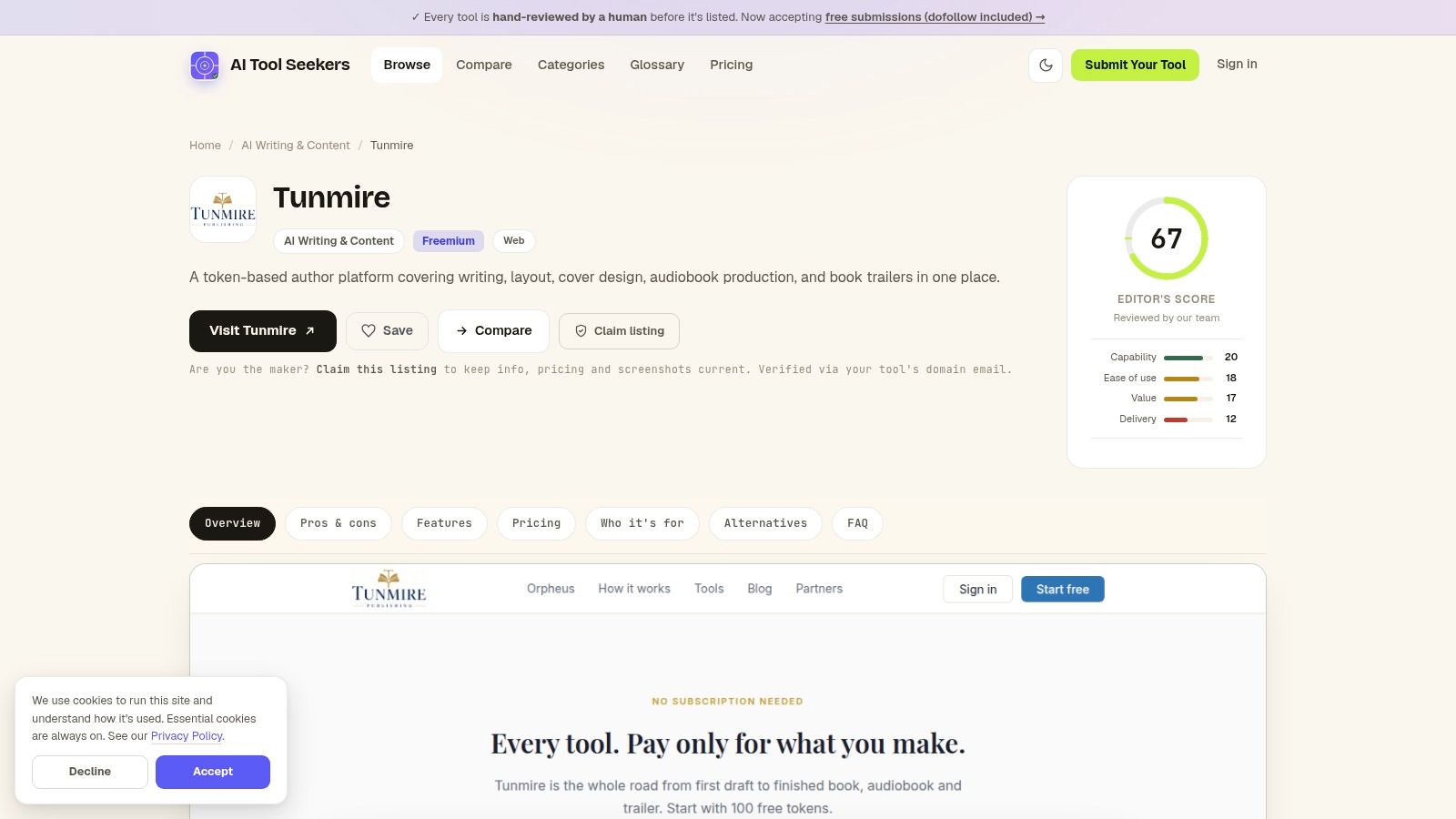
Tunmire is the entry on this list that keeps working after the manuscript is done.
It bundles writing and research help with the jobs that usually send an author into four other programs: manuscript layout, cover design, audiobook production, and a book trailer. For a self-publisher working alone, that's fewer subscriptions and one less handoff between a finished draft and a file a store will accept.
Layout and cover work is where it earns its place. A 90,000-word file needs consistent styles, page breaks, and a trim size that matches the cover, and handling those beside the text saves a weekend of copy and paste.
The limit is just as clear. Tunmire starts where drafting ends, so it will not outline a plot, write scenes, or rescue flat prose. Plan on pairing it with a writing tool, not replacing one.
Disclosure turns into a records problem at this stage
Publishing is where AI use becomes paperwork. Amazon's KDP content guidelines require publishers to disclose AI-generated content, defined as text, images, or translations created by an AI-based tool, even when the material was substantially edited afterward. The same guidelines treat AI-assisted work differently: when the author creates the work and uses AI for brainstorming, editing, refinement, or error-checking, disclosure isn't required.
That split matters for a tool that generates cover art or narration. If the AI made the asset, it belongs in the disclosure field. If it helped you sharpen something you made, it doesn't. Ask the vendor which category their output falls into, and keep the answer in your project folder.
Practical rule: disclose the assets the AI produced, not the drafts it critiqued.
Pros
- One workspace: writing, research, layout, cover, audio, and trailer in a single service.
- Fewer handoffs: a manuscript prepared for publication without exporting to design software.
- Production assets included: audiobook production and a book trailer come out of the same workspace, so neither becomes a separate hire.
- Broad coverage: useful when the bottleneck is production rather than prose.
Cons
- Late-stage only: it does little for planning, drafting, or revision, so the rest of the book still needs other tools.
- Mid-range score: the Tunmire review records an Editor's Score of 67, which is a reason to compare alternatives before moving a whole publishing workflow onto it.
2. Sudowrite for Scene-Level Fiction Drafting
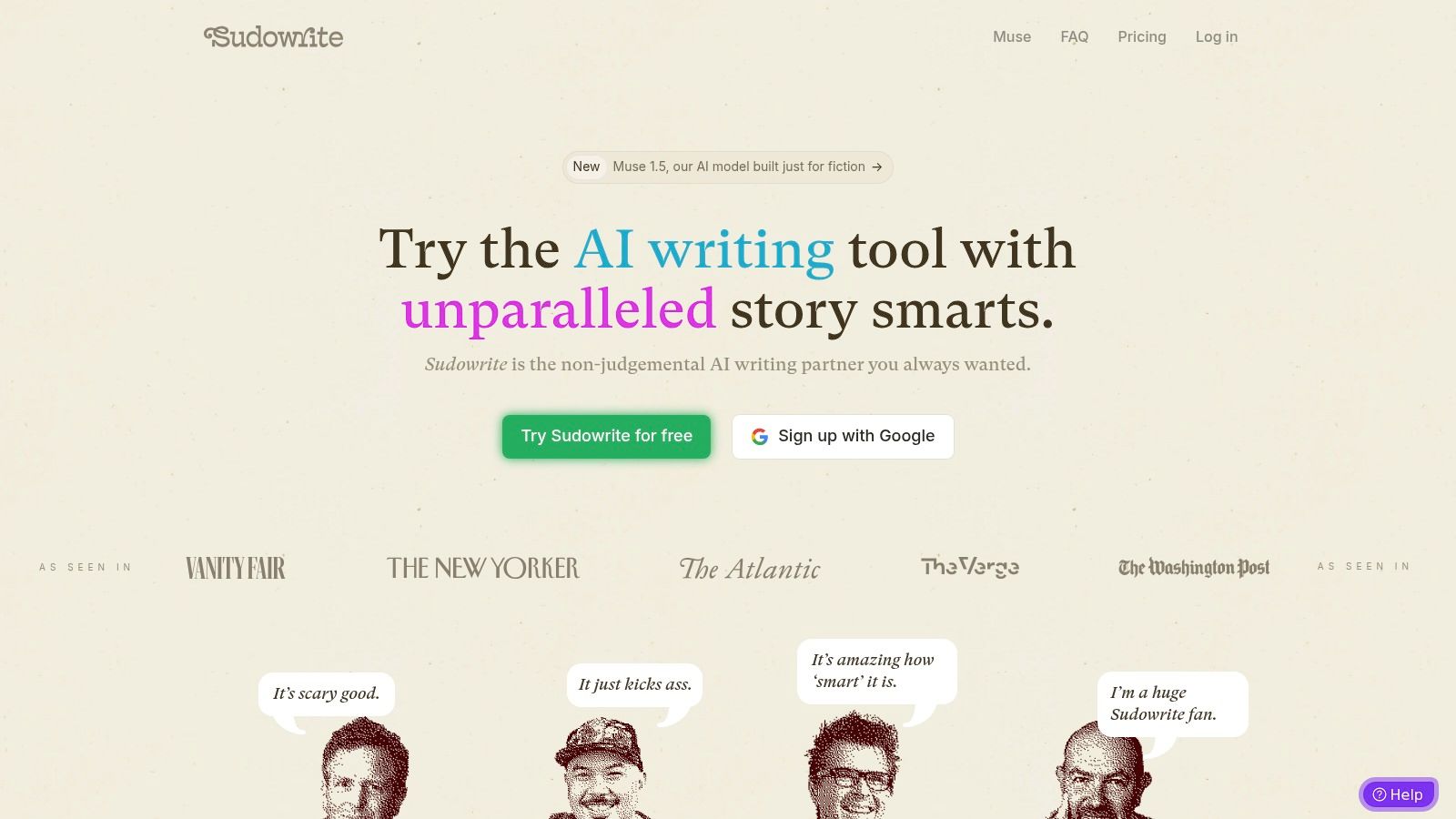
Sudowrite is built for novelists, and the tool names give it away. Write suggests the next passage, Rewrite offers alternatives, Expand builds out a thin scene, and Describe supplies sensory detail. Each handles one fiction job rather than a generic prompt box.
The planning layer is the differentiator
Sudowrite's explanation of how the product works says the Story Bible stores a synopsis, genre and style notes, characters, worldbuilding, an outline, and scenes. Write reads up to 20,000 words of the preceding story along with that bible before continuing, and Chapter Continuity can link up to 25 documents so context carries across chapters. For a series, a Series Folder shares characters and world detail between books.
That's the fix for the problem every long project hits: a minor character's eye color changes in chapter nineteen because the model only sees the last prompt.
Credits, not unlimited generation
Sudowrite's pricing page lists a $10 monthly plan with 225,000 credits, a $22 plan with 1,000,000 credits, and a $44 plan with 2,000,000 credits, with a free trial and the $10 rate applying after it. A writer leaning hard on Expand across an 80,000-word draft will feel that ceiling. Check current terms on the vendor's site before planning a month around a credit allowance.
Where it stops: Sudowrite won't format a print interior or produce an audiobook. Pair it with a publishing tool, and read how AI is changing storytelling if the craft question matters more than the software.
Pros
- Fiction-first design: drafting, brainstorming, and revision in one workspace.
- Real continuity support: a story bible plus chapter linking reduces contradictions.
- Selective use: you choose how much of any scene the tool touches.
Cons
- Credit ceilings: heavy drafting months push you to a higher tier.
- Direction-dependent: output quality tracks the brief you give it.
- Drafting only: no formatting or distribution.
3. Novelcrafter for Series Continuity and Planning
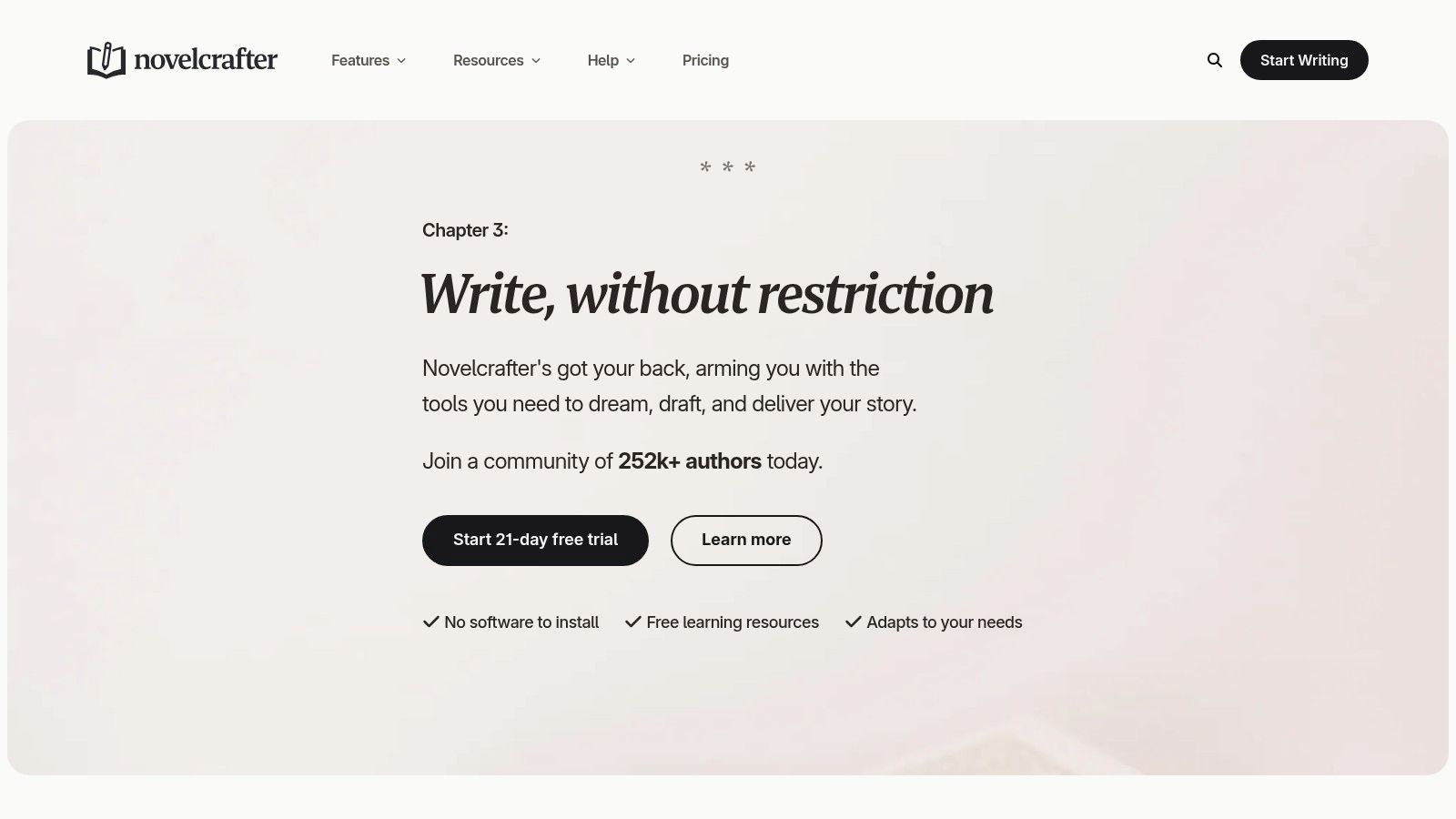
Novelcrafter sells a workspace, not a model. That distinction shows up at checkout.
Novelcrafter's FAQ and pricing page says users must connect the app to an external AI vendor or run a local model, which the company frames as a way to keep pricing low and give writers flexibility. Plans differ in writing and collaboration features, including unlimited books, series and universe management, review features, chat, and collaborative writing with teams.
The Codex is the reason to pick it
Everything lives in a searchable Codex of characters, locations, relationships, and world rules. Scenes pull from it selectively, so the writer decides which details the model sees for a given chapter. That's a different control model from one long prompt, and it's why series writers gravitate here.
A codex you maintain once beats re-explaining your world every session.
The cost side needs planning. Because generation runs through a provider you connect, model usage is billed separately from the subscription. Two writers on the same Novelcrafter plan can pay very different monthly totals.
Where it stops: setup takes an afternoon before the first useful prompt, and a 30,000-word novella probably doesn't justify the structure. The planning machinery earns its keep on book three of a series, not on a single short project.
Pros
- Built for complexity: many characters, timelines, and continuity demands.
- Writer-controlled context: you attach specific notes to specific scenes.
- Bring your own key: model choice and AI spending stay in your hands.
Cons
- Setup effort: more configuration than a chat window or a simple writing app.
- Separate AI bills: provider charges sit outside the subscription.
- Overkill on short work: the structure can outweigh the project.
4. Squibler for a Guided Project From Idea to Manuscript
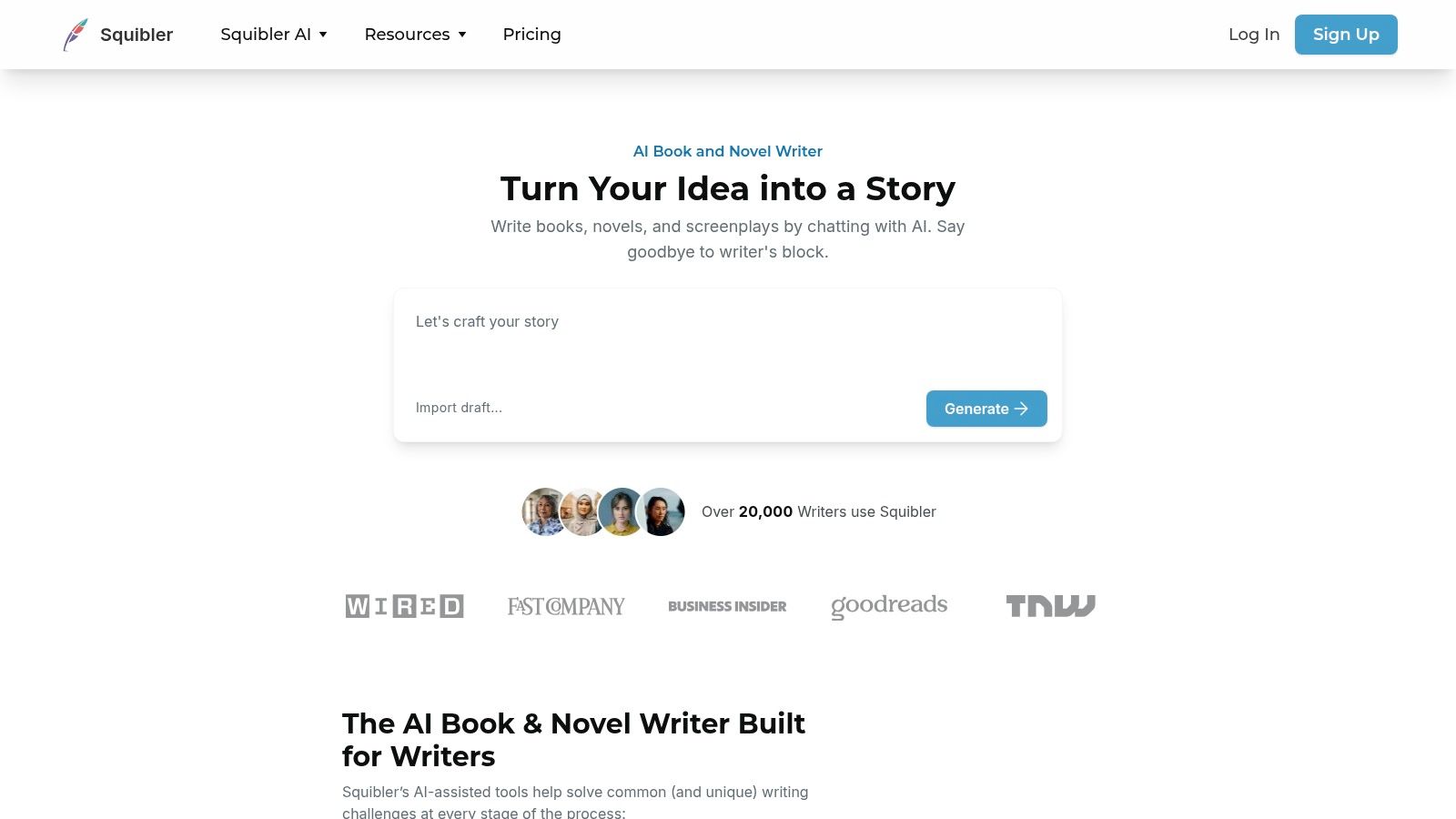
Squibler treats a book as a project with stages. You start with an idea, organize it in a workspace, generate with AI credits, and export to PDF or DOCX on paid plans. A free tier lets you try the book and screenplay tools first.
The guided route helps writers who freeze at the blank page. It's also the route that most needs a warning label.
Generated prose needs more review than vendors imply
The productivity case is real. An experiment summarized by the OECD report on generative AI and productivity found about 450 professionals doing incentivized writing tasks finished 40% faster with generative AI, and independent evaluators rated the output 18% higher.
Creative writing behaves differently. In a study of 28 MFA writers described in the same report, expert judges preferred human writing in 82.7% of blind comparisons when models used ordinary in-context prompting. Judges flipped to preferring AI output in 62% of comparisons only after the systems were trained on the authors' complete works.
The lesson for a guided generator: speed gains don't transfer to voice. Expect to rewrite.
What to check before subscribing
Credit allowances are the practical constraint on a full-length manuscript, so map the allowance to your draft length. Export options matter too, because you want the manuscript in a format an editor or formatter can open.
Where it stops: writers who want granular control over prompts and models will find the guided structure tight. Save the tool for drafting and organization, and move the manuscript into a dedicated editor for revision.
Pros
- Free tier: book creation tools are usable before you pay.
- Project structure: planning and drafting in one place.
- Export ready: PDF and DOCX on paid plans.
Cons
- Credit limits: larger projects may hit the allowance.
- Review burden: generated chapters need line-by-line checking for accuracy and voice.
- Less control: limited prompt and model tuning.
5. NovelAI for Exploratory, Prompt-Led Fiction
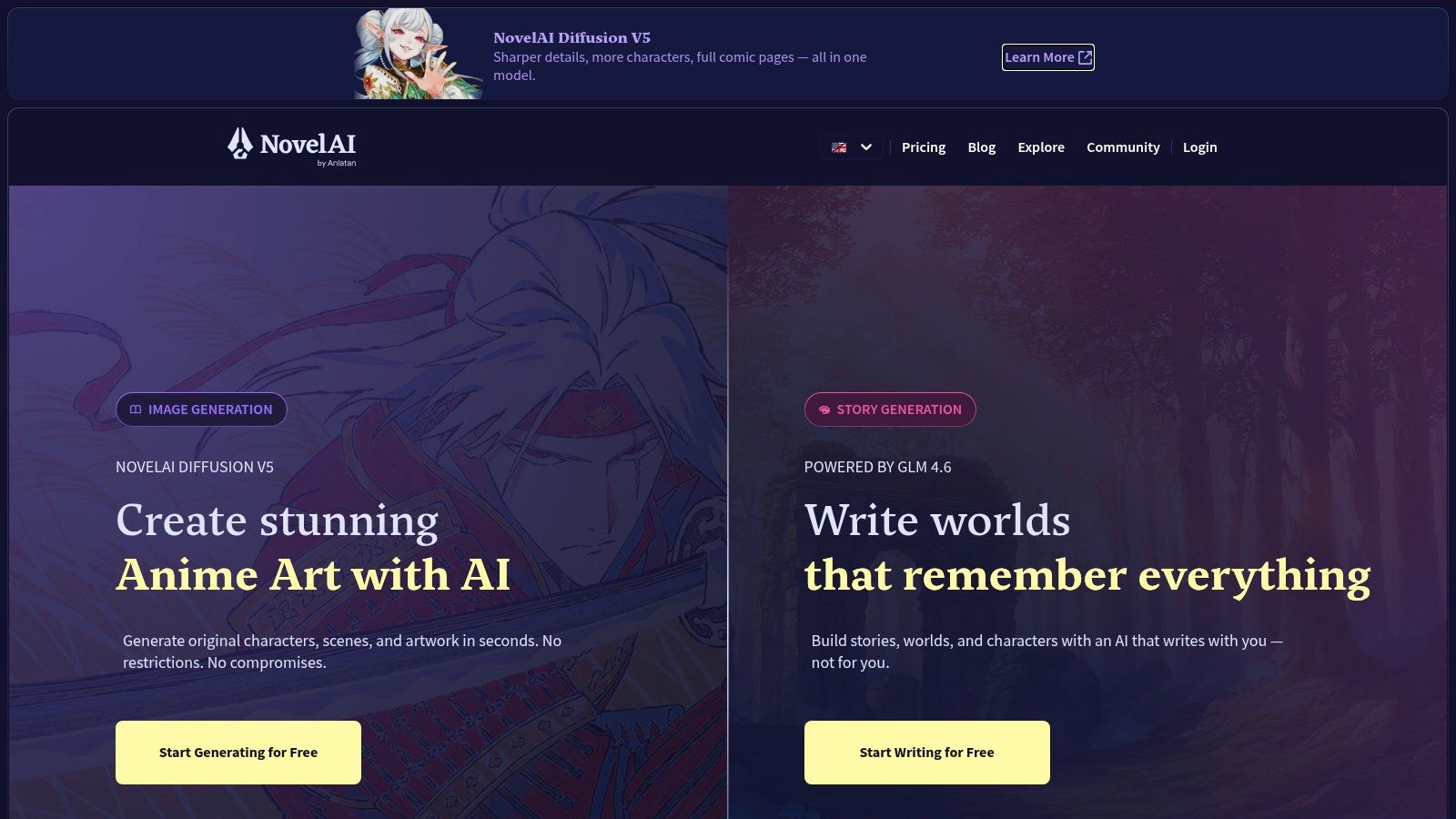
NovelAI runs on a simple loop: you prompt, it continues, you steer. It's a subscription story platform with tiers that differ mainly in context size. A limited free text-generation trial exists, and optional image tools sit alongside the writing.
That looseness is the appeal for exploratory drafting. It's good at generating the weird version of a scene you wouldn't have thought of, and a writer can chain continuations through an interactive story until something clicks. The trade-off is that you review every continuation, because the model will happily drift away from your intent.
Context size is the subscription decision
A larger context window means the model remembers more of what came before. Tiers price that memory, and for book-length work it becomes the deciding feature. Pick a tier by how much of the story you need the model to hold at once.
The structural gap shows up on day thirty. There's no codex, no series management, and no publishing layer. Organization, revision, and export happen outside the generation flow, so writers who need chapter tracking end up copying scenes into a manuscript tool anyway.
The ceiling is full manuscript generation
Authors are blunt about fully automated novels. A University of Cambridge-linked study summary reports a survey of 332 authors in which 97% were extremely negative about AI writing complete novels, while about 40% said AI had already affected income from other work supporting their novel writing.
Use a prompt-led generator for what it does well: unblocking a scene, testing a voice, drafting an alternative path. Keep the narrative decisions.
Where it stops: at the point you need continuity across forty chapters. That's a planning tool's job.
Pros
- Fast exploration: prompt-led continuation suits experimentation.
- Trial available: test the experience before paying.
- Context tiers: pick the memory size that matches the project.
Cons
- Thin structure: no outline system, codex, or series memory.
- Context costs: bigger windows sit on higher tiers.
- Export outside: assembling the book is your job.
6. ProWritingAid for Revising a Finished Draft

ProWritingAid assumes you have a draft. It checks grammar and style, produces reports on readability and repetition, and offers manuscript-level analysis of plot, characters, pacing, reader response, and marketability through separately purchased Story Credits.
That's a different purchase from a generator. You're buying a second reader with a checklist, and the checklist doesn't get tired at page 300.
Editing is where provenance gets messy
Revision is also where AI records fall apart. A 2025 BookBub survey of 1,229 authors reported by WLOX on AI's role in book publishing found that 74% of authors who use generative AI said they did not disclose that use to readers.
Most of those authors probably used AI for exactly what an editing tool does: tightening sentences and catching errors. The problem is that nobody can reconstruct that later without notes. Keep a simple log of which chapters touched which tool.
Track tool use chapter by chapter while you revise, not after the proof copies arrive.
What it won't do
It won't generate a book, and it shouldn't be asked to. Automated suggestions also flag deliberate choices: sentence fragments in dialogue, repeated words used as rhythm, a slow passage that's supposed to be slow. Every report needs author judgment.
Story Credits are the cost variable. Basic suggestions come with a free plan, while whole-manuscript analyses require credits, so budget for the years you run a full report. If you want a lighter grammar pass instead, the Grammarly listing covers where the two differ.
Pros
- Depth beyond spellcheck: reports on patterns across a long draft.
- Revision focus: built for improving prose, not producing it.
- Free tier: basic suggestions at no cost.
Cons
- Not a generator: no drafting help.
- Credits required: manuscript analysis is a separate purchase.
- False positives: intentional style gets flagged.
7. Jasper for Nonfiction Built From Business Material
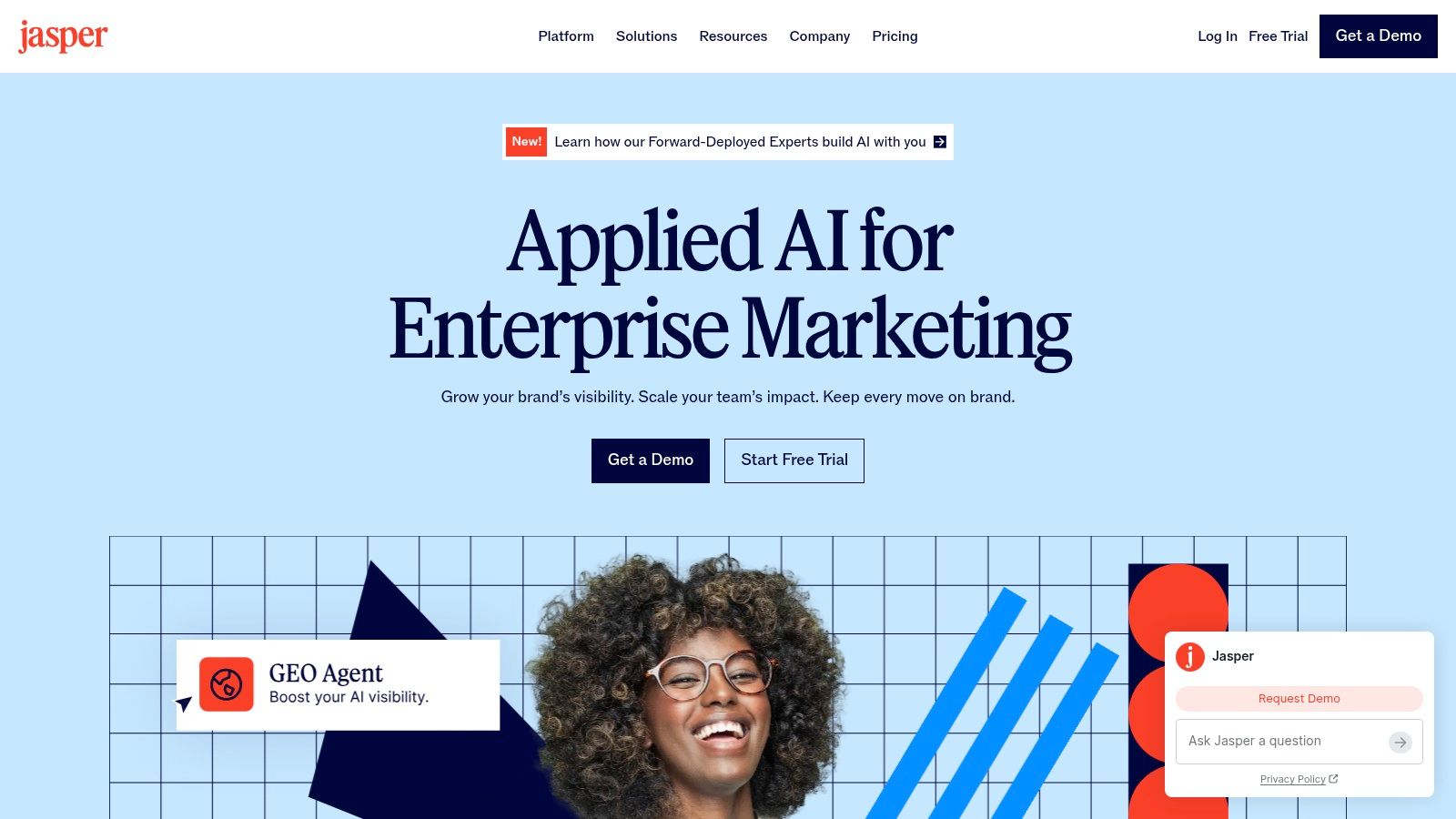
Jasper is a general content platform aimed at businesses and teams, and that shapes what it's good for. A consultant turning a methodology into a book, or a founder expanding existing marketing material into chapters, is working with source material Jasper handles well. Brand-voice tools keep terminology consistent across chapters and the landing pages around them.
Collaboration features matter for co-authored books and organizational projects. Business controls and support sit on the higher tiers.
Check the document workflow first
A book needs outlining, long-document navigation, revision history, and a clean export. Ask whether the platform supports that shape of work before you subscribe, because a tool built for campaigns organizes content in campaign-sized pieces.
Cost is the other gate. The Pro plan listed on the vendor's site is a real expense for one person writing one book, and it's priced for a team producing ongoing content. Individual authors should confirm current pricing on Jasper's own site before committing.
Reader trust is not a marketing metric
Nonfiction readers forgive a lot, but not a book that reads like a landing page. A 2025 YouGov survey reported by WTOC on AI and book publishing found that 61% of U.S. readers would feel at least somewhat or much less fulfilled after discovering a book was written by AI.
That number doesn't argue against using AI for research or structure. It argues for keeping the thinking, the examples, and the sentences that carry your judgment.
Where it stops: fiction. There's no character tracking, no scene memory, and no plot continuity. For marketing-side work around the book, the best AI marketing tools cover that job separately.
Pros
- Voice consistency: brand-voice tools hold terminology steady.
- Nonfiction fit: useful for expanding existing business material.
- Team workflow: co-authors and organizations can share work.
Cons
- Not built for fiction: no continuity or character systems.
- Team pricing: expensive for a solo author with one title.
- Workflow check needed: confirm long-document support.
How the seven tools differ by main strength, free access, and pricing model
The seven picks split by the stage of the book they serve: Tunmire handles publishing after the draft, Novelcrafter holds planning and continuity, Sudowrite, Squibler and NovelAI produce draft material, ProWritingAid revises a finished manuscript, and Jasper builds nonfiction from existing business content. The table puts their access terms and billing side by side.
| Item | Best for | Free access | Pricing model |
|---|---|---|---|
| Tunmire review | Authors seeking writing and end-to-end publishing support | Freemium access | Pay as you go |
| Sudowrite | Fiction writers developing ideas into scenes and chapters | Free trial, then from $10/month | Monthly subscription with credit limits |
| Novelcrafter | Planning complex novels and series | No free plan; paid subscriptions only | Subscription; AI provider costs are separate |
| Squibler | AI-assisted book and screenplay projects | Free tier available | Free tier and paid plans with AI credits |
| NovelAI | Prompt-led fiction and interactive storytelling | Limited free text-generation trial | Subscription tiers |
| ProWritingAid | Editing and improving an existing manuscript | Free plan for basic suggestions | Free and paid plans; Story Credits sold separately |
| Jasper | Business-focused nonfiction writing and team collaboration | No free plan; paid subscriptions only | Paid plans; Pro plan may be costly for individuals |
Free access means different things across the list. Squibler and ProWritingAid run permanent free tiers, so you can test them at length before paying. NovelAI's trial caps free text generation, Tunmire charges as you go, and Sudowrite's trial ends once the paid rate applies. Novelcrafter and Jasper require payment from the start, and Novelcrafter's subscription sits on top of whatever your chosen AI provider bills. Jasper's Pro tier is priced for teams, which matters if you are one author with one book.
Matching Each Tool to the Work in Front of You
Go back to that folder. Chapter nine still says "something happens here," and now you can name three separate problems: the middle has no structure, the voice drifts around chapter twelve, and the ending was written before the subplot existed.
Those three problems belong to three different stages. The structural gap is planning work, the drifting voice is a revision problem, and the ending needs redrafting because the subplot changed under it. A working stack usually has one tool per stage: a planning workspace that holds the codex, a drafting tool that produces candidate scenes, and an editing tool that reads the finished manuscript line by line.
Fiction and nonfiction divide similarly. A novelist investing in a drafting tool that never interacts with an outline is focusing on the wrong phase, and so is a business author purchasing scene generators when the main challenge is turning reports and calls into chapters.
Some tasks sit outside writing entirely. Cover design, audiobook narration, and file conversion belong to the publishing layer, and selling a finished edition is a commerce question rather than a drafting one. If the plan includes a companion workbook or a PDF edition sold alongside the book, selling PDFs with automatic delivery covers that storefront side, and it calls for a different tool than anything in this list.
Two cautions before you subscribe anywhere. Credit-based plans punish heavy months, so estimate your word count against the allowance before committing to a tier. And every generated paragraph still needs a human read for facts, continuity, and voice. These tools make drafting faster. They don't make it correct.
Check what each vendor currently charges on its own site, since pricing and plan limits change faster than any review can. If two tools look equal for the same stage, the AI Tool Seekers directory scores each listing on capability, ease of use, value, and delivery, and its free tool finder and cost calculator can narrow the shortlist before you pay anyone.
Start with the stage that's blocking you. Build the rest of the stack from there.