10 Free AI Tools for Students That Are Actually Free
A practical guide to free AI tools for students, covering plan limits, honest limitations, and the right way to use each tool for study and research.
A deadline is tonight. The reading list is still too long, the presentation needs work, and the browser is full of tools that promise free access until an upload or download triggers a paywall. Finding free AI tools for students shouldn't require entering payment details just to discover what a product does.
The useful distinction isn't between popular and obscure tools. It's between ongoing free access, limited free tiers, institution-provided access, and trials that renew into paid subscriptions. A chatbot might explain a difficult concept without charge but stop accepting files during a study session. A student promotion might offer more capacity while requiring cancellation before billing begins.
The tools below cover specific jobs, from organizing files and reviewing readings to debugging code and designing slides. Each has trade-offs, including situations where a different tool, or no AI tool, makes more sense. Free-plan details come from the vendors' sites and can change, so students should confirm current terms on each product's own page before relying on them.
Practical rule: A useful study assistant helps students explain their reasoning. A submission-ready answer isn't proof that they've learned the material.
Students can also compare AI tools for students by task rather than treating every assistant as interchangeable.
Table of Contents
- 1. EveryTool4U
- 2. ChatGPT
- 3. Gemini
- 4. Gemini Notebook
- 5. Microsoft Copilot
- 6. Claude
- 7. Perplexity
- 8. Grammarly
- 9. GitHub Copilot
- 10. Canva
- How the tools compare at a glance
- How to Pick Your Stack and Stay Out of Trouble
1. EveryTool4U
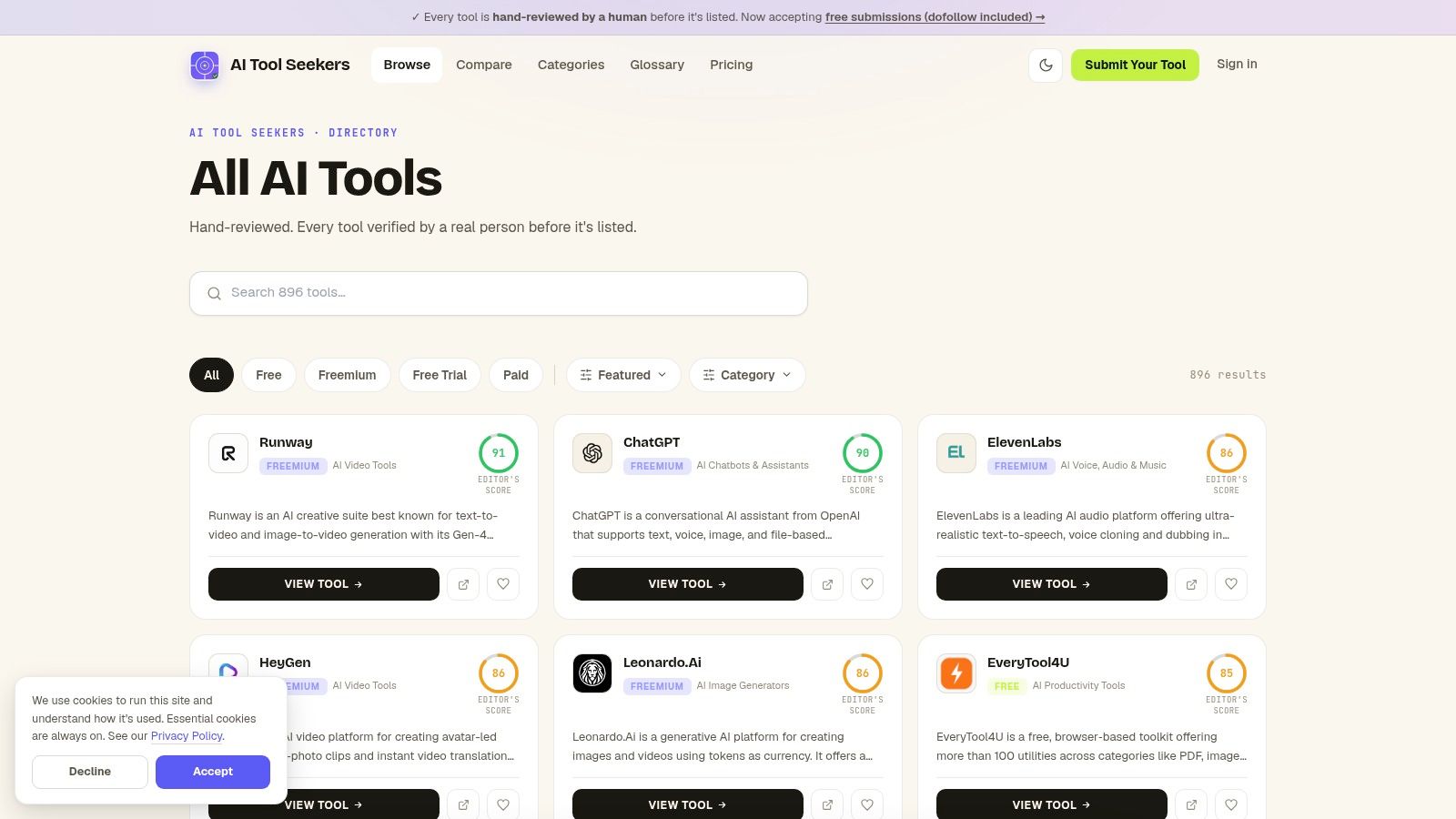
Best for everyday file and content chores. EveryTool4U is a free, browser-based toolkit of utilities for PDFs, images, video, text, and office documents. A student with a file problem can search one site by format instead of installing a separate desktop application for each job.
Everything runs in the browser, which keeps the barrier low for occasional tasks. The trade-off is that a category label like "PDF" or "video" names an area. The specific operation still needs checking on the utility's own page, along with the formats it accepts, any file-size cap, and whether heavier use costs anything. For a job repeated every week, a dedicated application usually offers more control; for a one-off fix before a deadline, a browser utility is faster to reach.
Where the toolkit fits
Say a group presentation needs images trimmed down for the slides, a handout exported as a PDF, and a video clip converted before upload. That kind of surrounding file work is where a utility collection earns its place, while a separate assistant handles explanations or feedback on the draft itself. Treat EveryTool4U as a productivity companion. Study help that depends on sources and reasoning belongs to a different kind of tool.
- Main advantage: One free site spans several file types, so occasional jobs don't require paid or installed software.
- Important limitation: Broad categories don't establish that a particular conversion, editing operation, or file format is supported.
- Wrong choice: Sensitive documents, offline assignments, and large files. Browser utilities need a connection and clear privacy terms, and a size cap can stop a big upload mid-task.
Keep an untouched copy of every original file and inspect the output before submission. Formatting, image quality, and layout matter more than whether a utility finishes its run. A file converter also isn't an AI study tool: students who want summaries, explanations, or drafting feedback need a different kind of product.
2. ChatGPT
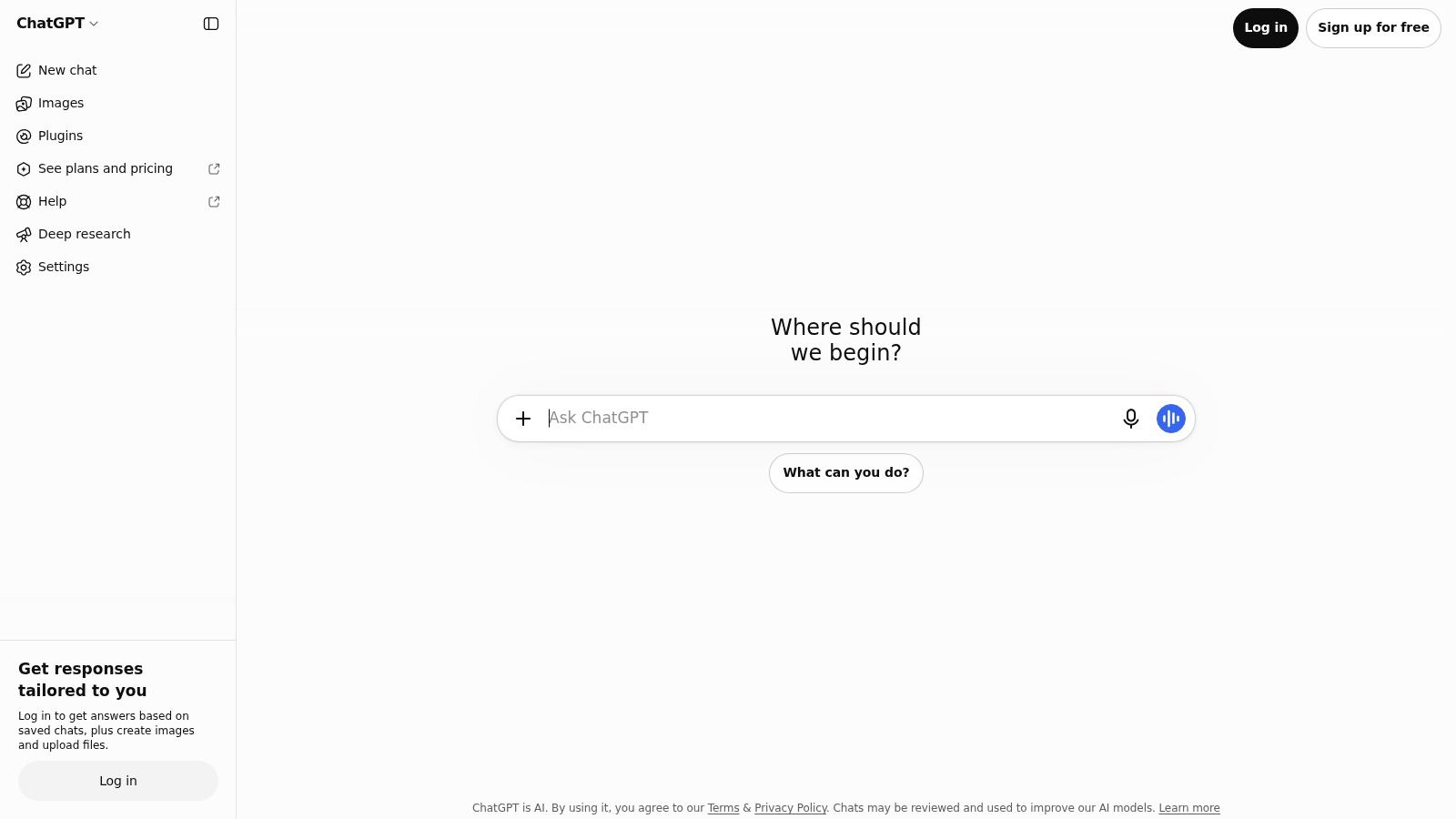
A confusing explanation often needs a conversation rather than another summary. ChatGPT suits concept clarification, practice questions, brainstorming, and feedback on a student's own writing. Follow-up questions let students narrow an explanation until the sticking point becomes clear.
The ChatGPT website offers a free plan with usage and feature restrictions; students should check its current terms there. Available functions include study-oriented guidance, web search, and document or image uploads, subject to access limits.
Use it as a tutor, not an answer sheet
A productive workflow starts with the student's attempted solution. The assistant can then identify the first unsupported step, explain the relevant concept, and offer a similar practice problem. That approach makes mistakes visible instead of replacing the student's reasoning.
- Works well: Turning notes into questions, comparing explanations, and requesting feedback against an assignment rubric.
- Needs checking: Factual claims, calculations, quotations, and references.
- Wrong choice: Submitting generated work where the instructor prohibits it, or relying on uninterrupted free access during a deadline.
The ChatGPT versus Perplexity comparison helps distinguish conversational study support from source-finding workflows. Neither approach removes the need to open references and check whether they support the answer.
3. Gemini
Gemini fits students who want explanations and study planning alongside Google services. It can help organize learning around course materials, discuss difficult topics, and develop personalized study plans. Interactive visualizations and Gemini Live may be available depending on the account and offer.
Standard free access and the enhanced student promotion aren't the same product arrangement. According to Google's student offer page, eligible U.S. college students aged 18 or older can receive Google AI Pro for one year, with annual eligibility verification and a payment method required; unless canceled, the subscription renews at $19.99 per month. Students should verify current eligibility and billing terms on that page.
Separate the account options
- Individual free access: Suitable for checking whether Gemini's explanations and study support fit the student's workflow.
- Student trial: Potentially useful for additional capacity, but not a permanent free plan.
- School-managed access: Worth investigating before opening another consumer account.
Google says Gemini for Education is included at no charge in all Google Workspace for Education editions, with additional guardrails and literacy resources for students under 18. Schools control availability, so institutional access shouldn't be assumed.
Gemini is the wrong choice when a student expects promotion features to remain free indefinitely. Calendar reminders and a clear cancellation decision belong in the signup process, not after a renewal charge.
4. Gemini Notebook
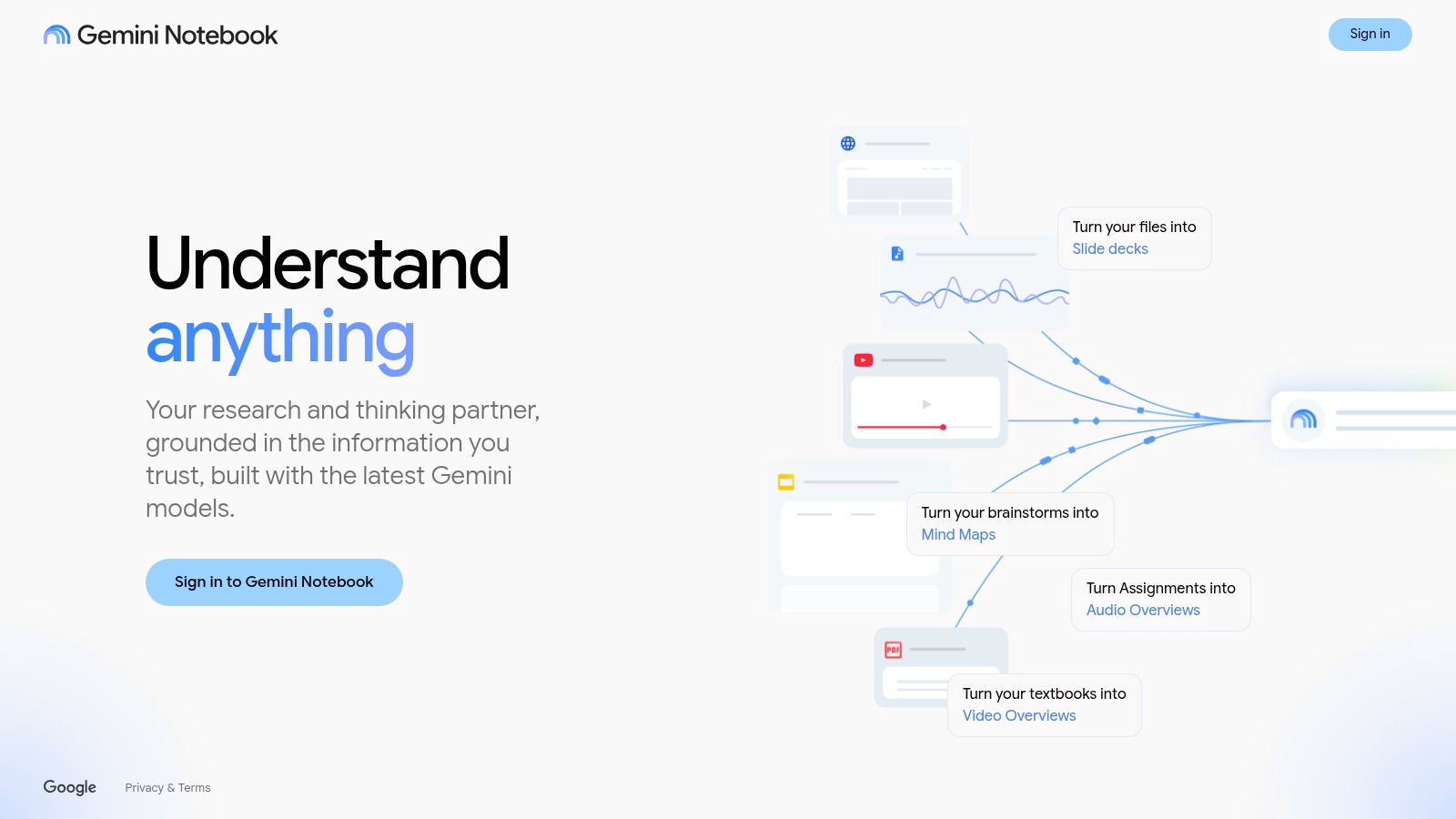
A folder of assigned readings calls for source-focused study support, not an unrestricted answer about the general topic. Google's notebook-style assistant, available through NotebookLM, lets students ask questions about supplied PDFs, Google Docs, webpages, and YouTube links.
Google's product site provides free starting access, while additional features and higher allowances may require a paid plan. Students should check the site's current limits before building a revision routine around a large collection of materials.
Keep answers tied to the readings
The tool can produce study guides, flashcards, quizzes, and audio or other overviews from selected sources. Citations help students trace an answer back to the material, which is particularly useful when comparing arguments across readings.
Source grounding makes an answer easier to inspect. It doesn't guarantee that the interpretation is correct.
A practical session begins with relevant, clearly labeled course materials. Students can ask which passages support an argument, open those passages, and then write their own explanation without copying the generated summary.
The guide to automatic AI notes offers context for note-based workflows. This tool is a poor fit when the source collection is incomplete, unreliable, or unrelated to the assignment. A polished study guide can't repair missing evidence.
5. Microsoft Copilot
Microsoft Copilot is useful for quick web-connected questions and webpage summaries. Its general assistant supports brainstorming, writing help, and summarization, while Copilot in Edge can help students explore material they're already reading.
The Copilot website provides access across supported devices and interfaces. Basic access doesn't require a Microsoft account, although signing in enables additional features, and availability can vary by region or account status.
Useful beside the browser
Say a student encounters an unfamiliar policy term in an assigned article. Copilot can provide an initial explanation or help identify related questions. The student should still read the original page rather than substitute a summary for the author's argument.
- Good fit: Orientation, brainstorming, and checking understanding of a webpage.
- Free-tier boundary: Microsoft describes its consumer free version as capacity- and usage-limited on its individual pricing page; students should confirm current allowances there.
- Separate purchase: Paid Microsoft 365 Copilot offerings aren't automatically included with basic consumer access.
When a limit appears, Microsoft says users can return later or upgrade. That makes Copilot less suitable for work requiring guaranteed availability.
Web-connected answers also need source checking. A reference may establish background without supporting the precise sentence attached to it, so students should inspect the original material before citing it.
6. Claude
A complete draft often needs argument-level feedback before sentence-level polishing. Claude can help students examine organization, discuss readings, identify unclear reasoning, and revise writing. It also supports coding, text and image analysis, and web search.
The Claude website describes a free individual plan with limited usage; students should check current access and restrictions there. Claude Pro is paid, while university-sponsored education access is a separate arrangement available through participating institutions.
Ask for critique before rewriting
For an essay draft, students can request a diagnosis of unsupported claims, weak transitions, and paragraphs that don't advance the thesis. Asking for explanations of problems preserves more student decision-making than requesting a complete rewrite.
- Useful input: The assignment prompt, a permitted rubric, and the student's own draft.
- Useful output: Prioritized feedback with references to the relevant paragraphs.
- Poor fit: Processing a long document when free capacity is insufficient, or treating an edited draft as automatically accurate.
Claude can help unpack complex material, but the amount of text a student can submit depends on current account limits. University access shouldn't be assumed merely because the user has a student email address.
The student remains responsible for every claim and quotation. A smoother paragraph can still contain an unsupported argument, and an assistant's confident criticism may overlook the instructor's intended approach.
7. Perplexity
Perplexity is a research starting point, not a finished bibliography. It searches the web and presents concise answers with inline citations, making it useful for finding terminology, relevant organizations, and original references.
According to the Perplexity website, its free Standard plan includes basic searches alongside limited Pro searches and file uploads. More advanced research functions and higher allowances are paid, so students should confirm the current plan boundaries on the vendor's site.
Follow the citation trail
A student researching urban heat could use Perplexity to identify the difference between surface temperature and air temperature. The next step is opening the cited sources, checking their methods, and recording the exact findings needed for the assignment.
Citation check: A visible citation is a route to evidence, not evidence that the generated sentence is accurate.
Students should favor original studies, official publications, and sources appropriate to their discipline. A relevant-looking webpage may be outdated, summarize another source poorly, or omit qualifications.
Perplexity is the wrong choice when an assignment requires searching a specific scholarly database or applying a documented literature-review method. It can suggest leads, but students still need to follow the required search process and cite the underlying material they read.
8. Grammarly
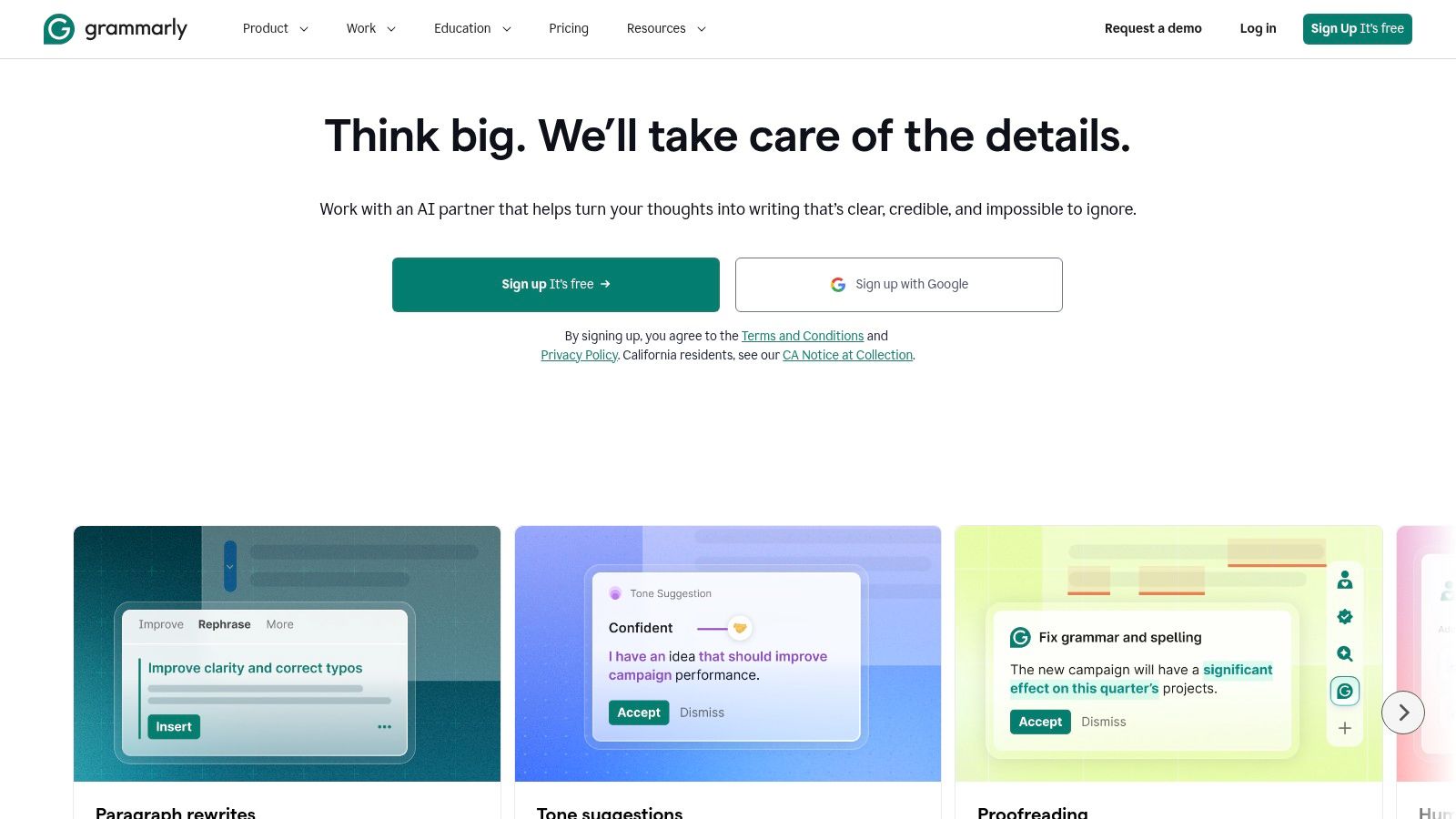
Small writing problems are easier to address while drafting than during a rushed final proofread. Grammarly offers spelling, grammar, clarity, and tone suggestions across supported apps and websites.
According to the Grammarly website, its free plan includes 100 generative AI prompts per month; students should confirm that allowance and the current feature split there. Advanced functions and additional AI usage require a paid plan.
Keep control of the wording
Mechanical corrections and generative rewriting deserve different levels of scrutiny. Fixing a typo is not the same as accepting a rewritten claim, changing a technical term, or letting an assistant restructure an assessed paragraph.
- Accept carefully: Corrections that preserve the intended meaning and disciplinary terminology.
- Review closely: Suggestions that change certainty, tone, emphasis, or the relationship between claims.
- Handle separately: References, citation style, evidence quality, and assignment compliance.
A useful workflow is to finish the argument first, then review suggestions individually. Students can compare the original and revised sentence and reject edits that flatten their voice or weaken precision.
Grammarly is a poor substitute for substantive feedback from an instructor or writing center. Grammatically clean prose can still misunderstand the question, misrepresent a source, or lack a defensible thesis.
9. GitHub Copilot
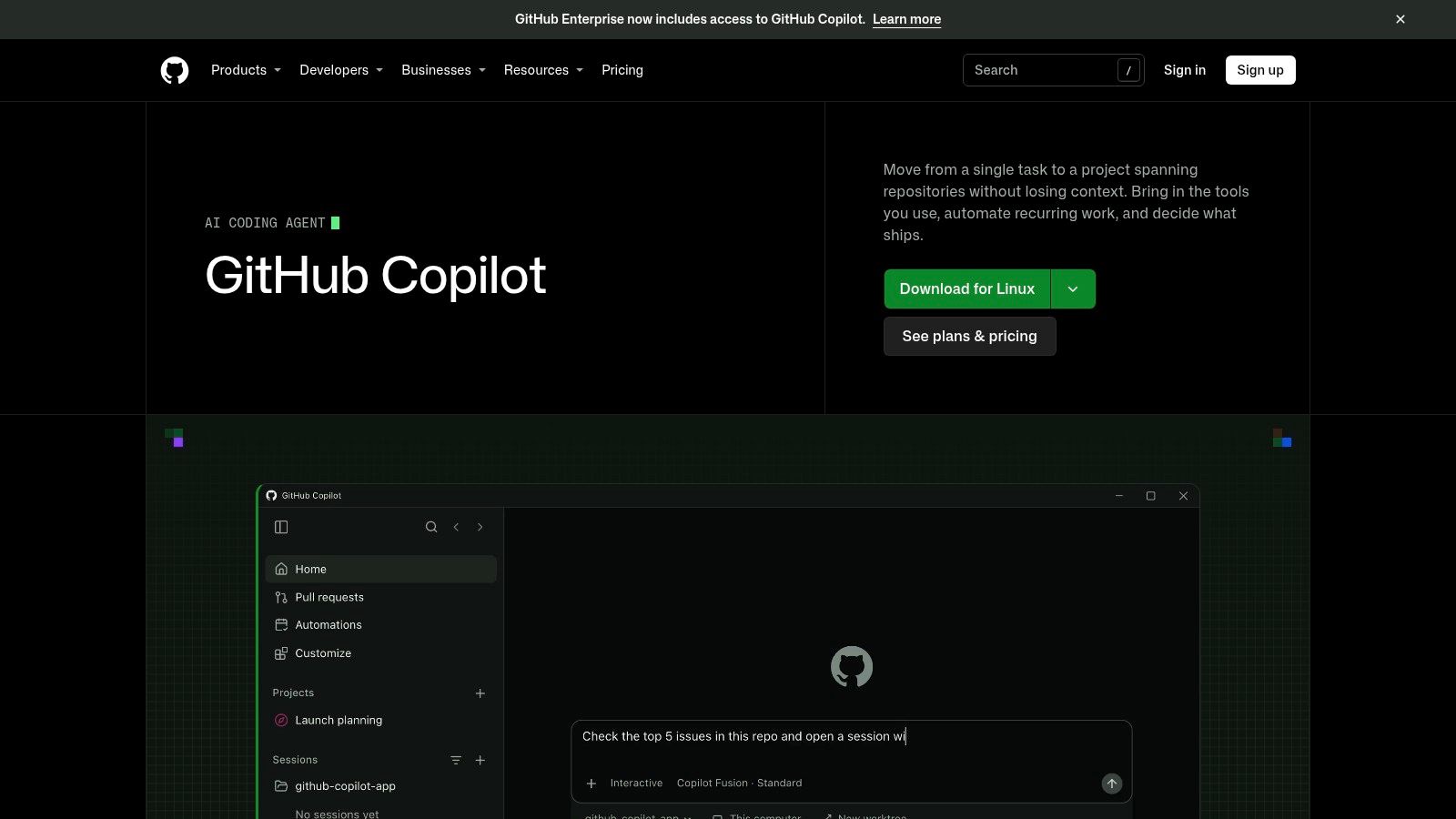
GitHub Copilot belongs inside a coding workflow. It provides context-aware code suggestions and chat assistance in supported development environments, helping students investigate errors and explore implementation options without leaving their editor.
The GitHub Copilot website lists a limited free plan and free Copilot Student access for verified students. Students should confirm current eligibility and allowances there, complete any required GitHub Education verification, and allow time for activation.
Debug with an explanation
A useful request includes the error message, the relevant code, and the behavior the student expected. The assistant can explain possible causes before suggesting changes, which gives the student something concrete to evaluate.
- Learning use: Ask why an error occurs, compare approaches, and inspect a suggested test.
- Verification step: Run the code, check edge cases, and review dependencies and security implications.
- Wrong choice: Accepting code that the student can't explain or using prohibited assistance in assessed programming work.
Generated code can contain errors or security weaknesses. Successful execution isn't enough: the student should understand inputs, outputs, assumptions, and failure conditions.
Copilot also shouldn't replace learning the editor, debugger, version control, or language documentation. Those skills are needed to assess suggestions, recover from mistakes, and explain the final program during assessment.
10. Canva
A presentation needs readable slides, not just more generated text. Canva combines visual-design templates with writing and design assistance, making it useful for class presentations, posters, and group projects.
According to the Canva website, Canva Free includes limited AI access, including Magic Write, while some features and content require payment. Canva for Education includes some AI capabilities for eligible users; students should check current eligibility and plan terms rather than assume every student qualifies.
Design around the argument
Start with the required message, evidence, and visual hierarchy. Templates can then help organize the material, but students should customize typography, spacing, and images instead of leaving unrelated decorative elements in place.
- Good fit: Turning an existing outline into slides or organizing a poster.
- Common restriction: A template may contain paid assets even when the basic editor is accessible.
- Wrong choice: Generating charts or academic evidence without checking the underlying sources.
The AI image generator guide can help distinguish visual creation options. Generated illustrations should never be presented as documentary evidence.
For a marketing assignment, such as one connected to a London School of Business Administration course, Canva can help present campaign concepts. Students still need to explain the audience, message, and rationale themselves.
How the tools compare at a glance
Match the assignment to the second column first. The last column shows where each free plan stops.
| Tool | Best for | Free access | Main free-plan limit |
|---|---|---|---|
| EveryTool4U | Everyday browser-based file and content tasks | Described as free; confirm on the vendor's page | Check the vendor's page for current tools, formats, and usage limits before uploading files |
| ChatGPT | Study help, explanations, practice, and writing feedback | Free plan available | Usage and some features are limited |
| Gemini | Study support and working with course materials | Free access; eligible students may qualify for a time-limited offer | Features and limits vary; student offer has eligibility and renewal conditions |
| Gemini Notebook | Studying and reviewing supplied sources | Free to get started | Higher limits and some features may require a paid plan |
| Microsoft Copilot | Web-connected questions, writing, and summaries | Basic access is free | Features vary by region and sign-in status |
| Claude | Understanding readings and improving writing | Free plan available | Individual usage is limited |
| Perplexity | Web research with cited answers | Free Standard plan available | Pro searches and file uploads are limited |
| Grammarly | Spelling, grammar, clarity, and tone feedback | Free plan includes 100 generative AI prompts per month | Advanced features and additional AI prompts require a paid plan |
| GitHub Copilot | Coding help in supported development environments | Limited free plan; verified students may qualify for Copilot Student | Student access requires verification and activation |
| Canva | Creating presentations and visual class materials | Free plan includes some AI usage | Free AI usage is limited; some features require a paid plan |
How to Pick Your Stack and Stay Out of Trouble
A small stack is easier to manage than a browser full of overlapping assistants. A general study assistant, a source-focused tool, and a specialist utility can cover distinct needs without requiring students to upload the same material everywhere. For example, a student might combine ChatGPT for explanations, NotebookLM for assigned readings, and Canva for presentation design.
The important test is whether each tool has a separate job. Claude and ChatGPT may overlap for draft feedback, while GitHub Copilot serves a different purpose inside an editor. Students should choose around their actual assignments rather than collect accounts because each offers free access.
Check access and protect the material
Before relying on any free tier, students should check the vendor's current upload restrictions, message allowances, account requirements, and paid-feature boundaries. Trials require an additional check for cancellation and renewal terms. AI Tool Seekers provides hand-verified listings, human-reviewed Editor's Scores with Capability, Ease of use, Value, and Delivery sub-scores, and free comparison and alternatives pages for checking free tiers side by side.
Privacy deserves the same attention as price. In the HEPI and Kortext student survey, 23% of surveyed undergraduates said insufficient data-privacy protection discouraged AI use. Students should remove identifying details from permitted materials and avoid uploading confidential interviews, student records, unpublished research, or restricted assessment documents.
- Check data handling: Review retention, training-use policies, deletion controls, and school requirements.
- Check institutional access: A school-managed account may have different protections, but permission still depends on institutional policy.
- Keep originals: Preserve source documents, drafts, and records of any permitted assistance.
Keep authorship clear
Institutional AI rules and assignment-specific instructions come first. Students should distinguish tutoring, editing, source discovery, and generated content, then disclose assistance wherever required. Guidance on how to avoid plagiarism in your thesis can support careful paraphrasing and attribution, but it doesn't replace local rules.
Tools marketed as AI-detector bypassers or student-work humanizers shouldn't be part of the stack. Concealing unauthorized assistance crosses academic-integrity lines rather than solving a writing problem.
No tool pays to be mentioned or ranked in this list. Vendor sites establish current plan terms, while the directory's review pages help students interpret features and compare alternatives before committing.
AI Tool Seekers offers hand-verified tool listings, editorial scores, and free side-by-side comparisons. Visit the directory to compare student tools by task and free-tier restrictions, then confirm the chosen plan on the vendor's site before the next assignment.