
Cartoon Video AI
A browser-based cartoon video editor that lets you plan scenes for free and generate animated clips using a pay-per-credit model.
Are you the maker? Claim this listing to keep info, pricing and screenshots current. Verified via your tool's domain email.
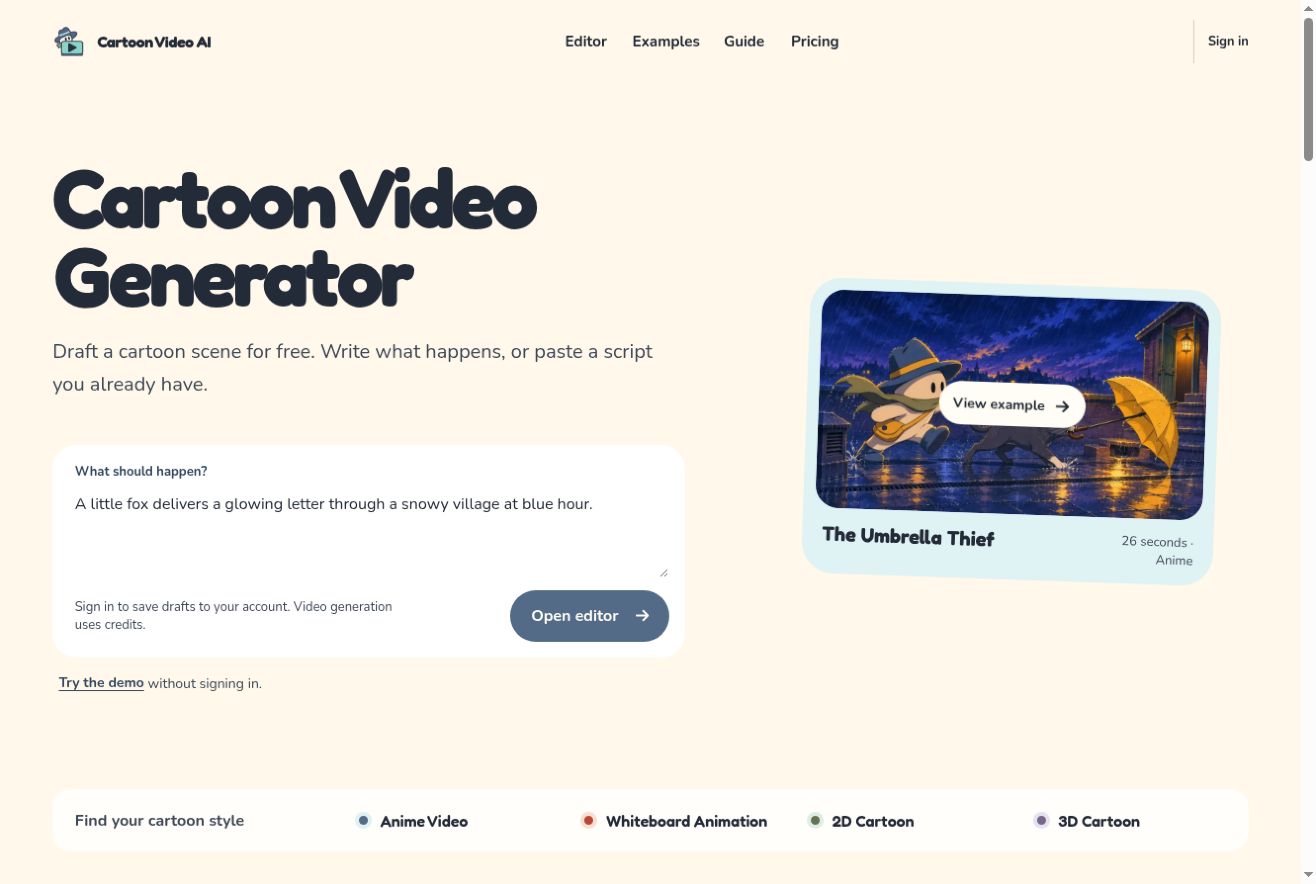
Cartoon Video AI is the right pick for a solo creator who wants to test a cartoon story idea before spending real money, since drafting and demo planning cost nothing. Its credit costs vary sharply by model and resolution, and it lacks the character-consistency tools and timeline editing that Runway offers. Anyone needing polished, long-form animation or reliable character continuity across scenes should look elsewhere.
What is Cartoon Video AI?
Cartoon Video AI is a browser-based workspace for turning a scene idea or script into a short animated video. Start by drafting the scene, choosing a visual style and planning shot actions. The site includes anime, whiteboard, 2D and 3D cartoon guides and examples. Drafting and demo planning are free; actual video generation uses credits, with the cost shown before you start. It is useful for creators exploring a cartoon short or testing how a story might look before committing to generation.
How we scored Cartoon Video AI
Capability scores 13 because the tool launched in November 2026 with no timeline editor, no character builder, and no lip-sync, features that Runway and most category competitors already have. The three-model routing is a genuine differentiator but does not compensate for the missing production layer. Ease of use scores 17 because the free drafting stage, no-login demo, and pre-confirmation credit display are genuinely low-friction for a first-time user, though the 19x credit cost spread between models creates real decision complexity. Value scores 15 because the $8.99 one-time pack and $6.99 Starter plan are cheap in absolute terms, but the Seedance 2.5 1080p rate of 151 credits per second means a Pro subscriber at $39.99/month gets fewer than 24 seconds of top-resolution footage per month, which is poor output-per-dollar for any serious creator. Delivery scores 13 because the tool is brand new with no public user reviews, no documented track record, and relies entirely on third-party APIs whose own reliability and output quality are outside its control.
Pros and cons
What we liked
- Free scene drafting and demo planning let you validate a story idea before spending any credits, which is genuinely useful for early-stage creative work.
- Three distinct AI video models (MiniMax H3, Kling 4.0, Seedance 2.5) give you a real quality-versus-cost tradeoff to work with, from 40 credits for a 5-second clip up to 755 credits for the same length at 1080p.
- The one-time $8.99 credit pack means you can test actual video generation without committing to a subscription, a rare option in a category where most tools push monthly plans immediately.
Where it falls short
- Credit costs for Seedance 2.5 at 1080p are extremely high: a single 10-second clip costs 1,510 credits, which would consume the entire Starter monthly allowance of 500 credits three times over and require a Pro plan just to generate two such clips per month.
- The tool launched in November 2026 with no timeline editor, no character builder, and no lip-sync, meaning it cannot sustain character consistency across scenes, a basic requirement for any multi-scene cartoon story.
- Unused subscription credits expire at the end of each monthly credit period even on quarterly or yearly billing, so a creator who misses a month loses those credits with no rollover.
Key features
Cartoon Video AI pricing
One-time credit pack: $8.99 for 500 credits. Monthly subscriptions: Starter at $6.99/month (500 credits), Plus at $19.99/month (1,600 credits), Pro at $39.99/month (3,600 credits). Quarterly and yearly billing available at a discount. Unused subscription credits expire monthly. Scene image generation costs 6 credits each; video costs range from 40 credits for a 5-second MiniMax H3 clip to 1,510 credits for a 10-second Seedance 2.5 1080p clip.
| Plan | Price | Who it is for |
|---|---|---|
| One-Time Credit Pack | $8.99 | 500 credits that never expire. No subscription required. Purchase as many packs as needed. |
| Starter | $6.99/month | 500 credits per month. Also available at $19.92 per quarter or $73.81 per year. Unused credits expire at the end of each monthly credit period. |
| Plus | $19.99/month | 1,600 credits per month. Also available at $56.97 per quarter or $211.09 per year. Unused credits expire at the end of each monthly credit period. |
| Pro | $39.99/month | 3,600 credits per month. Also available at $113.97 per quarter or $422.29 per year. Unused credits expire at the end of each monthly credit period. |
Pricing reflects what we saw at time of review (2026-11). Always confirm current pricing on the tool's own site.
Who should use Cartoon Video AI?
A solo YouTuber or indie creator who wants to storyboard a cartoon short and generate a rough clip to validate the concept before investing in a full production pipeline will find the free drafting stage genuinely useful. The pay-as-you-go credit pack at $8.99 for 500 credits is a low-risk entry point for someone who only needs a handful of clips per month.
Anyone who needs character consistency across multiple scenes, a timeline editor, voiceover sync, or the ability to produce content at volume should look elsewhere. Runway is the stronger choice for creators who need a full browser-based video production environment with more generation controls and a track record behind it.
Skip it if: Teams needing character consistency, timeline editing, or long-form animation
Cartoon Video AI alternatives
Tags
Frequently asked questions
Can I try Cartoon Video AI without signing up or paying?+
Yes. The demo and scene drafting tools are accessible without an account. You only need to sign in and purchase credits to generate actual images or video.
How much does it cost to generate a 10-second video clip?+
It depends on the model and resolution. A 10-second MiniMax H3 clip at 768p costs 80 credits; the same length in Seedance 2.5 at 1080p costs 1,510 credits. Kling 4.0 at 1080p costs 410 credits for 10 seconds.
Do unused credits roll over if I pay quarterly or yearly?+
No. Unused subscription credits expire at the end of each monthly credit period regardless of whether you pay monthly, quarterly, or yearly. Only the one-time credit pack credits never expire.
What AI models does the tool use for video generation?+
Cartoon Video AI routes generation through three third-party APIs: MiniMax H3, Kling 4.0, and Seedance 2.5. MiniMax H3 can start from text or a single image; Kling and Seedance require both an opening and ending image.
Is there a free plan with a monthly credit allowance?+
No. There is no free tier with recurring credits. Drafting and demo planning are free, but generating video or scene images requires purchasing credits or a subscription.
What animation styles does the editor support?+
The site covers four styles: anime, whiteboard, 2D cartoon, and 3D cartoon. Each has its own guide and examples, though the underlying video models are the same across styles.
More AI Video Tools
See all categoriesGet your tool listed on 300+ directories.
One listing here is a strong start. But the founders who get discovered everywhere are listed everywhere. Our sister site, Free AI Directories, submits your tool to 300+ AI directories for you, every single one by hand, by a real person.
It is a one-time payment of $49, no subscription, and you can follow along as the submissions land. Prefer the slow route? The same site keeps a free list of 450+ directories you can work through yourself.
Get my tool listed on 300+ directoriesOne-time payment, no subscription · 100% human submissions · Free list of 450+ directories included.