Kahrbon
Visitor management and AI meeting intelligence for Microsoft 365 workplaces, combined in one platform with a 15-day free trial.
Are you the maker? Claim this listing to keep info, pricing and screenshots current. Verified via your tool's domain email.
Kahrbon is the right pick for Microsoft 365 offices that want lobby check-in and AI meeting notes under one account, without stitching together separate tools. The catch is that actual plan pricing is not published: you must talk to sales before you know what you will pay, which makes budget comparisons impossible before a demo. Teams that need transparent, self-serve pricing or that do not run Microsoft Teams should look elsewhere.
What is Kahrbon?
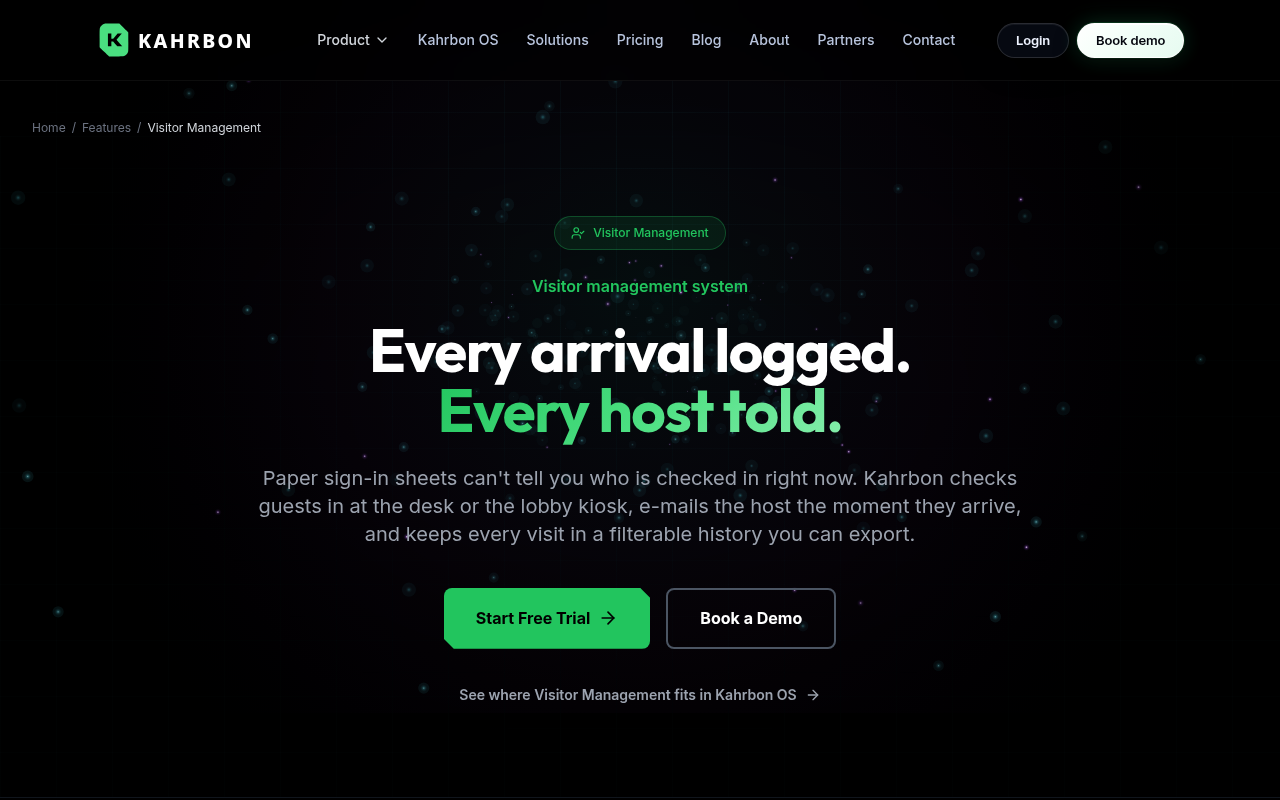
Kahrbon is a cloud-based workplace operations platform that combines visitor management and AI meeting intelligence in one account. At the front desk, it turns a tablet browser into a self-service kiosk, supports one-time QR code phone check-in, runs watchlist screening, handles visitor agreement signing, and sends host alerts by email and in-app notification. Visit history exports to CSV and an audit log tracks sensitive actions.
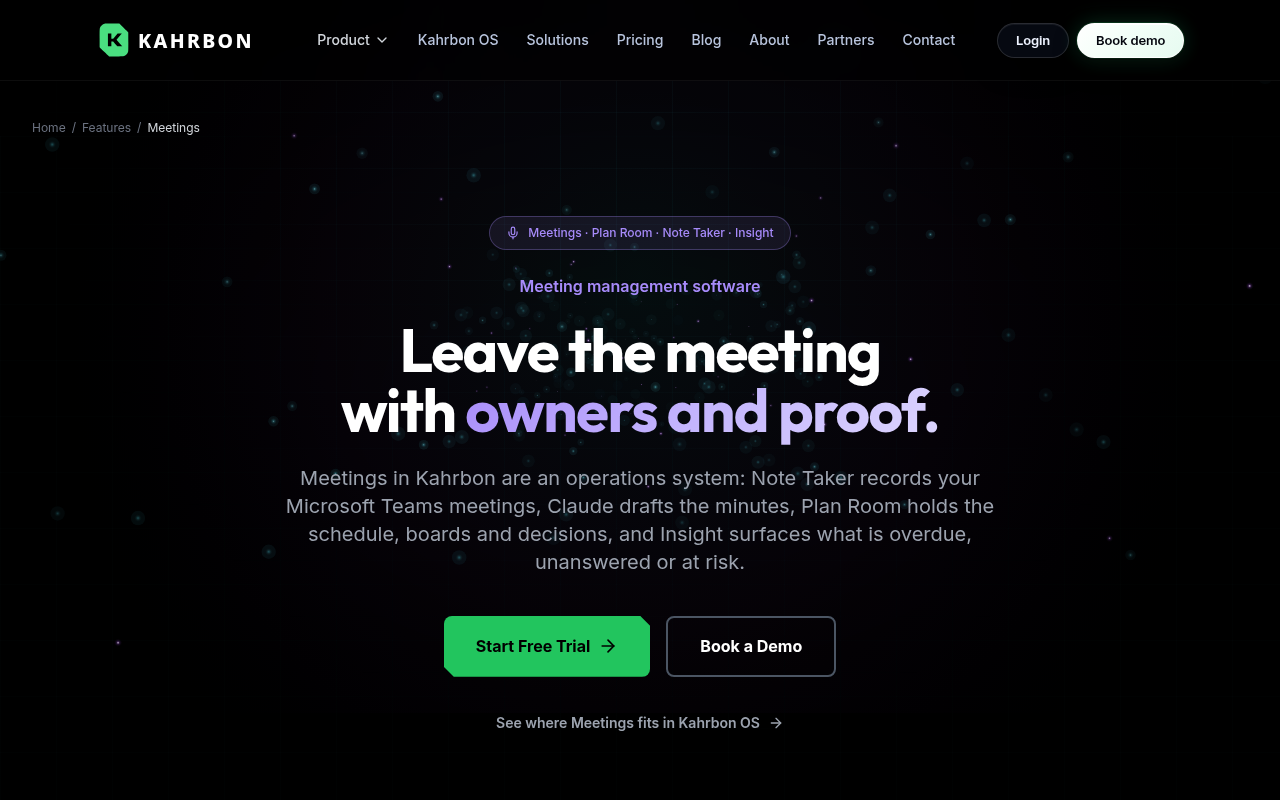
For meetings, Kahrbon's Note Taker records Microsoft Teams calls and uses AssemblyAI for speaker-labeled transcripts and Claude for AI-drafted minutes, decisions, and owner-assigned action items. Additional modules cover proposal drafting, newsletter creation, and task tracking. The platform connects to Microsoft 365 and Google Workspace for directory sync and supports Microsoft Teams arrival cards per location. Every new organization starts with a 15-day free trial and no credit card is required.
How we scored Kahrbon
Capability scores 17 because the combination of lobby check-in, watchlist screening, speaker-labeled transcripts, and Claude-drafted action items in one platform is genuinely differentiated, but the meeting intelligence is locked to Microsoft Teams and the maturity of secondary modules like Pitch and Dispatch is unverifiable from public sources. Ease of use scores 18 because the 15-day no-card trial, tablet-browser kiosk setup, and QR check-in suggest low onboarding friction, and the help center and blog are listed as live resources. Value scores 10 because pricing is entirely hidden behind a sales call: a buyer cannot compare costs before committing time to a demo, which is a real penalty relative to competitors with published tiers. Delivery scores 17 because the feature list on the pricing page is specific and consistent with third-party descriptions, but the opaque pricing model and unverifiable module maturity introduce meaningful uncertainty about whether the full product delivers at the level the marketing implies.
Pros and cons
What we liked
- Combines lobby visitor management and AI meeting notes in one account, eliminating the need for a separate check-in system and a separate Teams recorder.
- Security and compliance features are built in from the start: watchlist screening matched by email, visitor agreement signing, passkeys, and an audit log of sensitive actions are all listed as current capabilities, not add-ons.
- Claude-powered meeting output goes beyond a raw transcript: it produces structured minutes, named decisions, and action items with owners that sync into a tracking layer, which is more actionable than a plain summary.
Where it falls short
- Pricing is entirely opaque: the pricing page lists no tier names, no prices, and no per-seat or per-location figures, requiring a sales call before any budget comparison is possible. This is unusual even among enterprise-leaning tools.
- The meeting intelligence module is tightly coupled to Microsoft Teams; there is no mention of support for Zoom, Google Meet, or any other conferencing platform, which rules out mixed-platform teams.
- The platform bundles visitor management, meeting notes, proposal drafting, and newsletter creation into one product, but there is no public evidence of how mature the non-core modules (Pitch, Dispatch) are relative to dedicated tools in those categories.
Key features
Who should use Kahrbon?
Office managers and facilities teams at mid-size companies running Microsoft 365 are the clearest fit. If your front desk handles a steady stream of visitors and your staff runs most meetings in Teams, Kahrbon removes the need to maintain a separate visitor management system and a separate meeting recorder. MSP partners managing workplace operations for multiple client sites are also a named target, given the multi-location directory sync and per-location Teams arrival cards.
If your team does not use Microsoft Teams as its primary meeting tool, the meeting intelligence side of Kahrbon loses most of its value. Similarly, if you only need meeting notes and have no front-desk use case, a focused AI meeting tool will almost certainly cost less and do more. For general AI productivity work that does not involve visitor management at all, Notion AI is a better-grounded alternative: it covers drafting, summarizing, and searching across a shared workspace without requiring a sales call to find out what you will pay.
Skip it if: Teams needing published self-serve pricing or those outside the Microsoft 365 ecosystem
Kahrbon alternatives
Frequently asked questions
Does Kahrbon have a free plan?+
No permanent free plan exists. Every new organization gets a 15-day free trial with no credit card required, after which a paid plan is needed.
How much does Kahrbon cost?+
Kahrbon does not publish pricing. The pricing page lists all current capabilities but directs buyers to contact sales for plan details. No tier names or prices are publicly available.
Does Kahrbon work with Zoom or Google Meet?+
Based on current published information, the AI Note Taker is built specifically for Microsoft Teams. No support for Zoom, Google Meet, or other conferencing platforms is mentioned.
What AI models does Kahrbon use for meeting notes?+
Kahrbon uses AssemblyAI to produce speaker-labeled transcripts and Anthropic's Claude to draft minutes, decisions, and owner-assigned action items.
Can visitors sign NDAs or agreements at check-in?+
Yes. Visitor agreement signing is listed as a current capability, though the pricing page notes it requires setup before it is active.
What happens to visit data if you cancel?+
You can export your visit history to CSV before canceling. The pricing page advises contacting Kahrbon directly to confirm how long data is retained after cancellation.
More AI Productivity Tools
See all categoriesGet your tool listed on 300+ directories.
One listing here is a strong start. But the founders who get discovered everywhere are listed everywhere. Our sister site, Free AI Directories, submits your tool to 300+ AI directories for you, every single one by hand, by a real person.
It is a one-time payment of $49, no subscription, and you can follow along as the submissions land. Prefer the slow route? The same site keeps a free list of 450+ directories you can work through yourself.
Get my tool listed on 300+ directoriesOne-time payment, no subscription · 100% human submissions · Free list of 450+ directories included.