Keebye
Push-to-talk, on-device voice dictation for Mac and Windows that types into any app, including terminals and SSH sessions.
Are you the maker? Claim this listing to keep info, pricing and screenshots current. Verified via your tool's domain email.
Keebye is the clearest choice for developers who dictate into terminals, SSH sessions, or multiple AI coding tools at once and refuse to send audio to the cloud. Its 14-day free trial is genuinely full-featured, but once it ends there is no permanent free tier, and at $19.99/month it costs more than some cloud-based rivals that offer a free plan. Writers or general users who do not work in a terminal and want a free ongoing option should look at KeyVox instead.
What is Keebye?
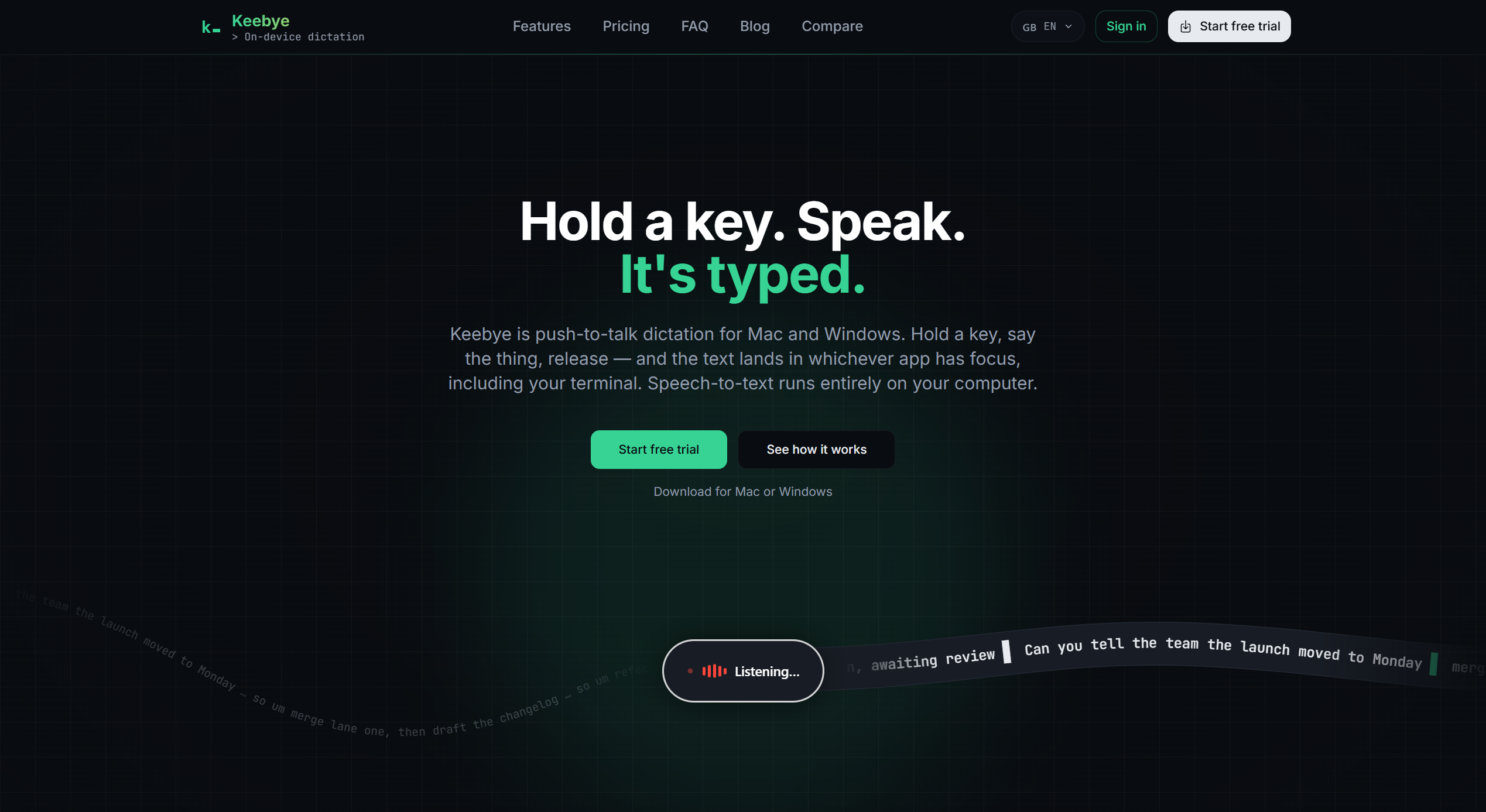
Keebye is a push-to-talk voice dictation application for Mac and Windows. Hold a configurable hotkey, speak, and release to insert transcribed text into the currently focused application, including terminals, AI coding assistants, document editors, and messaging apps. All speech recognition runs locally after a one-time model download, with no audio sent to external servers.
Core features include automatic removal of filler words and repeated phrases, a custom dictionary for technical terms and product names, and a terminal-aware insertion mode that supports SSH and tmux workflows via synthetic typing. The default engine targets English; an optional Canary engine covers 25 languages. An optional on-device LLM polish pass can refine transcripts before they land. Keebye is aimed at developers, writers, and professionals who dictate frequently and want their audio to stay on their own hardware.
How we scored Keebye
Capability scores well because the terminal-aware insertion with SSH/tmux synthetic typing mode is a genuinely differentiated feature no general dictation tool offers, and on-device Parakeet plus optional Canary for 25 languages is a solid technical foundation. Ease of use is strong: hold a key, speak, release is about as low-friction as dictation gets, and setup requires only Accessibility and microphone permissions. Value takes a hit because $19.99/month with no permanent free tier is above what some competitors charge for comparable on-device dictation, and the Windows feature parity question adds uncertainty for half the stated audience. Delivery is held back by the hard trial cutoff (dictation stops entirely, not just limited), the absence of any meaningful third-party user sentiment to validate claims, and unresolved questions about Windows parity flagged in reviewer notes.
Pros and cons
What we liked
- Fully on-device speech recognition with no telemetry: audio never leaves the machine, and dictation works offline after the one-time Parakeet model download (~640 MB).
- Terminal-aware insertion with a synthetic typing mode handles SSH, tmux, and paste-hostile targets that break every clipboard-based dictation tool.
- Pro Lifetime plan at $199.99 is a genuine one-time purchase that covers all Pro features, making the long-run cost lower than a monthly subscription for committed users.
Where it falls short
- No permanent free tier: the 14-day trial ends and dictation stops entirely until a paid plan is active, which is a harder cutoff than competitors like KeyVox that offer free dictation indefinitely.
- Transcription is batch-only, not live: text lands only after you release the hotkey, so there is no real-time caption stream. For long dictations this means you cannot see and correct mid-sentence.
- Windows support appears secondary to the Mac experience: the homepage and feature pages are written almost entirely around macOS and Apple Silicon, and it is unclear whether all features (Apple's native engine, Canary model) are equally available on Windows.
Key features
Keebye pricing
14-day free trial, no credit card required. Pro plan is $19.99/month or $159.99/year. A one-time Pro Lifetime purchase is $199.99. No permanent free tier.
| Plan | Price | Who it is for |
|---|---|---|
| Free Trial | Free for 14 days | Full Pro feature access for 14 days, no credit card required. Dictation stops when the trial ends until a paid plan is activated. |
| Pro (monthly) | $19.99/mo | Full access to all Pro features, on-device speech recognition, terminal-aware insertion, custom dictionary, and optional LLM polish pass. |
| Pro (yearly) | $159.99/yr | Same as Pro monthly, billed annually. Saves roughly $80 versus paying month-to-month. |
| Pro Lifetime | $199.99 one-time | Lifetime access to all Pro features with a single purchase. No recurring charge. |
Pricing reflects what we saw at time of review (2026-11). Always confirm current pricing on the tool's own site.
Who should use Keebye?
The primary audience is a developer running two or three AI coding agents in parallel, switching focus between Claude Code, Cursor, and a terminal, and wanting to feed each one a prompt by voice without lifting their hands from the keyboard. The terminal-aware insertion and SSH/tmux typing mode are genuinely useful here and not something most dictation tools offer.
Writers who want to dictate long-form prose into any app will also find the filler-word cleanup and optional LLM polish useful, provided they are comfortable with a paid subscription after the 14-day trial. Anyone who needs a free permanent tier, works primarily on mobile, or wants voice commands rather than voice typing should look elsewhere. KeyVox offers free dictation on Mac and iPhone with no subscription required and is a better fit for that audience.
Skip it if: General users who want a free permanent tier or do not work in a terminal
Keebye alternatives
Tags
Frequently asked questions
Is there a free version of Keebye?+
No permanent free tier exists. Keebye offers a 14-day full-featured free trial with no credit card required. When the trial ends, dictation is blocked until a paid plan is active.
Does Keebye send my audio or transcripts to the cloud?+
No. Speech recognition runs entirely on-device using the Parakeet model after a one-time download. The site states there is no telemetry and no network connection is needed for dictation once the model is installed.
Does it work inside SSH sessions and tmux?+
Yes. Enabling synthetic typing mode sends Unicode keystrokes in chunks rather than using the clipboard, which works inside tmux, SSH sessions, and paste-hostile targets. No per-terminal plugin is required.
What languages does Keebye support?+
The default Parakeet engine is English-tuned. Switching to the Canary engine adds support for 25 languages. Apple's native engine is also available as an option on Mac.
What is the cheapest way to buy Keebye long-term?+
The Pro Lifetime plan at $199.99 is a one-time purchase covering all Pro features. At the monthly rate of $19.99, the lifetime plan pays for itself in about 10 months.
Can Keebye execute voice commands in the terminal?+
No. Keebye is a dictation tool only. It types text at the cursor position; it does not interpret or run shell commands by voice.
More AI Productivity Tools
See all categoriesGet your tool listed on 300+ directories.
One listing here is a strong start. But the founders who get discovered everywhere are listed everywhere. Our sister site, Free AI Directories, submits your tool to 300+ AI directories for you, every single one by hand, by a real person.
It is a one-time payment of $49, no subscription, and you can follow along as the submissions land. Prefer the slow route? The same site keeps a free list of 450+ directories you can work through yourself.
Get my tool listed on 300+ directoriesOne-time payment, no subscription · 100% human submissions · Free list of 450+ directories included.