AI Powered No Code Platform: 10 Tools Compared
Compare 10 AI powered no code platform options for app building, automation, and workflows, with honest pros, cons, and practical use cases.
What if the best AI powered no code platform for a marketplace is the wrong choice for a client portal, a mobile app, or an automation? That mismatch is the main risk in most flat rankings. A visual builder, a prompt generator, and a workflow tool solve different jobs, even when all three use AI.
The ten platforms below fall into three groups. Visual app builders such as Bubble, Softr, Glide, WeWeb, Adalo, and FlutterFlow keep interfaces, data, and logic open to direct editing. Prompt-to-app generators such as Lovable, Bolt.new, and Base44 produce a first build from natural language. Workflow automation tools such as Make connect existing software instead of building a standalone product.
Context matters here. In 2021, Gartner forecast that 70% of new applications developed by organizations would use low-code or no-code technologies by 2025, compared with fewer than 25% in 2020, according to Floot's summary of no-code statistics. That forecast covers the wider market, not AI builders alone. It still explains why the category now serves founders, operations teams, marketers, and analysts.
Readers planning a product can also review how to build a SaaS without writing code. Each entry below describes features from the vendor's own site. Prices, credits, trials, and free plans change often and should be checked there.
Table of Contents
- 1. Bubble
- 2. Softr
- 3. Glide
- 4. WeWeb
- 5. Adalo
- 6. FlutterFlow
- 7. Lovable
- 8. Bolt.new
- 9. Base44
- 10. Make
- All 10 Platforms at a Glance
- How to Choose and What to Check Before You Build
1. Bubble
Bubble pairs AI-assisted generation with a visual editor for web apps and native mobile apps. The AI Agent helps create and modify apps. Builders then inspect interfaces, data, workflows, and privacy rules directly instead of relying only on follow-up prompts.
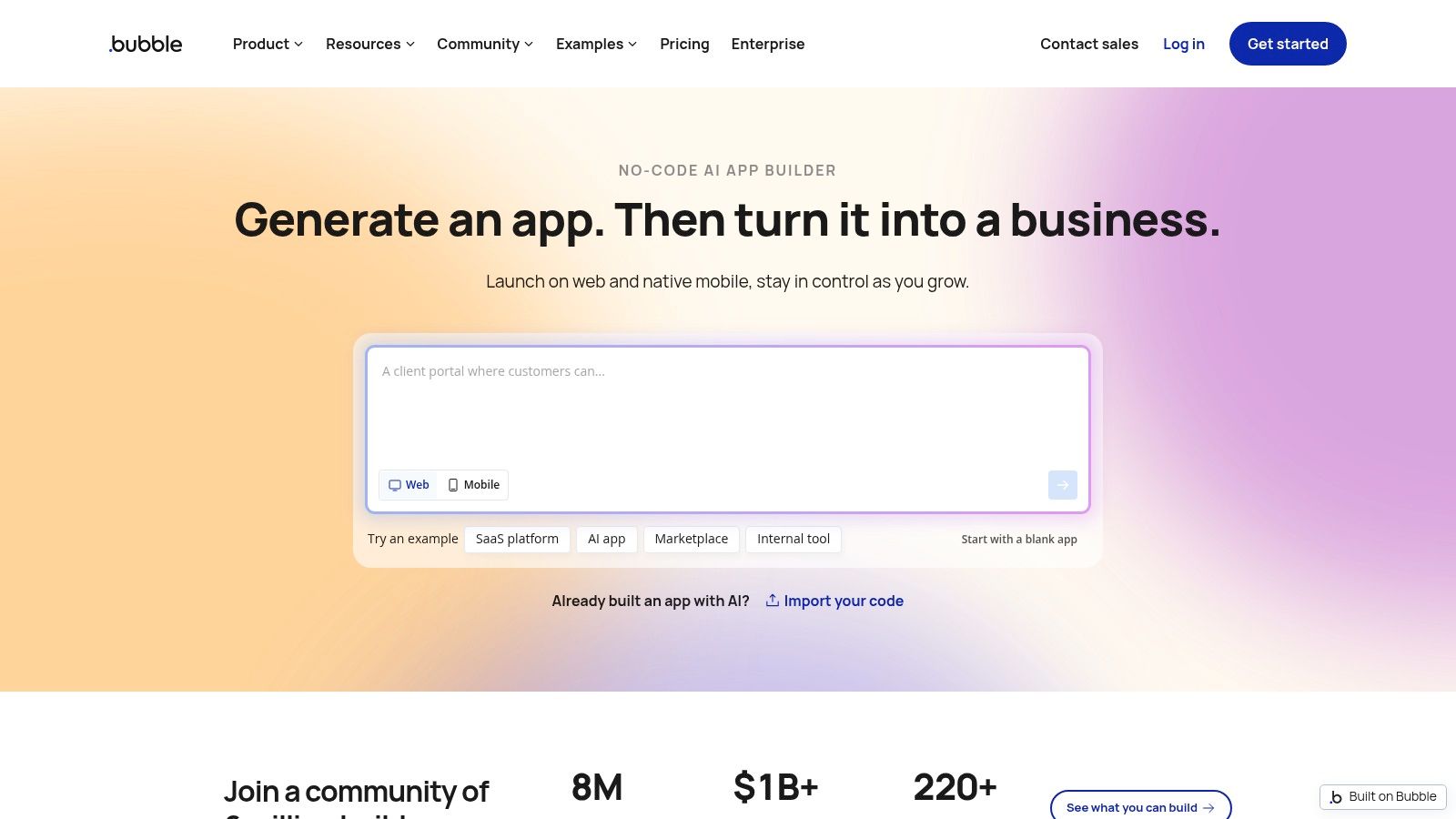
That control suits complex custom work. Marketplaces, SaaS products, and tools with linked records need visible logic and data rules. Hosting, security, and infrastructure are included, and web and native mobile options can share backend data and logic. Readers comparing agent features can start with AI agent software options before deciding how much agent help a project needs.
Where Bubble fits and where it does not
- Strengths: It offers more hands-on control than prompt-only builders and supports complex workflows and data relationships. Generated apps stay editable in the visual editor.
- Limits: There's no traditional codebase export. Complex projects take time to learn and manage.
- Cost check: Live deployment requires a paid plan, and usage is partly workload-based. Current terms should be checked on Bubble's site.
Bubble makes sense when custom logic matters more than the fastest possible first draft.
2. Softr
Softr focuses on business apps that people log into and use. Its AI Co-Builder creates client portals, internal tools, and member sites from a description. Builders can also start from a template or manual editing, then keep refining the result visually.
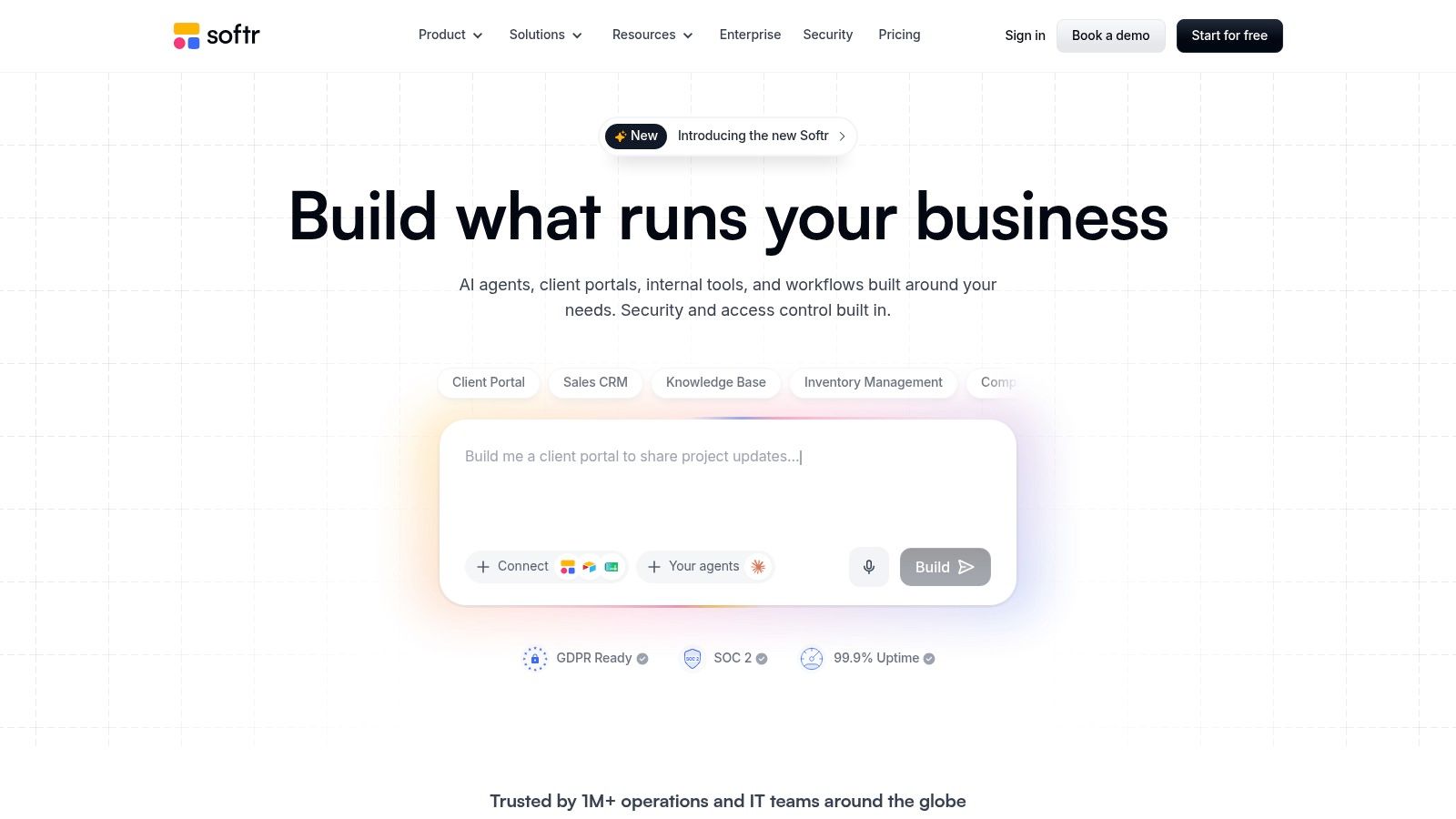
Built-in databases, workflows, forms, and integrations cover common operating needs. Permissions can be set for pages, blocks, and records, which matters when clients or staff should see only their own information. That makes Softr practical for a portal that exposes selected records without giving every user access to the full database.
Trade-offs to weigh
The platform is designed for usable business software, not only prototypes. A free plan is available for trying the platform, based on Softr's site. Paid plans support different user and workflow needs, but costs can rise with more users, records, or advanced controls.
Data can be exported, but full application code can't. Teams that need a custom native mobile app should look elsewhere. Softr fits best when the job is a login-based web app with clear permissions and no codebase to maintain.
3. Glide
Business data often sits in spreadsheets and operational systems long before an app exists. Glide turns that data into responsive apps. It also includes AI for generating apps, creating interface components, and processing text, audio, and images.
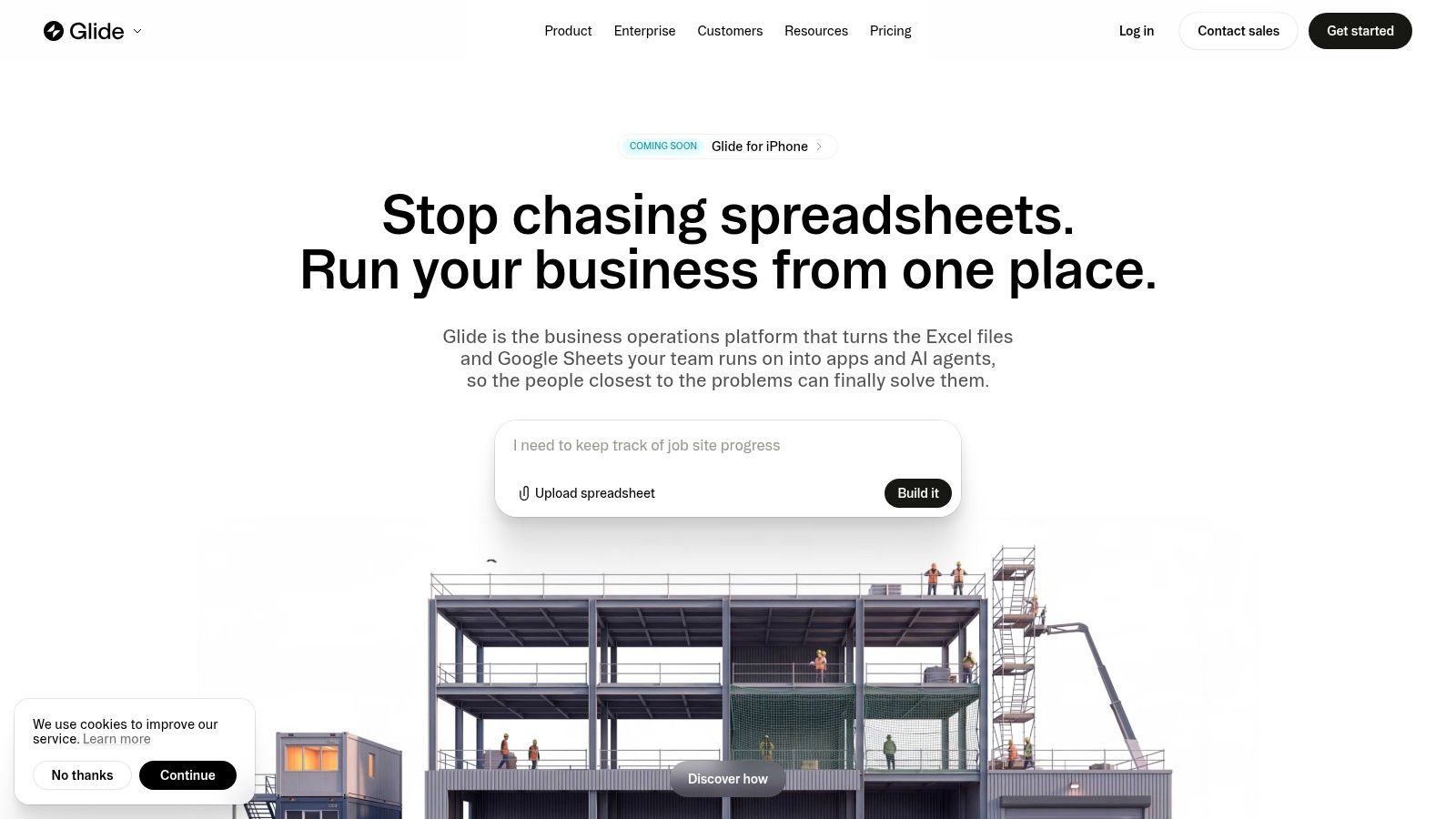
Inventory tools, field operations apps, and team dashboards fit this model well. Visual workflows support triggers, conditions, and actions. AI can generate or transform content using app data, so it isn't limited to the first build. Access controls and enterprise security features add another layer for internal use.
A data-first builder works only when the underlying tables are clean, consistent, and structured for the workflow.
The limits require attention. Glide works best when the data and workflow model suits its approach. Plans use credits and may limit apps, workflows, or publishing. AI and agent capabilities vary by plan, so the exact tier needs checking on Glide's site before a team builds around a feature that isn't included.
4. WeWeb
WeWeb combines prompt-based generation with a visual editor for web apps. Its AI helps create interfaces, database structures, authentication, workflows, and API connections. Builders can then edit generated elements directly instead of accepting the first output as final.
The clear distinction is the exit path. WeWeb offers Vue.js code export on eligible paid plans, along with GitHub sync and self-hosting options. It can also connect to APIs and external backends, which helps teams that don't want every part of the stack inside one hosted builder.
When the extra flexibility helps
A team with an existing backend can use WeWeb as the visual front end while keeping data services separate. AI features can work with app data and workflows during the build. That combination suits web products that may later move to independent hosting.
WeWeb is less suited to native mobile apps. Code export and collaboration require paid plans, and a simple site may not need this level of flexibility. Eligible plans and current export terms should be verified on WeWeb's site.
5. Adalo
Native mobile delivery changes the shortlist fast. Adalo uses its Ada AI builder to generate an app foundation from a natural-language description. Builders refine screens, data, navigation, and flows on a visual canvas, using prompts and direct edits side by side.
One project can produce web, iOS, and Android apps. A built-in database and user login reduce setup work. Apps can be previewed on real devices before release, which helps catch layout and navigation problems that a desktop preview can miss.
- Strengths: One project supports mobile and web delivery. Free access lets builders build and test before publishing.
- Publishing limits: App-store publishing requires a paid plan and separate developer accounts.
- Code access: Code export is a separate service rather than a standard plan feature.
Generated data models and workflows should be reviewed before launch. Adalo fits nontechnical teams that put native mobile delivery first and accept a hosted build process.
6. FlutterFlow
FlutterFlow is a visual development platform built around Flutter. It supports mobile, web, and desktop projects and gives builders more technical control than a purely hosted no-code tool. AI features help generate apps, and AI agents can be added to the product itself.
Templates, API connections, and data integrations support the visual build. Firebase and Supabase integrations cover common backend needs. Paid plans include code and APK downloads plus app-store deployment, so the output isn't trapped in a hosted-only format.
Control comes with added concepts
That route to source code suits builders who expect to add technical control over time. A founder can start visually, then hand code to a developer later. The trade-off is complexity. FlutterFlow involves more technical concepts than hosted builders such as Softr or Adalo.
Some advanced features sit on higher-priced plans. AI-generation allowances are capped by plan. Current caps and download rights should be checked on FlutterFlow's site, especially before a project depends on repeated AI generation.
7. Lovable
Lovable starts with a prompt and keeps iteration in natural language. Builders describe a web app, review the result, and request changes. Hosting and cloud features are integrated into the workflow, which reduces the setup between an idea and a shareable build.
Unlike a conventional visual builder, Lovable produces code. That can add flexibility for later development. It also changes the maintenance burden. Complex changes may require debugging or understanding the generated code, even when the first version came from plain language.
Best use and main risk
The platform suits a fast first build for a landing page with app features, an internal prototype, or a product concept that needs real screens. A free plan is available without a credit card, based on Lovable's site. Paid plans add credits, custom domains, and team permissions.
Build capacity is credit-based, so frequent iteration can consume the allowance. Hosting and AI-feature costs also need checking for production use. Lovable is a prompt-to-app generator first, not a visual editor for teams that want to control every workflow by hand.
8. Bolt.new
Bolt.new lets builders create websites and apps by chatting with AI in a browser. No local development environment is required to start. The built-in preview keeps prompts, output, and revisions in one place, and generated code remains accessible for review.
Plans include hosting, and database options support apps that need stored data. Paid tiers add custom domains, private projects, and higher token allowances. The free tier allows experimentation, but token and hosting allowances are limited. Readers weighing a generated app against connected workflows can compare practical AI automation examples to decide whether an app is needed at all.
Practical rule: A prompt-built app still needs a named owner for review, fixes, and release decisions.
Token use is the main budgeting problem. Larger projects can consume more tokens per interaction, which makes cost hard to estimate early. Generated code may also need troubleshooting. Bolt.new fits founders and makers who want speed in the browser and accept code review as part of the process.
9. Base44
Base44 generates apps from plain-language descriptions and includes backend essentials in the same product. A built-in database, authentication, and integrations reduce the setup that usually follows a front-end draft. Visual editing and analytics tools support changes after generation.
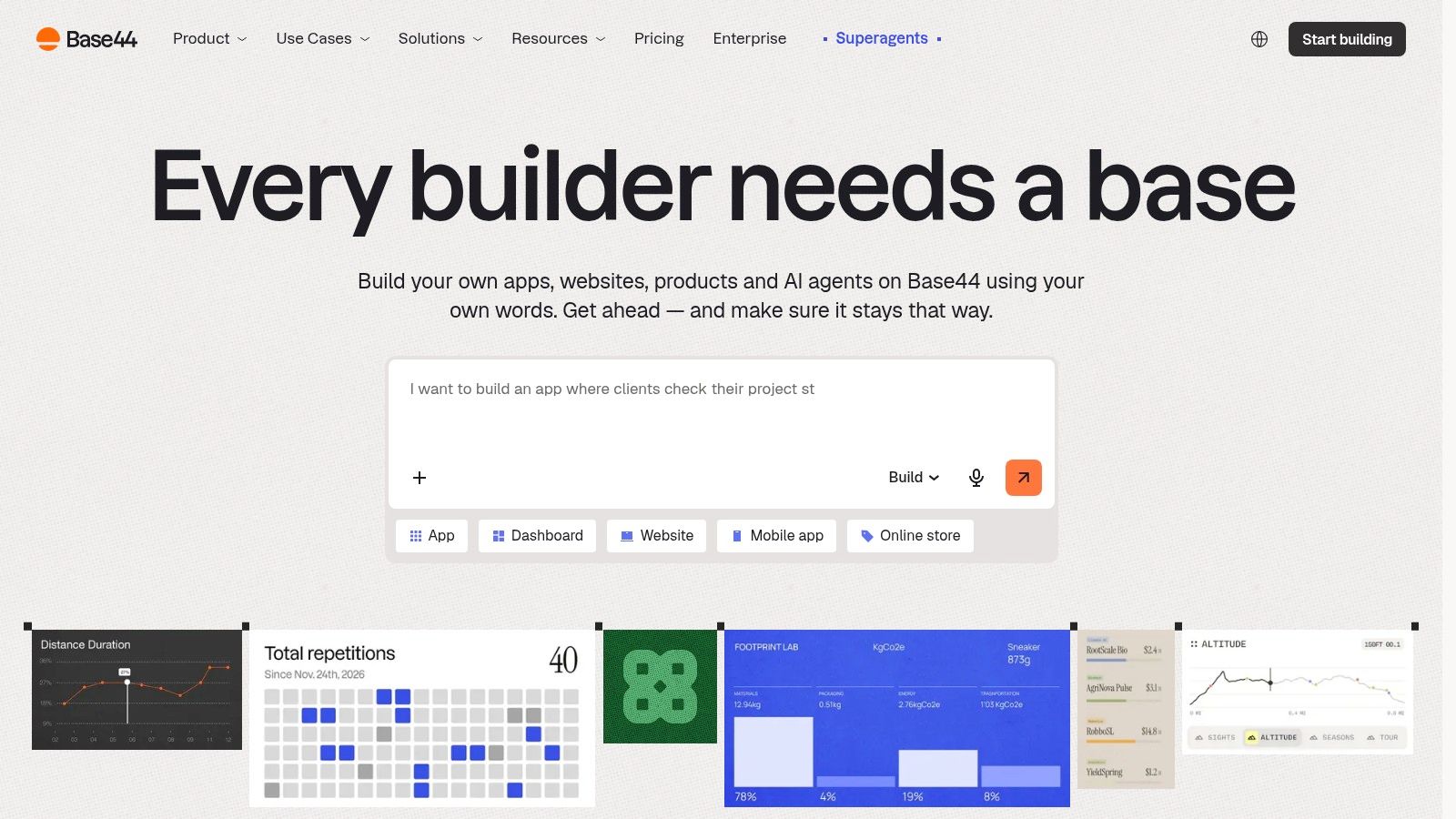
That integrated stack suits prototypes and small applications. A solo builder can describe a booking tool or member directory without first wiring separate auth and data services. Higher plans add more credits, custom domains, in-app code editing, and GitHub integration.
- Strengths: Backend features are included rather than set up separately. A free plan is available for evaluation, based on Base44's site.
- Usage limits: AI actions and integrations consume credits, and use varies by task.
- Plan checks: Custom domains and code editing may require specific plans.
Credit-based building can make frequent iteration costs less predictable. Base44 fits builders who value an integrated full-stack starting point over hand-built visual control.
10. Make
Make belongs in a different category. It's primarily a no-code workflow automation platform, not a builder for standalone mobile or web products. Users create visual workflows that connect apps, move data, and can include AI models and agents.
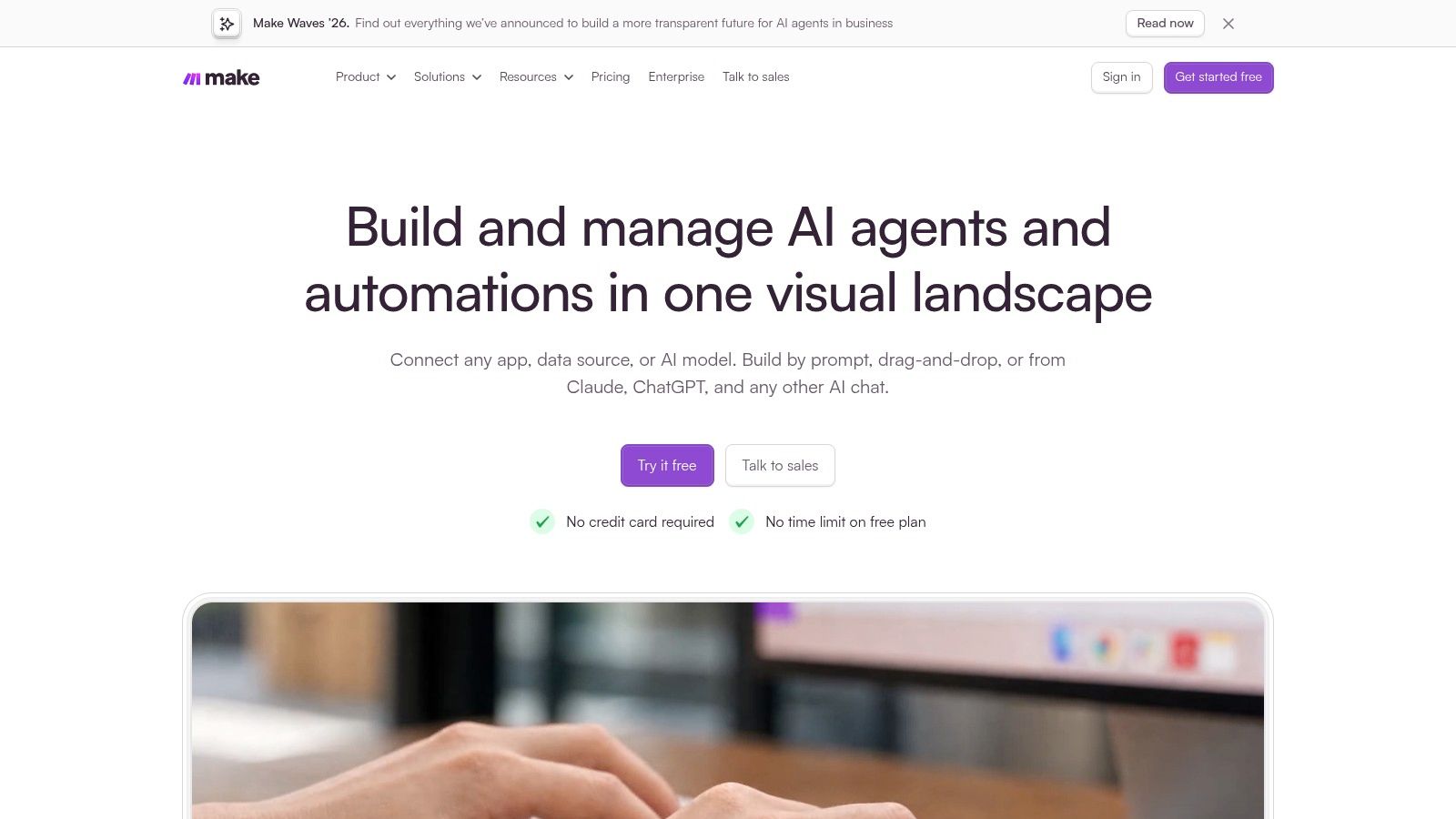
The visual builder supports branching, filters, and routers. It connects to thousands of apps and supports custom API integrations. Execution history helps inspect runs and diagnose failures, which matters when a lead, order, or support record doesn't arrive where it should. Teams comparing this route with app builders can review low-code and no-code automation basics before buying a builder for a connection problem.
Make enables non-developers to build multi-step automations visually. A free plan is available for testing workflows, based on Make's site. Usage is credit-based, and workflow actions consume credits. Complex scenarios take time to design and troubleshoot. The right test is a real process with exceptions, not a simple two-step demo.
All 10 Platforms at a Glance
| Platform | Main Strength | Best For | Key Limitation |
|---|---|---|---|
| Bubble | Visual control over complex apps and workflows | Custom web apps, marketplaces, and SaaS products | No traditional code export; complex projects take time to learn |
| Softr | AI-assisted business app creation with permissions | Client portals, internal tools, and member sites | No full application code export; less suited to native mobile apps |
| Glide | Turns business data into mobile-friendly apps | Inventory, field operations, and team dashboards | AI features and app capabilities vary by plan |
| WeWeb | Visual web app building with code export options | Web apps needing backend flexibility and deployment control | Code export requires an eligible paid plan; not focused on native mobile |
| Adalo | Builds mobile and web apps from one project | Nontechnical teams prioritizing native mobile apps | App-store publishing requires a paid plan and developer accounts |
| FlutterFlow | Cross-platform visual development with source code access | Builders seeking technical control over mobile, web, or desktop apps | Advanced features cost more and may require technical knowledge |
| Lovable | Fast prompt-based app generation that produces code | Quickly prototyping and refining web app ideas | Credit limits and generated code may require debugging |
| Bolt.new | Browser-based AI app building with code access | Founders and makers creating a rapid first build | Token use can be unpredictable; generated code may need troubleshooting |
| Base44 | Prompt-based full-stack app creation with backend essentials | Prototypes and small apps needing built-in database and authentication | Credit-based usage can make iteration costs less predictable |
| Make | Visual workflows connecting apps and AI tools | Automating repetitive tasks across business systems | Automates processes rather than building standalone apps |
How to Choose and What to Check Before You Build
Match the platform type to the project first. A marketplace or custom SaaS product points toward Bubble, WeWeb, or FlutterFlow. A client portal or data-driven internal tool points toward Softr or Glide. A native mobile app points toward Adalo or FlutterFlow, while a fast web prototype points toward Lovable, Bolt.new, or Base44. A process that connects existing systems belongs in Make.
That first decision prevents a common waste of effort. A prompt generator can't replace careful permission design for a portal. A visual builder is slow for a throwaway concept test. An automation platform won't produce a customer-facing product just because it can call an AI model.
Check cost beyond the first build
Pricing, credits, and AI feature availability change often. Each vendor's own site is the source for current figures, and any free plan or trial should be verified there. A trial is a trial, not a free plan. Builders should also check what happens when users, records, workflow runs, tokens, or AI actions grow.
Backend choices add another cost layer. Storage, authentication, hosting, and external APIs may sit outside the builder fee. Readers comparing outside services should review free database storage and compute limits before assuming a free tier will hold production data.
Governance deserves the same attention as build speed. In a 2024 Mendix survey of 2,000 technology leaders, 85% believed combining AI with low-code helped their organizations innovate faster, while 71% expressed concerns about governance for AI-assisted coding, according to Gravity's summary of the Mendix survey. Those figures show why audit logs, role-based access, approval steps, and rollback options matter once an app touches customer data.
Fast generation is useful only when someone can inspect permissions, test changes, and reverse a bad release.
Run a production check before committing
A short pilot should use real data shapes and real user roles. Test login, record permissions, failed workflows, data export, and the path for fixing a bad AI generation. Check whether code export exists, which plan includes it, and what stays behind after cancellation. Vendor lock-in is easiest to judge before customers depend on the app.
Enterprise teams should ask harder questions. A September 2025 KPMG survey of 2,170 companies found that 28% already used low-code extensively to build complex enterprise applications with embedded AI, according to Quixy's summary of the KPMG survey. That level of use calls for environment separation, private data connectivity, API authentication, and human review checkpoints, not only prompt speed.
AI Tool Seekers can help with the next comparison step. The directory lists 751 verified tools, accepts free submissions, and has no pay-to-rank slots. Human-reviewed listings, Editor's Scores, and side-by-side comparison pages give readers a structured way to compare alternatives after vendor sites confirm current pricing and feature access.
Start with two or three finalists from the same category. Build the same small workflow in each one. Keep the test narrow, record the credits used, and note every manual fix. The platform that handles permissions, data, and recovery with the least friction is the stronger choice, even if another tool produced the prettier first draft.
Readers comparing an AI powered no code platform can use AI Tool Seekers to review human-checked listings, Editor's Scores, pricing models, pros, cons, and side-by-side alternatives before committing to a builder. Visit the directory to narrow the field by task, check related automation and app-building tools, and confirm final details on each vendor's site.