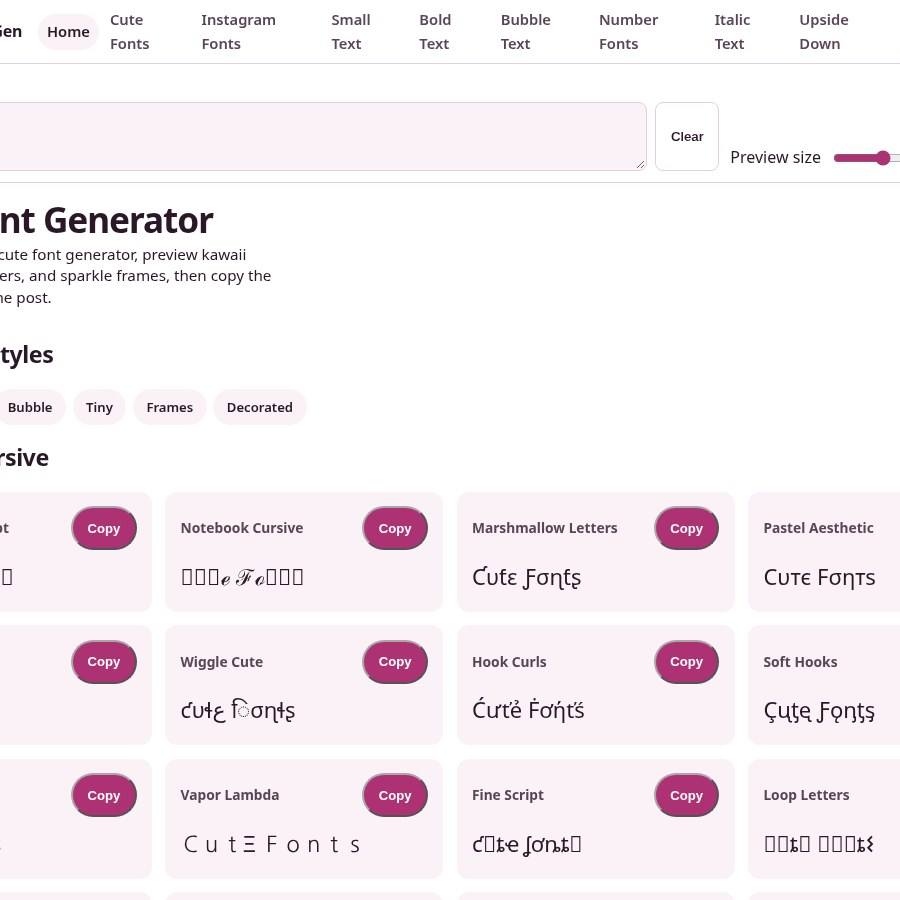
CuteFontGen
A free, no-signup Unicode font picker for social bios, Discord names, and TikTok captions with 100+ copy-paste styles.
Are you the maker? Claim this listing to keep info, pricing and screenshots current. Verified via your tool's domain email.
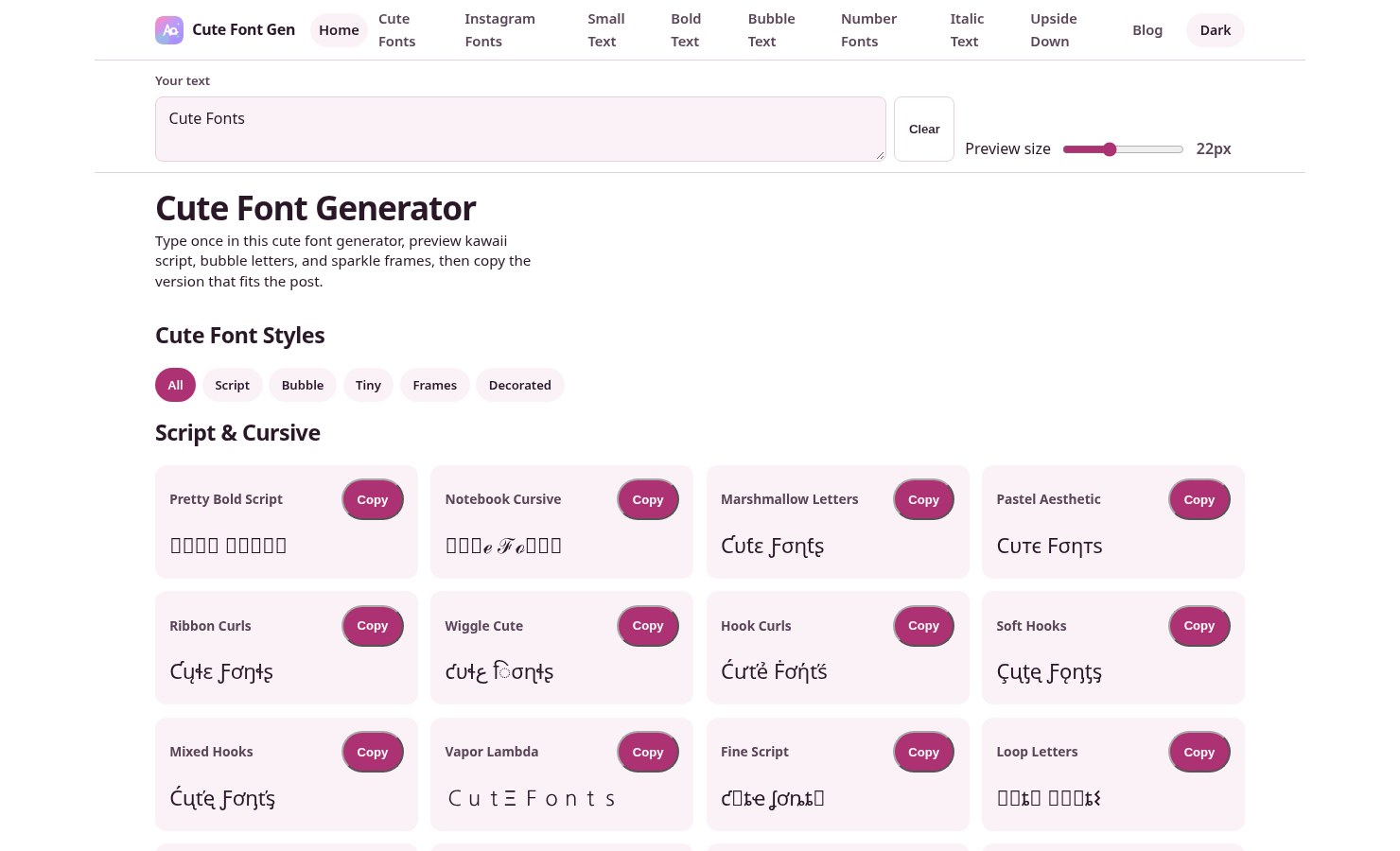
CuteFontGen is the right pick for anyone who needs a kawaii username or Instagram bio styled in seconds, with zero friction and no account required. Its output is Unicode character substitution, not actual typography, so it cannot export files, generate real fonts, or serve any professional design workflow. If you need actual design output, Canva does far more for a comparable free tier.
What is CuteFontGen?
CuteFontGen is a free, browser-based text styling tool at cutefontgen.com. It converts typed input into Unicode character strings across more than 100 named styles, including kawaii script, bubble letters, small caps, superscript, subscript, and decorative frames using hearts, stars, flowers, and moons. No installation, account, or payment is required.
The tool targets social media users who want styled text for Instagram bios, Discord usernames, TikTok captions, and game profile names. Output is copy-paste ready and works in any field that renders Unicode. It does not produce font files, image exports, or editable design assets.
How we scored CuteFontGen
Ease of use is the tool's genuine strength: live preview across 100+ styles, zero onboarding, and a single-tap copy workflow earn a high mark there. Value scores well for what it is, since $0 with no watermarks or caps is a fair deal for a narrow utility. Capability is low because the tool does exactly one thing (Unicode substitution) and cannot export files, apply real typography, or do anything a named competitor like Canva cannot also do for free while doing far more besides. Delivery loses points because the AI Design & Art category claim is unsupported by any actual AI feature, which is a meaningful gap between what the directory listing implies and what the product delivers, and because the absence of any persistence features (no favorites, no history, no sharing) means the tool delivers less than even basic comparable free utilities.
Pros and cons
What we liked
- Genuinely free with no account, no watermark, and no usage cap: the $0 price is the whole product, not a teaser tier.
- 100+ named styles previewed live as you type, organized into clear categories (script, bubble, tiny, frames, decorative), making comparison fast without scrolling through a wall of options.
- Works anywhere Unicode renders, including Instagram, Discord, TikTok, WhatsApp, and game profile fields, with no platform-specific export step needed.
Where it falls short
- Output is Unicode character substitution, not real typography: the styled text cannot be exported as a font file, SVG, PNG, or any other design asset, which makes it useless for mockups, print work, or anything beyond pasting into a text field.
- No AI capability is present in the core product despite its AI Design & Art category listing: style maps are fixed Unicode lookups, so there is no generation, variation, or personalization beyond picking from the preset list.
- The tool has no persistent features at all: no saved favorites, no history, no sharing links, and no way to revisit a style combination without retyping from scratch.
Key features
CuteFontGen pricing
Completely free. The pricing page lists a single offer at $0 USD. No paid tiers, no credits, no account required.
| Plan | Price | Who it is for |
|---|---|---|
| Free | $0 | Full access to all 100+ Unicode styles, live preview, copy-paste output, no account required, no watermarks, no usage limits stated. |
Pricing reflects what we saw at time of review (2026-11). Always confirm current pricing on the tool's own site.
Who should use CuteFontGen?
CuteFontGen suits anyone who spends time on social platforms and wants a styled username, bio line, or caption without opening a design app. A teenager customizing a Roblox display name, a content creator refreshing an Instagram bio for a seasonal campaign, or a Discord server admin naming channels with decorative brackets will all get what they need in under a minute.
Anyone doing actual design work should look elsewhere. If you need to produce a graphic, a mockup, a branded post, or anything that requires a real file at the end, Canva is the better choice and its free tier covers many those tasks. PostPop is worth considering if your goal is on-brand social content that pulls your actual brand colors and fonts rather than Unicode substitutions.
Skip it if: Designers needing exportable files, real typefaces, or AI-generated artwork
Frequently asked questions
Does CuteFontGen cost anything?+
No. The pricing page lists a single offer at $0 USD. There are no paid tiers, no credits to buy, and no account required to use any feature.
Can I use the output in Photoshop, Figma, or other design tools?+
Only as pasted text in a text field. The output is a Unicode character string, not a font file or vector asset. You cannot import it as a typeface or manipulate it as a design object.
Will the styled text show up correctly on every platform?+
It depends on whether the platform renders Unicode. Instagram, Discord, TikTok, WhatsApp, and most game profile fields do. Some platforms strip or replace unusual Unicode characters, so testing before publishing is worth doing.
How many styles does CuteFontGen offer?+
The site and third-party listings consistently cite 100+ Unicode styles, organized into five categories: script and cursive, bubble and circled, tiny and small caps, heart and sparkle frames, and decorative frames.
Is there any AI involved in generating the styles?+
No. The styles are fixed Unicode character mappings applied deterministically to your input. There is no model generating or varying output based on context or prompts.
Can I save my favorite styles for later?+
No. The tool has no account system, no favorites feature, and no history. Each session starts fresh, and you would need to retype your text to compare styles again.
More AI Design & Art tools
See all categoriesGet your tool listed on 300+ directories.
One listing here is a strong start. But the founders who get discovered everywhere are listed everywhere. Our sister site, Free AI Directories, submits your tool to 300+ AI directories for you, every single one by hand, by a real person.
It is a one-time payment of $49, no subscription, and you can follow along as the submissions land. Prefer the slow route? The same site keeps a free list of 450+ directories you can work through yourself.
Get my tool listed on 300+ directoriesOne-time payment, no subscription · 100% human submissions · Free list of 450+ directories included.