
HivePic
Browser-based AI watermark remover that lets you brush away stamps, logos, and text from photos you own, for free.
Are you the maker? Claim this listing to keep info, pricing and screenshots current. Verified via your tool's domain email.
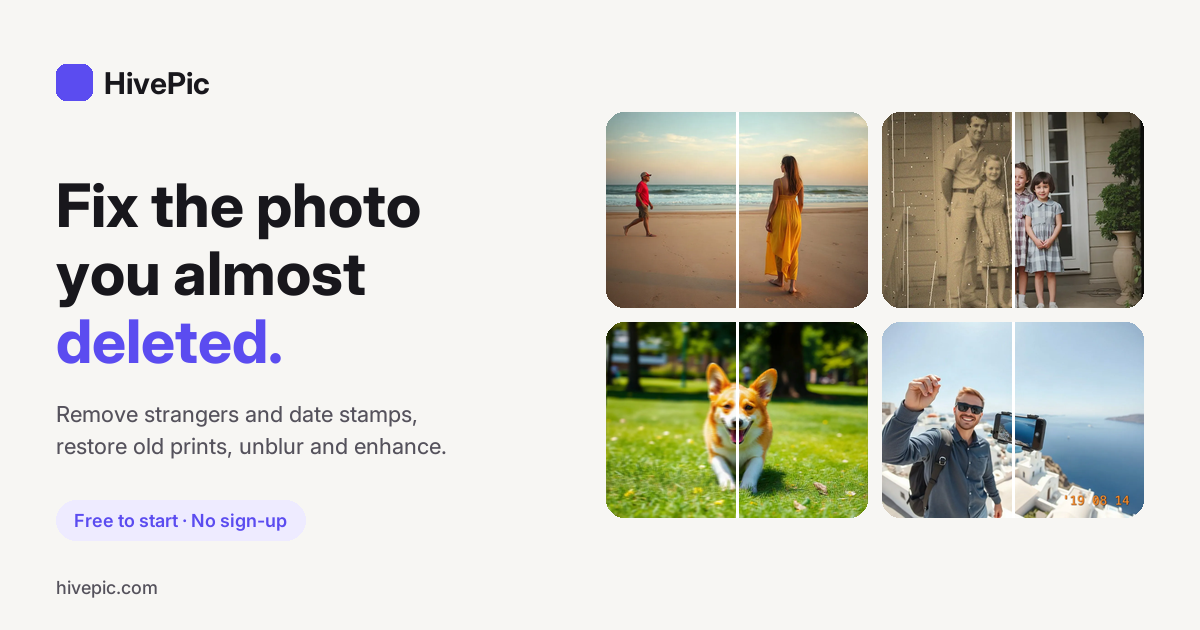
HivePic is the right pick for someone who occasionally needs to clean a date stamp or caption off a personal photo without installing anything or creating an account. Its credit model is thin for anyone processing more than a handful of images a day, and it has no video support, no batch processing, and no API. If you need design breadth or team collaboration, Canva covers far more ground.
What is HivePic?
HivePic is a browser-based photo editing tool centered on AI-powered inpainting. Its flagship feature is a brush-based watermark remover that lets users paint over date stamps, logos, signatures, or overlay text; the AI then reconstructs the background from surrounding pixels without touching the rest of the image. It accepts JPG, PNG, and WebP files up to 20 MB and requires no installation or account to start.
Alongside watermark removal, the platform includes tools for background removal, object removal, image upscaling, photo restoration, unblurring, color adjustment, and image enhancement, all running on the same daily credit system. A free local editor handles cropping and rotation without consuming credits. The tool runs in any modern browser on desktop or mobile.
How we scored HivePic
Ease of use is the clear strength: no account required, a brush interface that works on touch and mouse, and a free local editor for zero-credit tasks earn a high mark there. Capability is limited by the tool's deliberate single-purpose focus; it cannot handle tiled watermarks, video, or batch jobs, and its inpainting engine has no published benchmark to distinguish it from the many browser-based competitors in this space. Value is constrained by the free tier covering exactly one watermark removal per day for guests and three for signed-in users, with no subscription path and unpublished credit pack prices, making it genuinely impractical for anyone with regular volume. Delivery scores low because no third-party user reviews were findable to validate output quality claims, the credit pack pricing is opaque, and the tool's broader AI feature set (unblur, restore, color changer) could not be independently verified as fully functional at time of review.
Pros and cons
What we liked
- No account required to start: 3 free credits per day are available immediately, and failed jobs are never charged.
- Surgical inpainting that only changes the painted area, preserving full resolution everywhere else in the image.
- Honest scope: the tool explicitly flags that tiled semi-transparent watermarks across the whole frame are not a good fit, saving users from wasted credits.
Where it falls short
- The free tier covers exactly one watermark removal per day (3 credits per removal, 3 free credits without sign-in), making it impractical for anyone with more than occasional needs.
- No video watermark removal at all: the tool is photo-only (JPG, PNG, WebP), which is a hard gap versus dedicated watermark tools that handle MP4 and other video formats.
- No subscription plan is listed on the pricing page, only one-time credit packs, so there is no way to budget predictably for recurring monthly volume.
Key features
HivePic pricing
Free without sign-up: 3 credits per day (each watermark removal costs 3 credits, so that is one free removal per day). Sign in with Google to get 10 daily credits. One-time credit packs are available for purchase. No subscription tier was listed on the pricing page.
| Plan | Price | Who it is for |
|---|---|---|
| No Account (Guest) | Free | 3 credits per day without sign-up. Each watermark removal costs 3 credits, so this covers one removal per day. Failed jobs are not charged. |
| Signed In (Google) | Free | 10 credits per day when signed in with a Google account. Covers up to three watermark removals per day (at 3 credits each), with 1 credit left over for a lower-cost tool like background removal. |
| Credit Packs | Paid (one-time, amount not listed on page) | One-time credit purchases for users who need more than the daily free allowance. No subscription option listed; exact pack sizes and prices were not published on the pricing page at time of review. |
Pricing reflects what we saw at time of review (2026-11). Always confirm current pricing on the tool's own site.
Who should use HivePic?
HivePic fits a specific, narrow profile: someone who has a personal photo with a burned-in date stamp or a caption they want gone, and who does not want to download software or pay upfront. A family photo archivist cleaning old film-camera date stamps, a blogger removing a timestamp from a travel shot, or a small seller touching up a product photo with an unwanted overlay will find the free daily credits sufficient for occasional use.
Anyone processing more than a few images a day, working with video, needing batch automation, or operating at a commercial scale should look elsewhere. Canva is the better choice for users who need a full design environment with AI tools, templates, and team collaboration built in. Its Magic Studio suite handles background removal and generative fill at a scale HivePic's per-credit model cannot match for regular use.
Skip it if: Bulk processing, video watermarks, or commercial workflows needing an API
HivePic alternatives
Frequently asked questions
Do I need to create an account to use HivePic's watermark remover?+
No. You get 3 free credits per day without any sign-up. Signing in with Google raises the daily allowance to 10 credits.
How much does one watermark removal cost?+
3 credits per image. The free guest tier provides exactly 3 credits per day, covering one removal. The signed-in free tier provides 10 credits per day, covering three removals with 1 credit left over.
What file types and sizes does it support?+
JPG, PNG, and WebP files up to 20 MB. There is no video support.
Can it remove tiled or semi-transparent watermarks that cover the whole image?+
No. The tool is designed for discrete marks like date stamps, logos, signatures, and captions. The site explicitly states it is not suited for semi-transparent patterns tiled across the whole photo.
Is there a subscription plan for heavy users?+
No subscription tier was listed on the pricing page at time of review. The only paid option is one-time credit packs; exact pack sizes and prices were not published on the page.
What happens if the AI job fails?+
Failed jobs are not charged. Credits are only consumed when the removal completes successfully.
More AI Design & Art tools
See all categoriesGet your tool listed on 300+ directories.
One listing here is a strong start. But the founders who get discovered everywhere are listed everywhere. Our sister site, Free AI Directories, submits your tool to 300+ AI directories for you, every single one by hand, by a real person.
It is a one-time payment of $49, no subscription, and you can follow along as the submissions land. Prefer the slow route? The same site keeps a free list of 450+ directories you can work through yourself.
Get my tool listed on 300+ directoriesOne-time payment, no subscription · 100% human submissions · Free list of 450+ directories included.