
KerfPress
Converts any photo into a cut-ready layered SVG for shadow boxes, papercuts, and light boxes, with a built-in 3D preview.
Are you the maker? Claim this listing to keep info, pricing and screenshots current. Verified via your tool's domain email.
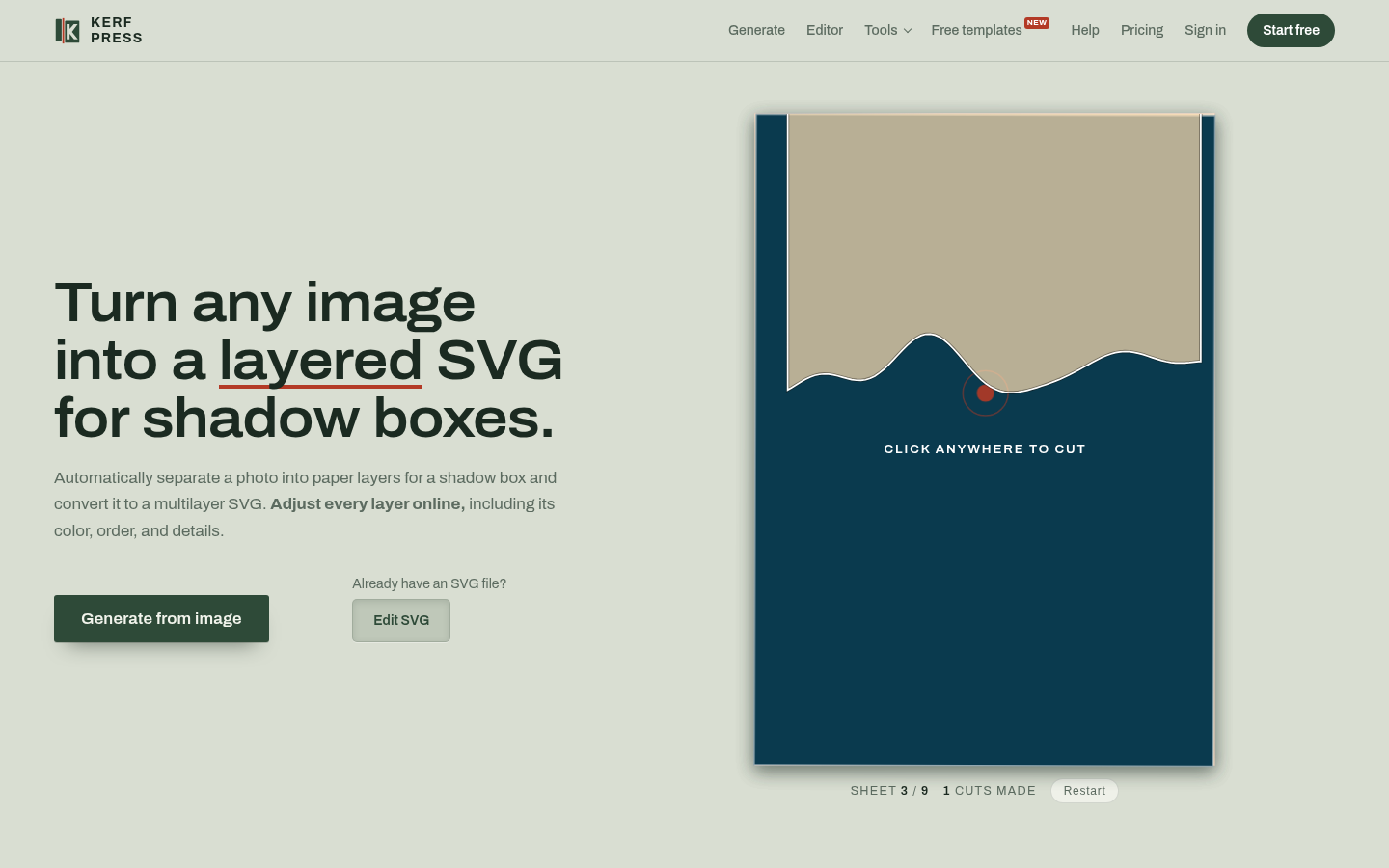
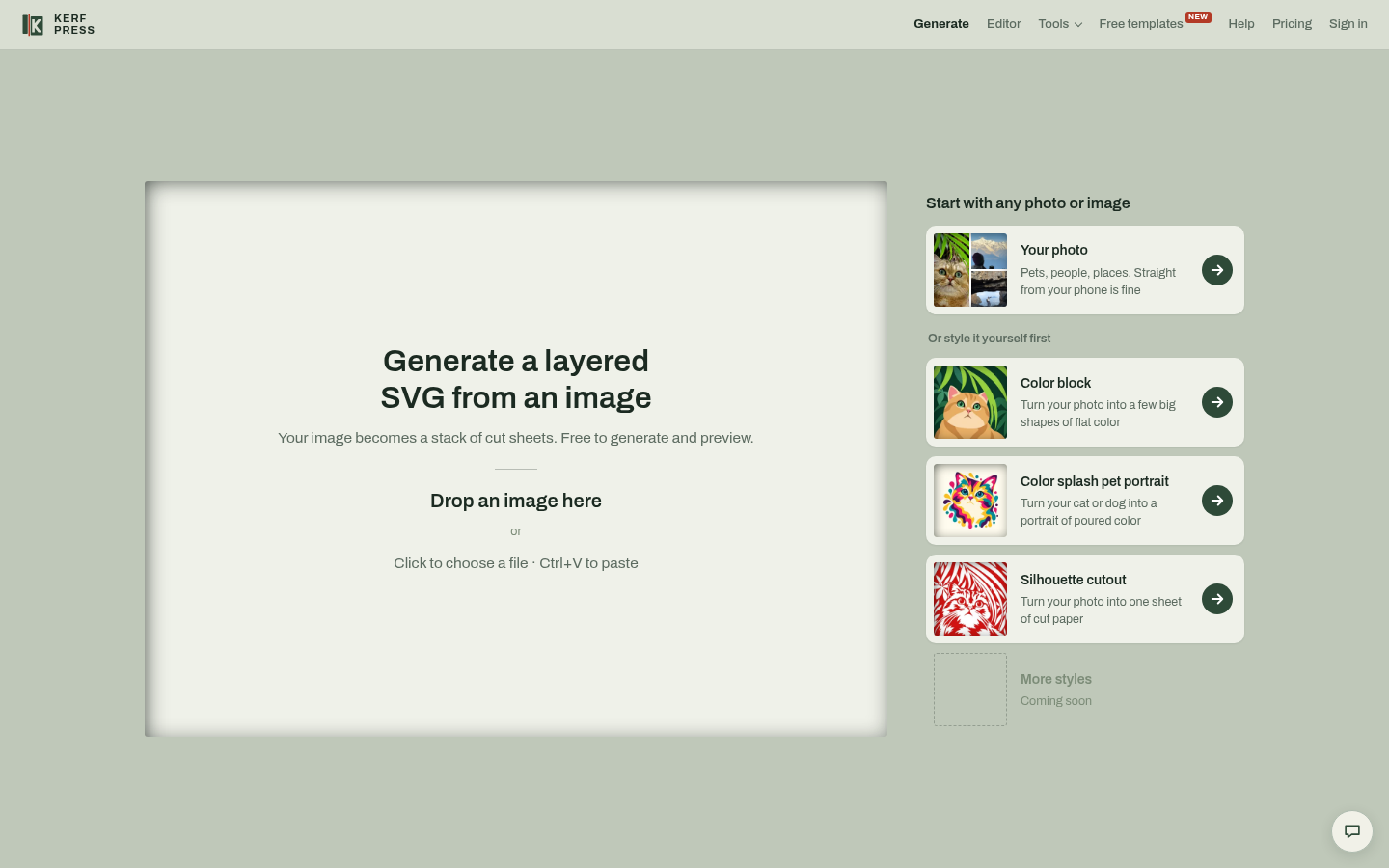
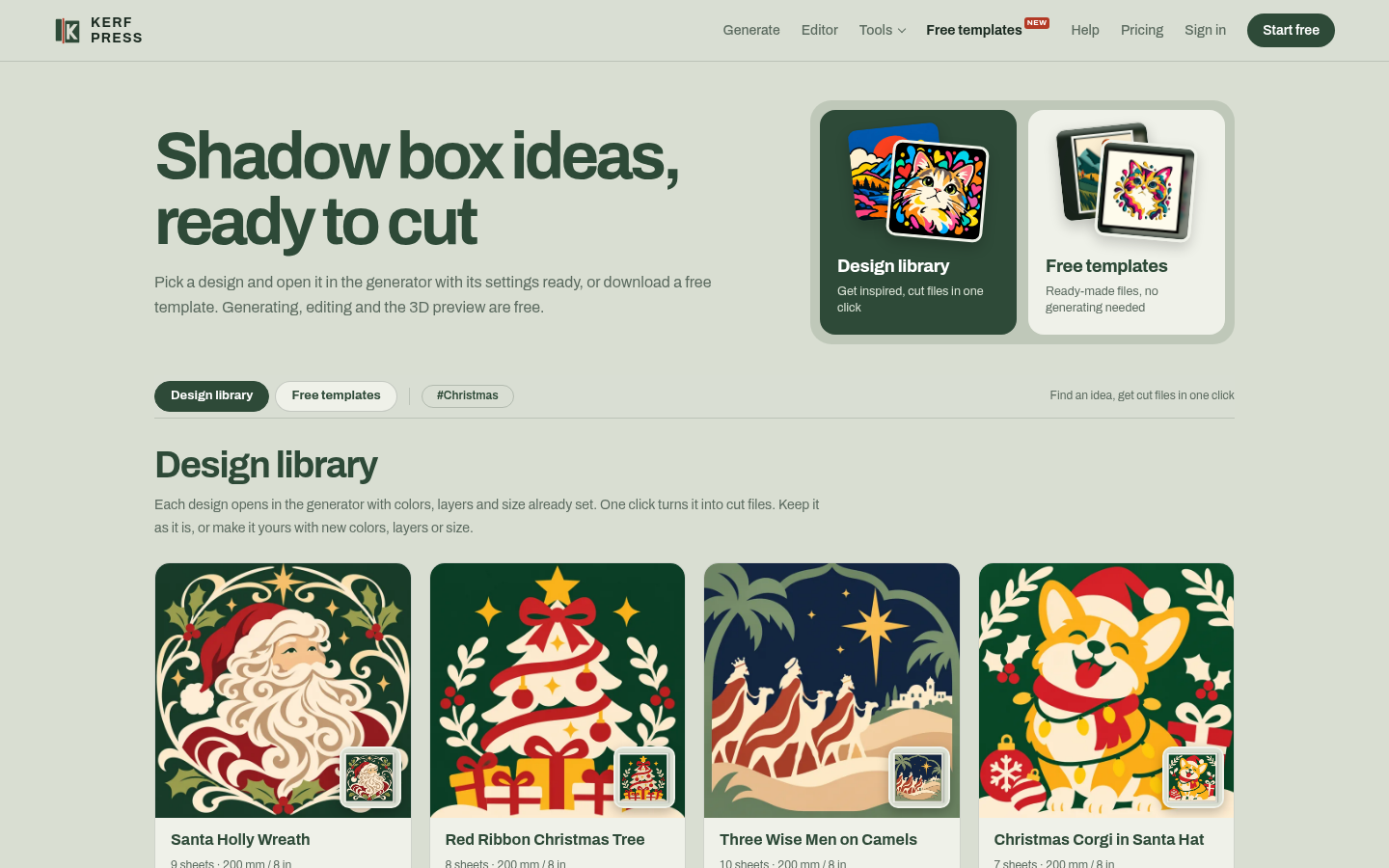
KerfPress is the clearest option for papercraft makers who want to turn a personal photo into a cut-ready shadow box file without buying a generic marketplace design. The AI generation and browser-based editing are genuinely useful, but the free tier caps you at one download before you hit a paywall, and the tool has no real foothold in broader graphic design work. If you need general design capabilities rather than a papercut-specific workflow, Canva covers far more ground.
What is KerfPress?
KerfPress turns a photo or drawing into a stack of paper sheets for a 3D shadow box, papercut frame or light box. Each sheet is a whole piece of paper with holes cut in it, with bridges for shapes that would fall out and a paper border kept around the edge, so the files are ready to cut and stack.
Every layer stays editable in a free online editor made for papercraft, and a free 3D preview shows the finished build before any paper is cut. Files export as SVG or PNG for Cricut Design Space, Silhouette Studio, Brother ScanNCut and other cutting machines, or for hand cutting, with an assembly guide.
Generating, editing and the 3D preview are free. A free account includes one download; more come as single downloads or a Pro subscription. Standard generation runs in the browser and nothing is uploaded.
How we scored KerfPress
Capability scores well because KerfPress does something genuinely specific that no general design tool does: it converts a personal photo into a cut-ready layered SVG with bridges, borders, and a 3D preview, and the suite of free utility tools (bridge adder, resizer, converter) adds real depth for papercraft users. Ease of use is strong given the entirely browser-based workflow with no install and no upload for standard use. Value takes a hit because the free tier allows only one download total, which is tighter than most freemium tools in any category, and the AI features carry a separate points cost on top of the Pro subscription price. Delivery scores conservatively: no user reviews or third-party coverage were found to confirm that the output quality matches the marketing, and the discrepancy between the homepage (2 free downloads) and the pricing page (1 free download) is a small but real trust signal worth flagging.
Pros and cons
What we liked
- Browser-based generation and editing require no software install and upload nothing to a server for standard use, which matters for users cautious about sharing personal photos.
- The free utility tools (3D preview, bridge adder, SVG-to-shadow-box converter, resizer) work on any layered SVG you already own, not just KerfPress-generated files, adding real standalone value.
- The yearly Pro plan at $99 ($8.25/month) is priced competitively for a niche tool that replaces recurring Etsy purchases of $5 to $10 per file.
Where it falls short
- The free tier allows only one download total, which is unusually tight: a single test project consumes the entire free allowance before a user can evaluate output quality across different image types.
- AI generation and AI restyle features cost extra on top of any subscription, billed through a separate points system ($5 for 1,000 points, $10 for 2,500 points), so heavy AI users face a layered cost structure that is not obvious from the headline Pro price.
- The tool has no API, no desktop app, and no integration with design platforms like Adobe Illustrator or Affinity Designer, which limits it to users comfortable working entirely in a browser with no connection to a broader design workflow.
Key features
KerfPress pricing
Free tier includes 1 SVG or PNG download. Single downloads cost $3 each. Pro is $10/month or $99/year (works out to $8.25/month). AI generation uses a points system: 1,000 points for $5 ($0.25 per AI generate) or 2,500 points for $10 ($0.20 per AI generate).
| Plan | Price | Who it is for |
|---|---|---|
| Free | $0 | 1 SVG or PNG download total. Unlimited generating, editing, 3D previews, and use of free templates (with small @kerfpress watermark). No AI generate credits included. |
| Single Download | $3 | One SVG.zip or PNG.zip download, your choice. No subscription required. |
| KerfPress Pro (Monthly) | $10/mo | Unlimited downloads, cancel any time. Does not include AI generate points. |
| KerfPress Pro (Yearly) | $99/yr | Unlimited downloads for a year. Equivalent to $8.25/month, saving $21 versus paying monthly. |
| AI Points: 1,000 points | $5 | One-time purchase. Covers approximately 4 AI generates at $0.25 per generate. |
| AI Points: 2,500 points | $10 | One-time purchase. Covers approximately 12 AI generates at $0.20 per generate. Best-value points pack. |
Pricing reflects what we saw at time of review (2026-11). Always confirm current pricing on the tool's own site.
Who should use KerfPress?
KerfPress fits papercraft makers who want to start from a personal image rather than a stock design. A hobbyist who wants a shadow box of their own house, a small Etsy seller building custom memorial pieces, or a crafter who already owns a Cricut and wants to move beyond pre-made files will find the workflow direct and the output genuinely usable. The browser-based 3D preview is particularly useful for anyone who has wasted cardstock cutting a design that looked wrong only after assembly.
Anyone who needs general vector design work, branding assets, social graphics, or anything outside the papercut niche should look elsewhere. Canva covers a much wider range of design tasks with a more established free tier and a larger template library, and it is already in this directory. Plnty is worth considering if you want a broader creative canvas that spans image, vector, and 3D work in one place.
Skip it if: General graphic designers or anyone needing broad vector editing beyond papercut workflows
KerfPress alternatives
Frequently asked questions
How many free downloads do I get before I have to pay?+
A free account includes 1 SVG or PNG download total. After that, additional downloads cost $3 each or are included in the Pro plan at $10/month or $99/year.
Does KerfPress upload my photos to a server?+
Standard generation, editing, and 3D preview all run in the browser with no upload. The AI generate and AI restyle features are the exceptions: they pass your image through KerfPress's server to Recraft and Google Gemini respectively, and the image is not stored.
Will the SVG files work with my Cricut or Silhouette?+
Yes. KerfPress exports SVG and PNG files compatible with Cricut Design Space, Silhouette Studio (Designer Edition for SVG; Basic Edition users should use PNG and trace it), Brother ScanNCut, and similar machines.
What do AI points cost and what do they cover?+
Points are sold separately from the Pro subscription. 1,000 points cost $5 (about $0.25 per AI generate) and 2,500 points cost $10 (about $0.20 per AI generate). Standard non-AI generation does not consume points.
Can I use the free tools on SVG files I already own, not just files KerfPress generated?+
Yes. The 3D preview, bridge adder, SVG-to-shadow-box converter, and frame resizer all work on any local layered SVG file you drop in, and they run in the browser without uploading the file.
Is there a yearly plan and does it save money?+
Yes. The yearly Pro plan costs $99, which works out to $8.25/month and saves $21 compared to paying $10/month for twelve months.
More AI Design & Art tools
See all categoriesGet your tool listed on 300+ directories.
One listing here is a strong start. But the founders who get discovered everywhere are listed everywhere. Our sister site, Free AI Directories, submits your tool to 300+ AI directories for you, every single one by hand, by a real person.
It is a one-time payment of $49, no subscription, and you can follow along as the submissions land. Prefer the slow route? The same site keeps a free list of 450+ directories you can work through yourself.
Get my tool listed on 300+ directoriesOne-time payment, no subscription · 100% human submissions · Free list of 450+ directories included.