
Logo.com
AI logo maker that bundles a free commercial-use PNG download with a paid brand kit, website, and design hub for growing businesses.
Are you the maker? Claim this listing to keep info, pricing and screenshots current. Verified via your tool's domain email.
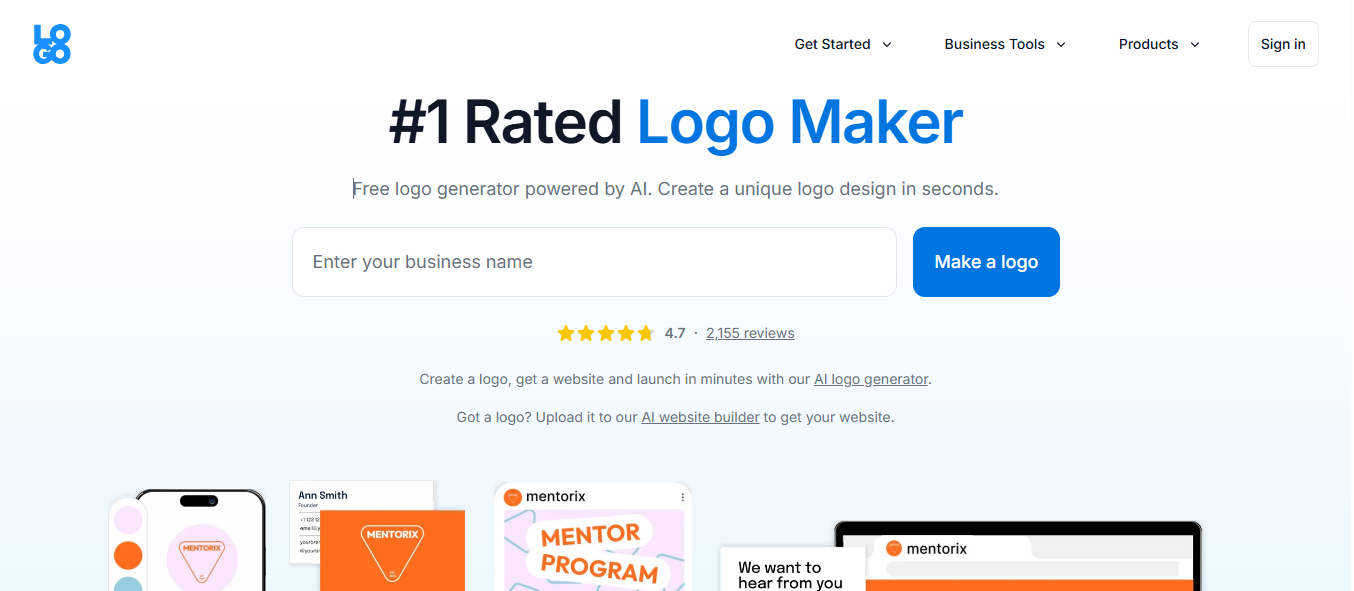
Logo.com is the clearest choice for a solo founder or small-business owner who wants a logo plus a basic brand identity in one place, without hiring a designer. The free tier is more generous than most rivals, but the editor produces AI-assisted results that experienced designers will find limiting, and the Business Plan at $50/month is hard to justify against Canva's broader creative depth. Teams needing serious graphic design output beyond logo and brand basics should look at Canva instead.
What is Logo.com?
Logo.com is a browser-based AI logo maker and brand identity platform. Users enter a business name and industry, receive AI-generated logo concepts, then customize icon, font, color, and layout inside a drag-and-drop editor. The free plan delivers one saved logo as commercial-use PNG files with no watermark; paid plans enable SVG, PDF, and other vector formats, a full brand kit, social media templates, a Design Hub with over 1,200 templates, a link-in-bio builder, and a branded website with domain registration.
The platform targets solo founders, freelancers, and small-business owners who need a complete brand identity without a design background. Paid tiers also include AI image and text generation credits, merchandise creation via Printful integration, email signature templates, and business card tools, making it one of the more complete brand-launch packages available at its price point.
How we scored Logo.com
Capability scores 19 because the logo-specific AI engine and 1,200-plus template Design Hub cover brand-identity tasks well, but the absence of logo animation export and the constrained creative ceiling compared to Canva hold it back from the top tier. Ease of use scores 21 because the free-to-download flow has almost no friction and the drag-and-drop editor is accessible to non-designers. Value scores 20 because $60/year for a logo, brand kit, website, and domain is genuinely competitive for a solo founder, though the Business Plan at $50/month is harder to justify. Delivery scores 12 because the pricing page has documented inconsistencies across sources (promotional first-year rates appearing and disappearing, schema data disagreeing with comparison pages), which signals a pattern of unclear or shifting pricing presentation that erodes buyer trust, even if the product itself functions as described.
Pros and cons
What we liked
- Free tier includes commercial-use PNG logo files with no watermark, a genuinely rare offer among AI logo tools.
- Brand Plan bundles logo files, brand kit, 1,200-plus design templates, a website, and a first-year domain into $60/year, covering most brand-launch needs in one subscription.
- Custom AI icon generation from a text prompt produces unique vector icons, a feature not found in most competing logo makers.
Where it falls short
- Logo output quality is constrained by a logo-specific AI engine; the designs tend toward safe, template-adjacent results rather than distinctive custom work, which is a structural limit of the tool's narrow AI focus.
- The Business Plan at $50/month is difficult to justify: five seats and 100 logos are useful, but Canva's comparable tier offers substantially broader design capability for a similar or lower price.
- No logo animation export is available on any plan, a gap that matters for brands needing animated logo files for video intros or digital ads.
Key features
Logo.com pricing
Three tiers: Free at $0 (1 logo, PNG only, 100MB storage); Brand Plan at $15/month or $60/year (5 logos, full file formats, 1TB storage, 100 AI image credits, 1,000 AI text credits, brand kit, website, domain); Business Plan at $50/month or $120/year (100 logos, 2TB storage, 200 AI image credits, 2,000 AI text credits, 5 account seats). A custom Enterprise tier is also listed.
| Plan | Price | Who it is for |
|---|---|---|
| Free | $0 | 1 saved logo, PNG files only (full color, greyscale, transparent variants), 100MB media storage, 2 link-in-bio templates, limited design templates, no AI image or text credits. |
| Brand Plan | $5/mo billed yearly, $15 monthly | 5 saved logos, full file formats (PNG, SVG, PDF across 22 files), 1TB media storage, brand kit, brand guidelines, Design Hub with 1,200-plus templates, 100 AI image credits, 1,000 AI text credits, 25 link-in-bio templates, branded website, domain registration, merchandise editor, 1 account seat. $60 for the first year billed annually. |
| Business Plan | $50/mo | 100 saved logos, 2TB media storage, 200 AI image credits, 2,000 AI text credits, 5 account seats, all Brand Plan features including Design Hub, brand kit, website, domain, and merchandise editor. Yearly pricing is $120/yr. |
Pricing reflects what we saw at time of review (2026-11). Always confirm current pricing on the tool's own site.
Who should use Logo.com?
A solo founder registering a new business, a freelancer setting up a portfolio brand, or a small-business owner who needs a logo, social media assets, and a simple website without hiring an agency. The free tier alone covers the logo download need for someone on a zero budget, and the Brand Plan at $60 for the first year is a reasonable all-in cost for a complete brand launch kit.
Anyone who needs serious graphic design depth beyond logo and brand-identity work should look elsewhere. Canva, already in this directory, offers a far wider template library, richer illustration tools, and a more mature collaboration layer at a comparable monthly price. If your workflow is primarily original visual content creation rather than brand identity setup, Canva is the stronger fit.
Skip it if: Design teams or agencies needing deep creative tools beyond logo and brand kit work
Frequently asked questions
Can I actually download my logo for free without paying?+
Yes. The free plan lets you download full-color, greyscale, and transparent PNG versions of one logo with full commercial rights and no watermark on the logo file itself.
What file formats do I get on the paid plan?+
The Brand Plan delivers 22 logo files including PNG, SVG, and PDF variants. The free plan is PNG only.
How much does the Brand Plan cost and what does it include?+
The Brand Plan is $15/month or $60 for the first year billed annually. It includes 5 saved logos, a full brand kit, the Design Hub with 1,200-plus templates, 1TB of media storage, 100 AI image credits, 1,000 AI text credits per cycle, a branded website, and a free first-year domain.
Does Logo.com support team accounts?+
The Business Plan at $50/month supports 5 account seats. The Brand Plan is limited to 1 seat, and the free plan is also single-user.
Can I edit my logo after downloading it?+
On paid plans, edits are unlimited with no time restriction, and files re-export automatically when you save changes. The free plan allows editing within the platform but limits you to one saved logo.
Does Logo.com include a website builder?+
Yes. The Brand Plan and Business Plan both include a branded website builder and a free first-year domain registration. The free plan does not include a custom domain.
More AI Design & Art tools
See all categoriesGet your tool listed on 300+ directories.
One listing here is a strong start. But the founders who get discovered everywhere are listed everywhere. Our sister site, Free AI Directories, submits your tool to 300+ AI directories for you, every single one by hand, by a real person.
It is a one-time payment of $49, no subscription, and you can follow along as the submissions land. Prefer the slow route? The same site keeps a free list of 450+ directories you can work through yourself.
Get my tool listed on 300+ directoriesOne-time payment, no subscription · 100% human submissions · Free list of 450+ directories included.