
PixRemover
Browser-based AI tool that lets you brush away objects, people, text, or watermarks from photos and video frames without signing up.
Are you the maker? Claim this listing to keep info, pricing and screenshots current. Verified via your tool's domain email.
PixRemover is the right pick for someone who occasionally needs to scrub a watermark or erase a stranger from a travel photo without installing anything or handing over a credit card. Its credit-pack model is genuinely flexible, but the one-photo-at-a-time constraint and the steep 3-credits-per-second video pricing make it a poor fit for anyone with volume. Canva's Magic Studio covers similar ground inside a full design workflow, so if you are already designing there, PixRemover adds little.
What is PixRemover?
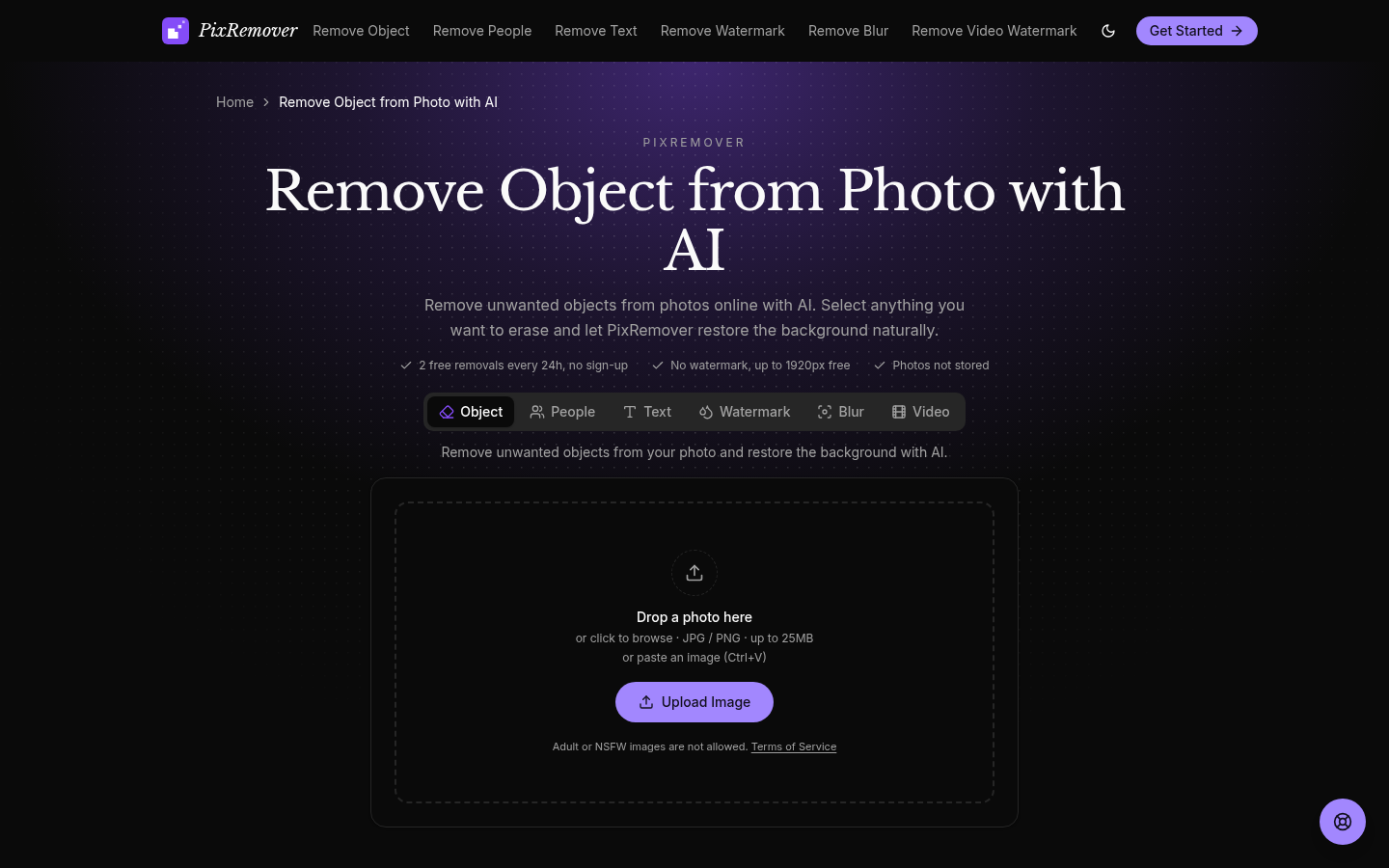
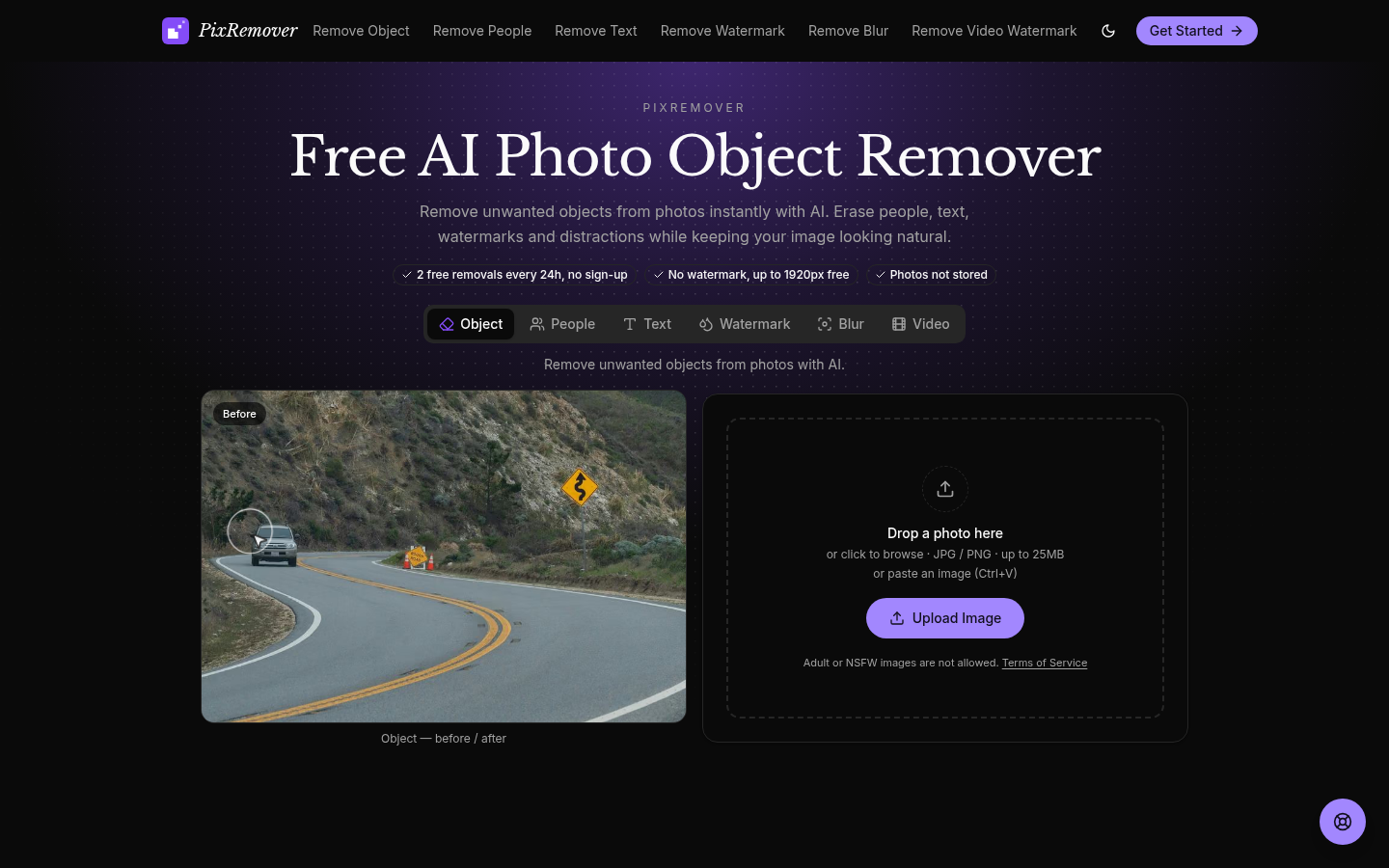
PixRemover is a browser-based AI tool for cleaning up photos and videos. Upload a JPG, PNG or WebP image (up to 25MB), paint a brush mask over what you want gone, and AI inpainting fills the area with matching background. Image tools: remove objects, remove people, remove text, remove watermarks, and remove blur to sharpen out-of-focus, shaky or soft old photos. For video, paint the watermark once and AI cleans every frame (free clips up to 10 seconds). You can try it without signing up: guests get 2 free uses per rolling 24 hours, signed-in users get 5. Free downloads carry no watermark. Credit packs are $4.99 for 40, $9.99 for 120 and $24.99 for 350, and credits never expire. It handles one file at a time (no batch processing). Built for online sellers, photographers, travellers and content creators.
How we scored PixRemover
Ease of use is the clear strength: no account required, no card to try, and the brush-mask interface is about as simple as this task gets, earning 22 out of 25. Capability scores 17 because the tool covers six distinct functions (five photo tools plus video) but has no batch processing at any price, no API, and no integrations, which are gaps that named competitors like Canva address. Value lands at 18: the never-expiring credit packs at $4.99 for 40 credits are genuinely fair, but the Pro monthly plan's no-rollover expiry at $9.99 and the punishing 3-credits-per-second video rate (90 credits for a 30-second clip, worth $6.37 at pack rates) hurt the score for anyone with moderate volume. Delivery scores 11 because no meaningful user sentiment corpus could be confirmed for PixRemover specifically, the tool's marketing claims could not be cross-checked against independent reviews, and the one-time video free-seconds claim versus the submitted description's per-clip framing suggests the product terms may not be communicated clearly to users.
Pros and cons
What we liked
- No-account free tier with no watermark on downloads: 2 removals per rolling 24 hours without signup, 5 when signed in, and free results go up to 1920px with no PixRemover branding.
- Credit packs never expire: a $4.99 one-time purchase of 40 credits stays in your account indefinitely, making it genuinely pay-as-you-go rather than a subscription trap.
- Five distinct photo tools plus video watermark removal in one place: object, people, text, and watermark removal alongside a deblur function cover the most common photo cleanup jobs without switching tools.
Where it falls short
- No batch processing at any price tier: every removal is a manual brush job on a single file, which makes PixRemover impractical for anyone cleaning more than a few images per session.
- Video removal costs 3 credits per started second, meaning a 30-second clip burns 90 credits, which is $0.375 at pack rates or more than half a monthly Pro allowance in a single clip.
- Pro credits expire at the end of each billing period with no rollover: a user who buys the $9.99 monthly Pro plan and uses only 50 of their 150 credits loses the remaining 100 at month end, making the plan a poor value for anyone with irregular usage.
Key features
PixRemover pricing
Free tier gives 2 removals per rolling 24 hours without an account, 5 when signed in, with no watermark on downloads but output capped at 1920px on the long side. One-time credit packs: $4.99 for 40 credits, $9.99 for 120, $24.99 for 350. Credits from packs never expire. Pro monthly is $9.99 per month for 150 credits; Pro yearly is $95.88 per year for 1,800 credits. Video watermark removal costs 3 credits per started second, up to 30 seconds per clip. Signed-in accounts get 10 free seconds of video removal once.
| Plan | Price | Who it is for |
|---|---|---|
| Free | $0 | 2 removals per rolling 24 hours without an account; 5 when signed in with Google. Downloads have no watermark but are capped at 1920px on the long side. All four photo tools available. One-time 10 free seconds of video watermark removal for signed-in accounts. |
| Starter Pack | $4.99 | 40 credits (one-time purchase, credits never expire). Full-resolution downloads, no watermark, no daily limit, all four photo tools. $0.125 per removal. |
| Standard Pack | $9.99 | 120 credits (one-time purchase, credits never expire). Full-resolution downloads, no watermark, no daily limit, all four photo tools. $0.083 per removal. |
| Large Pack | $24.99 | 350 credits (one-time purchase, credits never expire). Full-resolution downloads, no watermark, no daily limit, all four photo tools. $0.071 per removal. |
| Pro Monthly | $9.99/month | 150 credits per month. Full-resolution downloads, no watermark. Unused credits expire at the end of each billing month with no rollover. $0.067 per removal. |
| Pro Yearly | $95.88/year | 1,800 credits for the year, granted upfront. Full-resolution downloads, no watermark. Credits expire at the end of the year. $0.053 per removal, the lowest available rate. |
Pricing reflects what we saw at time of review (2026-11). Always confirm current pricing on the tool's own site.
Who should use PixRemover?
Online sellers who photograph their own products and need to remove distracting backgrounds or text overlays one image at a time will find PixRemover fast and cheap. Travel photographers who want to erase a passerby from a shot, or social media creators who picked up a stock image with a watermark, are exactly the audience the tool is built for. The rolling free tier means you can clean two photos a day at no cost indefinitely, which covers light personal use entirely.
Anyone processing more than a handful of images per session should look elsewhere. Canva, which is already in this directory, includes AI object removal inside a full design environment and suits creators who are building finished graphics rather than just cleaning raw photos. If your workflow involves dozens of product images per week, the one-at-a-time constraint in PixRemover will become a bottleneck faster than the credit cost will.
Skip it if: Batch processing or high-volume video watermark removal
PixRemover alternatives
Frequently asked questions
Do free downloads have a watermark?+
No. Neither free nor paid downloads carry a PixRemover watermark. The only difference is resolution: free downloads are capped at 1920px on the long side, while credits enable full original resolution.
Do credit pack credits expire?+
Credit pack credits never expire. Pro subscription credits do expire: monthly Pro credits lapse at the end of each billing month, and yearly Pro credits lapse at the end of the year. Neither rolls over.
How much does video watermark removal cost?+
Video removal costs 3 credits per started second of video, for clips up to 30 seconds. A 10-second clip costs 30 credits; a full 30-second clip costs 90 credits. Signed-in accounts get 10 free seconds once.
Can I process multiple images at once?+
No. PixRemover has no batch processing at any tier. Each removal is a manual brush job on a single file, regardless of which plan you are on.
What happens if a removal fails?+
Failed removals are free: if a removal or video run fails, the credits or free uses are returned automatically.
Can I get a refund?+
An unused credit pack can be refunded within 14 days of purchase. A first Pro subscription payment can be refunded within 7 days if you used no more than 10 credits. Pro can be cancelled at any time from your account.
More AI Design & Art tools
See all categoriesGet your tool listed on 300+ directories.
One listing here is a strong start. But the founders who get discovered everywhere are listed everywhere. Our sister site, Free AI Directories, submits your tool to 300+ AI directories for you, every single one by hand, by a real person.
It is a one-time payment of $49, no subscription, and you can follow along as the submissions land. Prefer the slow route? The same site keeps a free list of 450+ directories you can work through yourself.
Get my tool listed on 300+ directoriesOne-time payment, no subscription · 100% human submissions · Free list of 450+ directories included.