Sayburst
One-time-purchase Mac dictation app that runs Whisper locally, keeping your audio off the cloud entirely.
Are you the maker? Claim this listing to keep info, pricing and screenshots current. Verified via your tool's domain email.
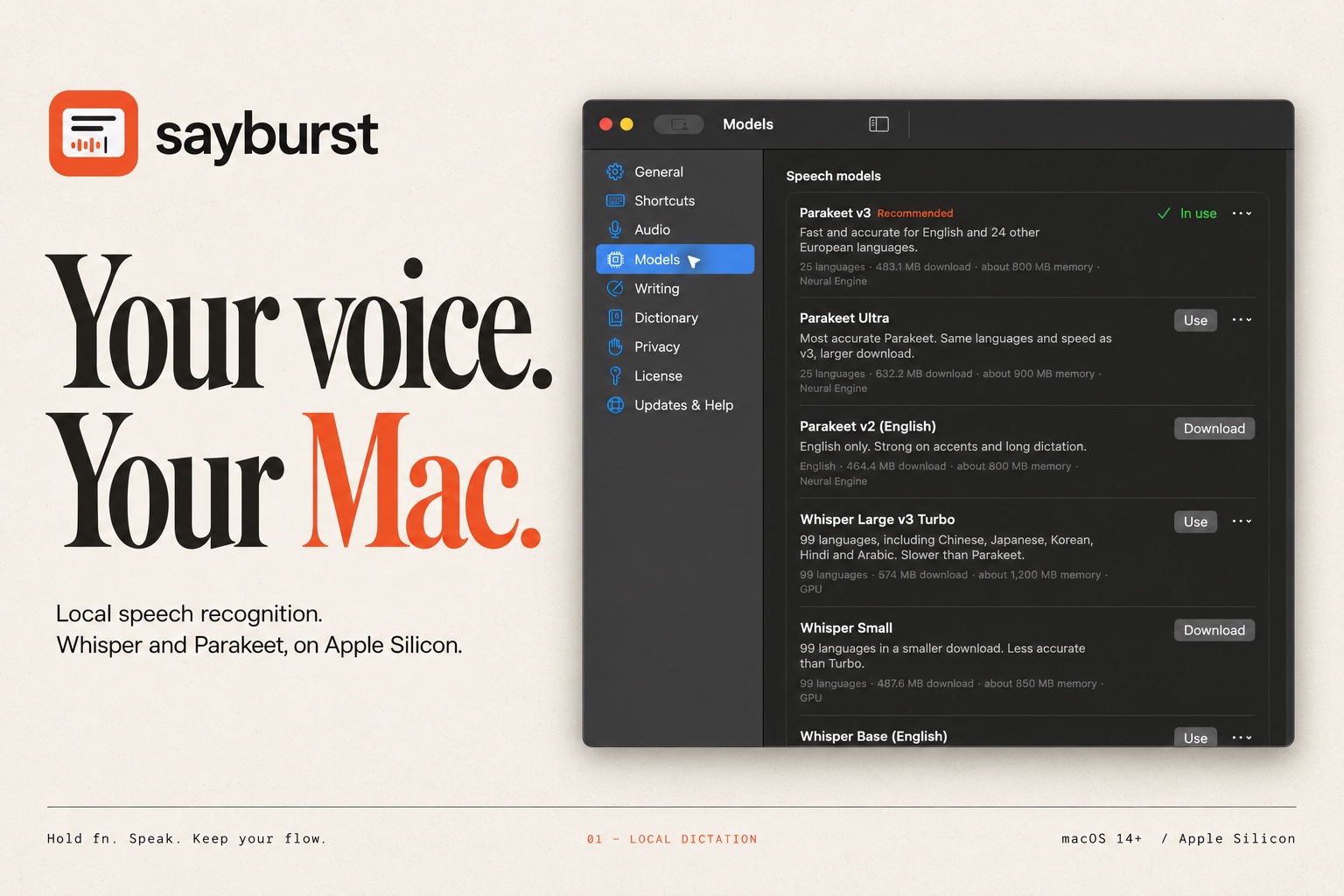
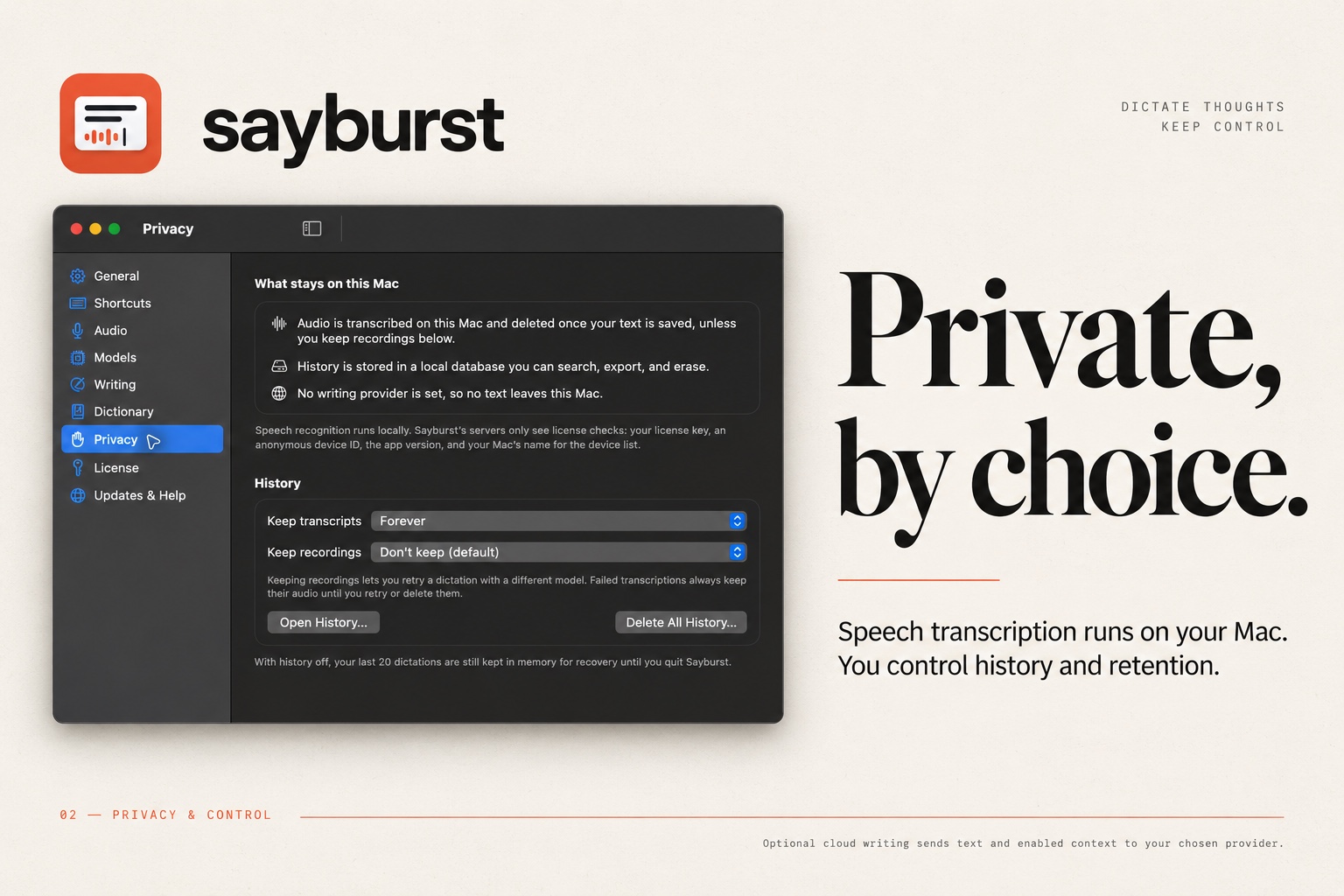
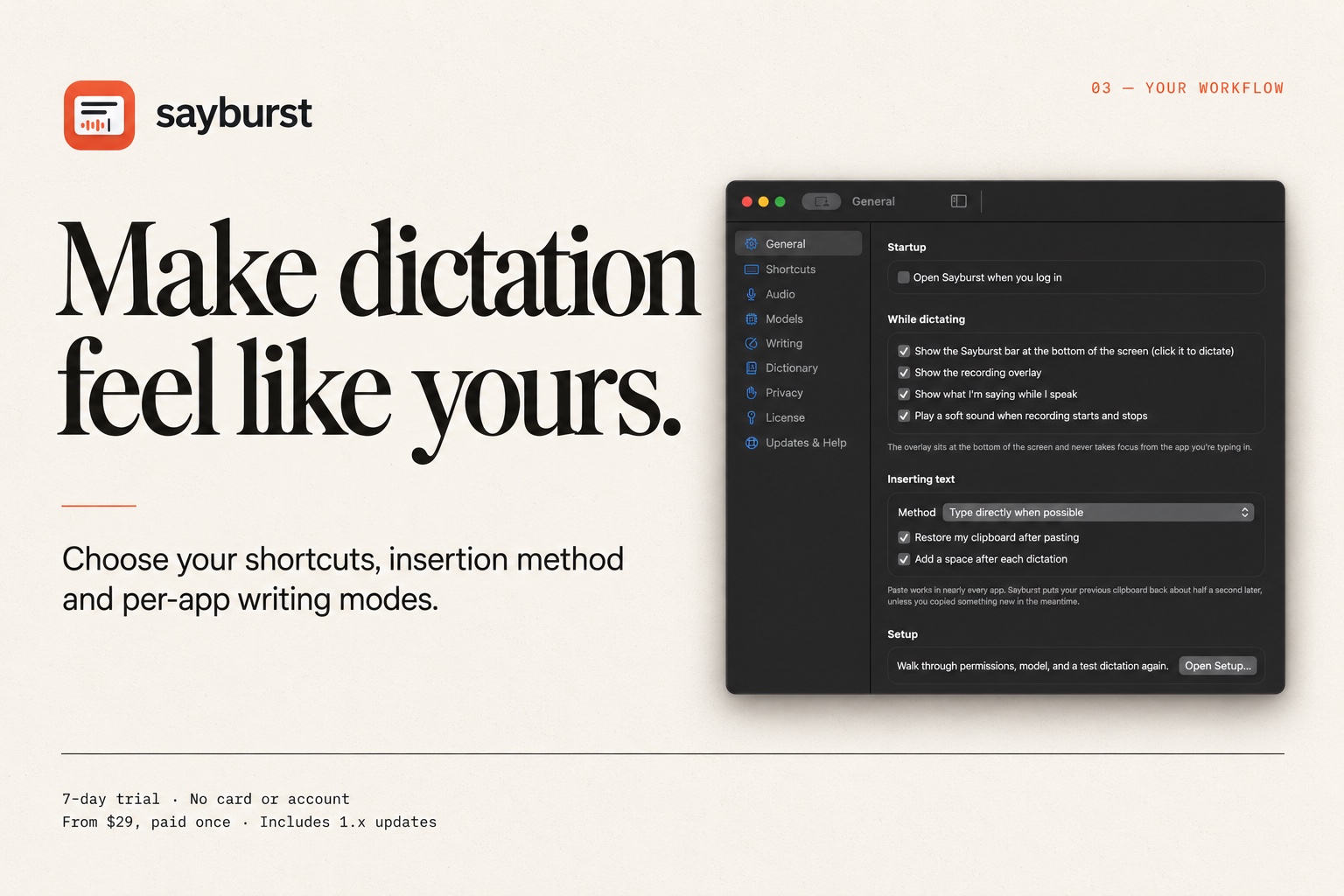
Sayburst is the right pick for Apple Silicon Mac users who want fast, private dictation without a monthly bill. At $29 once for a single Mac, it undercuts every subscription rival on three-year cost by a wide margin, but it is Mac-only and Apple Silicon-only, so anyone on Windows, Intel Mac, or iOS should look elsewhere. If you need cross-device sync or cloud-backed AI rewriting built in, Wispr Flow covers that ground at a higher recurring price.
What is Sayburst?
Sayburst is a macOS menu bar application that converts speech to text entirely on-device using Whisper and Parakeet models. It works system-wide: hold a hotkey, speak, and the transcript inserts into the active app. Custom vocabulary, text replacements, and per-app modes let users tune accuracy for technical or domain-specific language. A local history log and clipboard recovery help retrieve transcripts when insertion fails.
The app targets Apple Silicon Mac users who want private, subscription-free dictation. It requires macOS 14 or later and an M1 or newer chip. A 7-day trial needs no account or payment. Licenses are one-time purchases covering all 1.x feature updates. An optional cloud writing layer lets users connect their own API key to a writing provider, but transcription itself never requires a network connection.
How we scored Sayburst
Capability lands at 19 because local Whisper and Parakeet transcription, per-app modes, custom vocabulary, and clipboard recovery are genuinely useful features, but the Apple Silicon-only constraint and the absence of any mobile or cross-device layer are real gaps versus cloud rivals that work on iOS and Windows. Ease of use scores 21 because the fn-to-dictate model is about as low-friction as dictation gets, the 7-day no-card trial removes signup barriers, and the menu bar design keeps the footprint minimal. Value scores 24 out of 25 because $29 once for one Mac with all 1.x updates is an objectively strong deal: the pricing page's own comparison shows Wispr Flow costing $432 over three years versus Sayburst's flat $29. Delivery scores 8 because the directory competitors listed for this category (ElevenLabs, Murf AI, Tremigos, Waveroom Mastering, SkipCalls) are voice generation, translation, and audio mastering tools, not Mac dictation apps, meaning Sayburst is genuinely mismatched to its assigned category in this directory and readers browsing that category will not find it useful; this is a structural delivery problem for the directory context even if the product itself works as described.
Pros and cons
What we liked
- One-time pricing at $29 (Solo) or $49 (Personal for three Macs) with no subscription ever, making it dramatically cheaper than cloud rivals over any multi-year horizon.
- Fully local transcription via Whisper and Parakeet means audio never leaves the Mac, a genuine privacy guarantee rather than a marketing claim.
- Per-app modes and custom vocabulary let users adapt the dictation workflow per context, not just apply a single global setting.
Where it falls short
- Requires Apple Silicon and macOS 14 or later with no Intel Mac support, cutting off a large portion of the existing Mac install base.
- No mobile or cross-device component: dictation history and settings live only on the licensed Mac, with no iOS app or sync layer.
- Cloud writing features depend on the user supplying and managing their own API key to a third-party provider, which adds setup friction for non-technical users who want AI-assisted rewriting.
Key features
Sayburst pricing
Two one-time tiers: Solo at $29 for one Mac, Personal at $49 for up to three Macs. Both cover all features and every 1.x update. No subscription, no recurring fee. A 7-day free trial requires no account or card. 14-day refund policy after purchase.
| Plan | Price | Who it is for |
|---|---|---|
| Solo | $29 | One Mac. All features including local models and cloud writing provider support. Every Sayburst 1.x update. License can be moved between Macs. 14-day refund, no questions asked. |
| Personal | $49 | Up to three Macs. All features including local models and cloud writing provider support. Every Sayburst 1.x update. License can be moved between Macs. 14-day refund, no questions asked. |
Pricing reflects what we saw at time of review (2026-10). Always confirm current pricing on the tool's own site.
Who should use Sayburst?
Solo writers, developers, and knowledge workers on Apple Silicon Macs who dictate frequently and resent monthly fees will get the most from Sayburst. The $29 Solo license pays for itself in under three months compared to any subscription rival, and the local processing means sensitive drafts, medical notes, or legal text never touch a third-party server. A freelancer billing by the hour who dictates client notes all day, or a developer who wants to narrate code comments without an internet dependency, fits this tool well.
Anyone who needs dictation on Windows, an Intel Mac, an iPhone, or across multiple device types should look elsewhere. Wispr Flow supports macOS, iOS, and Windows with cloud sync, making it the better fit for users who switch between devices. If the need is audio file transcription rather than live dictation, Tremigos handles multi-language transcription and captioning at scale, which Sayburst does not attempt.
Skip it if: Windows users, Intel Mac owners, or anyone needing cross-device or iOS dictation
Sayburst alternatives
Tags
Frequently asked questions
Does Sayburst require an internet connection to transcribe?+
No. Whisper and Parakeet run locally on the Mac's Apple Silicon chip, so transcription works fully offline. An internet connection is only needed if you opt into a cloud writing provider using your own API key.
What does the 7-day trial include?+
The trial includes every feature, including local models and writing provider support, for 7 days with no account or credit card required. When the trial ends, new dictations stop but your history, notes, settings, and exports remain accessible.
How much does Sayburst cost compared to subscription alternatives?+
Solo is $29 once for one Mac. Over three years, Wispr Flow Pro costs $432 and Aqua Voice Pro costs $288 at their published annual prices. Sayburst's three-year cost stays at $29.
Can I use Sayburst on an Intel Mac?+
No. Sayburst requires Apple Silicon (M1 or newer) and macOS 14 or later. Intel Macs are not supported.
What happens if Sayburst releases a version 2.0?+
A 2.0 release may be a paid upgrade. The 1.x license you purchased covers every 1.x update indefinitely and never expires, so the app you bought keeps working regardless.
Can I move my license to a new Mac?+
Yes. You can deactivate a Mac in Sayburst's settings or on the license page to free its slot, then activate on a different machine. The Solo license covers one active Mac at a time; Personal covers up to three.
More AI Voice, Audio & Music tools
See all categoriesGet your tool listed on 300+ directories.
One listing here is a strong start. But the founders who get discovered everywhere are listed everywhere. Our sister site, Free AI Directories, submits your tool to 300+ AI directories for you, every single one by hand, by a real person.
It is a one-time payment of $49, no subscription, and you can follow along as the submissions land. Prefer the slow route? The same site keeps a free list of 450+ directories you can work through yourself.
Get my tool listed on 300+ directoriesOne-time payment, no subscription · 100% human submissions · Free list of 450+ directories included.