
LocalRemove
Browser-based watermark and object remover that processes images entirely on your device, with no uploads and no account required.
Are you the maker? Claim this listing to keep info, pricing and screenshots current. Verified via your tool's domain email.
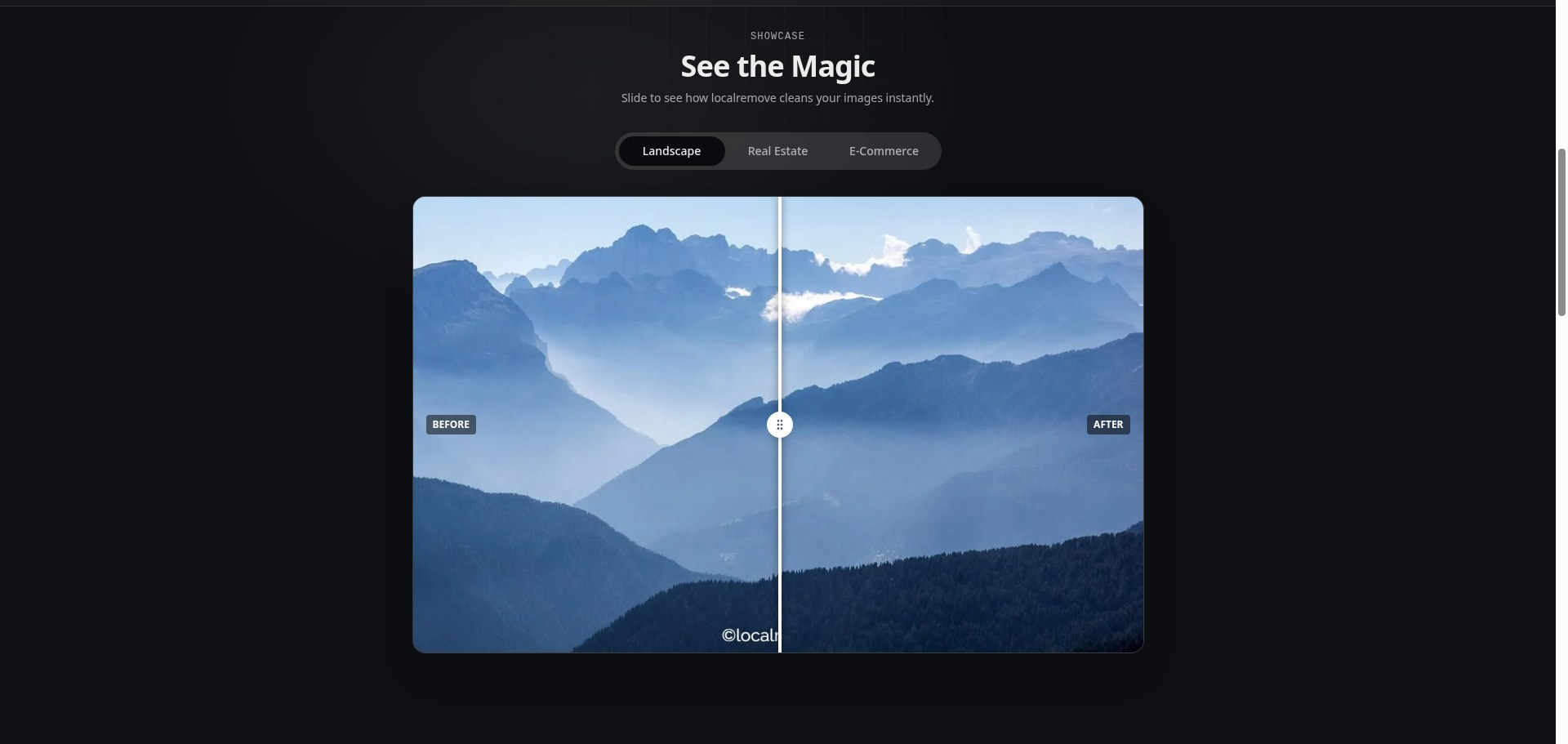
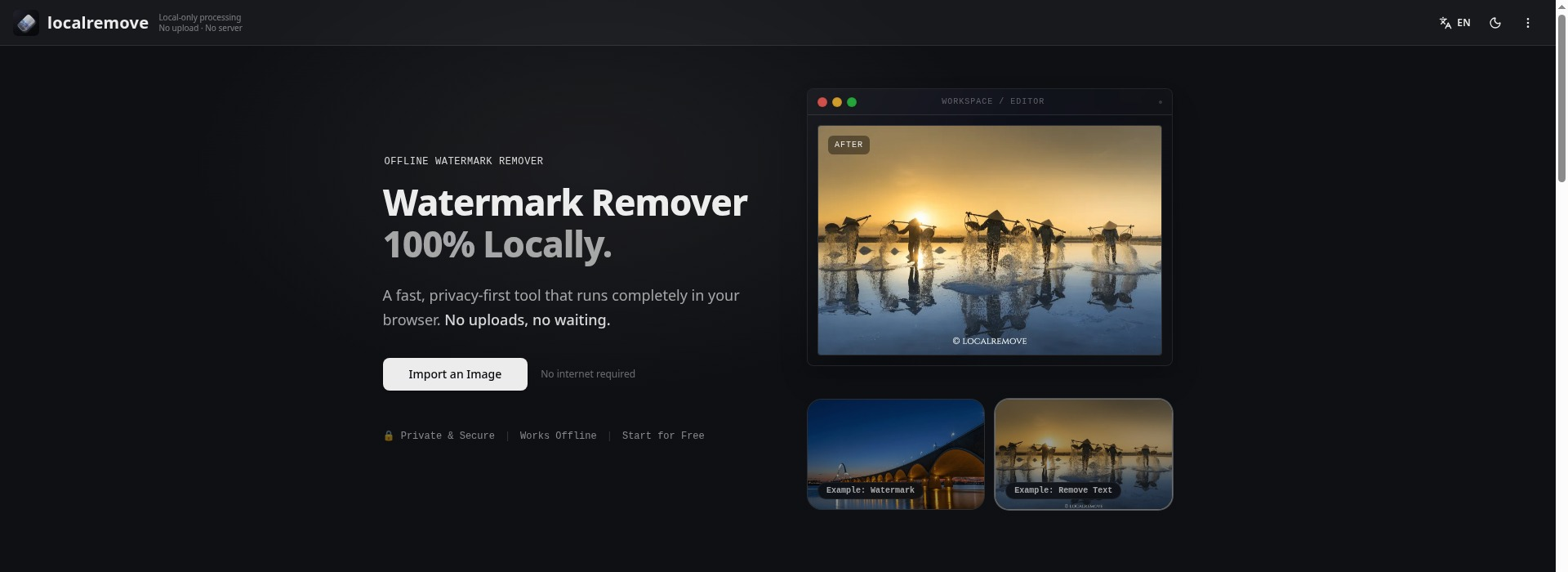
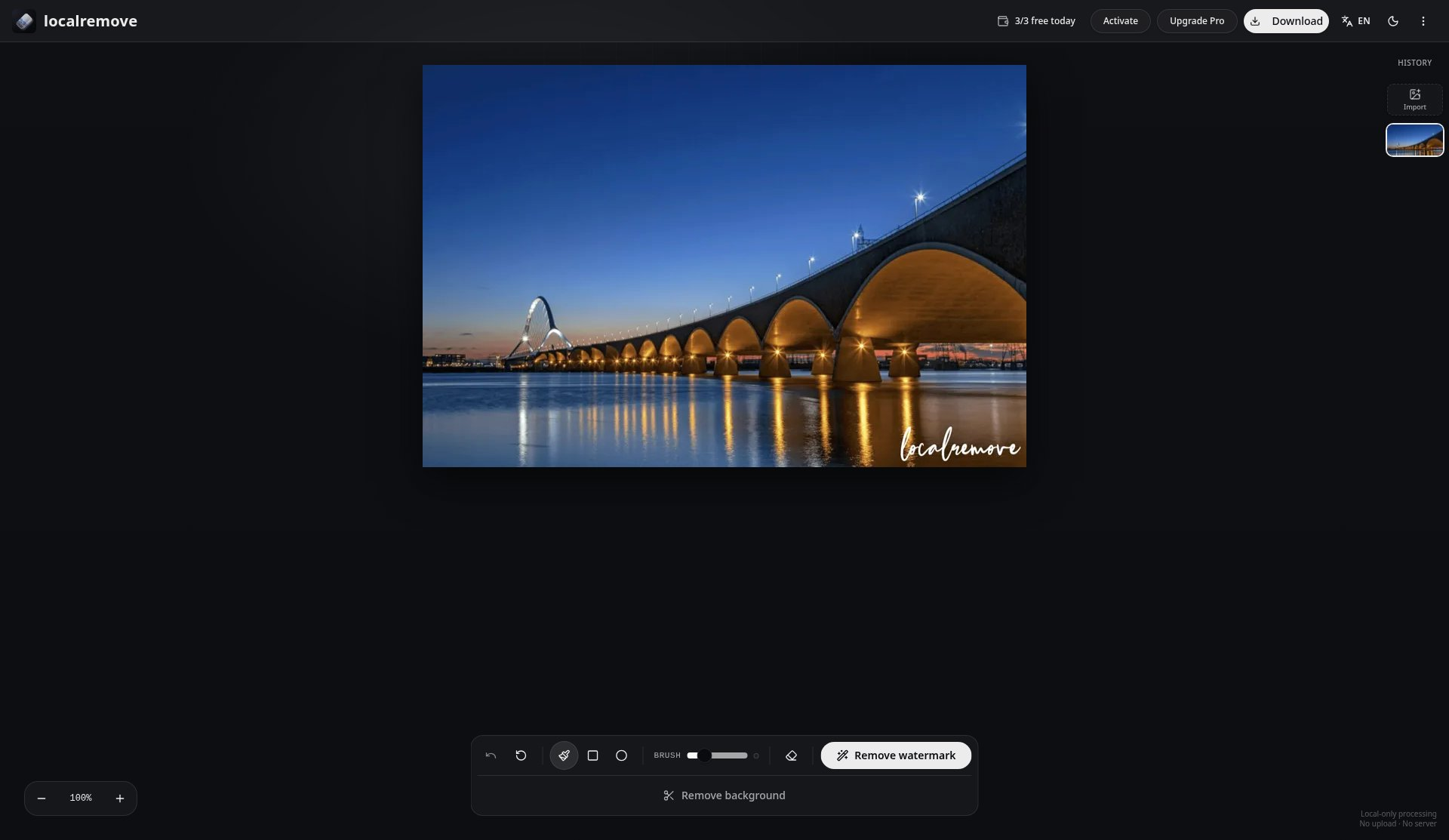
LocalRemove is the right pick for anyone who cannot or will not send images to a cloud server, whether for legal, professional, or personal reasons. The $29 one-time Pro price is genuinely fair for a lifetime license, but the free tier's 3-process daily cap is an odd constraint for a tool that costs nothing to run on your own hardware. Teams or anyone needing batch processing should look elsewhere.
What is LocalRemove?
LocalRemove is a watermark and object removal tool that runs entirely inside the browser using on-device AI models accelerated by WebGL and WASM. Users import an image, paint over the element they want erased, and download the cleaned result without the image ever leaving their device. It supports JPEG, PNG, and WebP formats and is available as both a web app and a Chrome extension.
The tool requires no account to use. A free tier allows 3 successful processes per day across watermark removal and background removal combined. A one-time Pro license costs $29 and can be activated on up to 2 devices using an email address and license key. LocalRemove is used by photographers, e-commerce sellers, content creators, and anyone handling images where upload-based processing raises privacy or confidentiality concerns.
How we scored LocalRemove
Ease of use scores high because the workflow is genuinely minimal: no account, drag-and-drop, brush, download, and the Chrome extension reduces friction further. Value scores solidly because a $29 lifetime Pro license with no subscription is priced well below cloud alternatives that charge monthly. Capability is held back by the absence of video support, batch processing, and an API, and by the on-device model's inherent size constraints compared to server-side tools. Delivery takes the biggest hit: there is no user review corpus to validate output quality claims, the 3-process daily cap on a tool that costs nothing to run locally is a trust friction point noted by at least one independent comparison site, and the social presence could not be confirmed, leaving the vendor's accountability harder to assess.
Pros and cons
What we liked
- Genuinely local processing: the browser's Network Inspector can confirm no image data is transmitted, making the privacy claim independently verifiable rather than just asserted.
- One-time $29 Pro license with no subscription, covering 2 devices, is priced well below comparable cloud tools that charge monthly.
- No account or registration required even on the free tier, reducing friction and data exposure from the first use.
Where it falls short
- The free tier's 3-process daily cap is a business decision, not a technical one: since all computation runs on the user's own hardware, the cap protects no server cost and exists purely to push upgrades.
- No batch processing, no API, and no video support; the tool handles one image at a time in JPEG, PNG, or WebP only, which makes it unsuitable for any workflow with volume.
- Output quality on complex backgrounds (busy textures, crowds, or text-heavy regions) is constrained by the on-device model's size, which is necessarily smaller than what cloud services can run server-side.
Key features
LocalRemove pricing
Free tier allows 3 successful processes per day (watermark and background removal combined). Pro is a one-time payment of $29, activatable on up to 2 devices via email and license key. No subscription.
| Plan | Price | Who it is for |
|---|---|---|
| Free | Free | 3 successful processes per day, shared across watermark removal and background removal. Failed or cancelled attempts and manual refinements do not count against the limit. No account required. |
| Pro | $29 one-time | Unlimited processes, activatable on up to 2 devices via email and license key. One-time payment with no recurring subscription. |
Pricing reflects what we saw at time of review (2026-11). Always confirm current pricing on the tool's own site.
Who should use LocalRemove?
LocalRemove fits solo users who handle sensitive images: real estate photographers cleaning up listing photos, e-commerce sellers removing competitor branding from product shots, journalists preparing editorial images, or anyone restoring personal photos who does not want those files passing through a third-party server. The one-time $29 Pro price makes it a reasonable permanent addition to a personal toolkit without any ongoing commitment.
Anyone processing more than a few images a day on the free tier will hit the 3-process cap quickly, and the cap applies even though all computation happens locally. Teams cannot share a single license across more than 2 devices. If you need video watermark removal, LocalRemove does not do it at all. For video, Canva's Pro plan covers basic object removal in video clips. For high-volume batch image work, a cloud tool with a credit-based plan will be more practical despite the upload requirement.
Skip it if: Batch workflows, team use, or anyone needing video watermark removal
LocalRemove alternatives
Frequently asked questions
Does LocalRemove really never upload my images?+
According to the tool's own documentation, all processing happens client-side using on-device AI models. You can verify this yourself by opening your browser's Network Inspector during a session and confirming no image data is transmitted. A network connection is still needed to load the tool and download the AI model on first use.
What does the free tier actually allow?+
The free tier allows 3 successful processes per day, shared between watermark removal and background removal. Failed attempts, cancelled operations, and manual brush refinements do not count against the daily limit.
What does the Pro license cost and what does it cover?+
Pro is a one-time payment of $29. It removes the daily process cap and can be activated on up to 2 devices using an email address and a license key. There is no recurring subscription.
What file formats does LocalRemove support?+
The tool supports JPEG, PNG, and WebP. Very large images may be limited by available browser memory since all processing happens on the user's device.
Can LocalRemove remove watermarks from video?+
No. LocalRemove handles still images only. It does not support video files in any format.
Does it work offline?+
After the AI model is downloaded on first use, the tool can operate without an internet connection, depending on whether the browser has cached the model. A network connection is required for the initial load and model download.
More AI Design & Art tools
See all categoriesGet your tool listed on 300+ directories.
One listing here is a strong start. But the founders who get discovered everywhere are listed everywhere. Our sister site, Free AI Directories, submits your tool to 300+ AI directories for you, every single one by hand, by a real person.
It is a one-time payment of $49, no subscription, and you can follow along as the submissions land. Prefer the slow route? The same site keeps a free list of 450+ directories you can work through yourself.
Get my tool listed on 300+ directoriesOne-time payment, no subscription · 100% human submissions · Free list of 450+ directories included.